Claro Notes
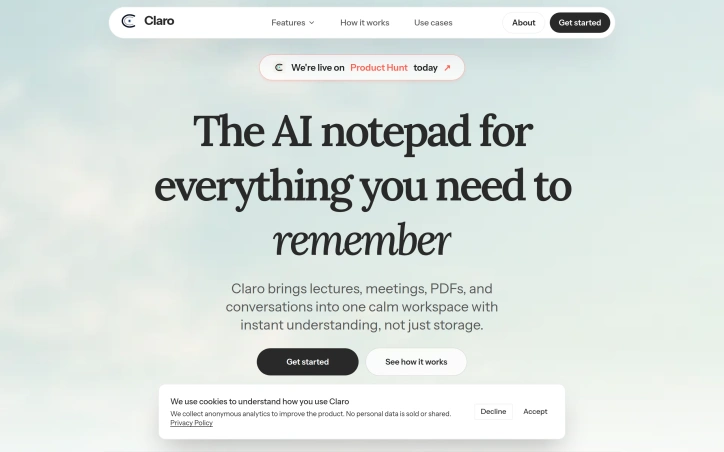
- No match
Machine translation — the English original is authoritative.
The Story
Not going to pretend tools like this don’t exist. Granola, Otter, and others are already great. But most of them picked a lane and stayed in it—meetings only or transcription only.
We built Claro to work the same whether you’re a consultant jumping between discovery calls, a student in a lecture, or a professional in back-to-back meetings.
Two things we did differently:
→ Claro reshapes the same note into what you actually need: a study guide for a lecture, a concise discovery-call summary, or an executive summary for a meeting.
→ Our paid plans include unlimited standard transcription, with Pro+ and Pro Ultra adding higher-accuracy transcription hours when you need them.
All Pro plans include the full Claro workflow: Quick Note recording, YouTube-to-notes, PDF processing, structured note generation, and context-aware chat across all your notes.
Built by a team of two over six months.
We’d love your feedback especially if you manage multiple contexts, move between discovery calls, or need reliable context recall. That’s exactly who we built this for.
AI Overview
AI-generatedJuggling notes from lectures, client calls, and PDFs across different apps wastes time and fragments context. Claro consolidates these into a single workspace where an AI assistant can search, summarize, and extract actionable insights from everything captured.
The product targets anyone managing multiple conversational contexts—students reviewing lectures, consultants comparing discovery calls, and professionals drowning in back-to-back meetings. Where competitors like Granola and Otter excel in narrow lanes (transcription or meeting notes), Claro spans all of them by starting with a unifying principle: the same raw capture should reshape into whatever format serves the moment.
This flexibility drives the core appeal. A lecture recording becomes a study guide with flashcards; a discovery call becomes a concise summary; a team meeting yields structured decisions and action items, all from the same underlying transcript. The interface does more than file notes—it interprets them. The AI chat layer lets users query across their entire capture history with natural language, cite specific passages, and compare meetings or pull themes from weeks of input. Search relies on the user's own words rather than generic retrieval, a deliberate choice that grounds results in authentic context.
The technical foundation handles the mechanics smoothly. Live transcription works alongside pause-and-resume Quick Note recording. PDFs and YouTube videos feed directly into the note system. Team collaboration surfaces design reviews and shared research alongside individual notes. All of this runs in a single dashboard where users can ask Claro to summarize recent notes, surface action items, or generate quizzes on the fly.
Pricing follows a straightforward ladder. The free plan covers basic note creation. Paid tiers unlock unlimited standard-accuracy transcription, with Pro+ and Pro Ultra offering higher-accuracy hours for users who need studio-quality output. The full workflow—Quick Note recording, PDF and video processing, structured note generation, and cross-note chat—lives on all Pro plans, eliminating friction from feature fragmentation across tiers.
The product solves a genuine problem without overselling. The team built this deliberately for people who inhabit multiple contexts rather than designing for one persona and hoping it generalizes. The assertion that founders spent six months testing this across their own use cases carries weight. The remaining question is whether the reshaping and AI chat deliver sustained value at scale; the interface suggests they do, but independent user outcomes would strengthen the claim.
Founder Diary
DevlogThe maker hasn't posted a diary entry yet.
Key Features
Unified Note Workspace
Consolidates notes from lectures, client calls, and PDFs into a single workspace
AI-Powered Search
AI chat layer lets users query across entire capture history with natural language
Multi-Format Input
Supports live transcription, Quick Notes, PDFs, and YouTube videos
Flexible Output Generation
Single transcripts reshape into study guides, summaries, or action items based on context
Team Collaboration
Surfaces design reviews and shared research alongside individual notes
Use Cases
-
1
Students
Transform lecture recordings into study guides with flashcards for exam preparation
-
2
Consultants
Condense discovery calls into concise summaries for easy comparison and analysis
-
3
Meeting-Heavy Professionals
Query and compare multiple meeting transcripts to extract themes and action items
FAQ
Does Claro support YouTube videos? ▾
Can I search across all my notes at once? ▾
What's included in the free plan? ▾
Does Claro work for teams? ▾
Pricing
Free plan includes basic note creation; paid tiers add unlimited transcription with Pro+ and Pro Ultra offering higher-accuracy hours.
Tech Stack & Tags
Discussion
No comments yet — be the first!
Join the conversation — sign up to comment.
Sign up freeCommunity Support
Boost this project on Sell With boost
Meet the Founder

More in AI notetakers
Lynote
I built Lynote because AI-generated text sounds...
aipen.ink
Turn AI answers & math into hyper-realistic hand...
Corder. The Mac recorder with no bot in the call
Record any meeting on macOS. Speakers labelled,...
Aripsy
I built Aripsy to solve the tedious process of c...
Inkgest
Inkgest is an agentic writing tool for content c...
Merry AI
We built Merry AI to give clinicians their eveni...