CtrlOps
The Story
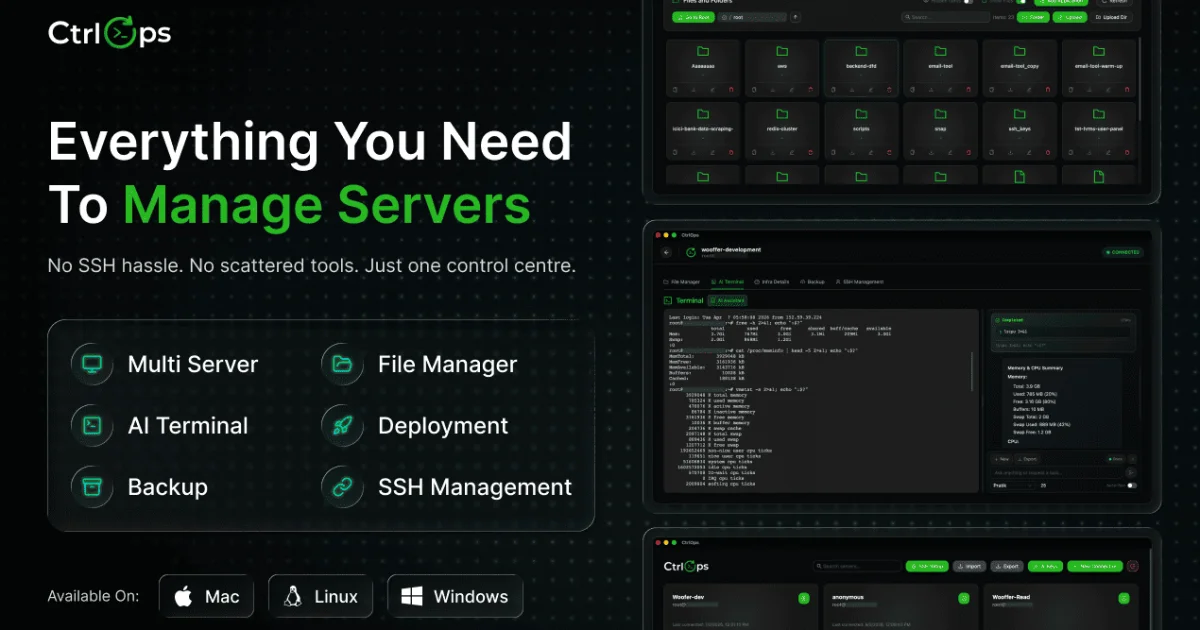
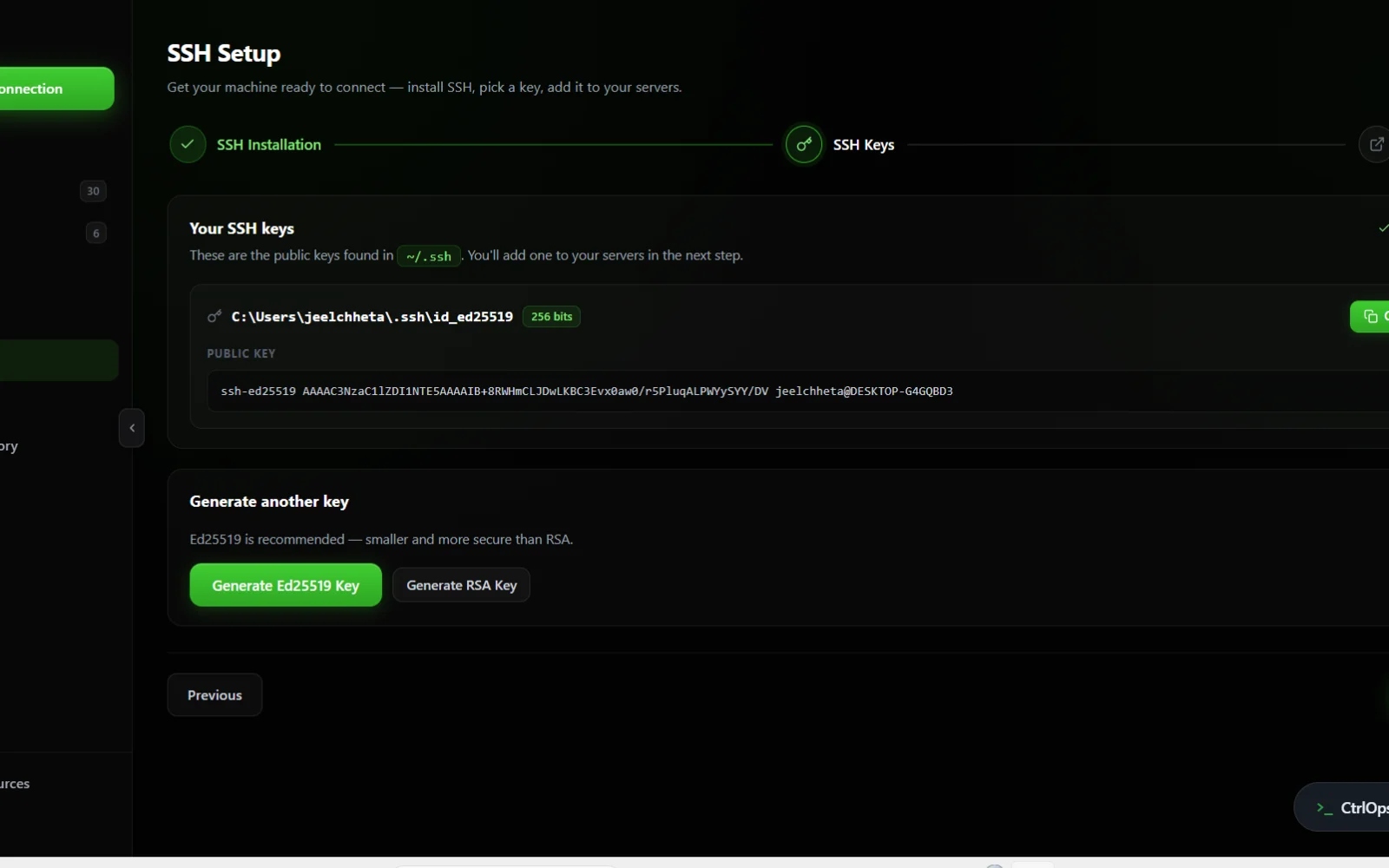
we built CtrlOps because managing a fleet of Linux servers meant context-switching between cloud consoles and SSH sessions, all while worrying about credential security. It's a local-first desktop app that brings your entire infrastructure into one place with an AI terminal, real-time monitoring, and one-click deployments - keeping your SSH keys secure on your machine.
AI Overview
AI-generatedManaging a fleet of Linux servers typically forces developers and DevOps teams to juggle multiple cloud dashboards, SSH terminals, and credential management systems—each switch consuming time and introducing security risks. CtrlOps addresses this fragmentation by consolidating server management into a single desktop application built with a privacy-first architecture.
The core appeal lies in its local-first approach. Rather than requiring teams to upload SSH keys or cloud credentials to a remote service, CtrlOps operates entirely on the user's machine. SSH keys, server IPs, and authentication details never leave the device, eliminating an entire class of cloud-hosted vulnerabilities. The application connects directly to servers via SSH, removing the need for cloud brokers or vendor lock-in.
The feature set targets operational efficiency. An AI-powered terminal accepts commands in plain English, which the system translates and presents for human review before execution—giving teams the speed of automation without sacrificing control. A visual file manager replaces the friction of SCP operations with drag-and-drop uploads and downloads. Real-time infrastructure monitoring displays CPU, memory, disk, and network metrics at a glance across the entire fleet. Deployments from GitHub repositories are reduced to a single form: point to a repo, supply environment variables and a domain, and the application handles PM2, Nginx, and SSL provisioning.
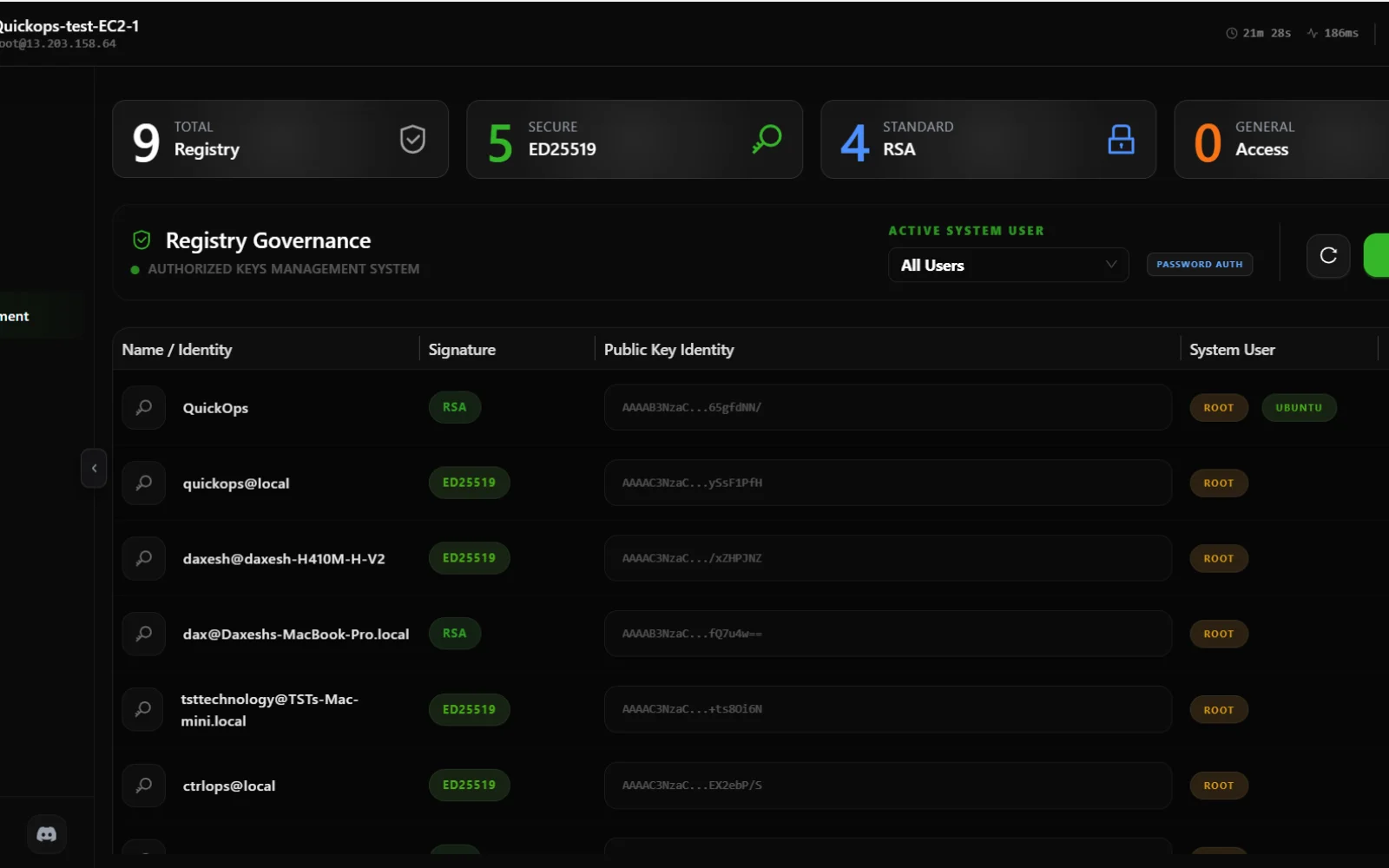
Access control features provide visibility across the fleet. Teams can scan all connected servers to identify which users have login privileges where and who holds sudo rights, making offboarding simpler when someone leaves. The application's lightweight Tauri and Rust foundation keeps resource consumption minimal.
The product positions itself against heavyweight cloud management consoles, which typically require administrative credentials and introduce vendor stickiness. The pitch is explicit: manage any server—AWS, Google Cloud, Azure, DigitalOcean, or bare metal—without granting the management tool direct cloud access.
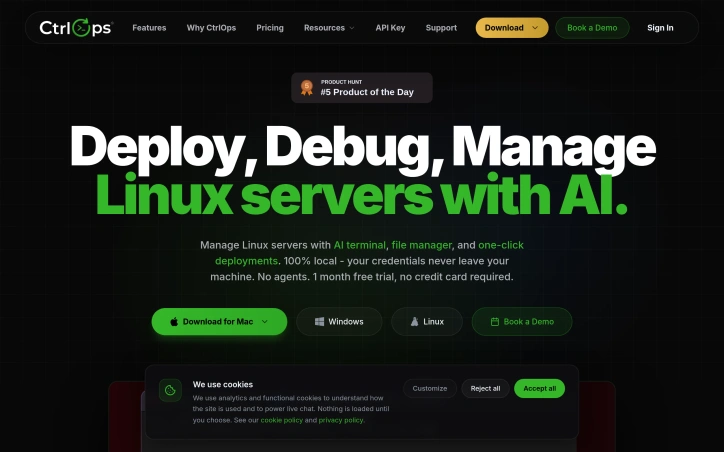
For pricing, CtrlOps offers a one-month free trial that requires no credit card, removing friction from initial evaluation. Beyond that, the content doesn't specify commercial pricing tiers, leaving it unclear whether the model involves per-server licensing, per-user seats, or subscription fees.
The application targets developers and infrastructure teams who operate non-trivial server fleets and value security and simplicity over feature density. Whether it can displace existing workflows—Terraform, Ansible, traditional cloud consoles—depends on its ability to handle complex deployments and integrations beyond the one-click GitHub deployment case.
Key Features
AI Command Translation
Accepts commands in plain English and presents them for human review before execution
Visual File Manager
Drag-and-drop uploads and downloads replace manual SCP operations
Infrastructure Monitoring
Real-time CPU, memory, disk, and network metrics across the entire fleet
GitHub Deployments
One-click deployment with automatic PM2, Nginx, and SSL provisioning
Access Control Visibility
Scan servers to identify user login privileges and sudo rights
Local-First Security
SSH keys and credentials never leave the user's device
Use Cases
-
1
Developers managing server fleets
Consolidates multiple cloud dashboards and credential systems into one application
-
2
Security-conscious infrastructure teams
Eliminates cloud-hosted vulnerabilities by operating entirely on the user's machine
-
3
Multi-cloud environments
Manage servers across AWS, Google Cloud, Azure, DigitalOcean, or bare metal without granting direct cloud access
-
4
Employee offboarding
Quickly identify user access across the fleet for streamlined access removal
FAQ
How does CtrlOps keep SSH keys secure? ▾
What servers can CtrlOps manage? ▾
Does CtrlOps support GitHub deployments? ▾
What does CtrlOps cost? ▾
Pricing
One-month free trial with no credit card; commercial pricing model not specified.
Tech Stack & Tags
Discussion
No comments yet — be the first!
Join the conversation — sign up to comment.
Sign up freeCommunity Support
Boost this project on Sell With boost
