
DesignLayer
- No match
Machine translation — the English original is authoritative.
The Story
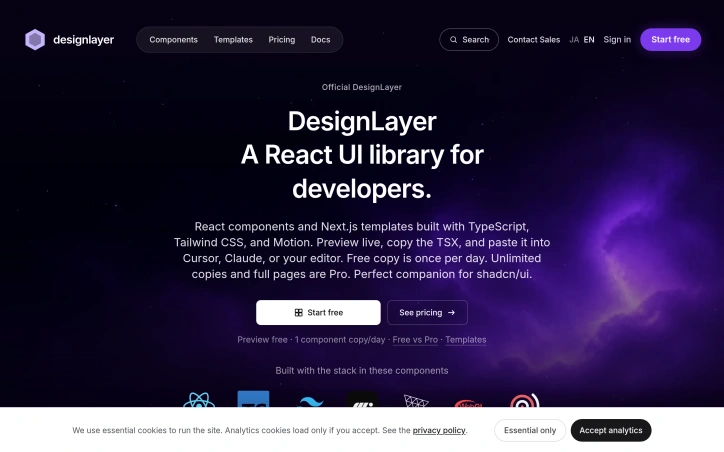
We built DesignLayer to help developers ship beautiful UIs faster. Our motion-first React component library lets you preview live components and copy production-ready TypeScript code directly into Cursor, Claude, or your editor. Works seamlessly with shadcn/ui.
AI Overview
AI-generatedDevelopers shipping React applications face a persistent friction point: moving from design mockups to production code requires either building components from scratch or hunting for pre-built solutions that rarely match the design intent. DesignLayer addresses this by combining a live component library with a workflow optimized for AI-assisted development.
The platform positions itself as a motion-first alternative within the shadcn/ui ecosystem. Rather than static documentation, DesignLayer lets developers see animations in real time before copying the underlying TypeScript. The workflow is straightforward: browse the catalog, preview a component's behavior, copy the production-ready TSX, and paste it into Cursor, Claude, or any editor. This assumes developers increasingly work with AI tools and prefer handing off design intent programmatically rather than through screenshots.
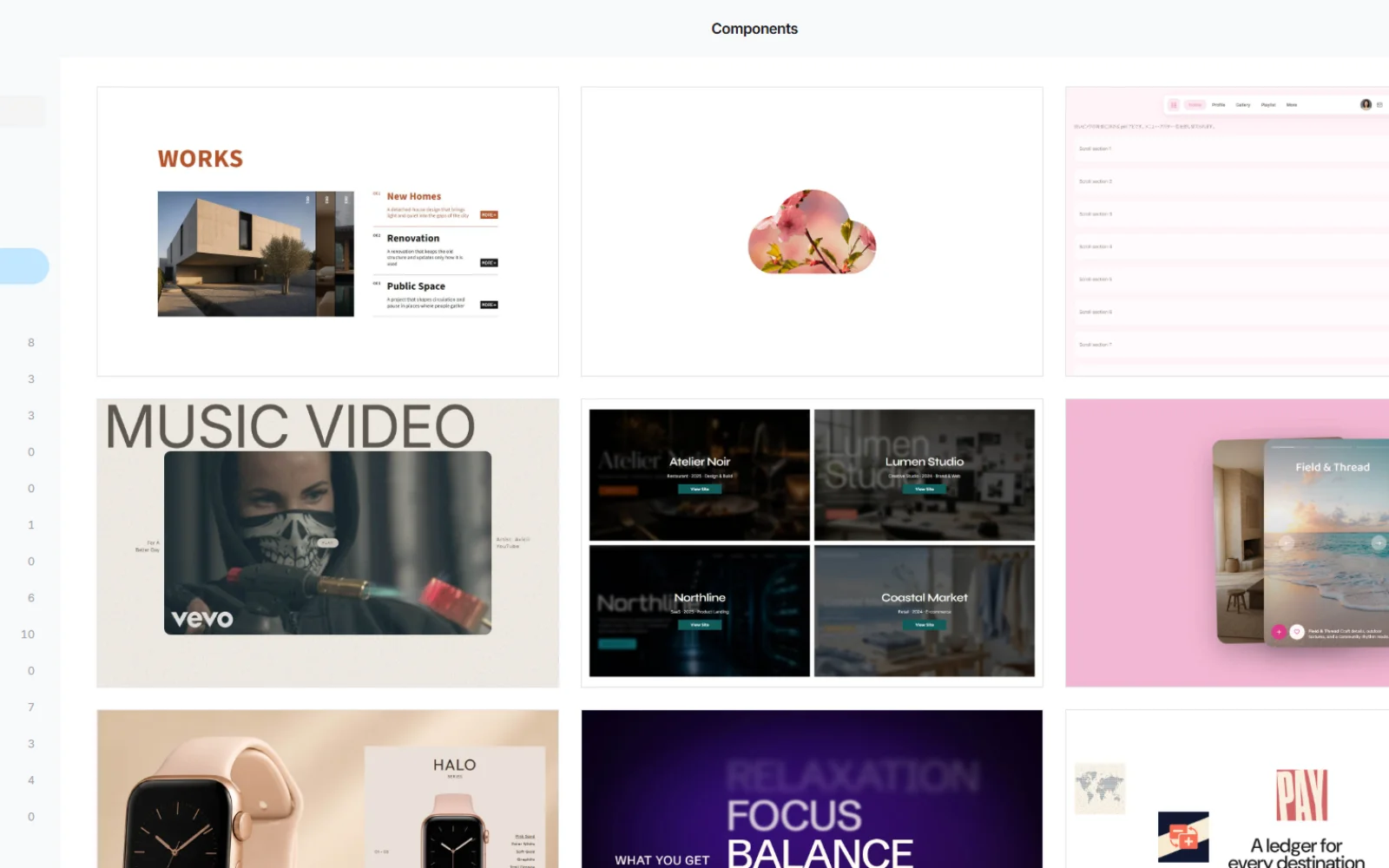
The component selection reflects common SaaS patterns: headers, hero sections, feature cards, portfolio layouts, and grids. Templates add cohesion—complete starters like a SaaS landing page reduce assembly work. All components use TypeScript, Tailwind CSS, and Framer Motion, integrating cleanly with existing shadcn/ui setups.
Testimonials hint at the actual value: reduced design-to-engineering back-and-forth, confidence that code matches intended spacing and motion, and easier collaboration when code embodies visual hierarchy. The emphasis on consistency suggests the library solves a real coordination problem between design and engineering.
The business model is straightforward. Free allows one component copy per day, positioning the tool as try-before-you-buy. Pro unlocks unlimited copies and full page templates. For developers or small teams, free is useful for sampling; for active projects, Pro offers low-friction commercial access.
DesignLayer's differentiation rests on three bets: that motion matters enough to preview live, that copy-paste workflows save meaningful time, and that AI editors like Cursor are becoming standard. If any assumption holds for your workflow, the tool is worth testing. For developers in the shadcn/ui ecosystem, adoption friction is minimal.
Founder Diary
DevlogThe maker hasn't posted a diary entry yet.
Key Features
Live Component Library
preview animations in real time before copying production-ready TypeScript code
Motion-First Design
emphasizes live animation previews as the core differentiator from static documentation
Copy-Paste Workflow
browse catalog, preview components, and instantly copy TSX to paste into any editor
AI-Editor Optimized
designed for developers using AI tools like Cursor and Claude
Complete Templates
includes full-page starters like SaaS landing pages to reduce assembly work
shadcn/ui Compatible
components built with TypeScript, Tailwind CSS, and Framer Motion integrate cleanly
Use Cases
-
1
React developers
accelerates moving from design mockups to production code without building from scratch
-
2
Design and engineering teams
reduces back-and-forth by embedding visual hierarchy and motion directly in code
-
3
AI-assisted development
optimized for developers who work with AI editors and prefer programmatic design handoff
-
4
SaaS projects
provides landing page templates and common UI patterns for faster product launches
FAQ
How much can I copy with the free plan? ▾
Does DesignLayer work with my AI editor? ▾
Can I use these components with shadcn/ui? ▾
What technologies do the components use? ▾
Pricing
Free tier allows one component copy per day; Pro offers unlimited copies and full page templates.
Tech Stack & Tags
Discussion
No comments yet — be the first!
Join the conversation — sign up to comment.
Sign up freeCommunity Support
Boost this project on Sell With boost
