GhostPrompter
- No match
Machine translation — the English original is authoritative.
The Story
The Invisible Teleprompter for Windows & macOS
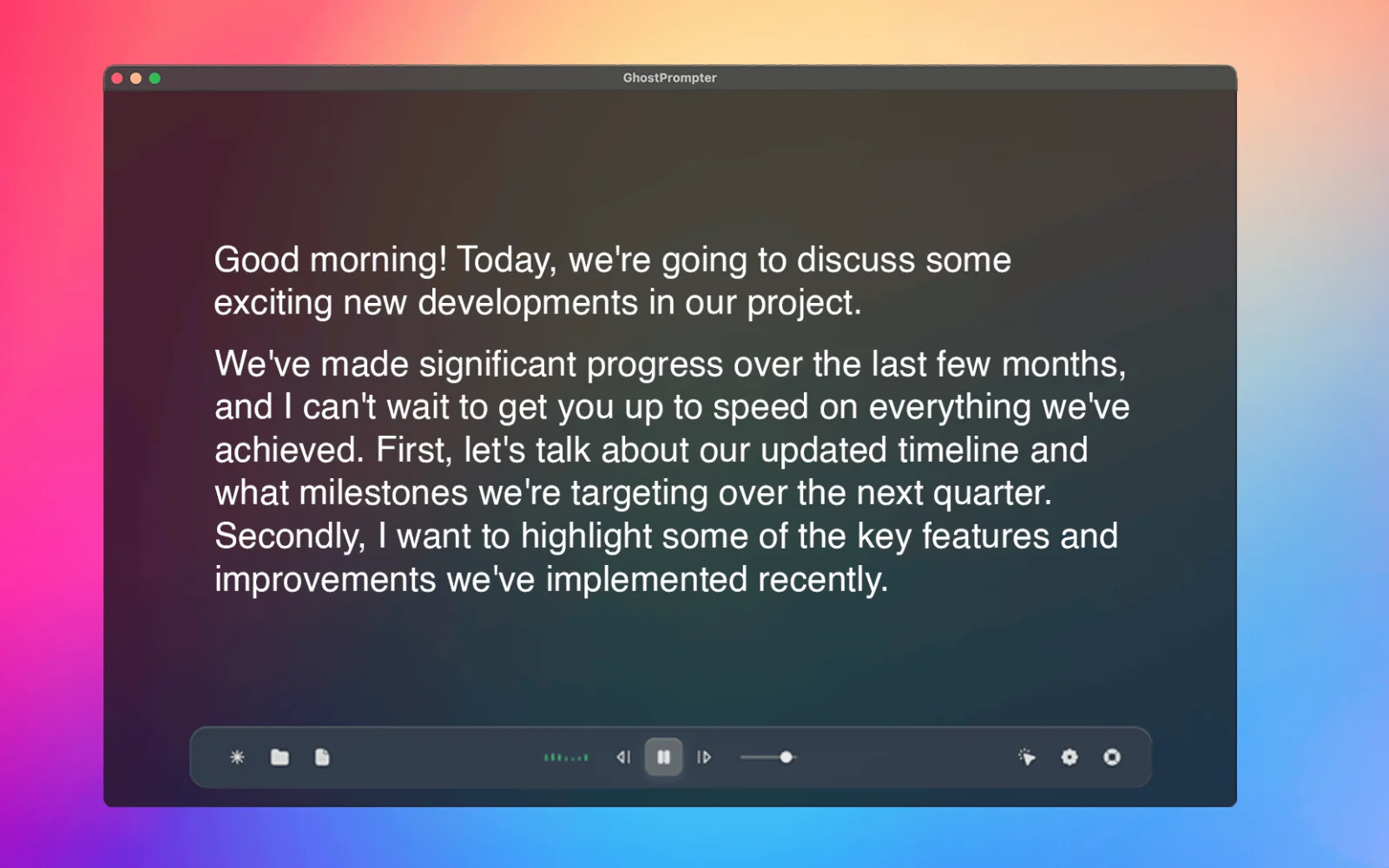
GhostPrompter helps you look natural on camera and stay confident while presenting by keeping your script visible without losing eye contact. Perfect for tutorials, webinars, meetings, product demos, live streams, and presentations.
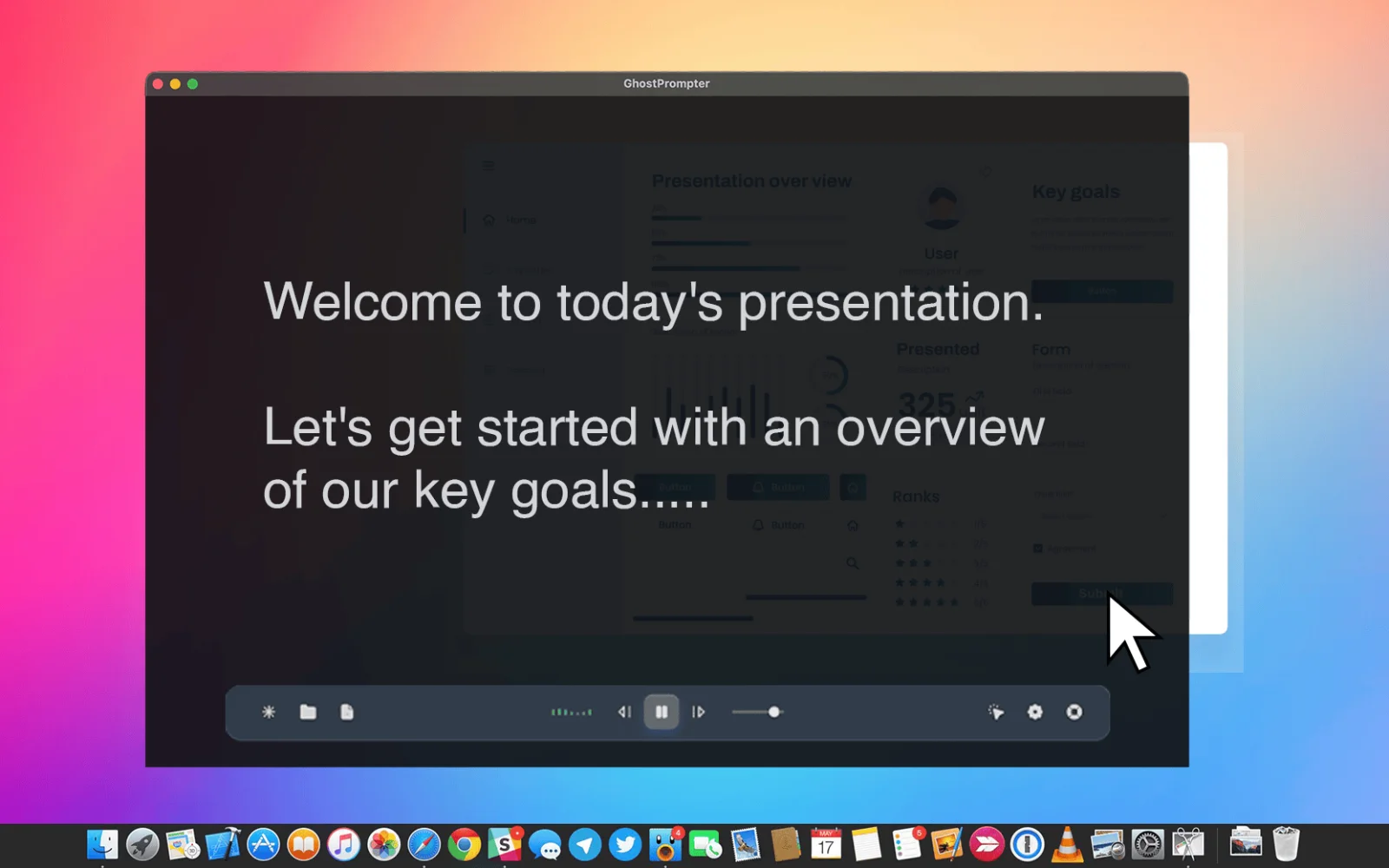
Unlike traditional teleprompters, GhostPrompter uses a transparent click-through overlay that stays above your apps without blocking interaction. Read while clicking, typing, changing slides, or presenting naturally.
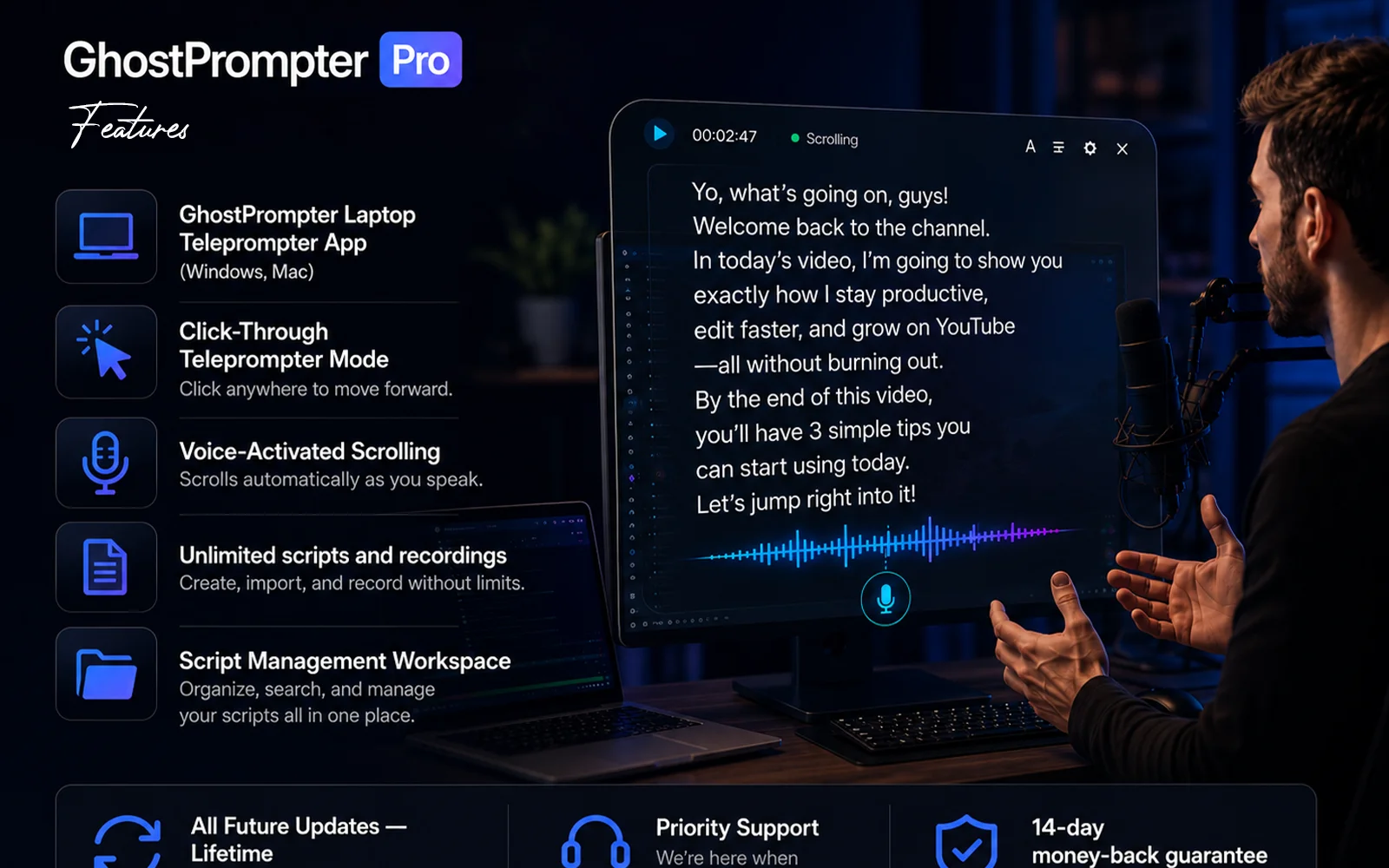
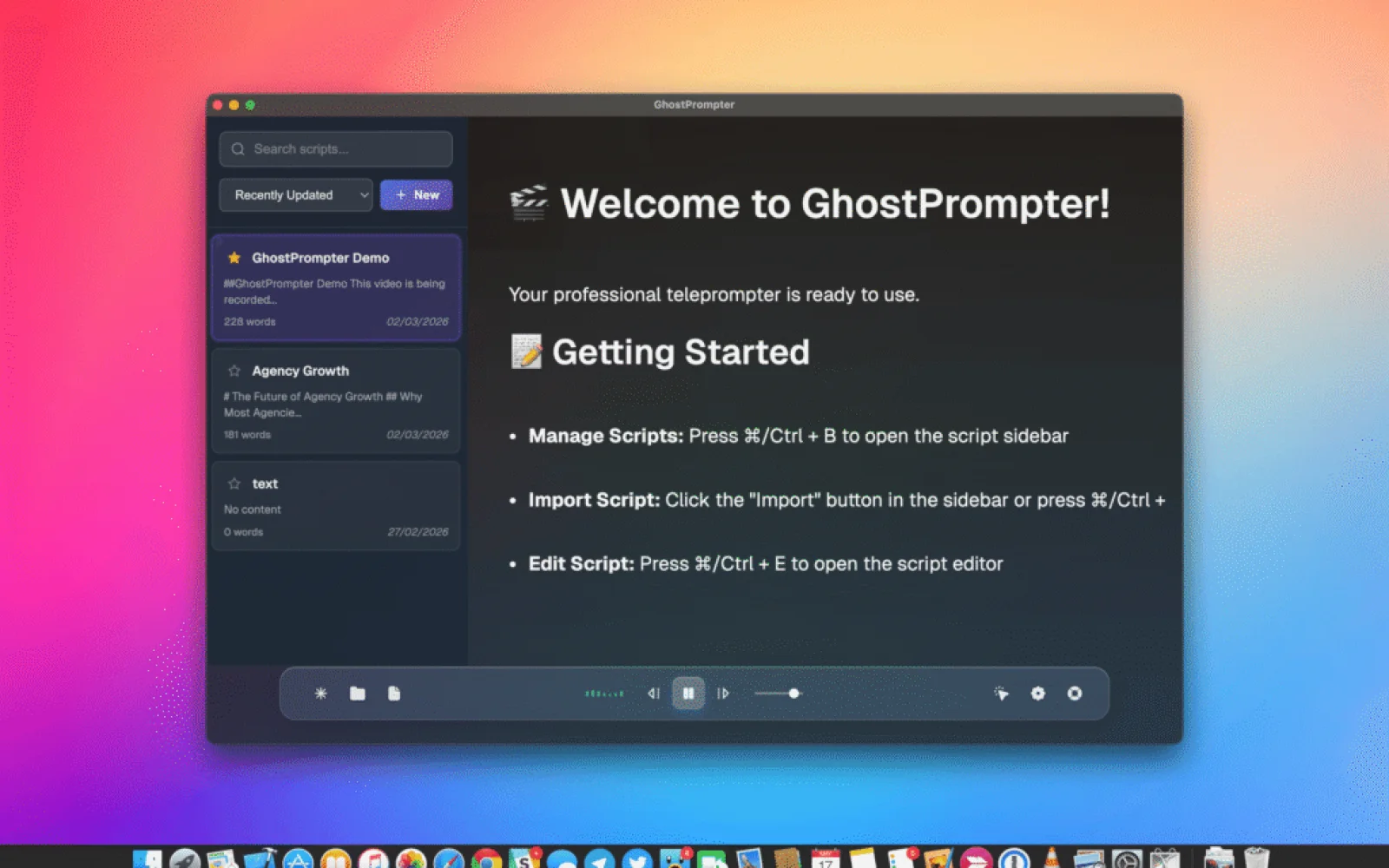
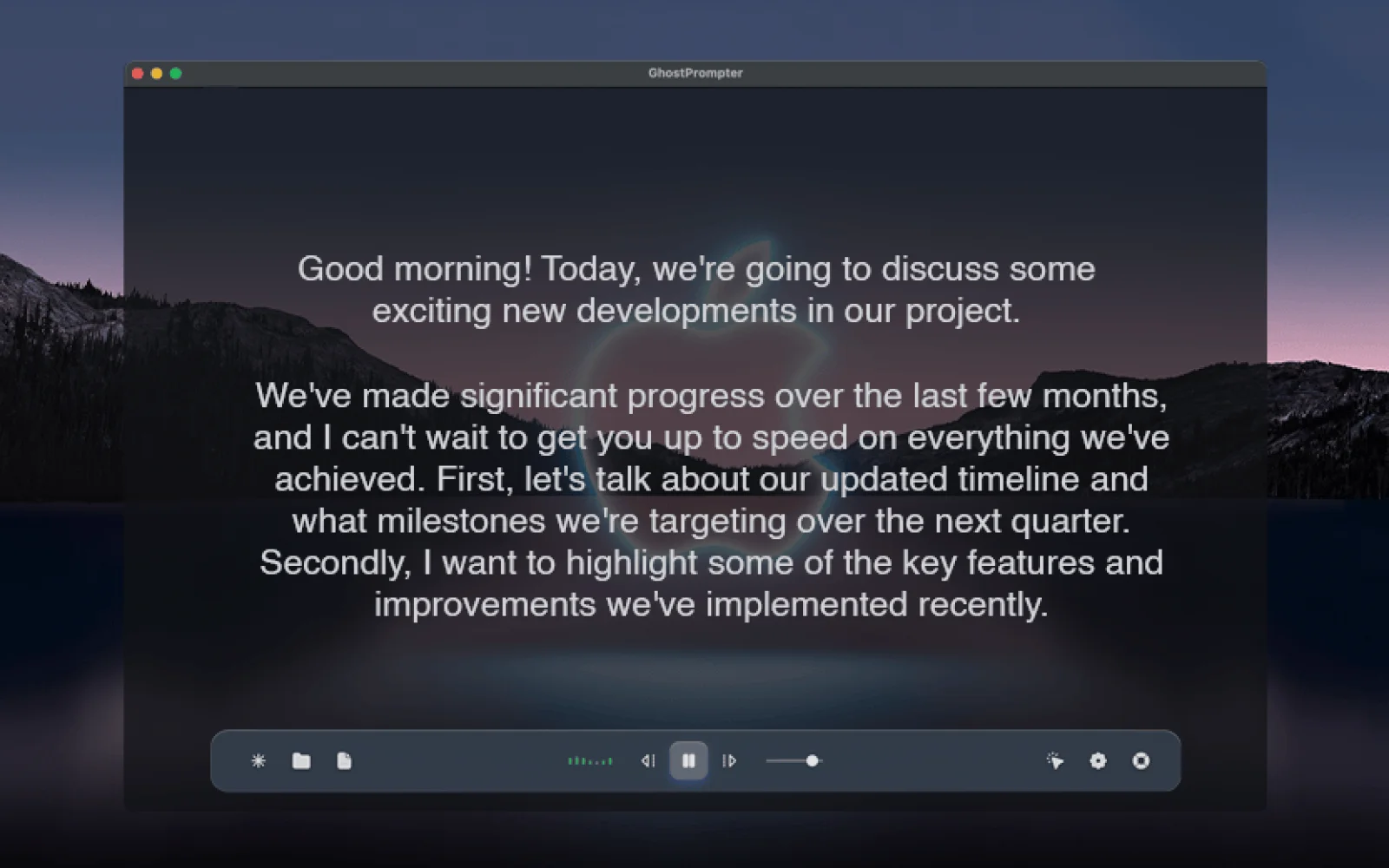
Key features include voice-activated auto-scroll that follows your speaking pace, Ghost Mode that keeps the overlay invisible in OBS, Loom, Zoom, Teams, and screen recordings, built-in script management, fully customizable fonts, colors, transparency, and scrolling speed, plus native Windows and macOS apps with multi-monitor support.
Start your 14-day free trial—no credit card required.
AI Overview
AI-generatedRecording on camera presents a paradox: you know what to say, but maintaining natural eye contact while reading notes proves nearly impossible. Most teleprompter applications claim to solve this by appearing in one form or another, whether as a blocking overlay that covers your interface, a tool that forces you to match its scroll speed, or software that crumbles the moment you need to click or type during a demonstration. This product addresses that frustration with a straightforward design philosophy—a transparent laptop teleprompter that reads your script while staying invisible to both you and your audience.
The tool serves creators, educators, sales professionals, and anyone whose work involves recording or presenting on camera. Its core innovation is a click-through overlay that displays your script in a transparent layer, passing mouse clicks and keyboard input directly to whatever application sits behind it. This means you can read your notes while demonstrating software, navigating slides, or answering questions without the tool interfering with your work.
Several features distinguish it from conventional teleprompter applications. Voice-activated scrolling lets the script advance automatically based on your speaking pace, pausing when you emphasize points and catching up when you speak quickly. The script remains invisible in screen shares and recordings regardless of your streaming platform, working seamlessly with Zoom, Loom, OBS, ScreenFlow, and Teams. Built-in script management lets you write, organize, and store multiple scripts within the application rather than juggling files elsewhere. The product supports Windows and Mac and offers a free trial.
The positioning reflects a philosophy evident in its origin story: most existing teleprompter applications solve one problem but create another. By designing around a click-through overlay that genuinely gets out of your way, this solution attacks a frustration point in the creator economy. It recognizes that helping people remember their lines matters less than letting them maintain the composure and eye contact that distinguishes polished content from obviously scripted delivery. The bet is that most creators would rather invest in a purpose-built tool than waste countless hours re-recording takes until the delivery finally lands.
Founder Diary
DevlogThe maker hasn't posted a diary entry yet.
Key Features
Invisible Screen Recording
Keep your script visible while remaining hidden from OBS, Loom, Zoom, Teams, and other screen recording tools.
Click-Through Overlay
Read your script while clicking, typing, presenting, or demonstrating applications without blocking your workflow.
Voice-Activated Scrolling
Automatically scroll your script based on your speaking pace for natural, hands-free presentations.
Native Windows & macOS App
Lightweight desktop application with multi-monitor support and customizable overlays.
Fully Customizable Display
Adjust font size, colors, transparency, position, and scrolling speed for a comfortable reading experience.
Local & Private
Your scripts stay on your computer with no cloud storage or internet connection required.
Use Cases
-
1
Content Creators & YouTubers
Record tutorials and product demos while maintaining natural eye contact.
-
2
Remote Presenters
Deliver Zoom, Microsoft Teams, and Google Meet presentations with confidence.
-
3
Sales & Product Demos
Stay on script during client demonstrations without exposing your notes.
-
4
Educators & Trainers
Teach online classes and create training videos with fewer retakes.
FAQ
Does GhostPrompter appear in screen recordings? ▾
Does GhostPrompter work on Windows and macOS? ▾
Can I control scrolling with my voice? ▾
Is there a free trial? ▾
Pricing
One-time Lifetime License. Includes a 14-day free trial with no credit card required
Tech Stack & Tags
Discussion
No comments yet — be the first!
Join the conversation — sign up to comment.
Sign up freeCommunity Support
Boost this project on Sell With boost
Meet the Founder

"Building Makerio — helping indie hackers, founders, and builders discover products and get discovere..."