KPainter
- No match
Machine translation — the English original is authoritative.
The Story
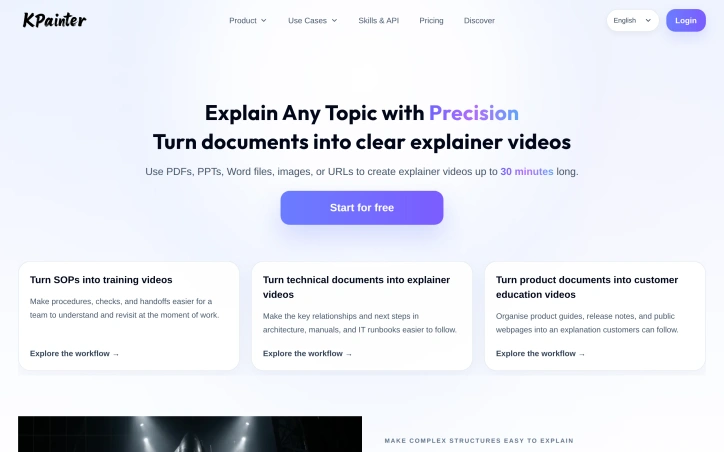
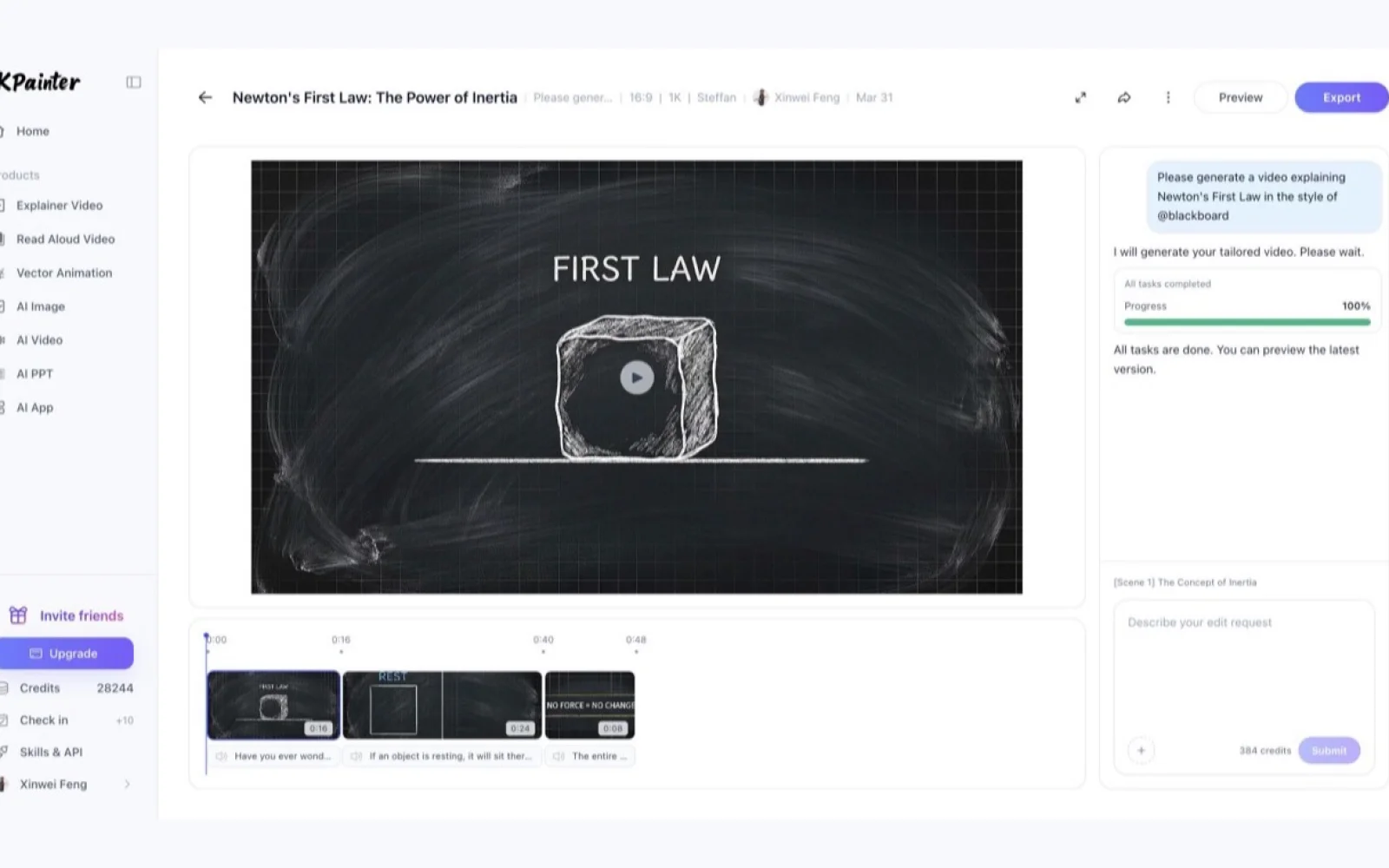
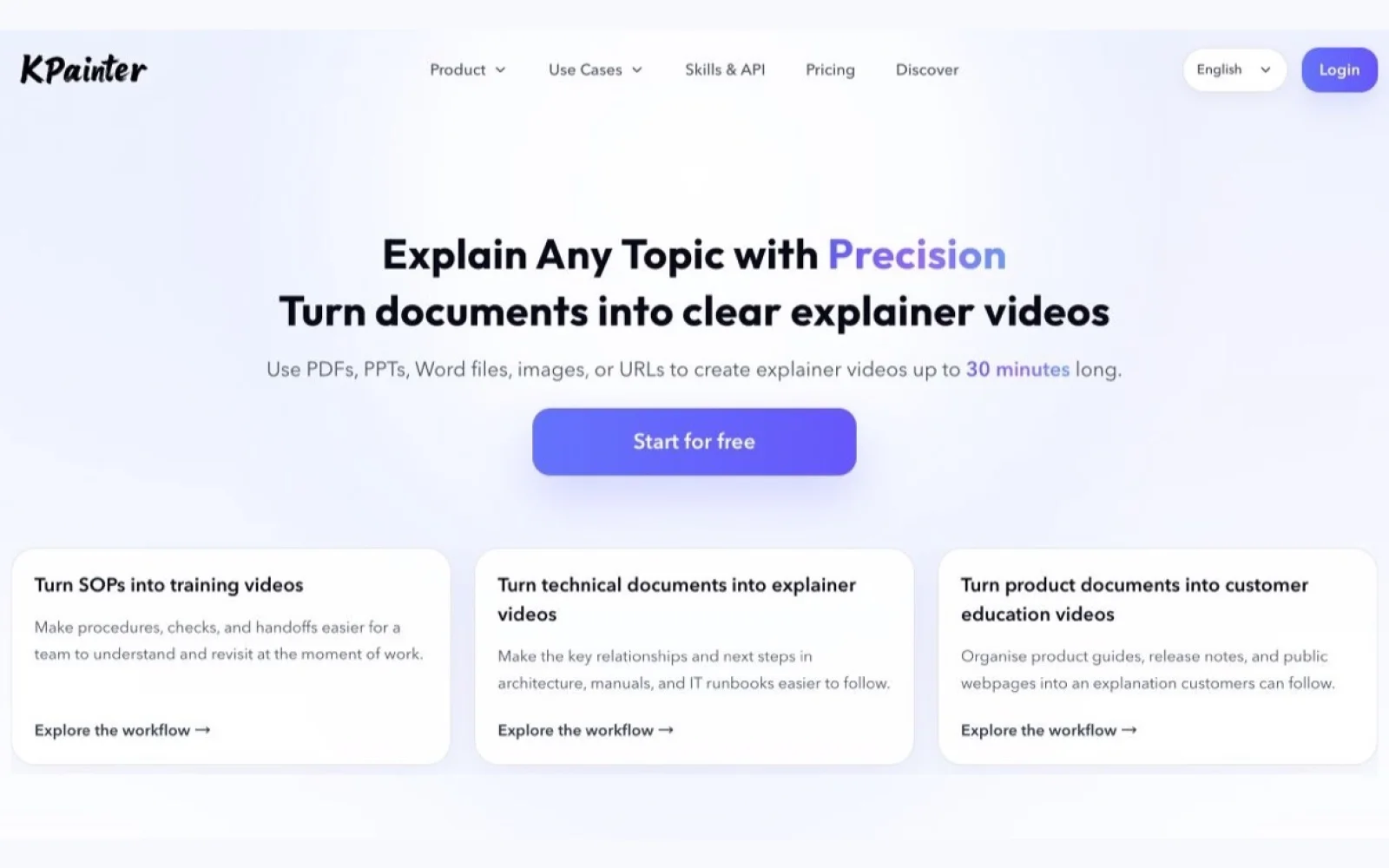
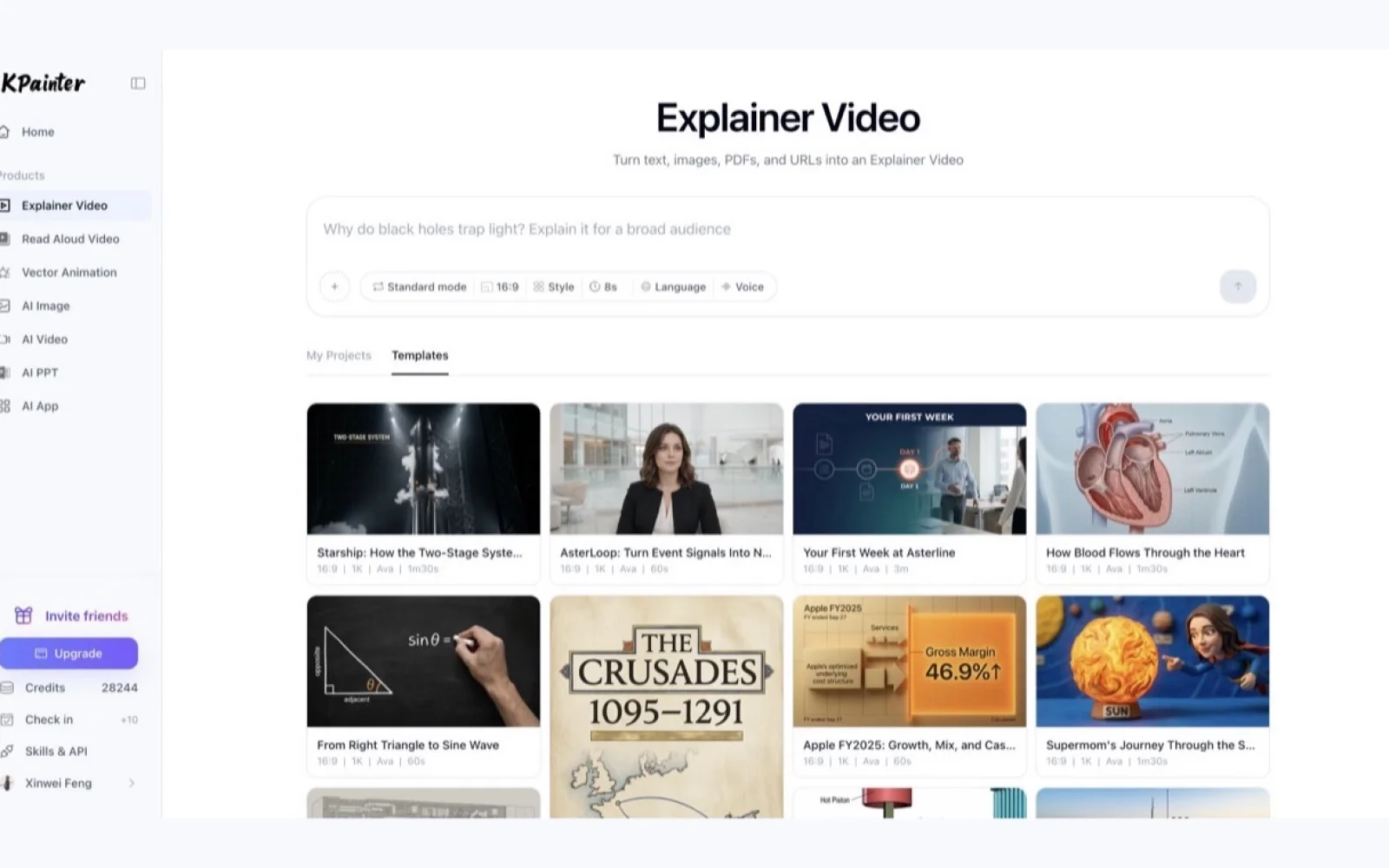
KPainter turns PDFs, PPT/PPTX, Word files, spreadsheets, images, public URLs, and written briefs into source-led explainer videos. It is built for SOP and onboarding walkthroughs, product education, technical documentation, research communication, and presentation explainers. Start with the source, define the audience and outcome, make the relevant steps, diagrams, comparisons, or decisions visible, then review and remix the result.
AI Overview
AI-generatedOrganizations struggling to communicate complex procedures, technical specifications, and product information face a persistent problem: dense documents fail to engage learners. KPainter addresses this gap by automating the conversion of static source materials into structured video explanations.
The platform accepts a broad array of input formats—PDFs, PowerPoint presentations, Word documents, spreadsheets, images, and URLs—then transforms them into videos up to thirty minutes long. Rather than replacing source materials, KPainter uses them as the foundation for visual storytelling, letting creators specify their target audience and desired outcome before the system generates an explainer. This source-led approach distinguishes it from generic animation tools that require starting from scratch.
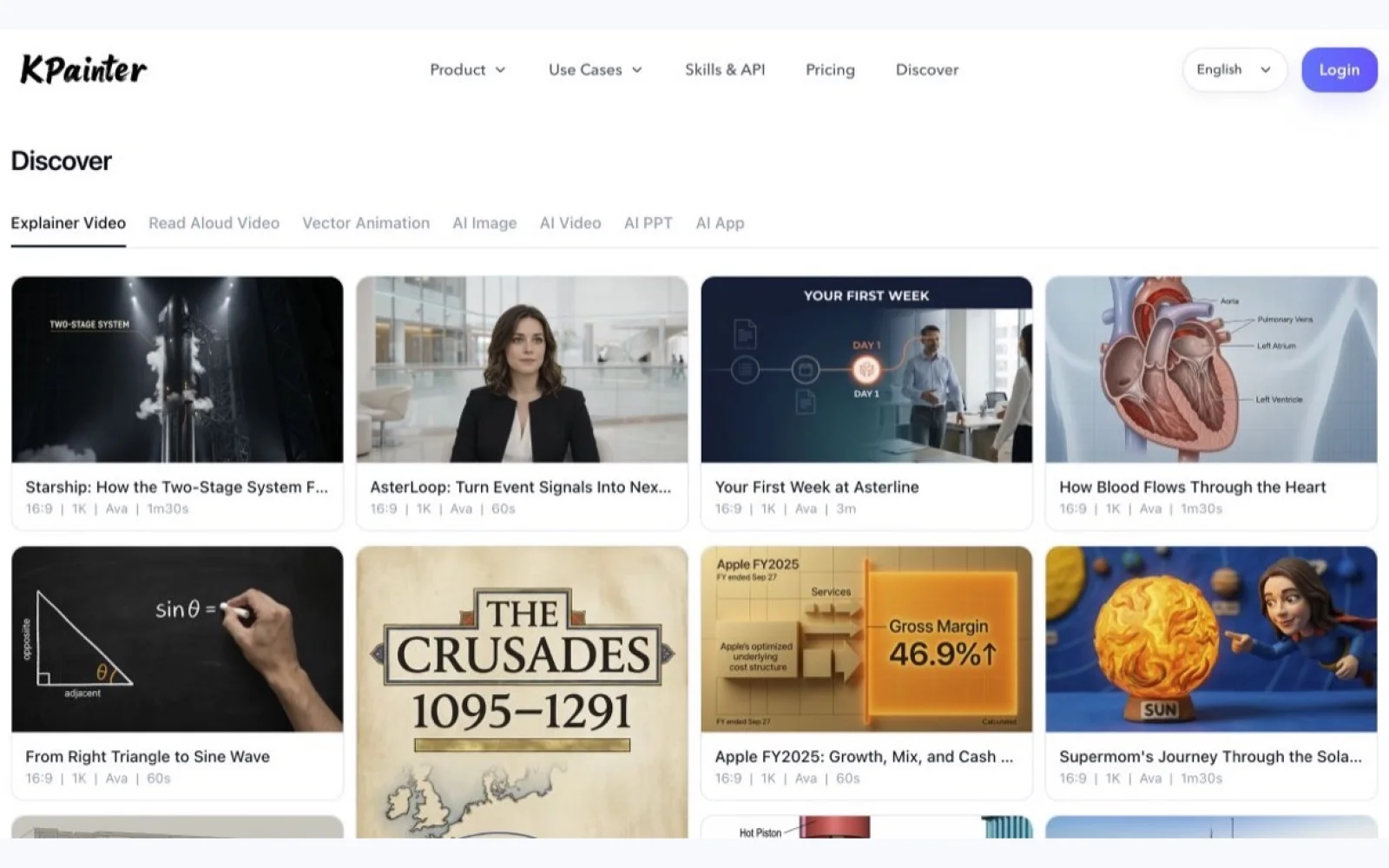
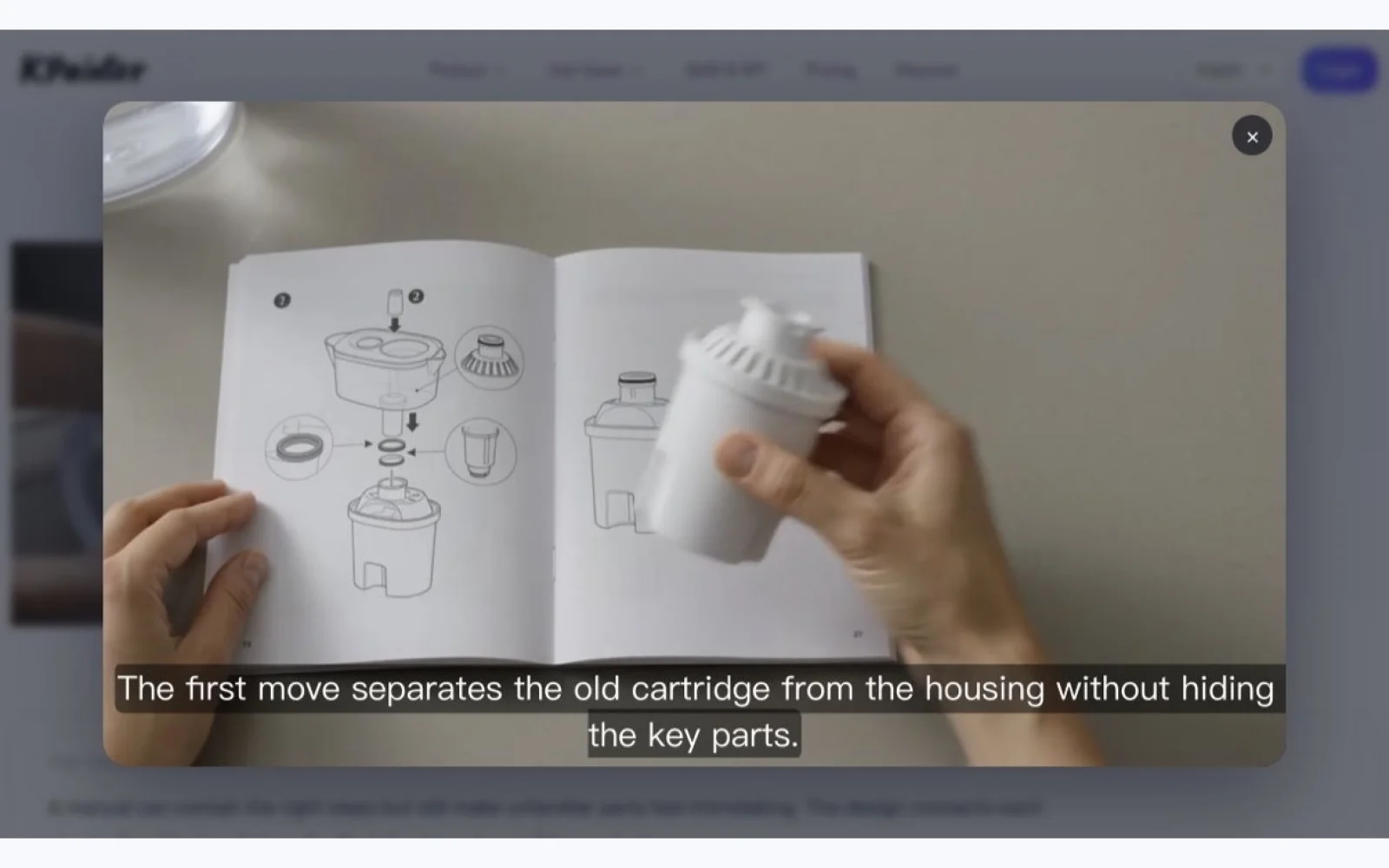
The use cases on display span corporate training, technical communication, and customer education. Teams can turn standard operating procedures into onboarding walkthroughs, convert architecture diagrams and IT runbooks into clear dependencies, and package product guides and release notes into customer-facing videos. The platform also handles data storytelling, animating financial results and engineering specifications into narrative form. Examples shown include explaining rocket design, visualizing blood flow through the heart, and demonstrating how lithography machines work step by step.
What stands out is the platform's flexibility around input types and visual complexity. Rather than forcing users to script videos from narrative first principles, KPainter lets them begin with real assets—an existing manual, a company image, an architectural diagram—and translate those into video. The remix capability, allowing users to review and refine generated content, suggests the tool handles the heavy lifting of visual organization while preserving creator control.
The pricing model starts with a free tier, though specific plan details and premium features are not disclosed in available materials. This freemium approach lowers the barrier for teams experimenting with video-driven documentation.
The platform targets organizations facing a common efficiency problem: knowledge locked in text-heavy formats that don't stick. By automating the creation of structured video explanations from existing materials, KPainter compresses what would otherwise require significant video production effort, scriptwriting, and animation skills.
Founder Diary
DevlogThe maker hasn't posted a diary entry yet.
Key Features
Multi-Format Input
Accepts PDFs, PowerPoint presentations, Word documents, spreadsheets, images, and URLs.
Video Generation
Transforms source materials into structured video explanations up to thirty minutes long.
Audience Targeting
Lets creators specify their target audience and desired outcome before generation.
Content Remix
Allows users to review and refine generated content while preserving creator control.
Source-Led Approach
Uses existing assets as foundation rather than requiring scriptwriting from narrative first principles.
Use Cases
-
1
Corporate training
Convert standard operating procedures into onboarding walkthroughs.
-
2
Technical communication
Transform architecture diagrams and IT runbooks into clear visual dependencies.
-
3
Customer education
Package product guides and release notes into customer-facing videos.
-
4
Data storytelling
Animate financial results and engineering specifications into narrative form.
FAQ
What file formats can I upload to KPainter? ▾
How long can the generated videos be? ▾
Can I edit videos after they're generated? ▾
Is there a free version available? ▾
Pricing
A freemium approach with a free tier is available, but specific premium plan details and features are not disclosed in available materials.
Tech Stack & Tags
Discussion
No comments yet — be the first!
Join the conversation — sign up to comment.
Sign up freeCommunity Support
Boost this project on Sell With boost
Meet the Founder

More in AI Generative Media

AI Mixer - AI Photo | AI Video | AI Voice. All AI tools in one app!
AI Mixer was built to solve a simple but frustra...
FacelessGenie
We built FacelessGenie to solve the biggest bott...

GeniusAI
We built GeniusAI to make professional AI image...

MyRaxAI
I built MyRaxAI to help creators generate stunni...

Berrioo
We built Berrioo to democratize professional vis...

Seedance
We built Seedance to make cinematic video creati...