Adaptive Video Encoder
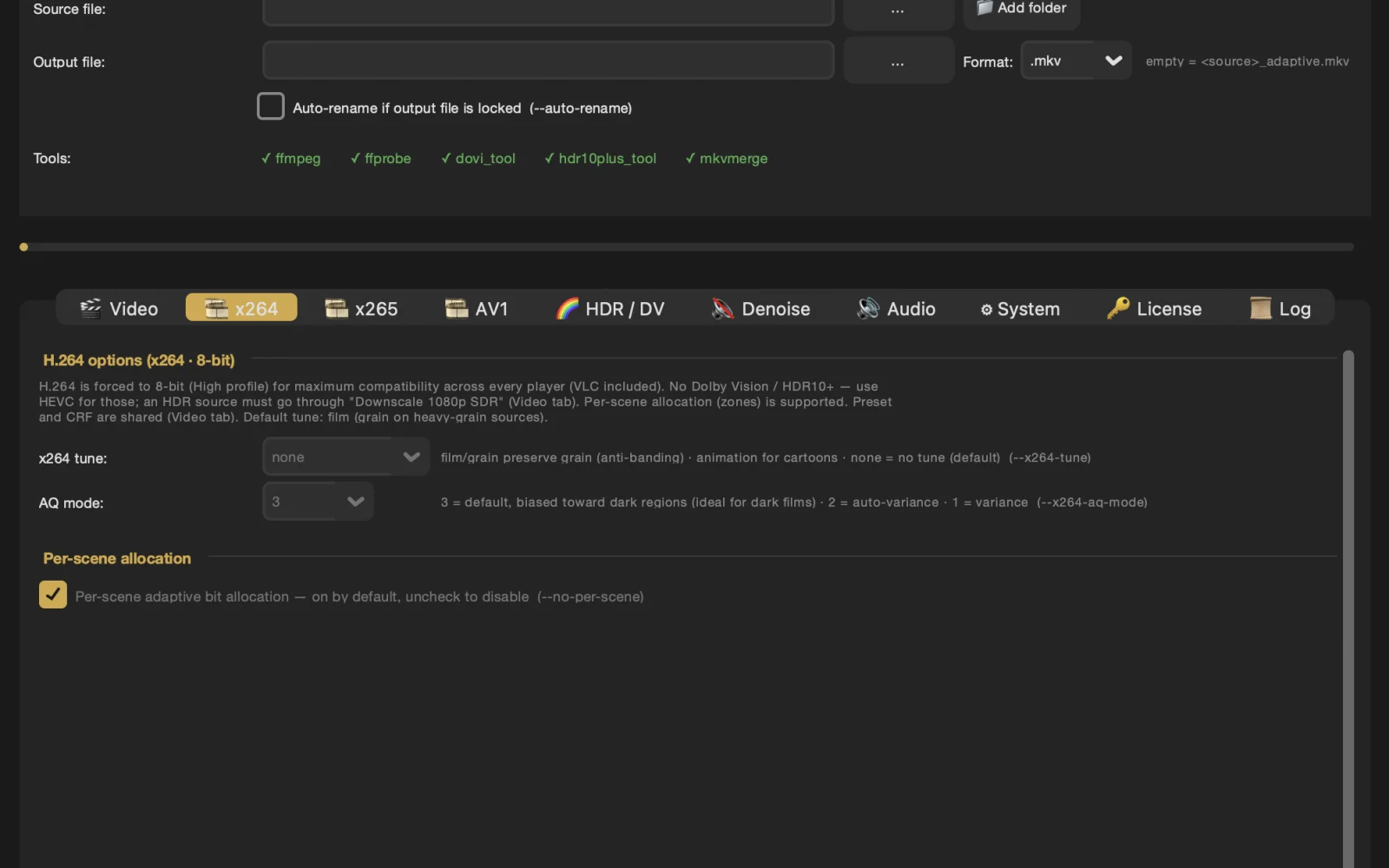
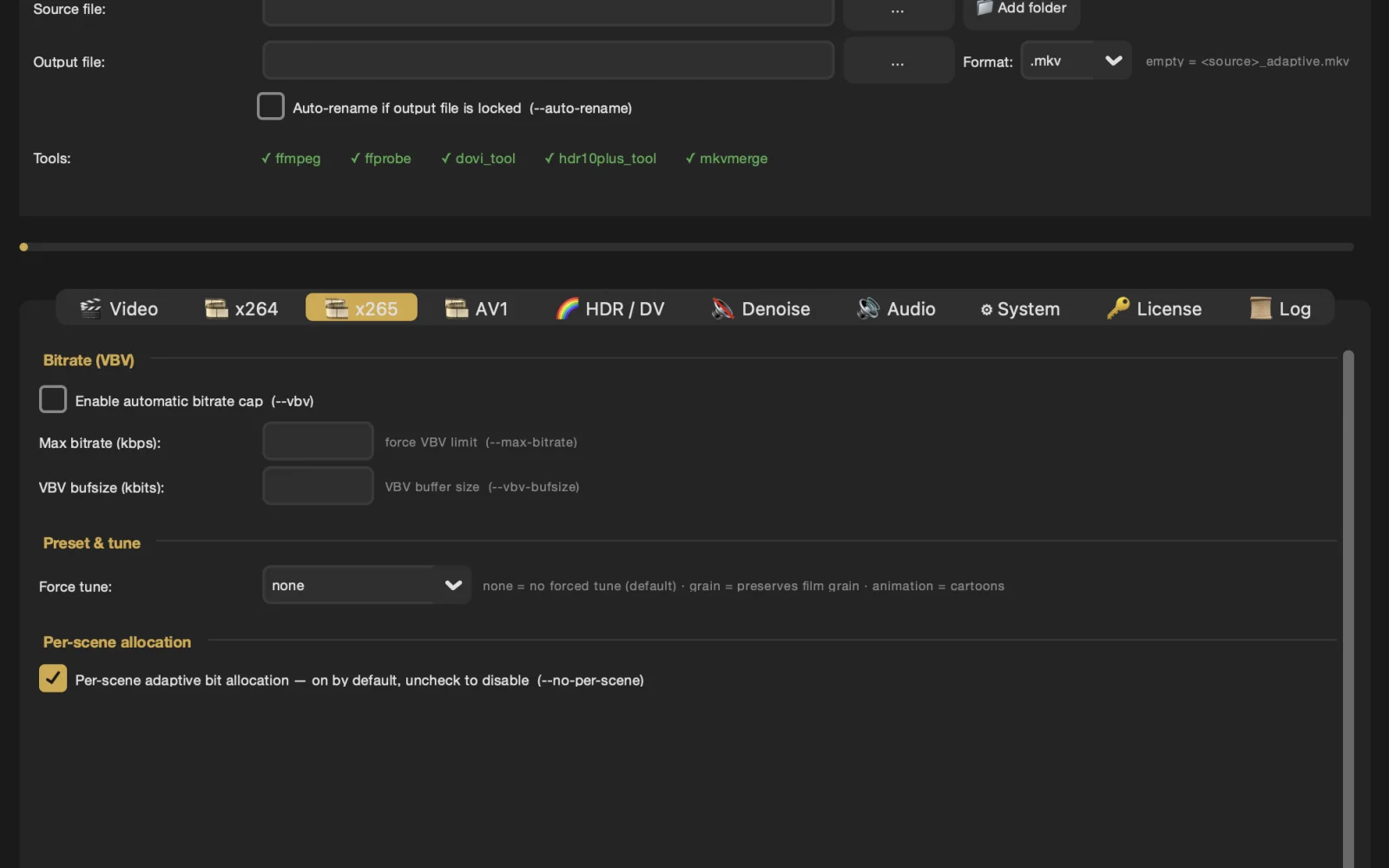
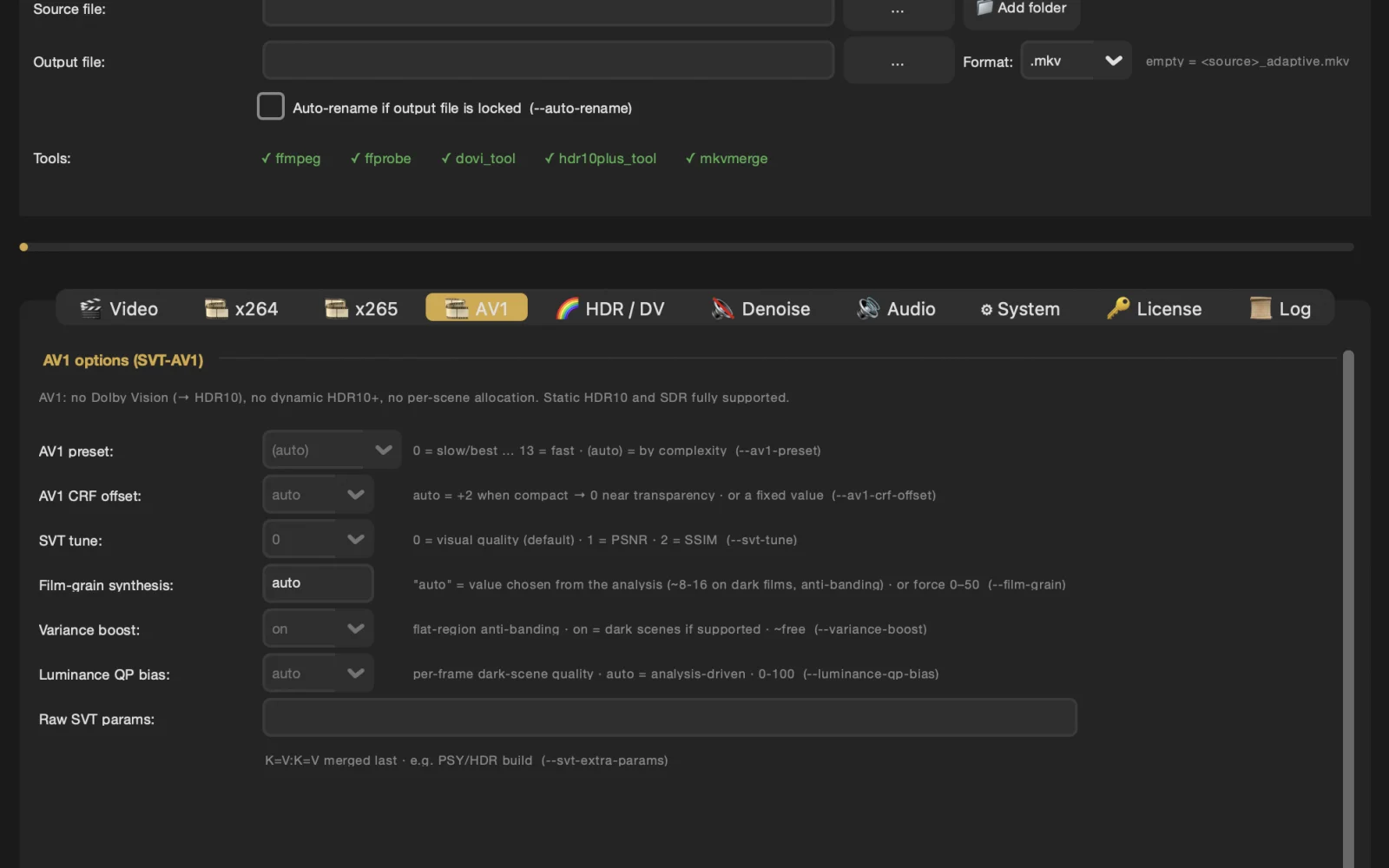
- No match
Machine translation — the English original is authoritative.
The Story
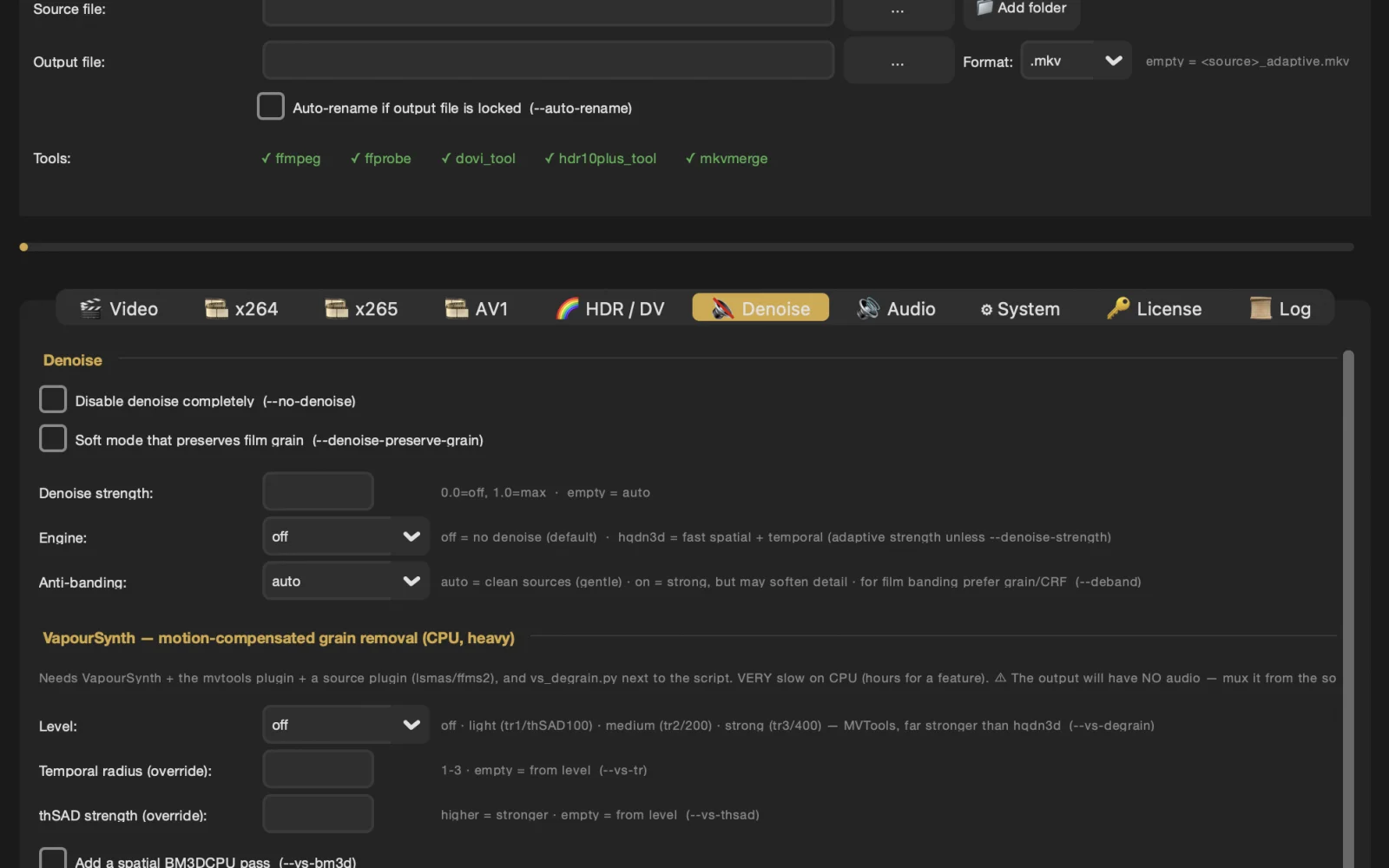
I built Adaptive Video Encoder because re-encoding a library with a generic preset usually wrecks the stuff that matters: it smears the film grain, crushes the dark scenes, and flattens the HDR. And finding settings that actually work takes forever, since a grainy 35mm classic and a clean animated film need completely different parameters. You end up tuning for hours per movie. So I made the encoder adaptive. It looks at each frame and works out the settings on its own from the grain, motion, complexity and dynamic range, with no manual tuning. It handles H.265, AV1 and H.264, and keeps your HDR10, HLG and film grain intact while it shrinks the file. In testing, 1080p remuxes usually come down 60-70% with nothing you'd actually notice. All the dependencies are bundled, so there's nothing extra to install. Runs natively on Windows, Linux and macOS (Apple Silicon).
AI Overview
AI-generatedRe-encoding video libraries to more efficient formats like H.265 can be a daunting task, particularly when it comes to preserving the nuances of high-quality video content such as Dolby Vision metadata, film grain, and dynamic range. Most consumer-grade encoding tools fail to maintain these essential elements, resulting in a degraded viewing experience. Adaptive Video Encoder is designed to address this very problem.
The tool is geared towards users who value near-remux quality and are willing to trade off maximum compression for it. It's particularly well-suited for those with mixed video libraries, including 1080p Blu-ray remuxes and 4K UHD rips with Dolby Vision, HDR10, or HLG. By employing a frame-by-frame adaptive analysis, the encoder can automatically adjust its parameters to suit the specific needs of each video, ensuring that details such as film grain and HDR metadata are preserved.
What stands out about Adaptive Video Encoder is its prioritization of quality over file size reduction. It natively supports conversion of Dolby Vision Profile 7 to 8.1 and handles various HDR formats, maintaining the original image fidelity. The encoder is available for Windows, Linux, and macOS, including Apple Silicon, making it versatile across different operating systems.
Users can try Adaptive Video Encoder with a 7-day free trial, after which it is available for a one-time purchase of $49.99, granting a lifetime license with access to updates via GitHub. With over 500 active users and more than 50,000 films encoded, the tool has garnered a 4.9/5 satisfaction rating on Discord, where users praise its ability to preserve film grain and Dolby Vision metadata without requiring manual calibration for each film. Its straightforward pricing and commitment to maintaining high video quality make Adaptive Video Encoder an attractive solution for those seeking to optimize their video libraries without sacrificing visual integrity.
Founder Diary
DevlogThe maker hasn't posted a diary entry yet.
Key Features
Adaptive Analysis
employs frame-by-frame analysis to adjust encoding parameters
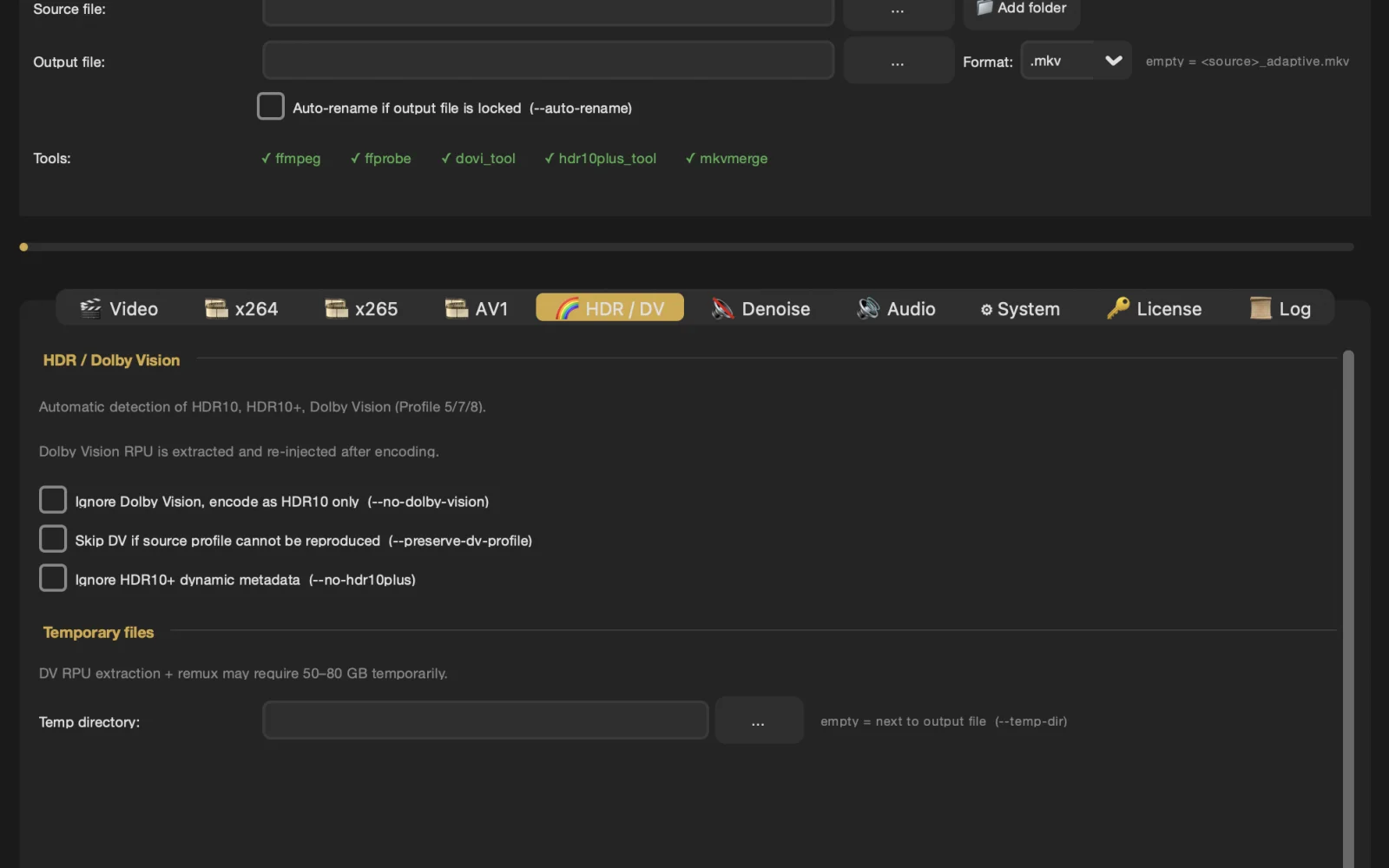
Dolby Vision Support
natively supports conversion of Dolby Vision Profile 7 to 8.1
HDR Handling
handles various HDR formats, maintaining original image fidelity
Cross-Platform Compatibility
available for Windows, Linux, and macOS, including Apple Silicon
Quality Prioritization
prioritizes quality over file size reduction
Use Cases
-
1
Users with Mixed Video Libraries
suitable for those with mixed video libraries, including 1080p Blu-ray remuxes and 4K UHD rips
-
2
Dolby Vision and HDR Users
well-suited for users with videos containing Dolby Vision, HDR10, or HLG
-
3
Quality-Conscious Users
geared towards users who value near-remux quality and are willing to trade off maximum compression for it
FAQ
Does Adaptive Video Encoder support Dolby Vision? ▾
Is Adaptive Video Encoder available for macOS? ▾
How much does Adaptive Video Encoder cost? ▾
Pricing
One-time purchase of $49.99 after 7-day free trial grants a lifetime license.
Discussion
No comments yet — be the first!
Join the conversation — sign up to comment.
Sign up freeCommunity Support
Boost this project on Sell With boost
Meet the Founder
More in Video editing

VideoSnap
I built VideoSnap to provide a private and free...

Leumos AI
We built Leumos because color grading shouldn't...

SubtitleGenerator
SubtitleGenerator helps creators turn videos int...
CineGen
CineGen began with a simple problem: creating an...
ReelHive
We built ReelHive to save real estate agents hou...

Clipfox
We built Clipfox because we saw creators and bra...