Arkida Mockups and Product Shots
- No match
Machine translation — the English original is authoritative.
The Story
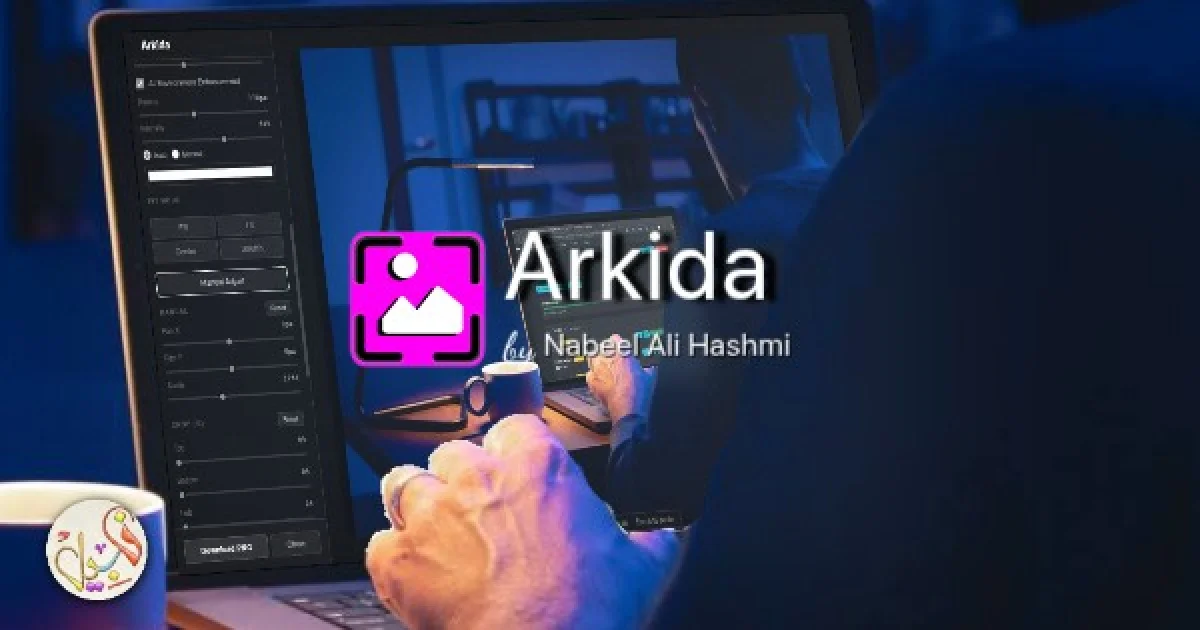
I built Arkida to transform ordinary screenshots into professional mockups instantly. It solves the problem of creating high-quality visuals quickly without complexity. As a creator, I needed a tool that could deliver polished mockups quickly for my tools and products, that why Arkida was born.
AI Overview
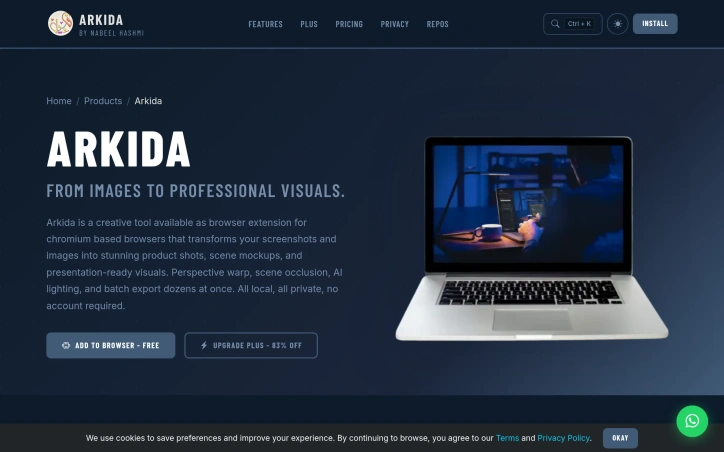
AI-generatedCreating professional-looking product visuals is a common challenge for creators, marketers, and businesses. The process often involves tedious editing and design work, requiring specialized skills and software. Arkida addresses this problem by providing a browser extension that transforms ordinary screenshots into high-quality product mockups and visuals instantly. The tool is designed for creators who need professional results without the complexity of traditional design software.
What stands out about Arkida is its ability to deliver realistic and polished visuals with ease. The extension offers advanced features such as 3D rotation and perspective warping, allowing users to tilt and rotate their mockups on multiple axes and map them onto various surfaces. The "Scene on Top" technology also enables users to create mockups that blend seamlessly with real-world scenes, making it look like a real photograph. Additionally, the built-in library of high-quality SVG device frames and precision control over screenshot placement within the frame make it a comprehensive tool for creating stunning visuals.
The key features of Arkida include its perspective warp and scene occlusion capabilities, AI lighting, batch export functionality, and precision control over image placement. The tool is also entirely local and private, with no account required, making it a convenient and secure solution for users. The extension is available for free, with a "Plus" upgrade option that is currently 83% off, indicating a freemium business model. Overall, Arkida is a powerful and user-friendly tool that simplifies the process of creating high-quality product visuals, making it an attractive solution for creators and businesses looking to elevate their visual content.
Founder Diary
DevlogThe maker hasn't posted a diary entry yet.
Key Features
Perspective Warp
allows users to map mockups onto various surfaces
Scene Occlusion
enables users to create mockups that blend seamlessly with real-world scenes
AI Lighting
provides realistic lighting effects
Batch Export
allows users to export multiple mockups at once
Precision Control
offers precision control over screenshot placement within the frame
Use Cases
-
1
Creators
need professional results without the complexity of traditional design software
-
2
Marketers
require high-quality product visuals for their campaigns
-
3
Businesses
need to elevate their visual content
FAQ
Is Arkida free to use? ▾
Does Arkida require an account? ▾
Is Arkida secure? ▾
Pricing
The Plus upgrade option is currently 83% off.
Tech Stack & Tags
Discussion
No comments yet — be the first!
Join the conversation — sign up to comment.
Sign up freeCommunity Support
Boost this project on Sell With boost