Protato
- No match
Machine translation — the English original is authoritative.
The Story
I built Protato to create high-quality mockups quickly and easily. It solves the problem of complex design tools and lack of control. I needed a simple tool for creating polished visuals.
AI Overview
AI-generatedCreating high-quality, polished visuals for product launches, marketing campaigns, and internal presentations can be a time-consuming and complex task. Protato addresses this challenge by providing a straightforward and intuitive solution for generating studio-quality 3D mockups. The tool is designed for a broad range of users, including developers, designers, content creators, and product teams, who need to produce professional-looking visuals without requiring extensive design experience.
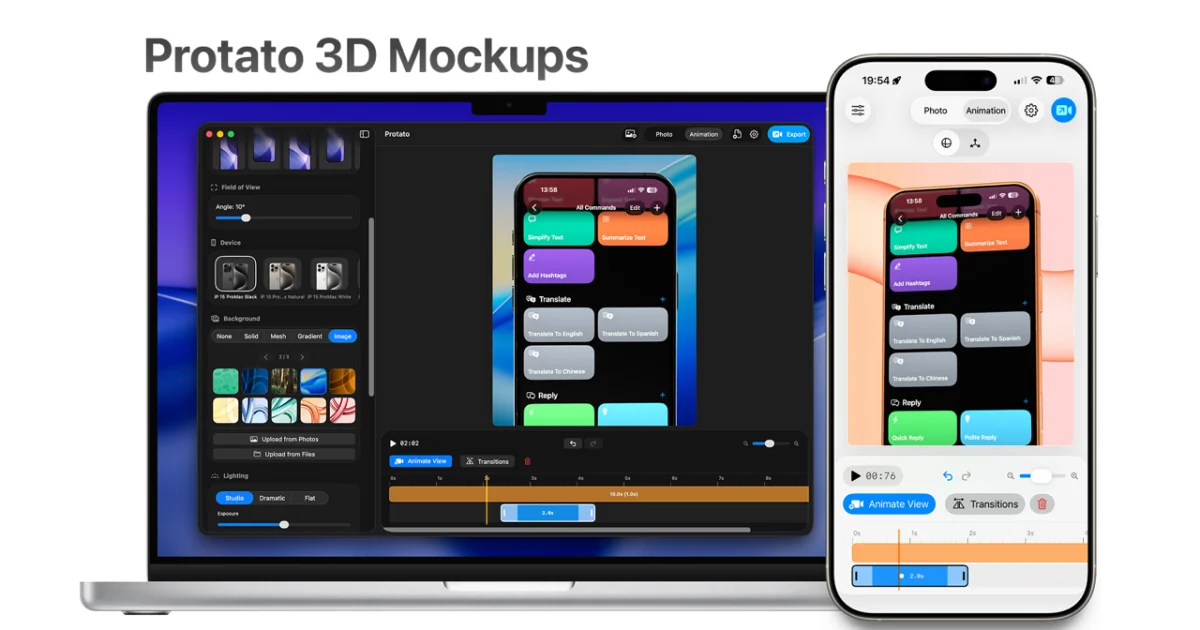
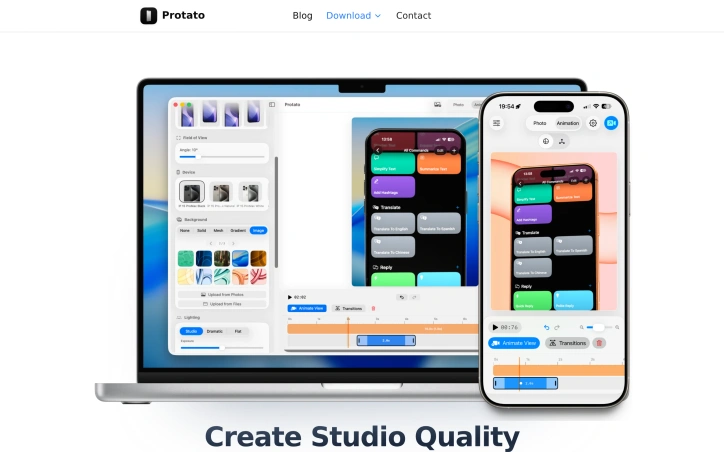
What stands out about Protato is its emphasis on simplicity and ease of use, making it accessible to users without prior 3D experience. The application's touch-first controls and real-time preview capabilities enable users to quickly adjust lighting, materials, and composition to create high-quality visuals. The ability to import screenshots or videos and instantly render them on real devices is particularly noteworthy, as is the flexibility to export images and videos in up to 4K resolution.
Key features of Protato include its animation timeline, which allows users to record camera moves and create cinematic clips with keyframe editing, and its studio lighting presets, which enable users to switch between different lighting styles with a single tap. The application's optimization for mobile workflows is also a significant advantage, allowing users to create high-quality mockups on their iPhone or iPad.
In terms of pricing, Protato offers a flexible business model, with options for monthly or annual subscriptions, as well as a lifetime purchase. The pricing tiers are clearly outlined, with costs starting at $4.99 per month. Overall, Protato provides a valuable solution for teams and individuals seeking to create professional-looking visuals without the complexity and steep learning curve associated with traditional design tools.
Founder Diary
DevlogThe maker hasn't posted a diary entry yet.
Key Features
Animation Timeline
allows users to record camera moves and create cinematic clips with keyframe editing
Studio Lighting Presets
enable users to switch between different lighting styles with a single tap
Real-Time Preview
enables users to quickly adjust lighting, materials, and composition
4K Resolution Export
allows users to export images and videos in up to 4K resolution
Touch-First Controls
enable users to quickly adjust settings
Use Cases
-
1
Developers
need to produce professional-looking visuals without requiring extensive design experience
-
2
Content Creators
need to create high-quality visuals for marketing campaigns
-
3
Product Teams
need to produce professional-looking visuals for product launches and internal presentations
-
4
Designers
can use the tool to create high-quality 3D mockups
FAQ
Is Protato suitable for users without 3D experience? ▾
What are the export options in Protato? ▾
Can I use Protato on my mobile device? ▾
Pricing
Offers monthly or annual subscriptions, as well as a lifetime purchase
Tech Stack & Tags
Discussion
No comments yet — be the first!
Join the conversation — sign up to comment.
Sign up freeCommunity Support
Boost this project on Sell With boost