AudioPad
- No match
Machine translation — the English original is authoritative.
The Story
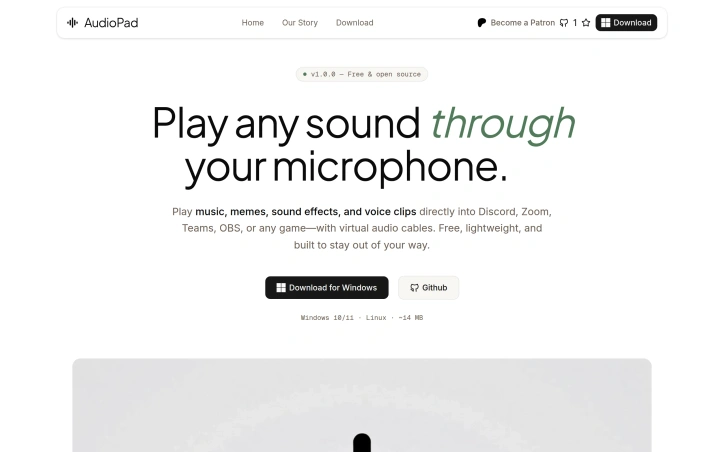
We built AudioPad because we needed a soundboard that just worked—no expensive subscriptions, no bloat, no telemetry. We wanted something so simple that pressing a key instantly plays the right sound into Discord, Zoom, or OBS. AudioPad is our answer: free, open-source, and built by people who actually use it.
AI Overview
AI-generatedSolving a genuine gap in the market, AudioPad is a free, open-source soundboard that injects audio into your microphone feed for use across Discord, Zoom, Teams, OBS, and similar applications. The product targets gamers, streamers, content creators, and remote workers who want to layer sound effects, music, or voice clips into their communication streams without the friction of expensive, closed-source alternatives.
The standout elements lie in its no-compromise philosophy. The application installs under 15 MB, consumes minimal RAM at idle, and deliberately avoids the bloat plaguing commercial soundboards. Setup requires no driver wrestling or lengthy configuration—the installer handles virtual audio device creation automatically, and users simply select AudioPad as their microphone input within the target application. The process genuinely takes minutes, not hours.
Performance matters here, and AudioPad delivers. Sub-20ms latency ensures sounds trigger when the key is pressed, not with the lag that undermines real-time user experience. The interface accepts drag-and-drop audio files in MP3, WAV, OGG, FLAC, and M4A formats, skipping the conversion busywork of lesser tools. Global hotkeys work even mid-game, with custom bindings that avoid conflicts—a critical feature for streamers juggling multiple applications simultaneously.
Perhaps most compelling is the privacy posture. AudioPad runs entirely locally with zero telemetry, no cloud infrastructure, and no mandatory account creation. This differentiates it sharply from subscription-based competitors that monetize user data or lock features behind paywalls. The open-source MIT license means users can inspect the code, report issues, and contribute patches directly.
The business model reflects this ethos. AudioPad remains free indefinitely, sustained through Patreon sponsorships rather than extraction-based monetization. This alignment between developer and user incentives—developers improve the tool because they use it—positions it as a genuinely community-driven project without the churn of enterprise feature bloat.
The product comparison claims feature parity with paid alternatives on capabilities that matter, while eliminating telemetry and watermarks. While the software remains in active development, it delivers on its core promise: a soundboard that simply works, requires no subscription, and respects user privacy. For the intended audience, that clarity of purpose translates to a product that doesn't waste time or resources on features that don't belong.
Founder Diary
DevlogThe maker hasn't posted a diary entry yet.
Key Features
Minimal Installation
Installs under 15 MB with automatic virtual audio device setup, requiring no driver installation or lengthy configuration.
Sub-20ms Latency
Ensures audio triggers immediately when hotkeys are pressed during real-time communication.
Multi-Format Support
Accepts MP3, WAV, OGG, FLAC, and M4A audio files without requiring conversion.
Global Hotkeys
Custom key bindings work seamlessly across applications including Discord, Zoom, Teams, and OBS.
Privacy-First
Runs entirely locally with zero telemetry, no cloud infrastructure, and no account creation required.
Open Source
MIT licensed codebase allows users to inspect code and contribute directly.
Use Cases
-
1
Gamers
Layer sound effects and music into multiplayer communications and gaming streams without performance impact.
-
2
Streamers
Inject audio elements into broadcast feeds across Discord, Zoom, Teams, and OBS with minimal latency.
-
3
Content Creators
Add music, voice clips, and sound effects to video content and streaming workflows.
-
4
Remote Workers
Enhance video calls with audio elements without the friction of expensive or closed-source alternatives.
FAQ
How long does it take to set up AudioPad? ▾
Does AudioPad have audio delay or latency? ▾
Is AudioPad free or does it require a subscription? ▾
Does AudioPad collect my data or require an account? ▾
Pricing
Completely free, open-source software sustained through Patreon sponsorships with no subscription or account requirement.
Tech Stack & Tags
Discussion
No comments yet — be the first!
Join the conversation — sign up to comment.
Sign up freeCommunity Support
Boost this project on Sell With boost