BothShot - Screenshot Recorder
- No match
Machine translation — the English original is authoritative.
The Story
Tagline Capture, annotate, record, and pin on your Mac
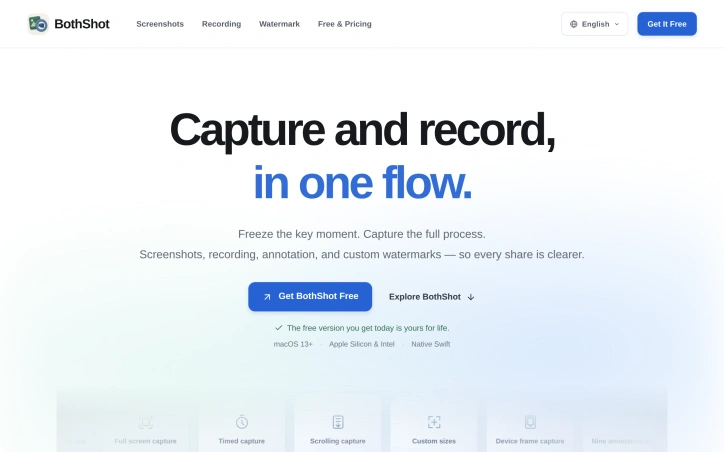
Description Screenshots, recordings, pins, and custom watermarks in one native Mac app.
Maker comment I'm the developer of BothShot, a native Mac screenshot and recording app available on the Mac App Store.
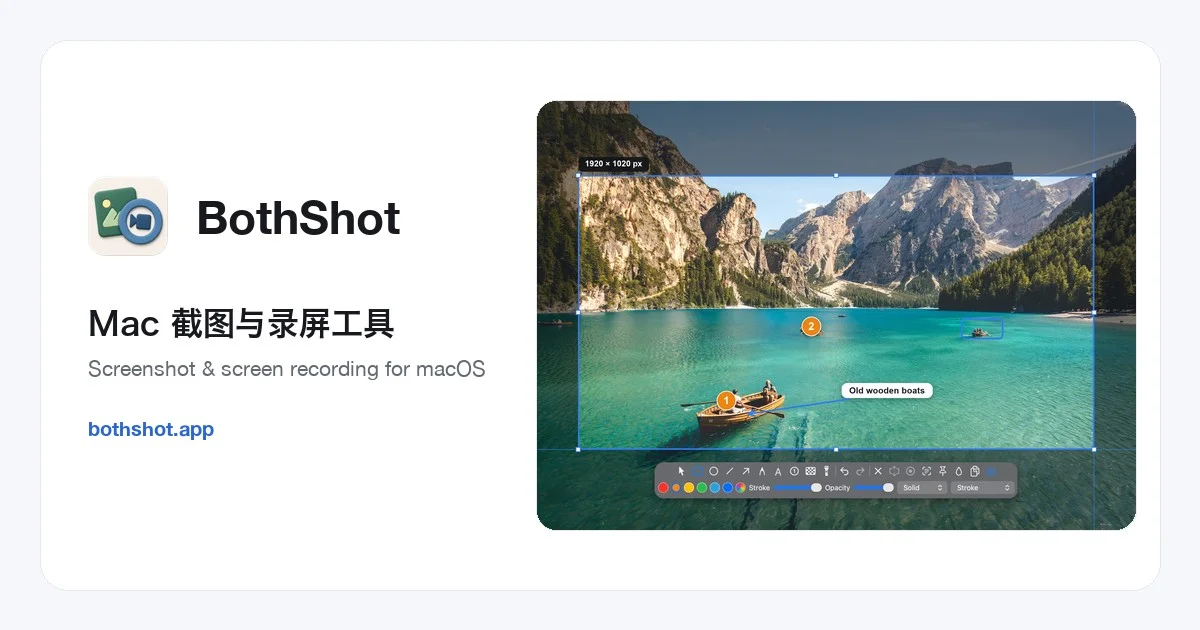
Screenshots & annotation: Region, scrolling, and device-frame screenshots with inline arrows, text, numbered steps, and pixelation.
Recording & live annotation: Draw while recording, capture system audio and microphone, add camera picture-in-picture and click effects, trim recordings, and export GIFs.
Desktop pins: Keep reference images above your windows, adjust opacity and appearance, annotate again, and reopen images from the pin library.
Custom watermarks: Text or logo watermarks with separate defaults for screenshots and recordings, positioning, opacity, tiling, and date/time placeholders.
OCR & on-device translation: Extract text from images and use Apple on-device translation on macOS 15 or later with supported language resources.
All 38 features are free in the current version. The current free version you obtain remains free to use; future versions or new downloads may be priced differently.
Requires macOS 13 or later on Apple Silicon or Intel. On-device translation requires macOS 15 or later and supported language resources.
Video editing currently supports trimming the start and end, without multi-track editing or removing middle sections. Cloud file sharing is not included.
Website: https://bothshot.app/en/ Mac App Store: https://apps.apple.com/app/id6808869983
AI Overview
AI-generatedMac users often cobble together multiple apps to handle screenshots, recordings, annotations, and desktop organization. BothShot consolidates these workflows into a single native application, targeting anyone who needs to document their screen—whether for tutorials, bug reports, demo videos, or general reference materials.
The product distinguishes itself through comprehensive feature density packed into a free offering. At 38 total features, BothShot brings together capture capabilities (region, window, full screen, scrolling, and device-frame screenshots), annotation tools (nine inline drawing and text options plus mosaic and spotlight effects), video recording with live annotation, and a desktop pinning system for persistent reference images. The recording capabilities extend to 4K resolution at 60 frames per second, with system audio, microphone input, and camera picture-in-picture support. Users can annotate while recording, trim footage post-capture, extract individual frames, and export as MP4, MOV, or GIF formats.
Beyond basic capture, BothShot includes productivity features that address real workflow pain points. Custom watermarking (text or logo, with separate defaults for images and video) streamlines branding across shares. On-device text recognition and translation reduce friction when working with multilingual or complex visual content. The desktop pin library creates a persistent workspace where users can keep reference images accessible above their other windows, adjustable for opacity and appearance. Desktop pinning also supports re-annotation of previously saved images.
The technical implementation matters here: BothShot is written in native Swift, which on Apple Silicon and Intel Macs translates to responsive performance and seamless OS integration. It requires macOS 13 or later, with some features like on-device translation requiring macOS 15 and language resource installation.
Pricing deserves explicit mention because it's the exception rather than the rule. The current version is entirely free, with all 38 features included. The developer has been transparent that future versions may shift to paid, but the present offering remains genuinely gratis. This positions BothShot as an aggressive free-tier competitor to established screenshot tools, though it deliberately avoids cloud sharing functionality to keep scope manageable.
The main practical limitations are minor: video editing is restricted to trimming the start and end without frame-level removal, and there is no cloud file sharing. For users seeking a comprehensive local Mac tool without paid tiers, these trade-offs are reasonable.
Founder Diary
DevlogThe maker hasn't posted a diary entry yet.
Key Features
Multiple Capture Modes
region, window, full screen, scrolling, and device-frame screenshots
Advanced Annotation Tools
nine drawing and text options plus mosaic and spotlight effects
4K Video Recording
capture at 60fps with system audio, microphone, and camera picture-in-picture
Live Annotation Recording
annotate videos while recording and trim footage post-capture
Desktop Pinning
keep reference images persistently accessible and re-annotate as needed
On-Device Recognition
text recognition and translation without cloud upload
Use Cases
-
1
Tutorial Creators
consolidate screenshot, video, and annotation workflows into one native app
-
2
Bug Reporters
quickly capture and annotate issues with 4K resolution video documentation
-
3
Demo Video Makers
record with live annotations and export as MP4, MOV, or GIF
-
4
Multilingual Workers
use on-device text recognition and translation for visual content
FAQ
What video formats can I export to? ▾
Does BothShot have cloud storage or sharing? ▾
What Mac versions are supported? ▾
Can I do frame-level video editing? ▾
Pricing
All 38 features included at no cost; future versions may shift to paid.
Tech Stack & Tags
Discussion
No comments yet — be the first!
Join the conversation — sign up to comment.
Sign up freeCommunity Support
Boost this project on Sell With boost