Clean Voice
- No match
Machine translation — the English original is authoritative.
The Story
I built Clean Voice to help creators remove background noise from podcasts, voiceovers, and videos without learning complex editing software. It uses AI to automatically clean audio and video files in minutes, making professional-quality recordings accessible to anyone with a microphone and internet connection.
AI Overview
AI-generatedMany content creators face a frustrating trade-off: either re-record their podcasts, voiceovers, and videos in controlled settings, or spend weeks learning complex editing software to remove unwanted background noise. Clean Voice eliminates that choice by automating the cleanup process entirely.
The product targets creators at all skill levels who record outside studios, from podcasters dealing with ambient noise to voiceover artists recording at home, plus professionals conducting remote interviews over video calls. It handles both audio files and video with soundtracks, supporting common formats like MP3, WAV, MP4, and MOV.
What distinguishes Clean Voice is its refusal to overcomplicate the experience. The workflow is genuinely minimal: users drag files in, the AI processes them, and they download the results. The company emphasizes that this requires no editing knowledge, no technical jargon, and no days spent learning unfamiliar interfaces. A preview feature lets potential users hear before and after samples without uploading their own files or providing payment information, lowering the friction to try it.
Beyond background noise reduction, the product also removes filler words like um and uh, maintaining the naturalness of speech while cleaning the recording. The system targets specific noise problems: traffic, wind, HVAC hum, microphone distortion, and room tone. This targeted approach matters because blunt noise removal often strips dialogue of vital qualities that make speech sound human.
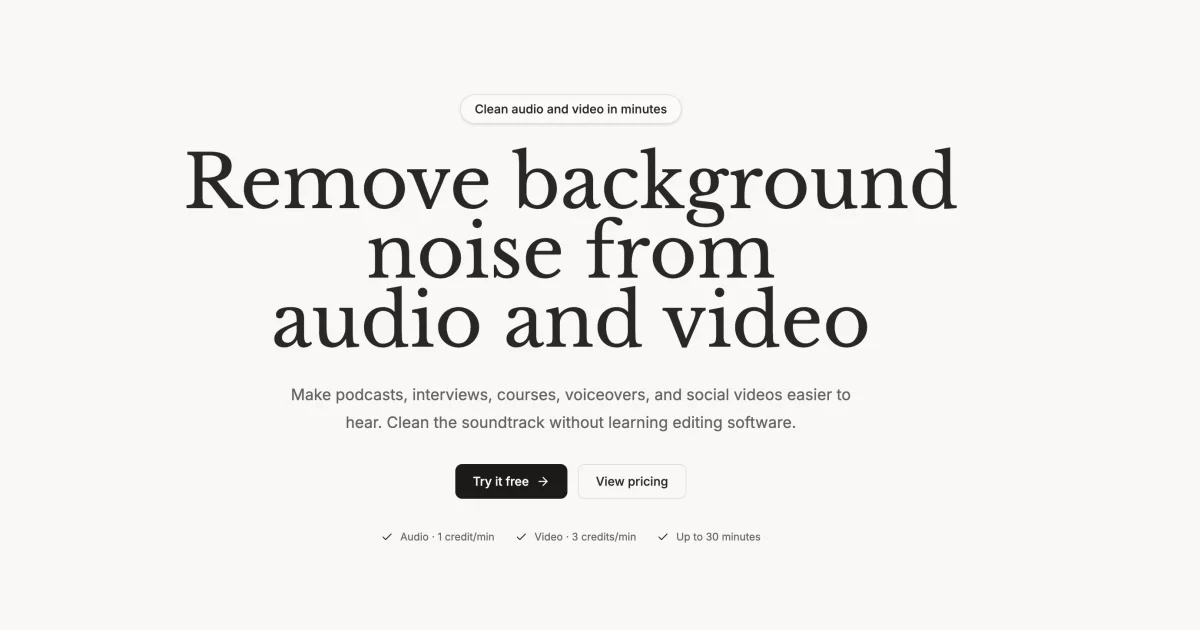
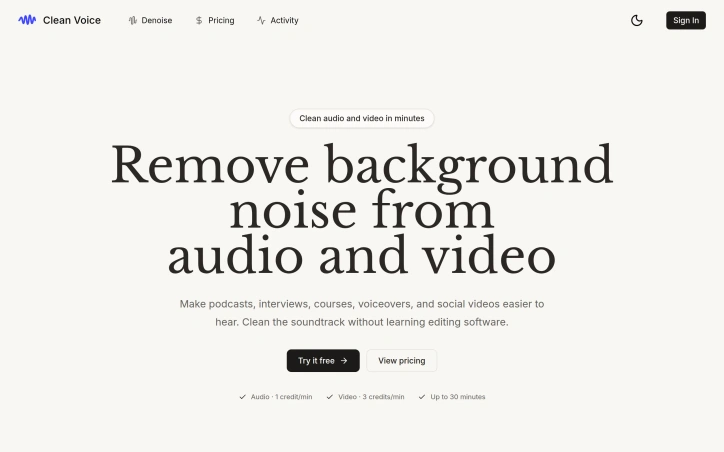
The pricing model reflects confidence in the product's reliability. Rather than charging per upload, Clean Voice charges per successfully processed minute using a credit system. Audio costs one credit per minute, while video costs three credits per minute, with a one-credit minimum for very short clips. This structure means failed processing attempts do not consume credits, reducing user frustration if something goes wrong.
The positioning is clear: Clean Voice wants to eliminate the skill gap between amateur recording setups and professional studio quality. For creators who have a microphone and internet connection but lack either a sound-treated room or the patience to master editing software, the service offers a practical shortcut to broadcast-ready audio and video.
Founder Diary
DevlogThe maker hasn't posted a diary entry yet.
Key Features
Background Noise Removal
Eliminates specific noise problems including traffic, wind, HVAC hum, microphone distortion, and room tone
Filler Word Removal
Automatically removes filler words like um and uh while preserving natural speech patterns
Multi-Format Support
Processes audio files (MP3, WAV) and video files (MP4, MOV) with soundtracks
Drag-and-Drop Interface
Minimal workflow requiring no editing knowledge, technical jargon, or learning curve
Preview Feature
Lets users hear before and after samples without uploading files or providing payment information
Use Cases
-
1
Podcasters
Remove ambient noise from podcast recordings made outside professional studios
-
2
Home Voiceover Artists
Record voiceovers at home and automatically achieve professional studio quality without editing skills
-
3
Remote Interview Professionals
Clean audio from video calls and remote interviews automatically
-
4
Independent Content Creators
Record videos and audio outside studios without mastering complex editing software
FAQ
Can I try Clean Voice before paying? ▾
How much does Clean Voice cost? ▾
What happens if processing fails? ▾
Pricing
Credit-based pricing: one credit per minute for audio, three credits per minute for video.
Tech Stack & Tags
Discussion
No comments yet — be the first!
Join the conversation — sign up to comment.
Sign up freeCommunity Support
Boost this project on Sell With boost