Flint
- No match
Machine translation — the English original is authoritative.
The Story
When I first started working on Flint, I wanted to create something that truly made a difference. Launched on appflint.online, Flint was built to solve the everyday challenges we face by streamlining the process and offering a simple, intuitive solution. I built it because I believe that the best tools are the ones that just work, making your life a little bit easier without getting in the way.
AI Overview
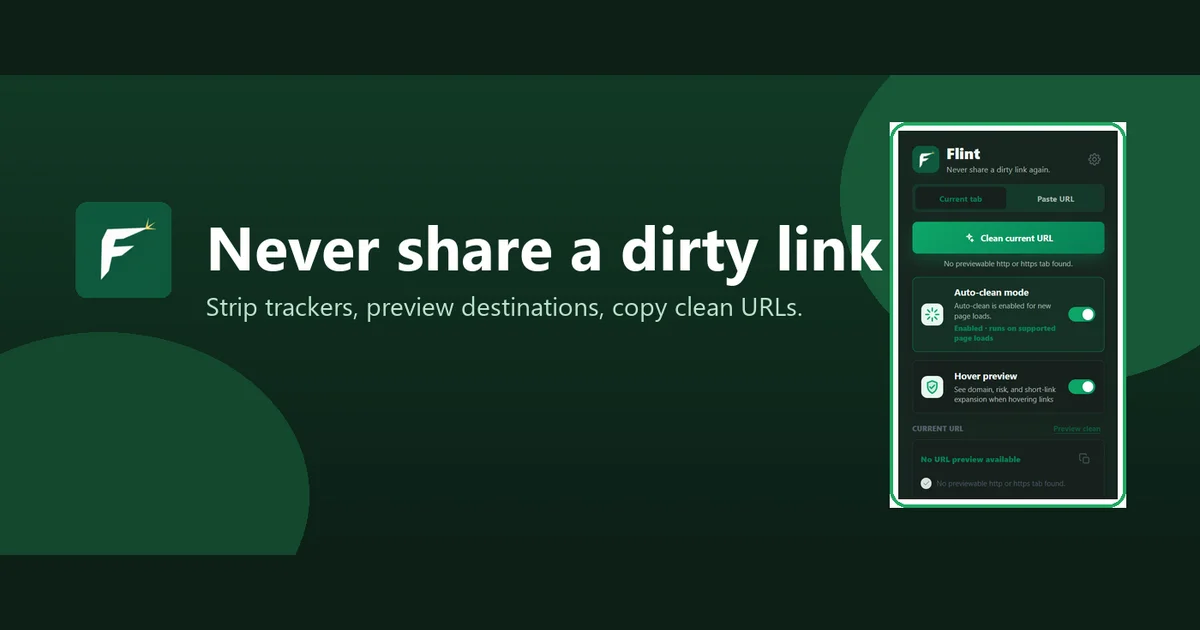
AI-generatedTracking parameters embedded in URLs remain one of the most pervasive nuisances on the web, silently collecting behavioral data as links travel between users. Flint addresses this friction point directly with a Chrome extension that strips away UTM tags, Facebook click identifiers, and Google tracking codes while providing transparency into where links actually lead.
The product targets everyday internet users who share links frequently and value privacy, but the clean-link premise extends beyond privacy advocates. Anyone who has puzzled over where a shortened URL actually points, or questioned whether clicking a link might lead somewhere unexpected, represents the core audience.
What distinguishes Flint is its architecture: the extension performs its heaviest lifting locally within the browser, only contacting external services when users explicitly request certain features like short-link expansion or optional VirusTotal checks. This approach positions privacy as a structural choice rather than a marketing claim. The three-layer local risk model runs entirely client-side, surfacing qualitative signals about URLs without shipping sensitive browsing data anywhere.
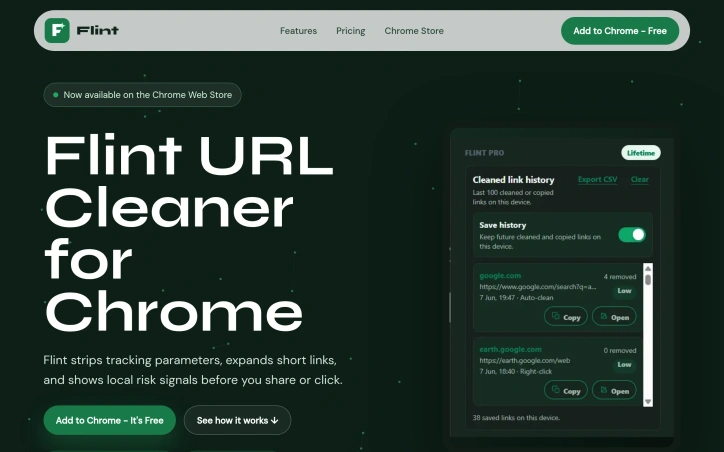
The feature set stays deliberately focused. Core functionality includes parameter stripping, hover previews that reveal destinations and flagged content, right-click menu integration for one-click link copying, and a paste-and-inspect mode for URLs users want to evaluate before visiting. Pro features add QR code generation, history tracking, custom rules, bulk cleaning, and the option to bring personal API keys for advanced threat checks from VirusTotal or Google Web Risk.
The business model reflects this restraint. The core cleaner runs free indefinitely with no account requirement. The Pro tier costs fourteen dollars and ninety-nine cents as a one-time purchase, sidestepping the subscription model that dominates browser extensions and making upgrades genuinely optional rather than predatory.
Flint succeeds by embracing scope discipline. It strips tracking parameters from links, reveals real destinations before users click, and does both while preserving browser performance. The local-first architecture and flat pricing model reveal a philosophy that treats users as stakeholders, not extraction targets.
Founder Diary
DevlogThe maker hasn't posted a diary entry yet.
Key Features
UTM Parameter Stripping
Removes tracking parameters including UTM tags, Facebook click identifiers, and Google tracking codes.
Hover Previews
Reveals destination URLs and flags content before clicking.
Local Risk Analysis
Client-side model that surfaces qualitative signals about URL safety without external data transmission.
Paste-and-Inspect Mode
Evaluate URLs before visiting them.
Right-Click Integration
One-click link copying through context menu.
Short-Link Expansion
Reveals actual destinations of shortened URLs.
Use Cases
-
1
Privacy-conscious link sharers
Removes tracking parameters from links to prevent behavioral data collection.
-
2
Users encountering shortened URLs
Reveals actual destinations to verify links before clicking.
-
3
Security-conscious internet users
Provides local risk analysis to identify potential threats before clicking unfamiliar links.
-
4
People receiving suspicious links
Allows URL inspection before visiting unknown or potentially malicious destinations.
FAQ
Does Flint slow down my browser? ▾
Does Flint collect my browsing data? ▾
Is Flint free? ▾
What makes Flint different from other extensions? ▾
Pricing
Free core features forever; Pro tier $14.99 one-time (not a subscription).
Discussion
No comments yet — be the first!
Join the conversation — sign up to comment.
Sign up freeCommunity Support
Boost this project on Sell With boost