
CursorHop

- No match
Machine translation — the English original is authoritative.
The Story
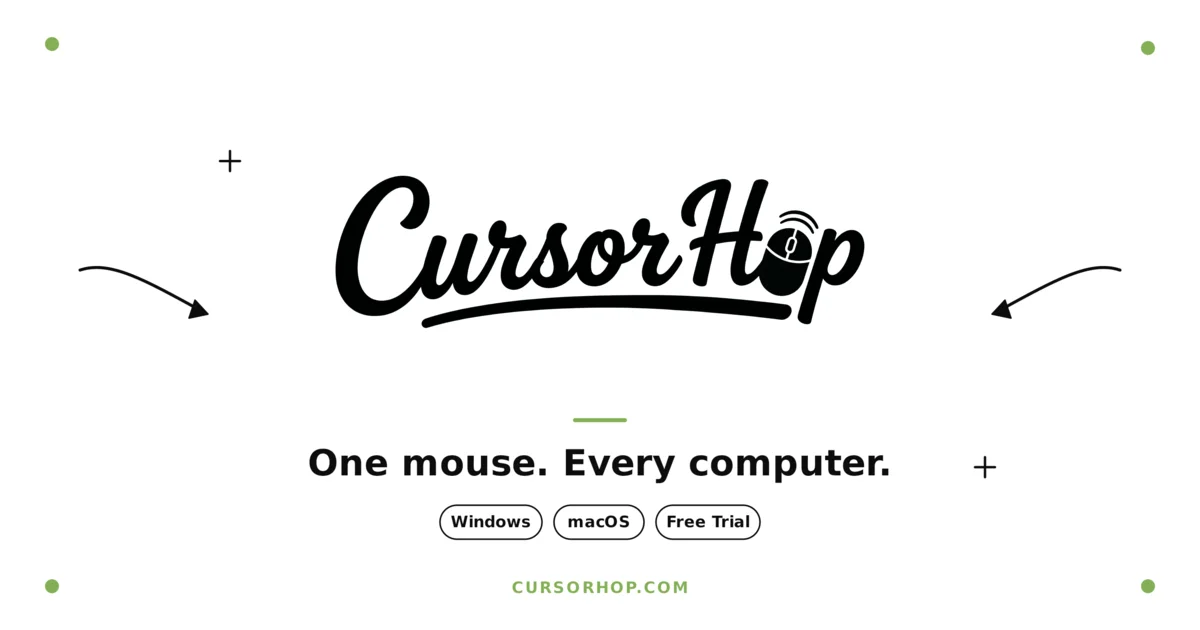
I built CursorHop after getting tired of juggling two keyboards on my desk. It lets you control multiple Mac and Windows computers with one mouse and keyboard, share clipboard contents (text, images, files), and drag files between screens like the machines are one. No KVM hardware, no cables, no cloud relay. Works on a local network with end-to-end encryption. Free 7-day trial, then lifetime license.
AI Overview
AI-generatedFor professionals working across multiple computers, often with different operating systems, CursorHop offers a seamless solution to a common problem. The frustration of juggling multiple keyboards and mice is eliminated with this software, which allows users to control multiple Mac and Windows machines with a single mouse and keyboard.
What stands out about CursorHop is its ability to transcend the traditional boundaries between different operating systems and computers. By simply moving the cursor to the edge of one screen, it instantly appears on the next computer, allowing for intuitive and effortless navigation. The software also enables the sharing of clipboard contents, including text, images, and files, between connected devices, and facilitates drag-and-drop file transfers at full LAN speeds.
The product's key features are its ease of setup, requiring no configuration files or technical expertise, and its robust end-to-end encryption using the Noise protocol with AES-256. This ensures that all data transferred between devices remains secure. Additionally, the software automatically discovers devices on the same network, making it straightforward to connect multiple machines.
CursorHop is clearly designed with the needs of multi-platform users in mind, providing a cohesive and streamlined experience. With a 7-day free trial and a lifetime license available after purchase, the product also offers a straightforward business model. The inclusion of a 14-day money-back guarantee adds a layer of confidence for potential customers. Overall, CursorHop presents a compelling solution for those seeking to simplify their workflow across multiple computers and operating systems.
Founder Diary
DevlogThe maker hasn't posted a diary entry yet.
Key Features
Seamless Cursor Transition
Move the cursor to the edge of one screen to instantly appear on the next computer
Clipboard Sharing
Enables sharing of clipboard contents including text, images, and files between connected devices
Drag-and-Drop File Transfers
Facilitates file transfers at full LAN speeds
End-to-End Encryption
Uses the Noise protocol with AES-256 to ensure secure data transfer
Automatic Device Discovery
Automatically discovers devices on the same network
Use Cases
-
1
Professionals working across multiple computers
Simplifies workflow and eliminates the frustration of juggling multiple keyboards and mice
-
2
Multi-platform users
Provides a cohesive and streamlined experience across different operating systems
-
3
Users handling large files
Enables drag-and-drop file transfers at full LAN speeds
FAQ
Is CursorHop compatible with both Mac and Windows? ▾
How secure is data transferred between devices? ▾
Can I try CursorHop before purchasing? ▾
Pricing
Offers a 7-day free trial and a lifetime license available after purchase with a 14-day money-back guarantee
Tech Stack & Tags
Discussion
No comments yet — be the first!
Join the conversation — sign up to comment.
Sign up freeCommunity Support
Boost this project on Sell With boost
Meet the Founder

"Software KVM for Mac and Windows. Share one mouse, keyboard, and clipboard across machines. Drag fil..."
More in Productivity
OkComputer
OkComputer is an AI harness for professionals an...

SpeakerEject
SpeakerEject is a free collection of browser aud...
Syllable Counter
This is a syllable counter tool made by AIWriteK...
AppDeploy
AppDeploy was built to solve a problem I repeate...

NexusAI
NexusAI began with a straightforward observation...

Tabreon
I built Tabreon because I was tired of "free" on...