
git-lrc
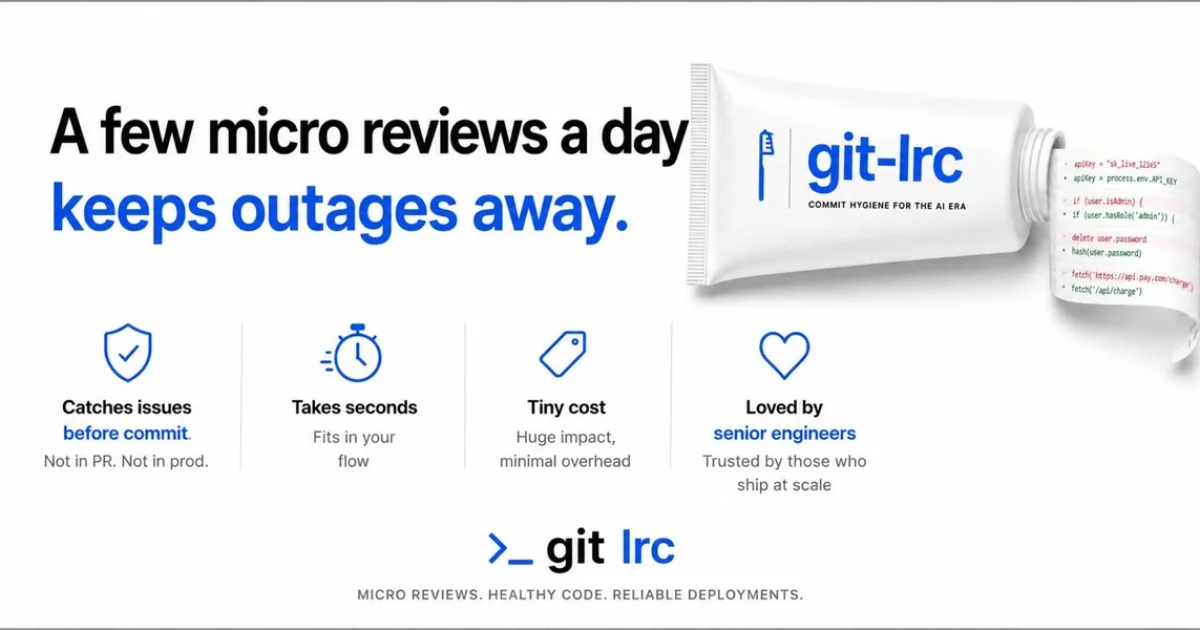
- No match
Machine translation — the English original is authoritative.
The Story
git-lrc started from a practical observation within my own team.
As our usage of AI coding tools like Copilot, Cursor, etc., increased, our velocity seemingly went up—but careful checking of the AI-generated code went down.
Engineers were committing code they hadn’t truly examined.
Reviews were happening later, sometimes too late, and often superficially (because AI generates tons of code)
This led to abstruse bugs and long debugging at prod.
Clearly, we needed a solution.
I didn’t want another dashboard. I wanted a strong nudge to review code at the right place—exactly where responsibility is bound to exist: git commit.
I prototyped git-lrc such that AI helps the developer work through diffs faster, acquire an understanding of what's going on, and fix issues on a commit-by-commit basis.
git-lrc was built with the idea that review shouldn’t be an afterthought. It should be structurally encouraged while putting the developer in control.
So in git-lrc, while a review is triggered automatically, the dev can still consciously skip the review.
Or they can manually review and "vouch" for the change they are making.
All these micro review decisions get recorded in git log—for future analysis so that the team could operate at higher engineering standards.
As to git-lrc, it takes 60 seconds to set up and is completely free for any number of reviews—thanks to Google Gemini's Free tier.
I encourage you to give git-lrc a try and see the difference in the quality of your code as well as concrete outcomes such as reduced production bugs.
Github: https://github.com/HexmosTech/git-lrc
Landing Page: https://hexmos.com/livereview/git-lrc/
AI Overview
AI-generatedAs development teams increasingly adopt AI-powered coding tools, they face a new challenge: ensuring the quality of AI-generated code. The rise of AI-assisted coding has led to faster development velocities, but often at the cost of thorough code reviews. Engineers may commit code without fully examining it, leading to abstruse bugs and lengthy debugging sessions in production. git-lrc addresses this issue by providing a solution that encourages developers to review their code at the point of commit.
What stands out about git-lrc is its focus on integrating code review into the developer's existing workflow, rather than introducing a new dashboard or separate review process. By triggering AI-assisted code reviews on commit, git-lrc provides a nudge to developers to examine their code changes carefully. The tool is designed to put the developer in control, allowing them to skip or manually review and "vouch" for their changes. These review decisions are recorded in the git log, providing a record of the team's review diligence.
Key features of git-lrc include its automated review triggers, manual review and vouching capabilities, and recording of review decisions in the git log. The tool is also extremely easy to set up, requiring just 60 seconds to get started. Notably, git-lrc is completely free to use, thanks to its reliance on Google Gemini's free tier, with no limits on the number of reviews.
By integrating code review into the commit process, git-lrc aims to improve the quality of code and reduce production bugs. Its straightforward setup and free pricing make it an attractive option for development teams looking to enhance their code review processes.
Founder Diary
DevlogThe maker hasn't posted a diary entry yet.
Key Features
Automated Review Triggers
Triggers AI-assisted code reviews on commit
Manual Review Capability
Allows developers to manually review and vouch for their changes
Review Recording
Records review decisions in the git log
Simple Setup
Requires just 60 seconds to get started
Use Cases
-
1
Development Teams
To improve code quality and reduce production bugs
-
2
Engineers
To encourage thorough code reviews at the point of commit
-
3
Teams Adopting AI-Powered Coding Tools
To ensure the quality of AI-generated code
FAQ
Is git-lrc free to use? ▾
How long does it take to set up git-lrc? ▾
Does git-lrc limit the number of reviews? ▾
Pricing
Relies on Google Gemini's free tier
Tech Stack & Tags
Discussion
No comments yet — be the first!
Join the conversation — sign up to comment.
Sign up freeCommunity Support
Boost this project on Sell With boost