My2Do
Made by the SellWithBoost team — one of our own products, listed free.
- No match
Machine translation — the English original is authoritative.
The Story
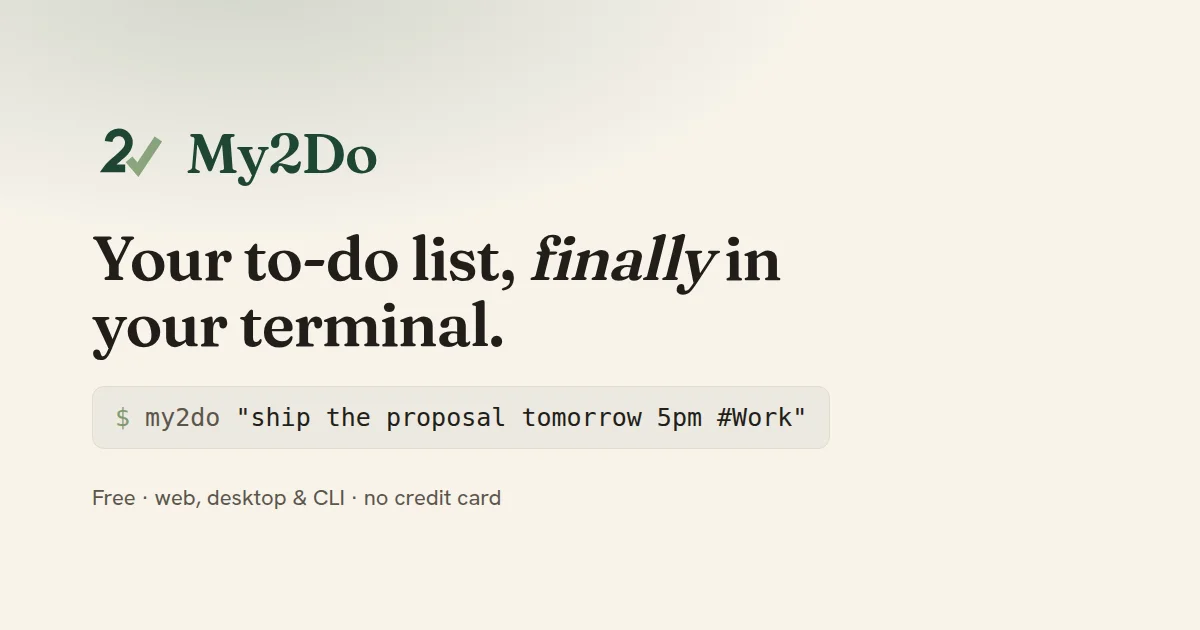
Type tasks the way you would say them, like "send the invoice Friday 10am", and My2Do sets the date and reminds you. Projects, labels, board and calendar views, and shared team workspaces. Works on the web, Android, desktop and the command line, with a free plan.
AI Overview
AI-generatedMy2Do takes aim at a familiar frustration: task managers that demand a form for every entry and then bury the reminder behind a settings menu. Its pitch is that a to-do list should accept a sentence the way you would say it aloud. Typing "send the invoice Friday 10am" or "ship the proposal tomorrow 5pm #Work p1" yields a dated, labeled, prioritized task in a single step. The product is aimed at people who spend much of their day in a terminal or keyboard-driven workflow and want task capture to interrupt them as little as possible, though the web and desktop apps make it accessible to anyone who prefers a visual board or calendar.
What sets My2Do apart is that it treats the command line as a first-class surface rather than an afterthought. The same list is reachable through a single-file CLI, a native desktop application with a global capture shortcut and menu bar presence, and a full web app, all under one account. A task added from a shell can be checked off on a laptop and reminded about on a phone, which makes the three surfaces feel like one system rather than three loosely connected clients. The natural-language parser handles dates, times, projects, labels, priority levels and recurrence, so a line such as "every weekday 9am" becomes a repeating task without any further setup.
The product also makes an explicit stance on data and business model. The company states it runs no advertising, does not sell user data, sends reminders from its own mail servers, and lets users export their data or delete their account entirely. Every action is said to have a keyboard shortcut. On pricing, the free tier is described as a complete application across web, desktop and CLI with no card or trial required. Paid options add unlimited projects, a calendar view, custom columns and a developer API, available either as a monthly subscription at $5 or as a one-time payment of $99 for lifetime access to Pro.
Founder Diary
DevlogThe maker hasn't posted a diary entry yet.
Key Features
Natural Language Capture
Typing a sentence like "send the invoice Friday 10am" creates a dated, labeled, prioritized task in one step.
Command Line Surface
A single-file CLI gives keyboard-driven users access to the same task list as the other apps.
Cross-Device Sync
Tasks added from a shell can be checked off on a laptop and reminded about on a phone under one account.
Desktop App Shortcuts
The native desktop app offers a global capture shortcut and menu bar presence.
Recurring Task Parsing
Phrases such as "every weekday 9am" automatically become repeating tasks without extra setup.
Data Export and Deletion
Users can export their data or delete their account entirely.
Use Cases
-
1
Keyboard-driven developers
People who spend much of their day in a terminal can capture tasks from a shell without interrupting their workflow.
-
2
Visual planners
Users who prefer a board or calendar can use the web and desktop apps to manage tasks visually.
-
3
Privacy-conscious users
People who want no advertising and no sale of their data may choose My2Do because the company states it does neither.
-
4
Budget-conscious individuals
Users who want to try the product before paying can use the free tier, which requires no card or trial.
FAQ
Is My2Do free to use? ▾
How much does My2Do Pro cost? ▾
Can I add tasks to My2Do from the command line? ▾
Does My2Do sell user data or show ads? ▾
Pricing
The free tier is a complete application across web, desktop and CLI, while Pro adds unlimited projects, a calendar view, custom columns and a developer API for $5 monthly or $99 lifetime.
Discussion
No comments yet — be the first!
Join the conversation — sign up to comment.
Sign up freeCommunity Support
Boost this project on Sell With boost
Meet the Founder

More by Nick G




More in Productivity

OkComputer
OkComputer is an AI harness for professionals an...

ToolPotion
ToolPotion.ai — Discover the Right AI Tools for...
Word Puzzle World
Word Puzzle World started with a familiar frustr...

SpeakerEject
SpeakerEject is a free collection of browser aud...
Syllable Counter
This is a syllable counter tool made by AIWriteK...

NexusAI
NexusAI began with a straightforward observation...