NeoPhoto.ai
- No match
Machine translation — the English original is authoritative.
The Story
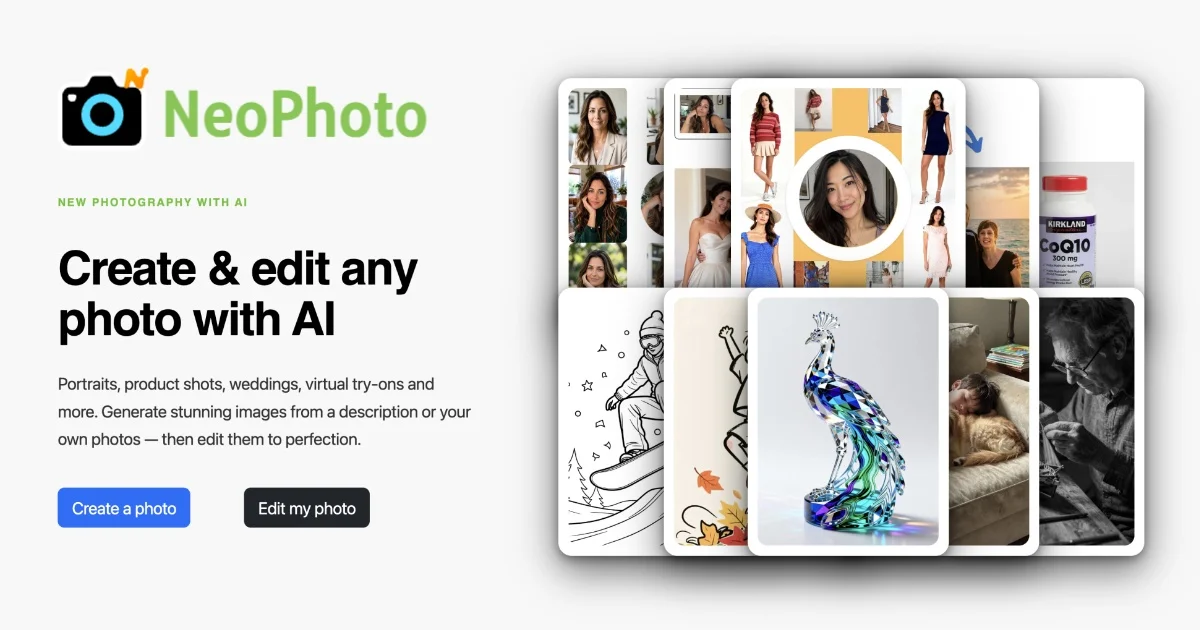
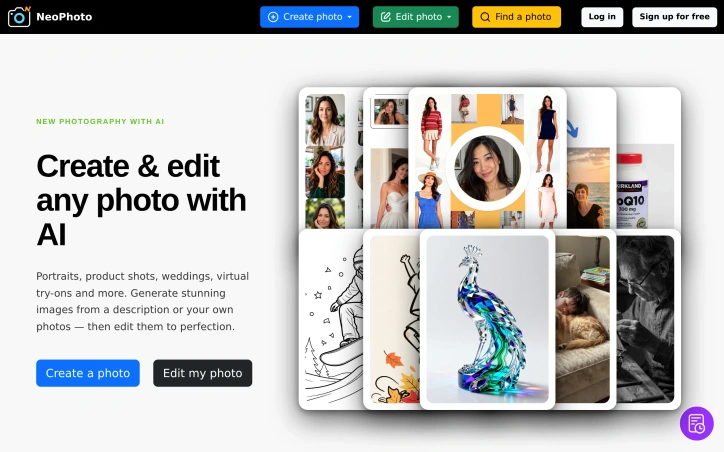
We built NeoPhoto to democratize professional photography. Creating stunning portraits, product shots, and event photos shouldn't require expensive equipment or design skills. Our AI platform lets anyone generate high-quality images from text or reference photos, then edit them with 20+ AI tools—making professional photography accessible to everyone.
AI Overview
AI-generatedAI-powered image generation and editing have become increasingly commoditized, but many tools still require specialized knowledge or produce generic results. NeoPhoto.ai addresses this gap by combining text-to-image generation with a suite of 20+ editing tools, designed specifically for creators, e-commerce businesses, and anyone needing professional-quality visuals without the overhead of equipment or design expertise.
The platform's core strength lies in its task-specific approach. Rather than using a single generalized model for all image work, NeoPhoto routes different jobs to specialized models optimized for their particular purpose. This architecture means a portrait generation request uses a different engine than product staging or group photo creation, theoretically yielding higher-quality results for each use case. The editing toolkit reflects similar specialization, with dedicated tools for background removal, object erasure, content fill, image restoration, and upscaling to 4MP print-ready resolution.
The feature set covers the full lifecycle of image creation and refinement. Users can generate images from text descriptions or reference photos, then refine them using tools like Magic Fill to add or replace elements, Magic Eraser for seamless object removal, and a "Reshoot" function that transforms snapshots into more cinematic versions. The ability to export illustrations and designs as clean SVG or PDF vectors adds utility for graphic design workflows that typically require manual conversion steps.
NeoPhoto offers free access to start, positioning itself as low-friction for trial users. Premium plans unlock faster processing speeds, simultaneous job execution, commercial licensing, and dedicated support. The commercial licensing component matters for e-commerce sellers and creators monetizing their work, addressing a common pain point with other generative tools.
The 80+ art styles and breadth of creation templates—ranging from professional headshots and group photos to virtual clothing try-ons and wedding photography—indicate a product designed to serve multiple verticals rather than a single use case. This horizontal approach broadens the addressable market but also creates execution risk across so many distinct workflows.
What remains unclear from the available information is how the platform's output quality compares to competitors, the latency of different generation and editing operations at scale, and the specific architectural decisions underpinning the task-routing system. Pricing details beyond "free to start" and the existence of "Pro Plans" are not specified. For creators evaluating the tool, these specifics would factor heavily into adoption decisions.
Founder Diary
DevlogThe maker hasn't posted a diary entry yet.
Key Features
Text-to-Image Generation
Converts text descriptions and reference photos into professional images using specialized models.
Specialized Editing Suite
20+ task-optimized editing tools including Magic Fill, Magic Eraser, background removal, object erasure, and restoration.
Vector Export
Export illustrations and designs as clean SVG or PDF vectors for graphic design workflows.
Multi-Style Library
80+ art styles and creation templates spanning professional headshots, product staging, virtual try-ons, and wedding photography.
Print-Ready Upscaling
Enhance images to 4MP print-ready resolution with content fill and restoration.
Reshoot Function
Transforms snapshots into more cinematic, professionally-styled versions.
Use Cases
-
1
E-commerce businesses
Create product staging, virtual try-ons, and professional photography without specialized equipment or design expertise.
-
2
Content creators
Generate portfolio and social media images across 80+ styles without requiring specialized knowledge.
-
3
Graphic designers
Export designs as vectors, eliminating manual conversion steps in typical design workflows.
-
4
Professional photographers
Enhance snapshots and create polished headshots, group photos, and wedding imagery.
FAQ
What happens after the free plan? ▾
Can I sell images created with NeoPhoto? ▾
What file formats can I download? ▾
How does NeoPhoto produce higher-quality results? ▾
Pricing
Free access to start with premium plans available; specific pricing amounts are not disclosed.
Tech Stack & Tags
Discussion
No comments yet — be the first!
Join the conversation — sign up to comment.
Sign up freeCommunity Support
Boost this project on Sell With boost
Meet the Founder

More in AI Generative Media

AI Mixer - AI Photo | AI Video | AI Voice. All AI tools in one app!
AI Mixer was built to solve a simple but frustra...
FacelessGenie
We built FacelessGenie to solve the biggest bott...

GeniusAI
We built GeniusAI to make professional AI image...

MyRaxAI
I built MyRaxAI to help creators generate stunni...

Berrioo
We built Berrioo to democratize professional vis...

Seedance
We built Seedance to make cinematic video creati...