Omni AI
- No match
Machine translation — the English original is authoritative.
The Story
Omni AI is an all-in-one artificial intelligence app designed to simplify everyday tasks and supercharge productivity. It combines powerful features like AI chat, image generation, voice assistance, and smart summarization into a single seamless platform. Whether you're a professional looking to streamline workflows, a student needing quick research help, or a creator seeking inspiration, Omni AI adapts to your needs. Built with accessibility in mind, it eliminates the hassle of juggling multiple AI tools — everything you need is in one place, powered by cutting-edge AI technology.
AI Overview
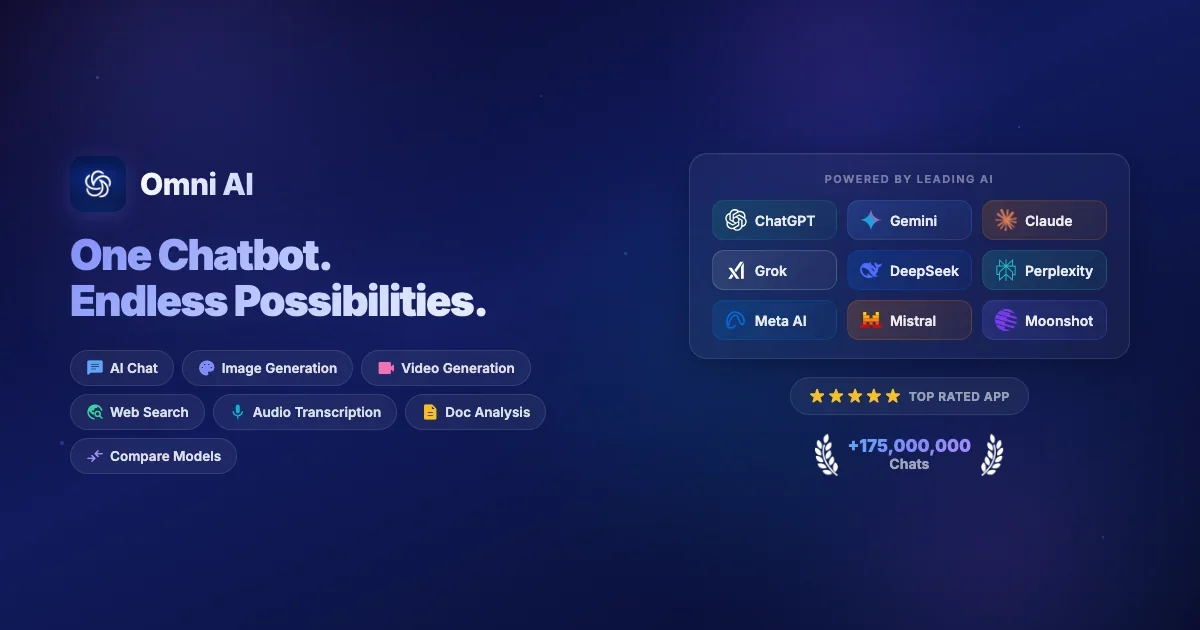
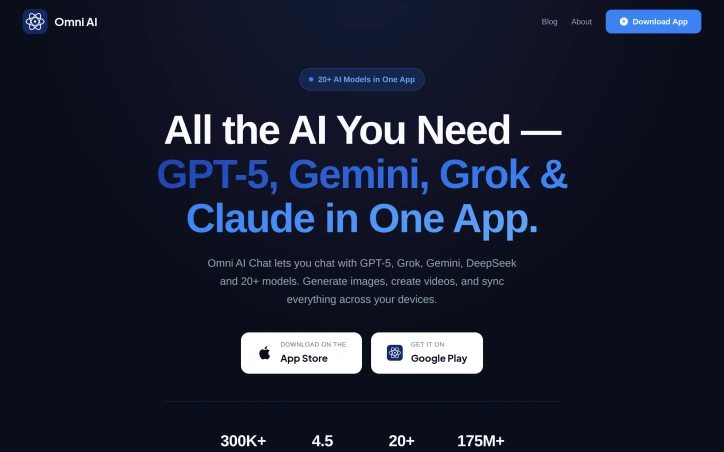
AI-generatedSwitching between ChatGPT, Gemini, Grok, and half a dozen other AI apps takes a toll on productivity and your wallet. Omni AI consolidates access to more than 20 leading AI models into a single iOS and Android application, positioning itself as the one-stop solution for users who want to leverage multiple AI systems without maintaining separate subscriptions.
The app's core appeal is straightforward: rather than juggling tabs or apps, users can access GPT-5.2, Claude Sonnet 4.5, Grok 4.1, Gemini 3, DeepSeek R1, Mistral Large 3, Llama 4 Scout, Perplexity Sonar, and others all in one place. The real differentiation comes in how the app handles model selection. Omni AI displays the strengths and optimal use cases for each model, helping users understand which one to choose for coding, writing, math, research, or creative tasks. More importantly, the app allows mid-conversation model switching, letting users compare outputs directly without starting over.
Beyond chat, Omni AI bundles image generation, video creation, and AI-powered web search into the same interface. Cross-device sync means conversations and preferences carry across phones and tablets, while organizational features like chat folders and specialized "expert AI assistants" for specific tasks bring structure to what could otherwise feel chaotic.
The numbers suggest adoption is gaining traction. The app has reached 200,000 downloads, maintains a 4.5-star rating, and has processed over 175 million messages. These figures sit well within the range of a serious mobile application gaining early momentum, though still short of mainstream penetration.
Pricing is approachable. The app is free to download with a freemium model; premium plans start at $5.99 per week, $9.99 per month, or $59.99 per year. This positions Omni AI as cheaper than maintaining subscriptions to OpenAI, Google, and xAI separately, though the exact cost-benefit depends on which models a user actually needs and how often they access premium features.
For developers, researchers, writers, and anyone who regularly switches between different AI models, Omni AI removes friction. The real test will be whether the consolidated experience actually improves workflow quality or simply trades one form of switching—between apps—for another.
Founder Diary
DevlogThe maker hasn't posted a diary entry yet.
Key Features
Multi-AI Access
Access over 20 leading AI models including GPT-5.2, Claude Sonnet, Grok, and Gemini in a single application.
Mid-Conversation Switching
Switch between AI models during a conversation to directly compare outputs without restarting.
Image and Video Generation
Bundled image generation, video creation, and AI-powered web search within the same interface.
Cross-Device Sync
Conversations and preferences automatically synchronize across iOS and Android devices.
Smart Model Selection
Displays each model's strengths and optimal use cases to help users choose the right tool for coding, writing, math, research, or creative tasks.
Use Cases
-
1
Developers
Need to quickly switch between models to find the best tool for coding problems and technical tasks.
-
2
Researchers
Require access to multiple specialized AI models for comparing methodologies and research outputs.
-
3
Writers
Can leverage different models optimized for creative writing, editing, and content generation.
-
4
Cost-Conscious Users
Want to consolidate multiple AI subscriptions into a single cheaper application.
FAQ
Can I switch between different AI models in the middle of a conversation? ▾
What AI models are available in Omni AI? ▾
Does Omni AI work on multiple devices? ▾
What is the pricing for Omni AI? ▾
Pricing
Premium plans positioned as cheaper than maintaining separate subscriptions to OpenAI, Google, and xAI.
Tech Stack & Tags
Discussion
No comments yet — be the first!
Join the conversation — sign up to comment.
Sign up freeCommunity Support
Boost this project on Sell With boost
Meet the Founder

More in AI Chatbots

Sora 2
Turn text prompts and images into hyperreal vide...
Ask Brave
Ask Brave is a new interface from Brave that uni...
Vibe Coding Award
Vibe Code Award celebrates innovation in coding,...

Octave 2 by Hume AI
Introducing Octave 2. What’s new: - Fluent in 11...

LFM2-Audio
LFM2-Audio defines a new class of audio foundati...
Granola Recipes
Recipes are saved prompts written by experts tha...