
ReelMuse
- No match
Machine translation — the English original is authoritative.
The Story
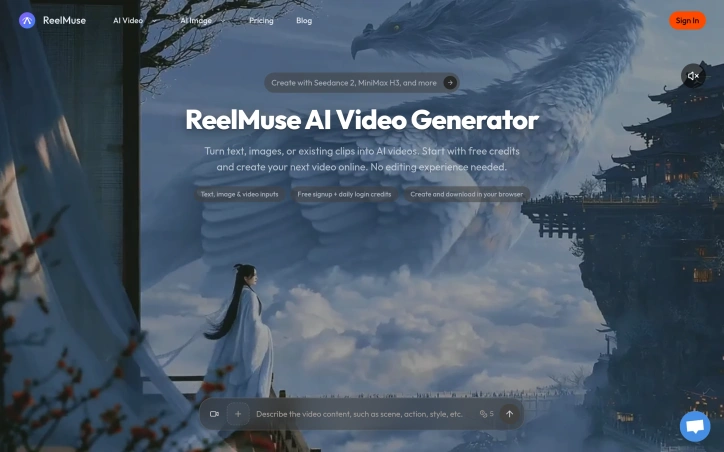
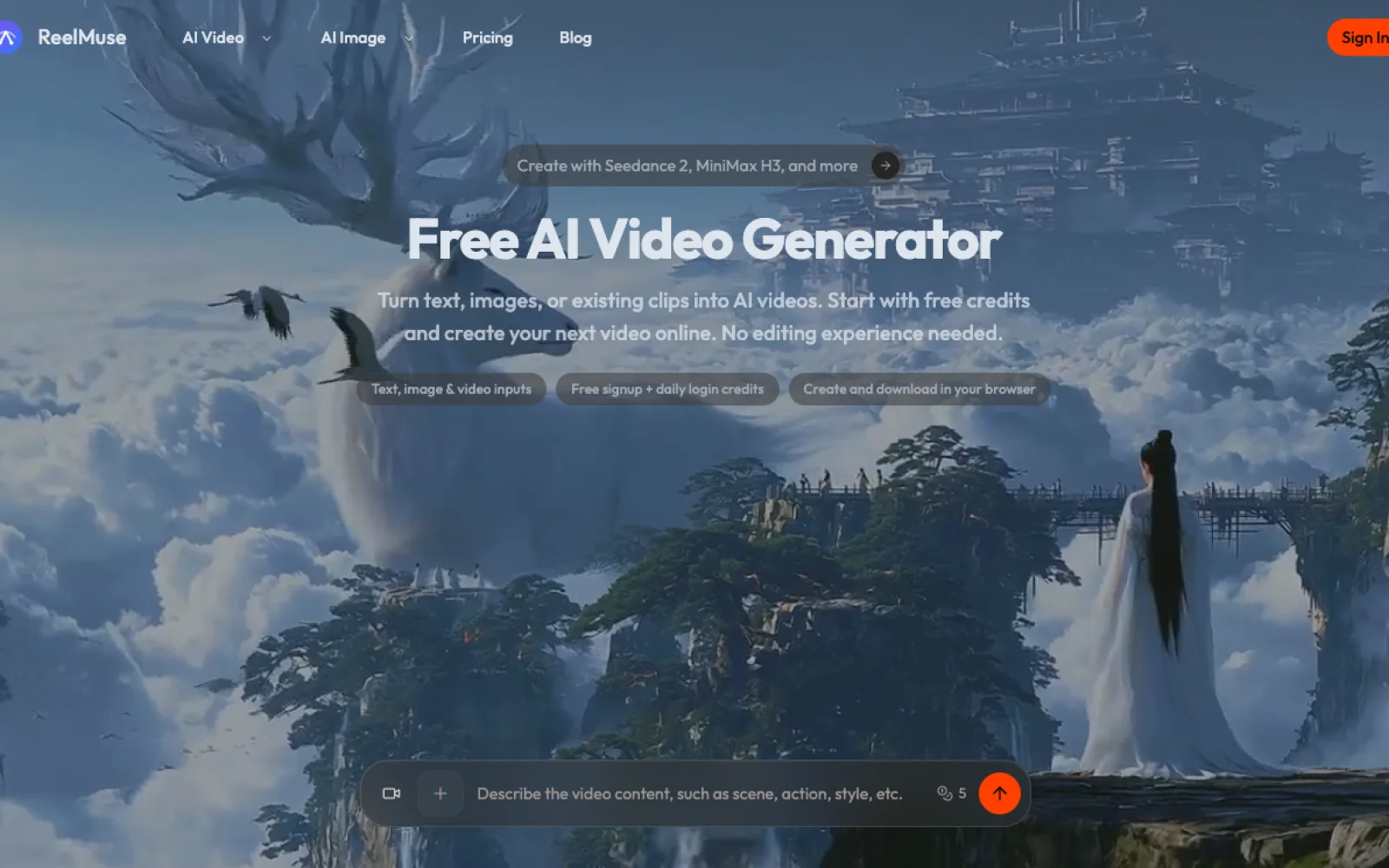
I built ReelMuse to democratize video creation for creators and marketers without expensive software or editing skills. The explosion of video demand inspired me to combine the latest AI models into one simple browser tool. Now anyone can transform text, images, or existing footage into professional videos instantly.
AI Overview
AI-generatedCreating professional videos traditionally demands expensive software licenses and technical editing expertise, putting the format out of reach for many creators and marketers. ReelMuse addresses this friction by consolidating multiple AI video generation models into a single browser-based workspace, eliminating software costs and the learning curve of traditional video editors.
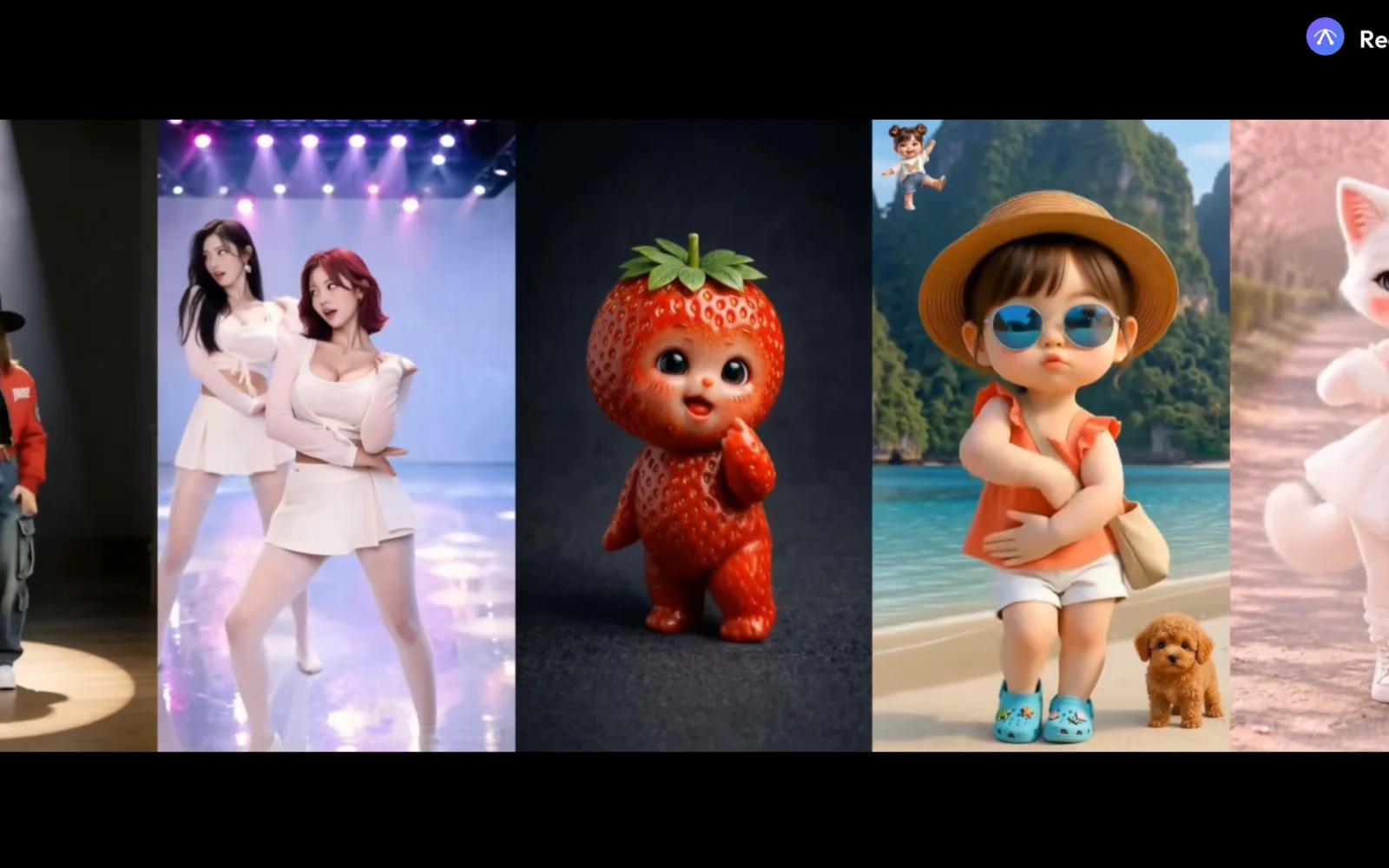
The platform accepts three types of input: text descriptions, uploaded images, or existing video clips. Users describe their desired output in plain language—specifying motion, lighting, camera direction, and framing—then select from a roster of AI models before generating. The execution is straightforward: choose a starting point, describe what should happen, generate, and download.
What distinguishes ReelMuse is its model selection. Rather than locking users into a single engine, the platform integrates several options including Seedance 2 (designed to animate still images with motion prompts), MiniMax H3, and Veo 3.1 (for text or image-to-video generation). GPT Image 2 handles original image creation from text, while Nano Banana provides image editing capabilities. This breadth lets users match the tool to their specific creative need and compare credit costs before committing to generation.
The browser-based approach removes friction from the creation-to-download pipeline. Users organize pending tasks and finished videos in a single workspace called Generate, eliminating the scattered workflow of desktop software. The interface emphasizes guidance over technical control: users input a scene description and motion direction, then let the AI interpret those instructions. This philosophy trades granular control for accessibility.
The platform operates on a freemium model. New users receive an initial signup bonus and daily login credits, creating a low-friction entry point. Specific credit costs per model and generation parameters are visible before committing, though detailed pricing beyond free signup isn't provided in promotional materials.
The product succeeds at its stated mission: lowering the barrier to video creation for people without editing skills or large budgets. The integration of multiple models and thoughtful workspace design distinguish it from single-model competitors. Whether the credit system and model selection strike the right balance for sustained creator adoption remains to be determined by market response.
Founder Diary
DevlogThe maker hasn't posted a diary entry yet.
Key Features
Multi-Model Selection
Integrates Seedance 2, MiniMax H3, Veo 3.1, GPT Image 2, and Nano Banana for different creative needs.
Browser-Based Workspace
No software installation required, eliminating licensing costs and the learning curve of traditional editors.
Flexible Input Options
Accepts text descriptions, uploaded images, or existing video clips as creative starting points.
Credit Cost Transparency
Users can preview and compare credit costs per model and generation parameters before committing.
Unified Video Management
Organize pending tasks and finished videos in a single workspace called Generate.
Use Cases
-
1
Creators without editing skills
ReelMuse removes technical barriers by using AI interpretation instead of granular manual controls.
-
2
Budget-conscious marketers
The freemium model with signup bonuses and daily login credits provides accessible entry without upfront costs.
-
3
Content creators comparing tools
Multi-model integration lets users test different AI engines and compare credit costs before deciding.
FAQ
Do I need to download software to use ReelMuse? ▾
What AI video generation models does ReelMuse support? ▾
How much does it cost to start? ▾
Pricing
New users receive signup bonuses and daily login credits; specific pricing beyond free signup is not detailed in promotional materials.
Tech Stack & Tags
Discussion
No comments yet — be the first!
Join the conversation — sign up to comment.
Sign up freeCommunity Support
Boost this project on Sell With boost
Meet the Founder

More in AI Generative Media

AI Mixer - AI Photo | AI Video | AI Voice. All AI tools in one app!
AI Mixer was built to solve a simple but frustra...
FacelessGenie
We built FacelessGenie to solve the biggest bott...

GeniusAI
We built GeniusAI to make professional AI image...

MyRaxAI
I built MyRaxAI to help creators generate stunni...

Berrioo
We built Berrioo to democratize professional vis...

Seedance
We built Seedance to make cinematic video creati...