
Favore AI
- No match
Machine translation — the English original is authoritative.
The Story
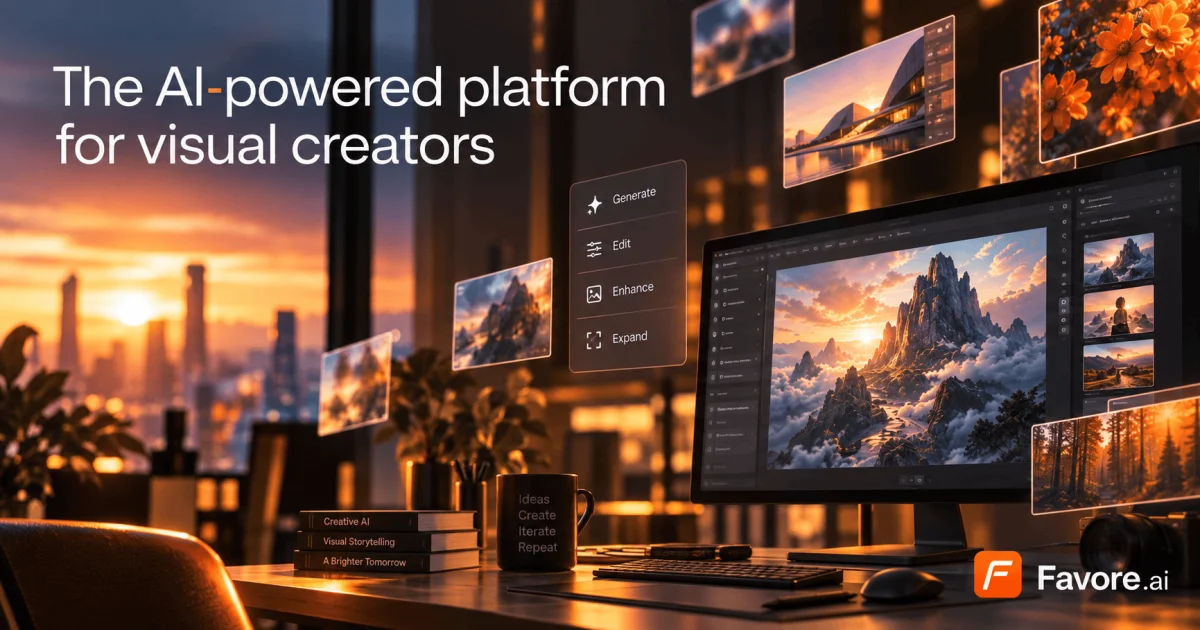
We built Favore to solve the fragmentation problem in AI-powered creative work. Creators were bouncing between different tools for image generation, video creation, and editing—losing time and context. Our platform brings together leading AI models, focused creative tools, and reusable workflows in one connected workspace, so every creative idea can move forward without friction.
AI Overview
AI-generatedFragmentation in creative workflows has long plagued designers and creators who rely on AI. A designer might use one service for image generation, another for video, a third for editing, and a fourth for effects—each switch draining context and momentum. Favore addresses this directly by consolidating multiple leading AI models and creative capabilities into a single workspace designed around continuous iteration.
The platform targets creators and designers who work regularly with generative AI and need both breadth of capabilities and depth of control. Rather than locking users into a single model or set of tools, Favore exposes a curated selection of generators from OpenAI, xAI, Google DeepMind, ByteDance, and others. Users can compare these models and choose based on whether they prioritize fidelity, speed, text rendering, or editing control. This model-agnostic approach means creators aren't forced to accept tradeoffs in quality or capability.
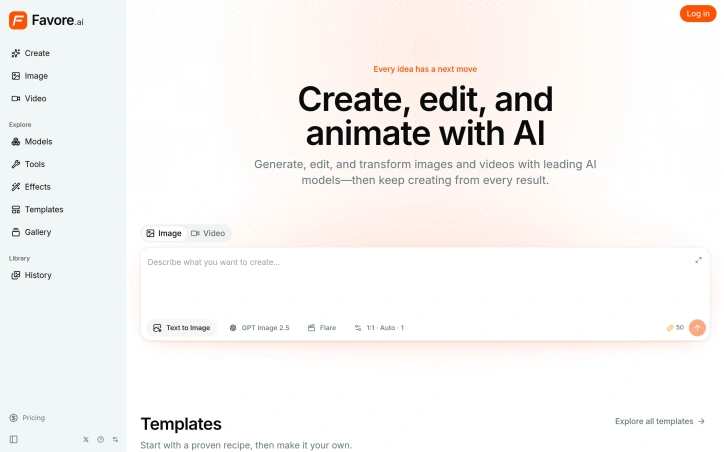
What distinguishes Favore most clearly is its architecture around the creative loop. The platform surfaces outcomes first—image, video, editing capability, template, or effect—then progressively exposes only the inputs each model actually supports. Once you generate or edit an image, you can immediately continue with another compatible action without leaving the workspace. This eliminates the friction of context-switching and keeps work moving forward.
The feature set reflects this continuity. Users can generate images from text descriptions or reference images, edit existing work, animate stills, blend multiple images, or apply defined visual effects. For video, the platform generates from text, animates still images, or extends existing clips. Underlying capabilities include content removal, restoration, upscaling, and extension. Many models support reference images—GPT Image 2 accepts up to sixteen—giving creators meaningful control over the direction and consistency of outputs.
The tool integrates templates as reusable creative recipes that users can customize by subject, style, or format. It also offers model selection as a first-class interaction, letting creators make deliberate choices about which generator fits each task rather than defaulting to one option.
On business model, the site references a credits system but provides no explicit pricing information. The company positions itself as a way to eliminate the tool-switching tax that slows creative work, a genuine friction point in the current AI creative landscape. Whether the execution delivers on that promise at scale remains to be seen, but the problem statement is sound and the approach is direct.
Founder Diary
DevlogThe maker hasn't posted a diary entry yet.
Key Features
Multi-Model Access
Compare and use AI generators from OpenAI, xAI, Google DeepMind, ByteDance, and others in a single workspace.
Unified Creative Workspace
Consolidates image generation, video creation, editing, effects, and templates into one continuous workflow.
Image Generation and Editing
Generate images from text or reference images, edit existing work, and apply effects like upscaling and restoration.
Video Creation
Generate video from text, animate still images, or extend existing video clips.
Template System
Reusable creative recipes customizable by subject, style, or format for streamlined workflows.
Use Cases
-
1
Professional Designers
Creators who work regularly with AI need both breadth of capabilities and depth of control without switching between multiple services.
-
2
Content Creators
Creators generating images and video want to eliminate the friction and context loss from switching between multiple AI platforms.
-
3
Visual Effects Artists
Professionals requiring upscaling, restoration, content removal, and extension capabilities benefit from having all tools in one platform.
FAQ
Can I use different AI image generators in Favore? ▾
What can I edit and create in Favore? ▾
How does Favore prevent tool-switching? ▾
How much does Favore cost? ▾
Tech Stack & Tags
Discussion (1)

Favore is an AI creative platform for creators, designers, and marketers. Turn prompts, reference images, and reusable templates into images and videos. Edit, enhance, or animate your images using the available workflows. Keep your creation history in one place and view credit estimates before generation. Subscriptions and one-time credit packs are available.
Join the conversation — sign up to comment.
Sign up freeCommunity Support
Boost this project on Sell With boost
Meet the Founder
More by 0 Kong (Kong)


More in AI Generative Media

AI Mixer - AI Photo | AI Video | AI Voice. All AI tools in one app!
AI Mixer was built to solve a simple but frustra...
FacelessGenie
We built FacelessGenie to solve the biggest bott...

GeniusAI
We built GeniusAI to make professional AI image...

MyRaxAI
I built MyRaxAI to help creators generate stunni...

Berrioo
We built Berrioo to democratize professional vis...

Seedance
We built Seedance to make cinematic video creati...