Krypt
- No match
Machine translation — the English original is authoritative.
The Story
We built Krypt because privacy shouldn't require trust. Most password managers ask you to upload your secrets to someone else's servers and hope they keep them safe. Krypt takes a different path: everything stays encrypted on your device, with no cloud, no sync, and no account required. We believe your digital life should belong to you—not to us.
AI Overview
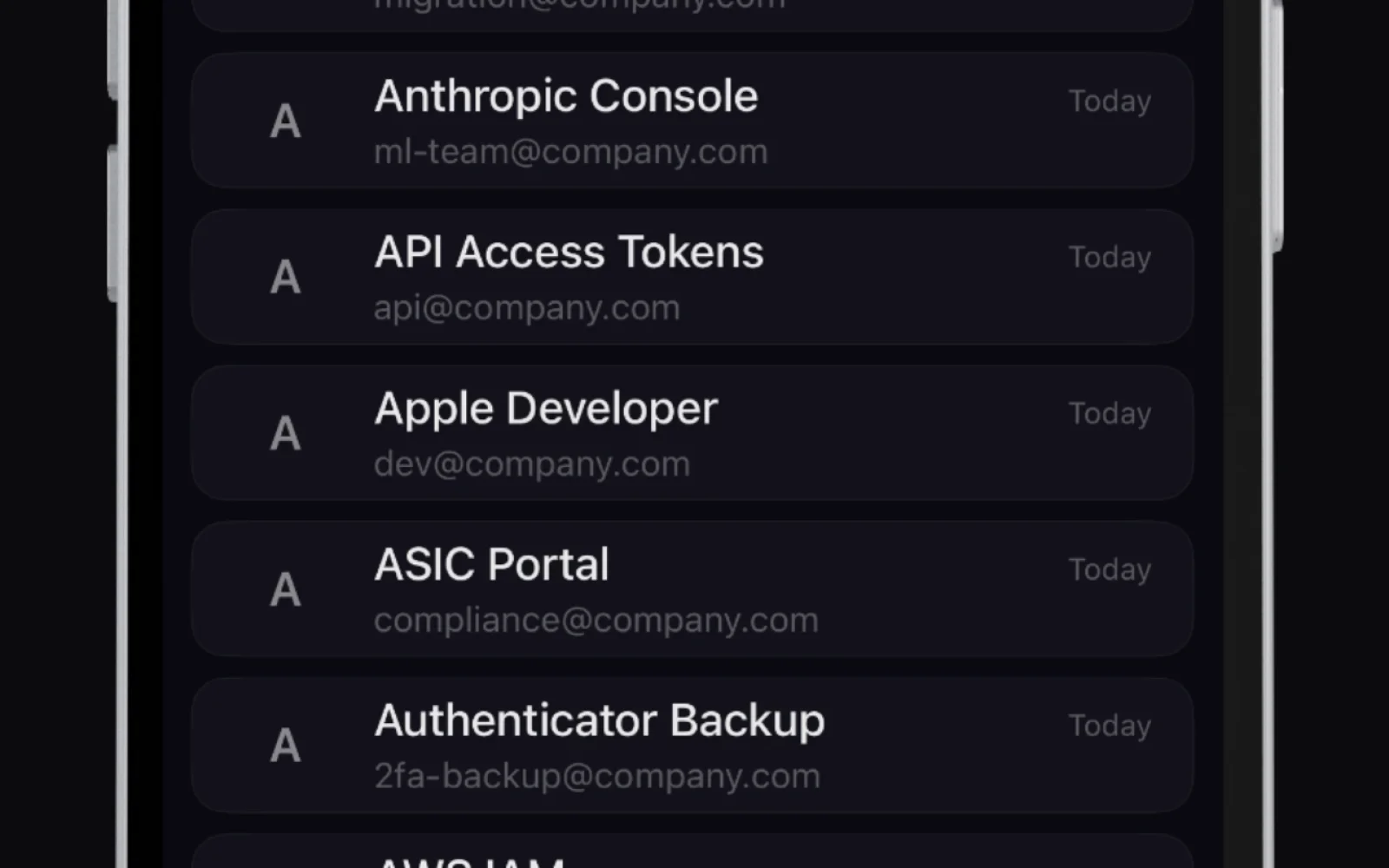
AI-generatedOffline password management addresses a growing skepticism toward cloud-based vault services: if a company stores encrypted secrets on servers, those servers become targets regardless of encryption quality. Krypt takes this concern seriously, architecting an entirely device-resident vault that never transmits data beyond the iPhone it runs on.
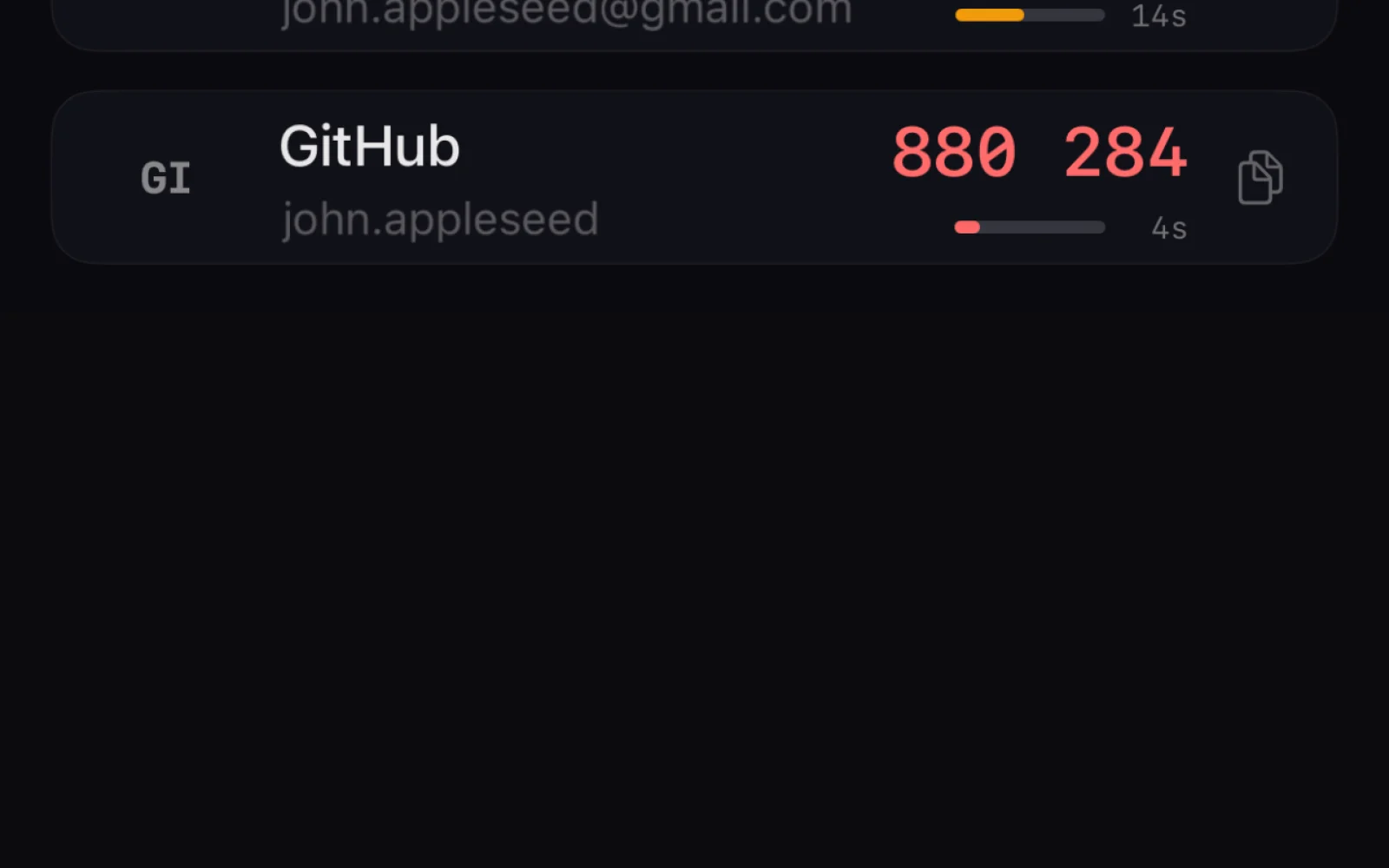
The product targets privacy-conscious users and those operating in high-risk contexts—individuals crossing borders, facing coercion, or simply unwilling to grant any organization custody of their digital credentials. iOS users with iOS 17.6 or later can download Krypt and begin securing passwords, files, two-factor authentication codes, and notes without creating an account, providing an email, or enabling any network connectivity.
What distinguishes Krypt from typical password managers is twofold. First, its technical architecture excludes not just company servers but Apple's iCloud infrastructure as well. Encryption keys remain device-bound and explicitly excluded from backups, preventing Apple or any third party from accessing vault contents even through OS-level backup mechanisms. Second, the product includes a decoy vault feature that opens with an alternative PIN, displaying a convincing but separate set of dummy credentials. This dual-vault design is rare among commercial offerings and addresses coercion scenarios: an attacker demanding unlock access gets a real-looking fake vault containing no actual secrets.
The encryption scheme uses AES-256 authenticated encryption paired with PBKDF2-SHA256 key derivation at 310,000 iterations—matching standards used in banking and government infrastructure. The application offers no analytics, telemetry, or network permissions; iOS Settings can confirm Krypt performs zero network access. Auto-lock thresholds, Face ID integration, and a ten-attempt wipe mechanism round out the security features.
Krypt operates as a free application with a lifetime unlock option available. This freemium model positions the core product accessibly while offering users the ability to purchase permanent access without ongoing subscription fees.
The trade-off inherent to Krypt's architecture is clear: data portability and synchronization vanish entirely. Users who want their vault on multiple devices must manually export encrypted backups and manage copies themselves—no background syncing, no cloud convenience. For the user base Krypt targets, this is not a limitation but a feature.
Founder Diary
DevlogThe maker hasn't posted a diary entry yet.
Key Features
Device-Resident Vault
Entire password vault stored exclusively on the iPhone with no transmission to servers or cloud services
Decoy Vault Feature
Alternative PIN reveals dummy credentials to protect against coercion or forced access
Military-Grade Encryption
AES-256 authenticated encryption with PBKDF2-SHA256 key derivation at 310,000 iterations
No Account Required
Access passwords and notes without registration, email, or network connectivity
Excluded from Backups
Encryption keys remain device-bound and excluded from iCloud and OS-level backups
Auto-Lock and Biometric Security
Face ID integration, auto-lock thresholds, and automatic wipe after ten failed unlock attempts
Use Cases
-
1
Privacy-Conscious Users
For individuals who distrust cloud-based password managers and prefer complete offline security
-
2
High-Risk Contexts
For people crossing borders or facing coercion who need plausible deniability through the decoy vault
-
3
Security-Focused Professionals
For those in banking, government, or sensitive fields requiring encryption standards matching institutional infrastructure
-
4
Users Without Cloud Accounts
For iOS users unwilling to enable iCloud or create accounts for credential storage
FAQ
Can I sync Krypt across multiple devices? ▾
Does Krypt access iCloud or require internet? ▾
What happens if I forget my PIN? ▾
How much does Krypt cost? ▾
Pricing
Free app with optional lifetime unlock purchase instead of subscription fees
Tech Stack & Tags
Discussion
No comments yet — be the first!
Join the conversation — sign up to comment.
Sign up freeCommunity Support
Boost this project on Sell With boost