
PreviewShip
- No match
Machine translation — the English original is authoritative.
The Story
PreviewShip is a lightweight deployment tool for developers, teams, and AI agents.
AI agents and developers can generate HTML, Markdown, and static pages very quickly, but sharing those results as a real public URL still often requires Git, CI, FTP, servers, or hosting setup.
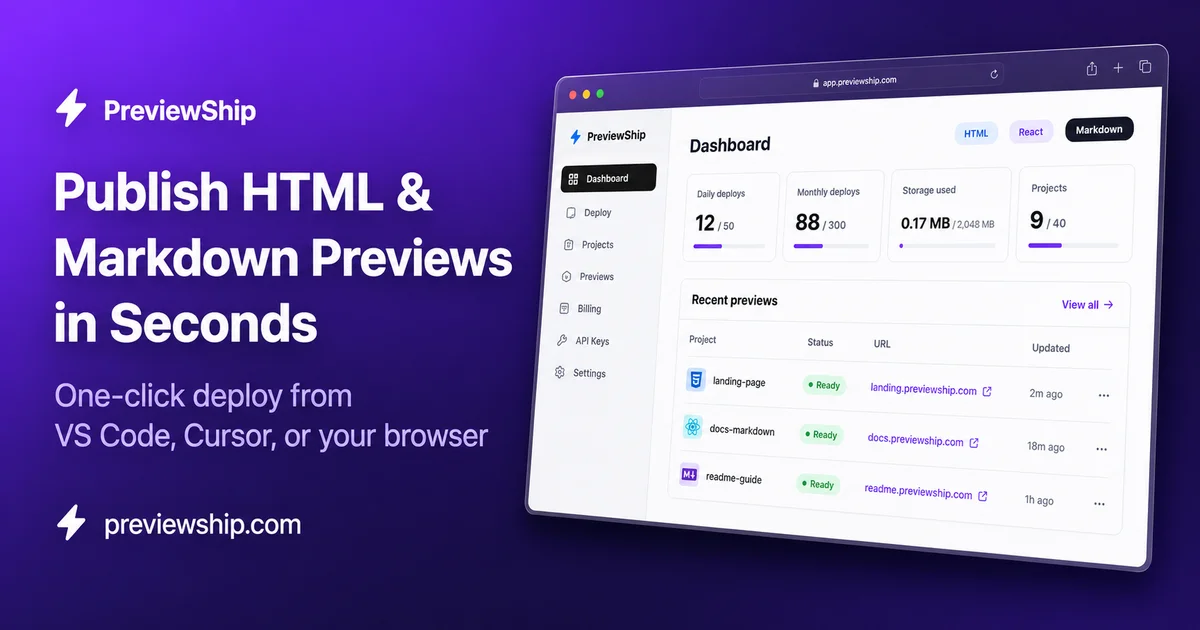
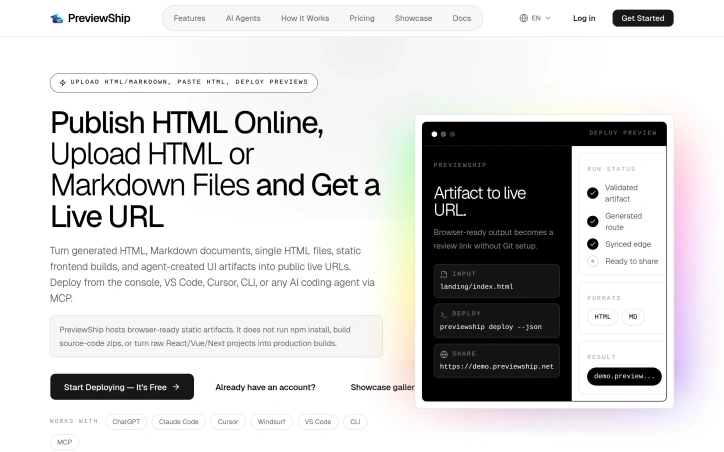
PreviewShip makes that step instant. You can upload or paste HTML, Markdown, or a ZIP file and get a public HTTPS preview link in seconds.
It is useful for sharing AI-generated pages, landing page drafts, client previews, static prototypes, docs, and quick experiments without setting up a deployment pipeline.
The product is built around a simple idea: generate, preview, share, and iterate faster. No Git required. No server setup. No deployment configuration.
AI Overview
AI-generatedDevelopers and AI agents often generate HTML, Markdown, and static pages quickly, but sharing these results as a public URL can be a tedious process, typically requiring Git, CI, FTP, servers, or hosting setup. PreviewShip addresses this issue by providing a straightforward solution for instantly deploying and sharing these artifacts. The platform is designed for developers, teams, and AI agents who need to share their work without the hassle of configuring a deployment pipeline.
What stands out about PreviewShip is its ability to simplify the deployment process by not requiring users to build source code or set up complex configurations. It directly hosts browser-ready static artifacts, making it an ideal solution for those who need to share AI-generated pages, landing page drafts, client previews, static prototypes, and quick experiments.
The platform offers a range of capabilities, including the ability to upload or paste HTML, Markdown, or ZIP files and receive a public HTTPS preview link in seconds. It works seamlessly with various development tools and AI coding agents, including ChatGPT, Claude, Cursor, and VS Code, via CLI or MCP. Users can deploy from the console, VS Code, or CLI, making it a versatile tool that fits into different workflows.
PreviewShip's simplicity is rooted in its clear rules regarding the types of files it supports. It directly publishes single HTML and Markdown files, while framework projects need to be built before being uploaded. This clarity reduces the likelihood of failed deployments, making the process smooth for users.
By catering to different artifact-to-live-URL workflows, including paste HTML, upload a zip, or run a CLI, PreviewShip positions itself as a comprehensive solution. It is particularly suited for AI-generated HTML, Markdown documents, static build output, and editor deploys. The platform is free to start deploying, although specific pricing details are not provided. Overall, PreviewShip offers a valuable service that streamlines the process of sharing and collaborating on web development projects.
Founder Diary
DevlogThe maker hasn't posted a diary entry yet.
Key Features
Instant Deployment
receives a public HTTPS preview link in seconds
Direct Hosting
hosts browser-ready static artifacts
Multi-Format Support
uploads or pastes HTML, Markdown, or ZIP files
CLI Integration
deploys from the console, VS Code, or CLI
Simple Rules
directly publishes single HTML and Markdown files
Use Cases
-
1
Developers
share AI-generated pages and static prototypes
-
2
Teams
collaborate on client previews and landing page drafts
-
3
AI Agents
integrate with tools like ChatGPT and Claude
-
4
Experimenters
deploy quick experiments without hassle
FAQ
What file types does PreviewShip support? ▾
Do I need to build my project before uploading it? ▾
How do I deploy my project with PreviewShip? ▾
Tech Stack & Tags
Discussion
No comments yet — be the first!
Join the conversation — sign up to comment.
Sign up freeCommunity Support
Boost this project on Sell With boost