
Quick Tools
The Story
AI Overview
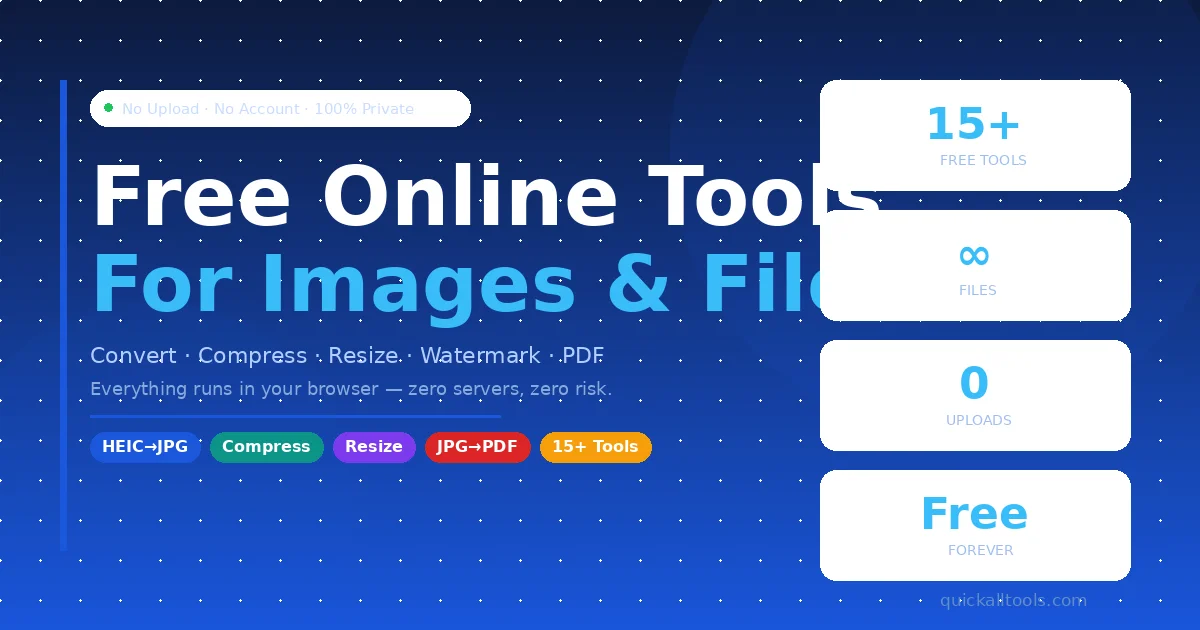
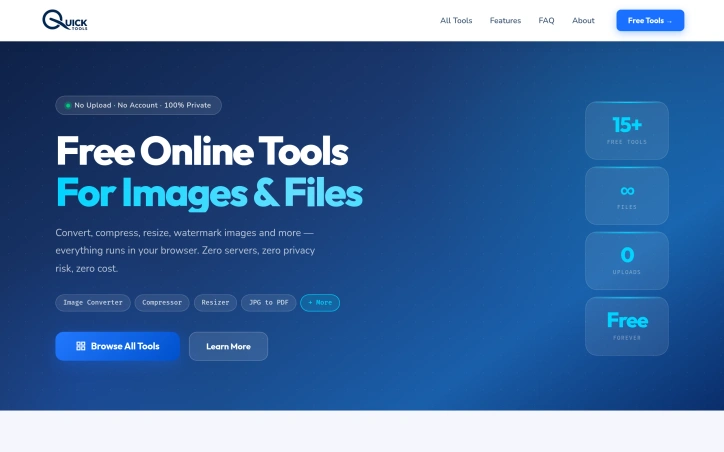
AI-generatedWhat stands out about Quick Tools is its commitment to running all tools directly within the user's browser, eliminating the need for file uploads or server processing. This approach not only ensures that files never leave the user's device but also enables fast processing times, as the user's device handles the computations. The result is a seamless and private user experience.
The suite of tools offered is diverse and caters to a range of needs, including image conversion, compression, resizing, and watermarking, as well as more specialized functions like color picking, meta tag generation, and hashtag suggestions. Users can also convert images to Base64 encoded strings, create PDFs from multiple images, and generate robots.txt files for SEO optimization.
The key benefit of Quick Tools is its unwavering commitment to being completely free, with no hidden fees or premium tiers. There is also no requirement to create an account, making it accessible to everyone. The tools are designed to be mobile-friendly, allowing users to edit photos directly from their camera roll on various devices, including iPhones and Android devices. Furthermore, once the tools are loaded, they can function offline, adding to their convenience and versatility. Ultimately, Quick Tools presents a compelling solution for users seeking a private, efficient, and cost-free way to manage their image and file editing needs.
Key Features
Browser-Based Processing
All tools run directly within the user's browser.
Offline Capability
Tools can function offline once loaded.
Diverse Tool Suite
Offers image conversion, compression, resizing, watermarking, and more.
No Account Required
Accessible without creating an account.
Mobile-Friendly
Allows editing photos directly from camera roll on various devices.
Use Cases
-
1
Privacy-Conscious Users
Need image and file editing without compromising data privacy.
-
2
Mobile Users
Can edit photos directly from their camera roll on iPhones and Android devices.
-
3
Users Seeking Cost-Free Solutions
Require image and file editing tools without hidden fees or premium tiers.
-
4
SEO Optimizers
Can generate robots.txt files for SEO optimization.
FAQ
Is Quick Tools completely free to use? ▾
Do I need to upload my files to use Quick Tools? ▾
Can I use Quick Tools on my mobile device? ▾
Pricing
No hidden fees or premium tiers.
Tech Stack & Tags
Discussion
No comments yet — be the first!
Join the conversation — sign up to comment.
Sign up freeCommunity Support
Boost this project on Sell With boost