Teacher Planner
- No match
Machine translation — the English original is authoritative.
The Story
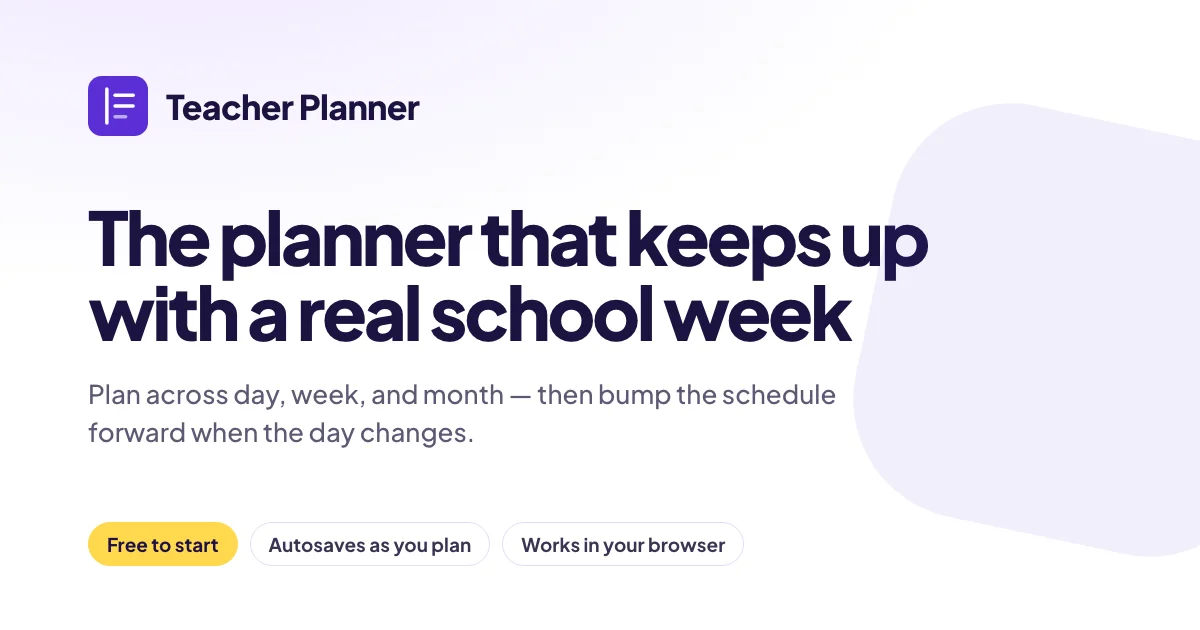
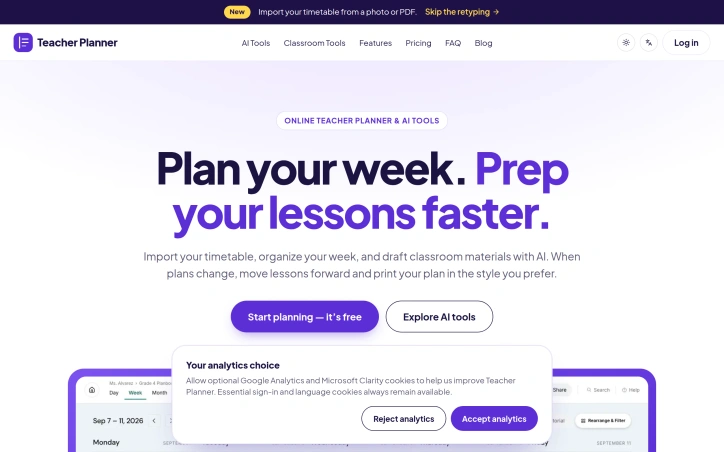
Teacher Planner is an online teacher planner with AI tools for preparing classroom materials. Teachers can organize lessons and weekly schedules, draft lesson plans, generate worksheets and multiple-choice quizzes, rewrite text, and prepare writing feedback. It brings planning and material preparation into one web-based workspace so teachers can spend less time starting from scratch. Teacher Planner offers a free plan alongside paid options.
AI Overview
AI-generatedConsolidating classroom planning and material preparation into one workspace addresses a core challenge for educators. Teachers typically juggle timetables, lesson planning, worksheet generation, and assessment creation across multiple tools or notebooks. Teacher Planner brings these activities together in a single browser-based application, reducing the time teachers spend starting from scratch with classroom materials.
The product's most distinctive feature is its adaptable planning interface. Teachers can organize their work by day, week, or month, or step back to view units across an entire term using the Unit Timeline. An Outline view displays all lessons in structured format. This multiplicity of perspectives allows educators to balance immediate preparation with long-range planning without switching between applications. When plans change, teachers can shift lessons forward without reorganizing their entire schedule.
What further differentiates the offering is the ability to import existing timetables through photos or PDFs. Rather than manually retyping class schedules from previous terms or current schools, teachers provide an image or document and the system extracts class names, times, and periods. Users review the extracted data before confirming, reducing transcription errors.
The AI toolkit targets the material preparation side of the equation. Teachers generate lesson plans from learning objectives, create worksheets from topics or passages, draft multiple-choice quizzes with answer keys, rewrite existing text at different complexity levels, and produce written feedback on student work. These tools function as starting points. The interface consistently emphasizes that teachers review and edit AI-generated content to suit their specific students and teaching approach.
Structurally, Teacher Planner operates on a freemium model, offering both free and paid subscription tiers. This pricing approach lowers adoption barriers for educators while establishing revenue streams for the business. The specific pricing details and feature restrictions remain undisclosed in public materials.
The product occupies a practical position between general note-taking applications and comprehensive learning management systems. It targets the workflow gap where teachers currently cobble together planning and material creation using disconnected tools, offering a cohesive workspace with integrated AI assistance rather than claiming to replace broader institutional systems.
Founder Diary
DevlogThe maker hasn't posted a diary entry yet.
Key Features
Adaptable Planning Interface
Organize work by day, week, month, or view units across a term with Unit Timeline
Multiple View Options
Outline view displays all lessons in a structured format
Timetable Import
Import existing timetables through photos or PDFs with automatic extraction of class names, times, and periods
AI-Powered Material Generation
Generate lesson plans, create worksheets, draft quizzes, rewrite text at different complexity levels, and produce student feedback
Flexible Lesson Reorganization
Shift lessons forward when plans change without reorganizing the entire schedule
Use Cases
-
1
Classroom Teachers
Consolidate timetable planning, lesson creation, and material preparation in one workspace
-
2
Teachers Transitioning Schools
Import existing class schedules from previous positions instead of manually retyping timetables
-
3
Teachers Preparing Materials
Use AI tools to generate starting points for lesson plans, worksheets, and quizzes customized for their students
-
4
Teachers Balancing Planning Scales
Balance immediate preparation with long-range planning without switching between applications
FAQ
How do I import my class schedule? ▾
Can I use Teacher Planner for free? ▾
What planning views does it offer? ▾
Are AI-generated materials ready to use as-is? ▾
Pricing
Specific pricing details and feature restrictions are not disclosed in public materials.
Discussion
No comments yet — be the first!
Join the conversation — sign up to comment.
Sign up freeCommunity Support
Boost this project on Sell With boost
Meet the Founder

More in Scheduling software

Car File
CarFile is the UK's DVLA-connected vehicle manag...

TrySchedule
I built TrySchedule to simplify weekly planning...
Schedio Smart Audio Player
Enjoy your music with features that go beyond a...
FlowReserve
We built FlowReserve because service professiona...

MotorManage
MotorManage solves the headache of motorcycle ma...

Staff Scheduling
We built Staff Scheduling because managing team...