Text3D Generator
- No match
Machine translation — the English original is authoritative.
The Story
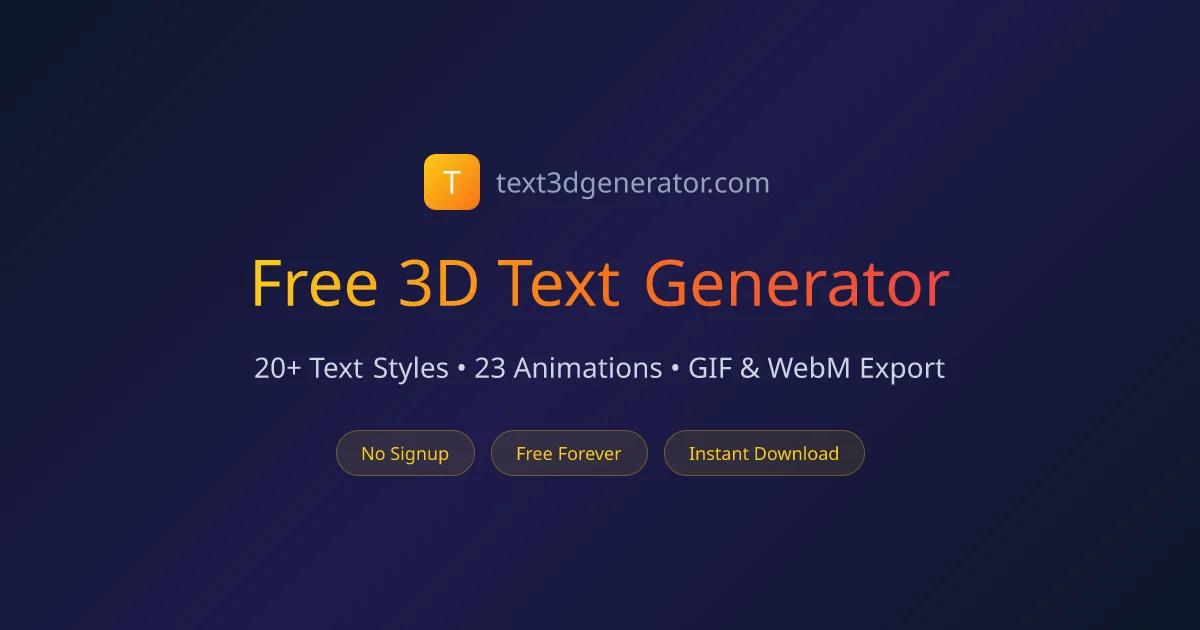
I built Text3D Generator because content creators and designers constantly needed quick, free 3D text effects for thumbnails, social media posts, and video intros — but existing tools were either expensive, required software downloads, or produced low-quality results.
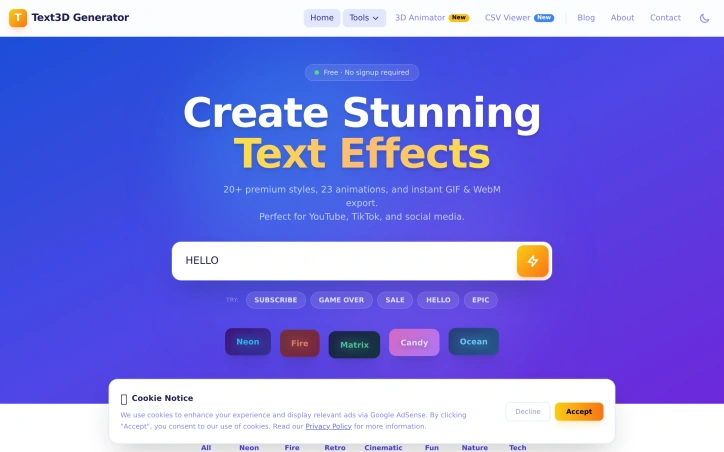
Text3D Generator solves this by offering free, instant 3D text generation directly in the browser — no signup, no download, no cost. Just type your text, pick a style, and get a stunning 3D effect in seconds.
Built with Next.js and deployed on Vercel, it serves creators, marketers, YouTubers, and designers who need professional-looking text effects without the complexity of Photoshop or Blender.
AI Overview
AI-generatedContent creators and designers working on tight deadlines need text effects fast. Professional design software like Photoshop or Blender carries steep learning curves and licensing costs, while many existing text effect generators either demand subscriptions, require software installation, or deliver subpar results. Text3D Generator addresses this gap by delivering professional-quality animated text effects instantly through a web browser.
The tool targets YouTubers, TikTok creators, social media marketers, and designers who need quick visual assets for thumbnails, posts, and video intros. The value proposition is straightforward: high-quality results without friction, subscriptions, or learning curves.
What distinguishes Text3D Generator is its accessibility-first design. The workflow takes roughly a minute from start to download: type text, select a style and animation, and export. No account creation, no software installation, and no watermarks cluttering the final output. Users can download unlimited assets forever at zero cost. This matters because friction is often why creators abandon tools midway through projects.
The feature set is substantial. The tool offers 20+ text style categories spanning neon, fire, cinematic, retro, candy, and matrix aesthetics. These aren't random templates; they're organized by visual theme, suggesting thoughtful curation. Paired with 23 animation presets (word pop, typewriter, glitch, matrix rain, heartbeat, and others), the combination yields many possible outputs. The 22 included Google Fonts provide typographic variety without forcing users into a limited palette.
Export flexibility matters for workflow integration. Users can download transparent GIFs for compositing over existing footage or WebM video files compatible with editing software like Premiere Pro and DaVinci Resolve. Both formats support professional-grade video production, not just social media posting.
The technical implementation is solid. Built on Next.js and Vercel infrastructure, the browser-based architecture means no installation, instant preview updates as users customize, and consistent performance across devices.
The pricing model is unambiguous: completely free. No freemium tier, no upsells, no payment wall hiding premium features. This straightforwardness removes decision friction and makes the product genuinely useful for hobbyists and professionals alike.
Text3D Generator succeeds because it recognizes that creators don't need 90% of Photoshop's features; they need animated text effects in seconds. By narrowing scope ruthlessly and keeping the tool free, it solves a real problem without pretense.
Founder Diary
DevlogThe maker hasn't posted a diary entry yet.
Key Features
20+ Text Styles
Professional aesthetics including neon, fire, cinematic, retro, candy, and matrix themes.
23 Animation Presets
Effects like word pop, typewriter, glitch, matrix rain, and heartbeat.
Professional Export Formats
Download as transparent GIF or WebM video compatible with Premiere Pro and DaVinci Resolve.
Browser-Based Preview
Instant updates as you customize without software installation.
Google Fonts Library
22 included fonts provide typographic variety.
One-Minute Workflow
Complete text effect creation from input to download in approximately one minute.
Use Cases
-
1
YouTubers
Create quick visual assets for thumbnails and video intros without design software.
-
2
TikTok and Social Media Creators
Generate fast visual content for posts and stories.
-
3
Designers
Produce professional-quality text effects without steep learning curves or licensing costs.
-
4
Video Producers
Composite animated text effects into existing footage using compatible export formats.
FAQ
Do I need to install software or create an account? ▾
Can I use the effects in professional video editing? ▾
Are there watermarks on the output? ▾
What does it cost? ▾
Pricing
Completely free with unlimited downloads forever at zero cost.
Tech Stack & Tags
Discussion
No comments yet — be the first!
Join the conversation — sign up to comment.
Sign up freeCommunity Support
Boost this project on Sell With boost
Meet the Founder

More in 3D & Animation

Img3D
Img3D is an AI 3D workspace built around referen...
ARView
We built ARView to make AR accessible to everyon...
Arnis
I created Arnis to generate Minecraft world maps...

STLRepair
STLRepair helps makers and 3D printing users che...
GameApi Builder tool
Young people need better tools at their early ca...
QuickMagic
QuickMagic is an AI-powered motion capture and a...