
ArkWarden
- No match
Machine translation — the English original is authoritative.
The Story
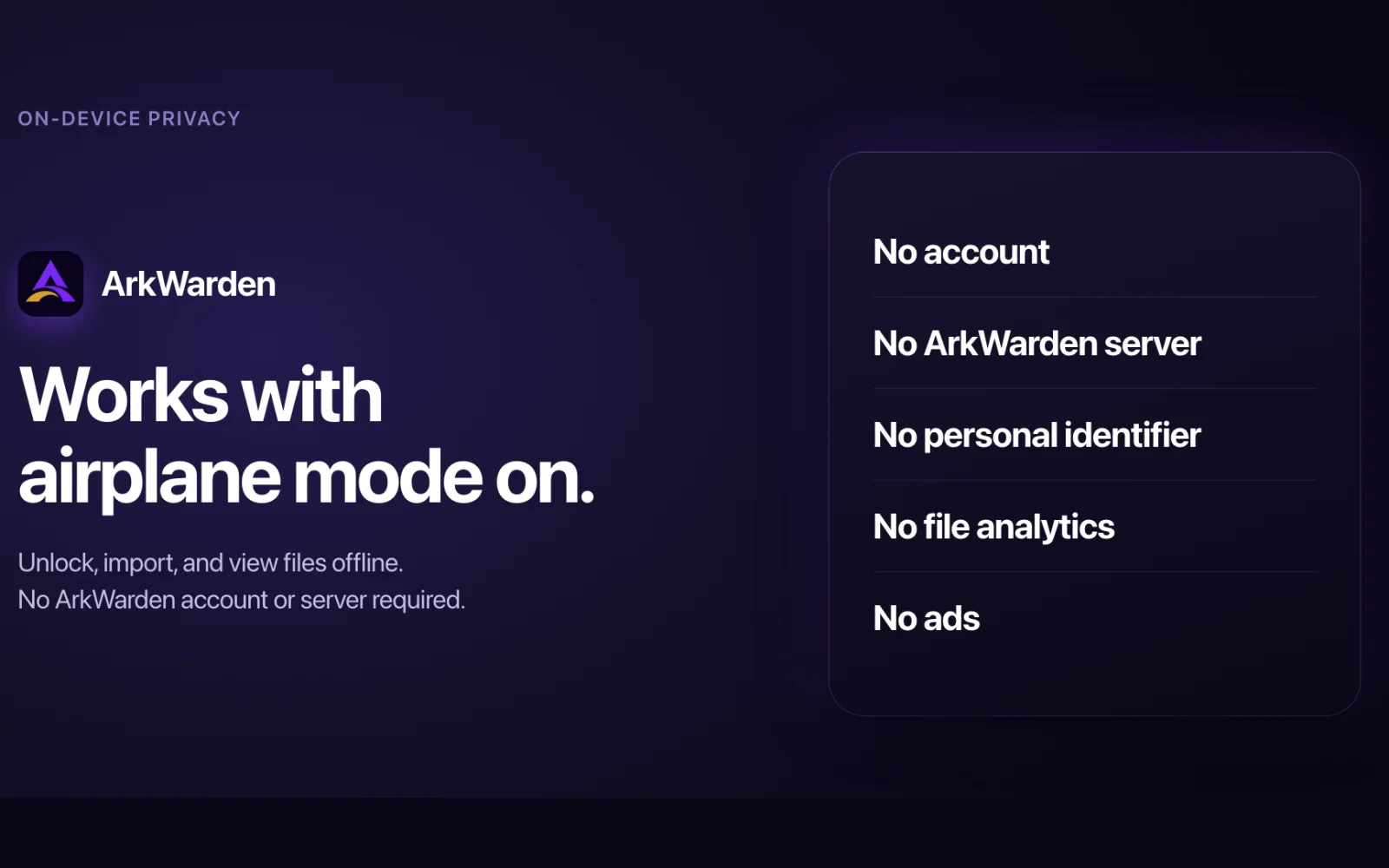
ArkWarden is a privacy-focused vault app for iPhone. It keeps photos, videos, documents and audio encrypted on the phone, with no email address, no sign-up, no ArkWarden server and no ads.
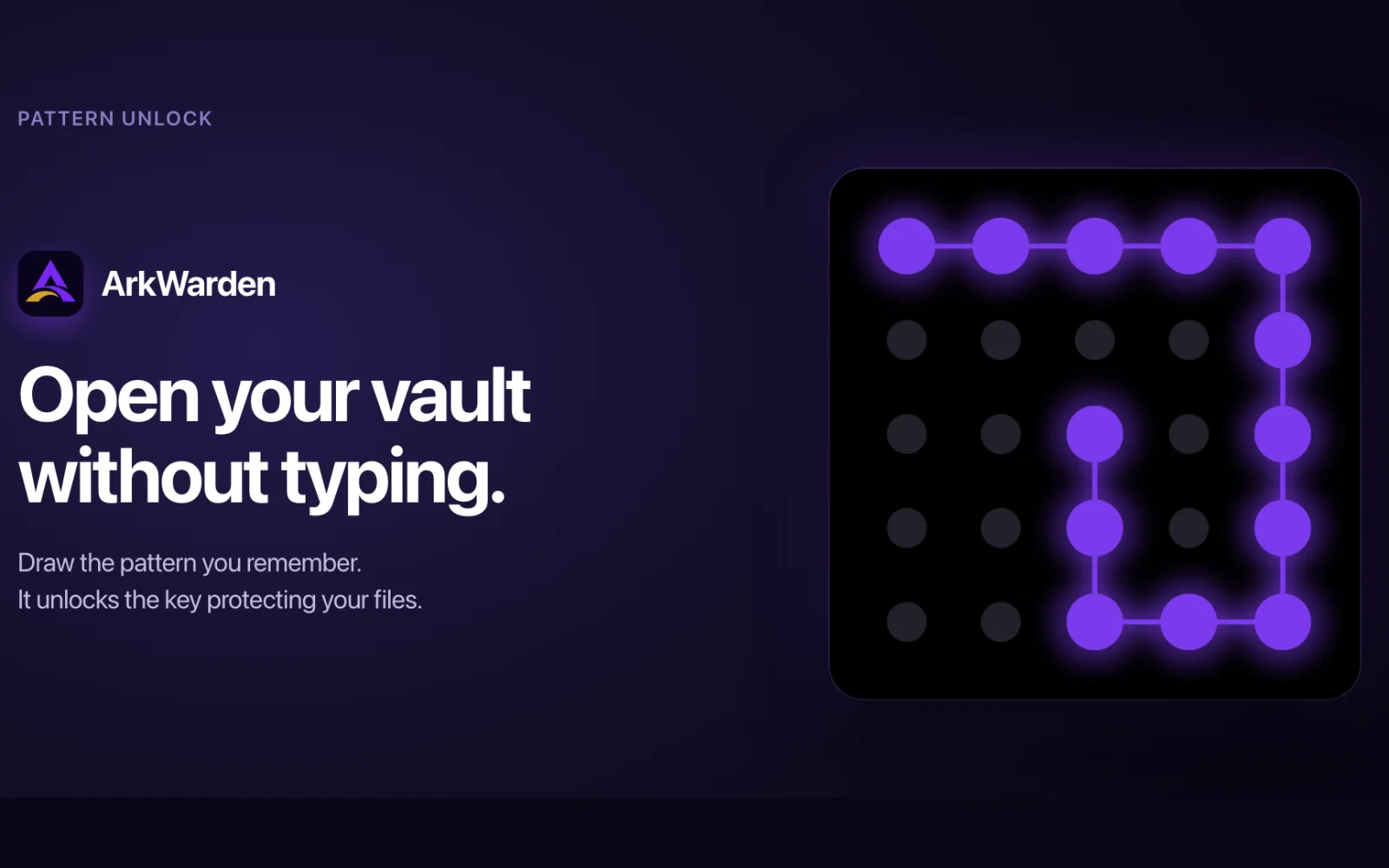
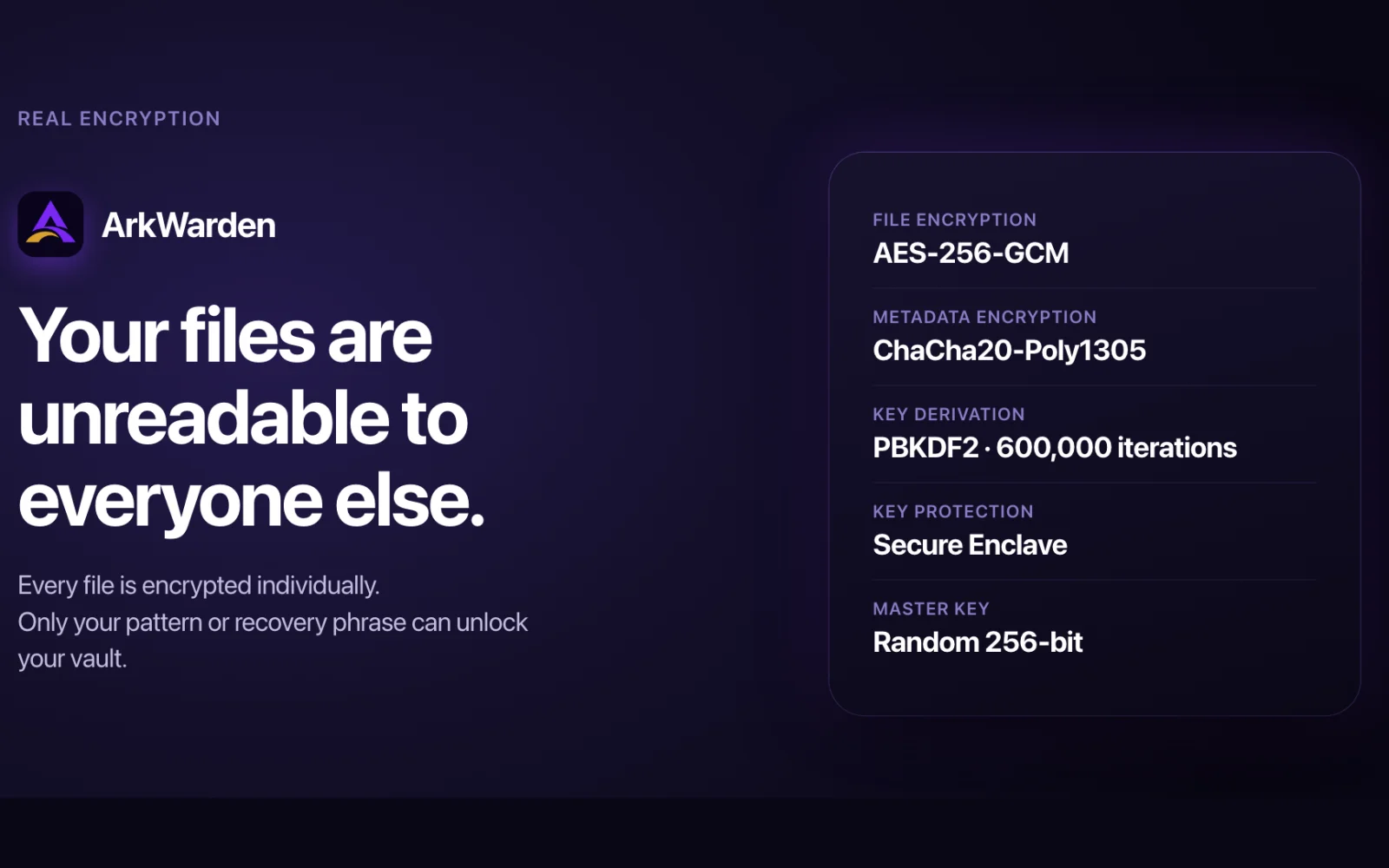
You open the vault with a pattern drawn on a 5x5 grid. ArkWarden strengthens it with PBKDF2 and pairs it with a key in the iPhone's Secure Enclave. Every file is sealed with AES-256-GCM.
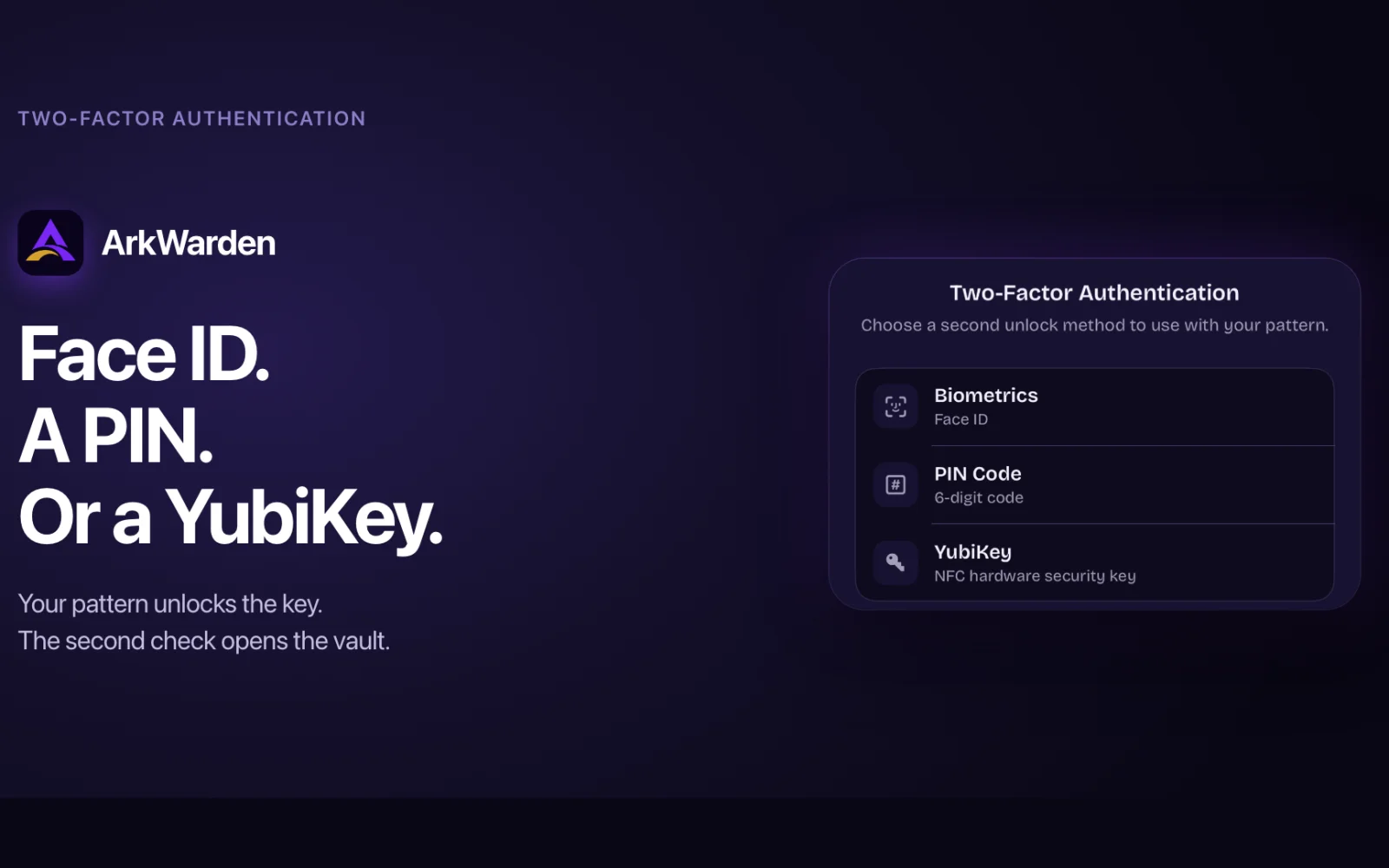
Add a second factor: Face ID, Touch ID, a 6-digit PIN or a YubiKey over NFC. ArkWarden passed Yubico's technical review and is listed in the Works with YubiKey catalog.
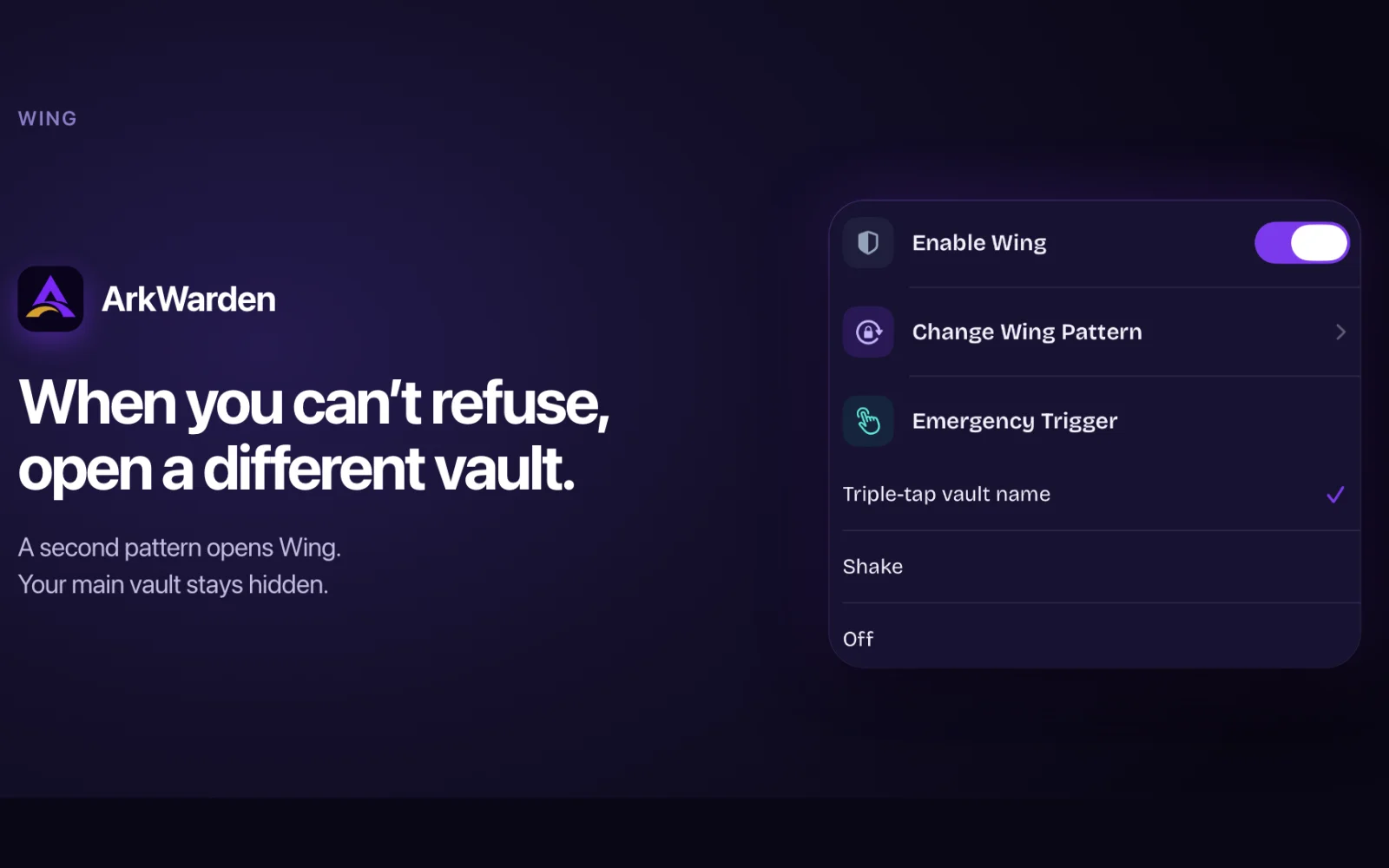
Wing adds a second vault with its own pattern and files. Intruder Detection can take an encrypted front-camera photo after wrong patterns.
A 12 or 24 word recovery phrase reopens the vault if you forget your pattern. Optional backups are encrypted on the iPhone before they go to your own iCloud or a file.
The encryption code is open source on GitHub. Available on the App Store as a lifetime purchase or an annual subscription.
AI Overview
AI-generatedArkWarden gives iPhone users a private place for the photos, videos, documents and audio they want to keep to themselves. The vault has its own unlock, a pattern you draw, and the files inside stay encrypted until you open it yourself.
The encryption code is open source, YubiKey support passed Yubico's technical review, and the key that opens the vault is created on the iPhone and never sent to ArkWarden. Wing adds a second vault with its own pattern for the moments when someone asks to see your phone.
It suits people who hand their phone to friends, family or colleagues, people who keep IDs, contracts or medical records on their iPhone, and journalists, activists and researchers who work with sensitive material. Everything runs on the device, with no account to create.
Founder Diary
DevlogThe maker hasn't posted a diary entry yet.
Key Features
AES-256-GCM Encryption
Each file is sealed with AES-256-GCM under a random 256-bit master key generated on the device.
Pattern Unlock
You open the vault by tracing a pattern on a 5x5 grid, strengthened with PBKDF2 and a per-vault salt and paired with a Secure Enclave key.
Two-Factor Authentication
Add Face ID, Touch ID, a 6-digit PIN or a YubiKey over NFC as a second step after the pattern.
Built-in Camera
Photos and videos taken in ArkWarden are saved directly in the encrypted vault, outside the Photos app.
Recovery Phrase
A 12 or 24 word recovery phrase reopens the vault if you forget your pattern and restores a backup on a new iPhone.
Intruder Detection
Optional and off by default. Takes an encrypted front-camera photo after 3, 5 or 10 wrong patterns.
Use Cases
-
1
Handing Over Your Phone
Show a photo or lend your phone while private files stay in an encrypted vault, and open Wing when someone asks to see the app.
-
2
Sensitive Documents
Keep passports, IDs, tax returns, medical records and contracts encrypted on your iPhone.
-
3
Journalists and Activists
Store notes, photos and documents from sensitive work on the device, with no account and no ArkWarden server.
-
4
Lost or Stolen iPhone
Vault files stay encrypted on the device, and the recovery phrase with a backup restores them on a new iPhone.
FAQ
What can I store in ArkWarden? ▾
What happens if I forget my vault pattern? ▾
Does ArkWarden require an email address or account? ▾
Can I check how the encryption works? ▾
Pricing
Available as a one-time purchase or annual subscription on the App Store.
Founder's Resources
Discussion
No comments yet — be the first!
Join the conversation — sign up to comment.
Sign up freeCommunity Support
Boost this project on Sell With boost
Meet the Founder

More in Security software
Locksy - Tab Locker & Password Protection
Your browser tabs are a security disaster. Pr...

FixMyMacNow
We built FixMyMacNow because Mac users face cons...
GeoPatrol
GeoPatrol is a cloud-based SaaS platform that de...

Fraudly
We built Fraudly because too many people lose mo...

VeilDB
We built VeilDB because teams need production-li...
WinRansomProtect
Ransomware attacks are getting smarter, and most...