Enhance My Photo
- No match
Machine translation — the English original is authoritative.
The Story
Online AI photo enhancer that sharpens portraits, products, scenery, pets and text; export JPEG/PNG/WebP, no watermark. Freemium.
AI Overview
AI-generatedBringing clarity and polish to everyday photographs without the expense of professional editing software, this online AI photo enhancer targets anyone from product sellers to memory restorers. The platform uses machine learning to sharpen portraits, enhance landscapes, improve product photography, and restore faded or damaged scans through a workspace built around six specialized starting points.
The product differentiates itself through its modular toolkit rather than a single one-size-fits-all enhancement. Users can select from preset enhancements tailored to different image types—whether they're working with pet photos that need whisker clarity, product images requiring label and material detail, or old photographs requiring restoration and colorization. This approach acknowledges that optimal enhancement varies by subject matter, moving beyond generic sharpening tools.
Core capabilities include background removal with transparent PNG export, an AI image editor for describing lighting and composition changes, text unblurring for screenshots and photographed documents, and batch processing for handling multiple images at once. Output files can be exported as JPEG, PNG, or WebP up to 16 megapixels, with no watermarks applied to the finished work—a meaningful advantage over many competing services that brand their output.
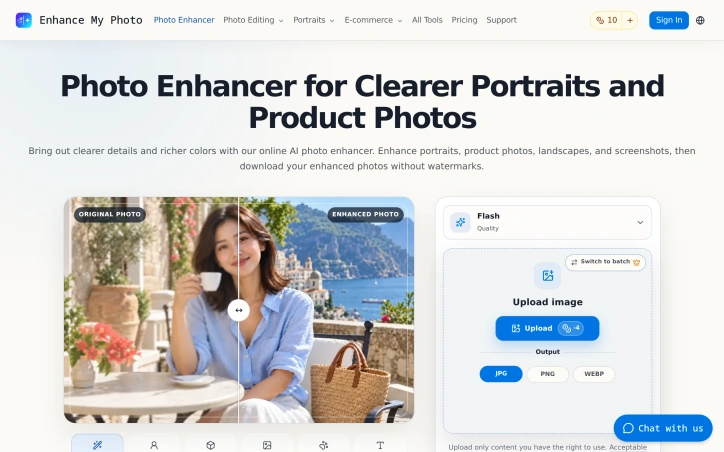
The interface emphasizes comparison between original and enhanced versions before download, allowing users to verify that important details like faces, fur texture, or text remain recognizable rather than over-processed. For text-heavy images, the tool specifically handles legibility; for pets, it highlights potential artifacts around fine details like whiskers and eyes. This comparison workflow reduces the risk of unusable output.
Monetization follows a freemium model, with users starting with a free tier and purchasing additional credits for continued use. Subscription plans offer expanded capacity for regular users, though specific pricing details remain undisclosed. The structure serves both casual photographers and those with ongoing enhancement needs.
The toolkit's breadth—encompassing restoration, background manipulation, enhancement, and colorization—positions this as more than a simple photo sharpener. It addresses common photograph problems across different genres and use cases, from archival work to e-commerce product listings.
Founder Diary
DevlogThe maker hasn't posted a diary entry yet.
Key Features
AI Photo Enhancement
Machine learning automatically sharpens portraits, enhances landscapes, and improves product photography across different image types.
Background Removal
Removes backgrounds with transparent PNG export capability.
Text Unblurring
Clears legibility for screenshots and photographed documents.
Batch Processing
Handles multiple images at once for efficient workflow.
Before/After Comparison
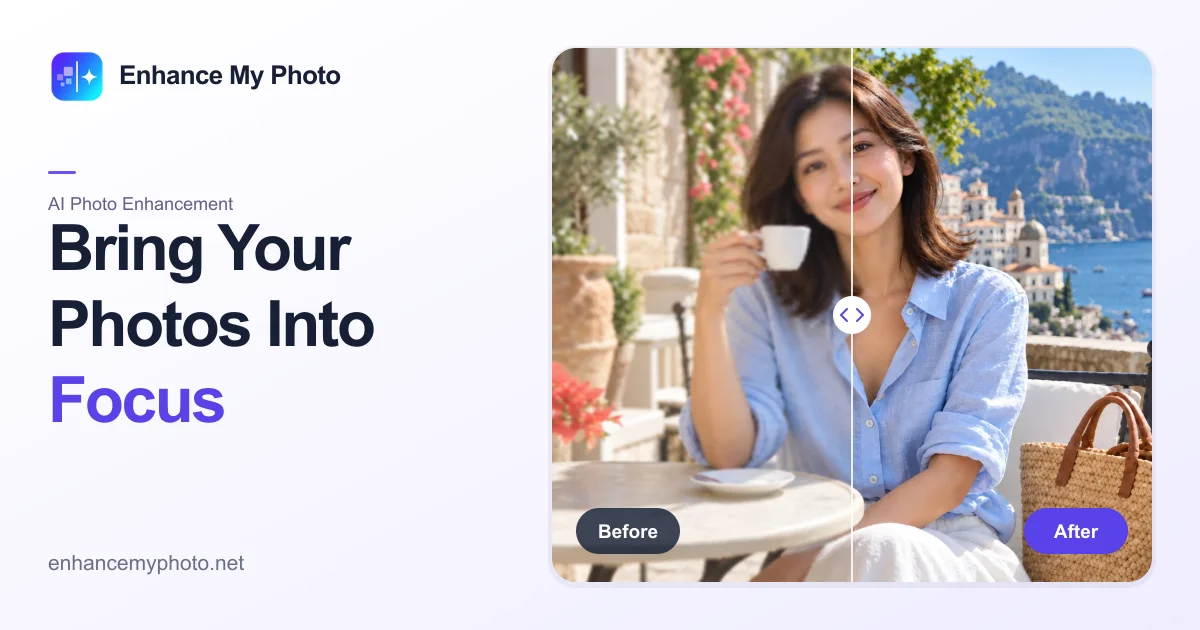
Displays original and enhanced versions side-by-side before download to verify quality and prevent over-processing.
AI Image Editor
Allows users to describe desired lighting and composition changes.
Use Cases
-
1
Product Sellers
Enhance product images with clarity for labels and material details in e-commerce listings.
-
2
Memory Restorers
Restore faded or damaged scans with colorization for archival preservation.
-
3
Pet Photographers
Clarify pet details like whiskers and fur texture for professional results.
-
4
Document Digitizers
Unblur text in screenshots and photographed documents for improved readability.
FAQ
How much does Enhance My Photo cost? ▾
What file formats can I download? ▾
Does this tool add watermarks? ▾
Can I enhance multiple photos at once? ▾
Pricing
Free tier with optional credit purchases and subscription plans available; specific pricing details remain undisclosed.
Discussion
No comments yet — be the first!
Join the conversation — sign up to comment.
Sign up freeCommunity Support
Boost this project on Sell With boost
Meet the Founder

More by Hongbing Huang
More in Photo editing

MetaScope
As a professional photographer, I needed a tool...

Banana AI - Free AI Image Generator
Banana AI is a free AI image and video generatio...

AImageResize
I built AImageResize to simplify image resizing...

TurboConvert - Image Converter
As a solo web dev I was constantly juggling PNG...

TitleHero
Title. Your. Hero. Turn a photo into a cinematic...

throwback: same you. another lifetime.
We built Throwback to help people reconnect with...