
AImageResize
- No match
Machine translation — the English original is authoritative.
The Story
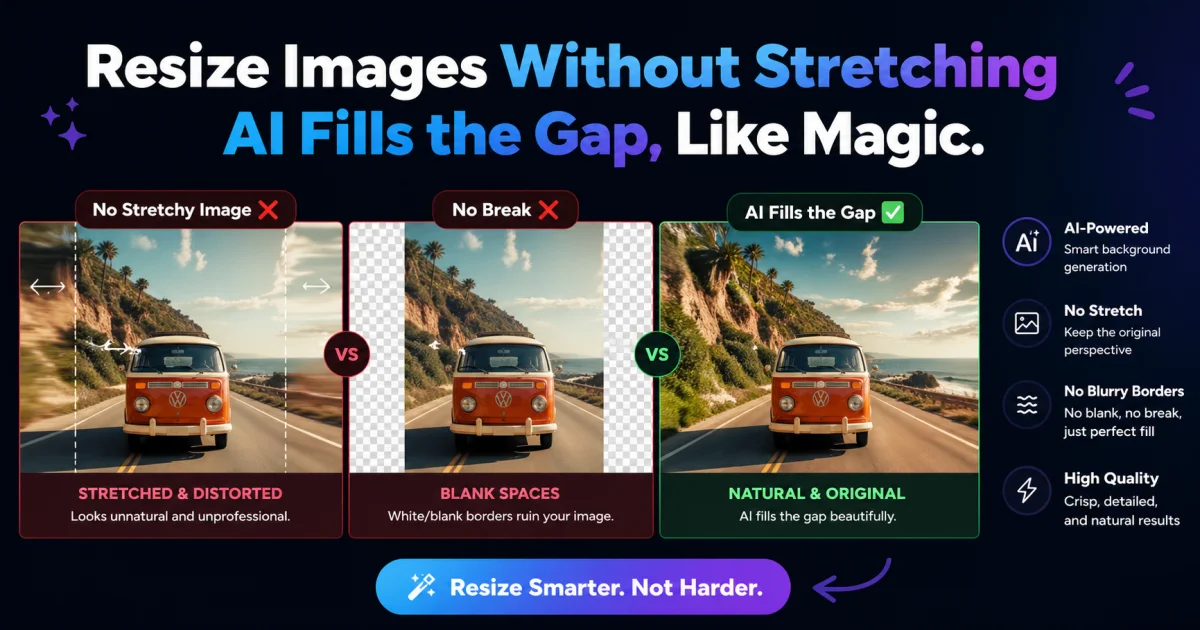
I built AImageResize to simplify image resizing for creators. It solves the problem of losing image quality when resizing. The AI-powered tool intelligently fills the expanded canvas for a natural look.
AI Overview
AI-generatedImage resizing is a common task for creators, but it often comes with a trade-off in quality. AImageResize tackles this problem head-on with an AI-powered tool that intelligently fills the expanded canvas for a natural, seamless look. The target audience is clearly creators who need to resize images for various purposes, such as social media, advertisements, and wallpapers.
What stands out about AImageResize is its ability to maintain image quality during resizing. The tool uses AI outpainting to expand the canvas instead of stretching pixels, and applies smart interpolation when downscaling to preserve sharpness. This results in high-quality images with minimal artifacts, even when resizing to exact dimensions. The fact that it works entirely in the browser, without requiring any app installations, adds to its convenience.
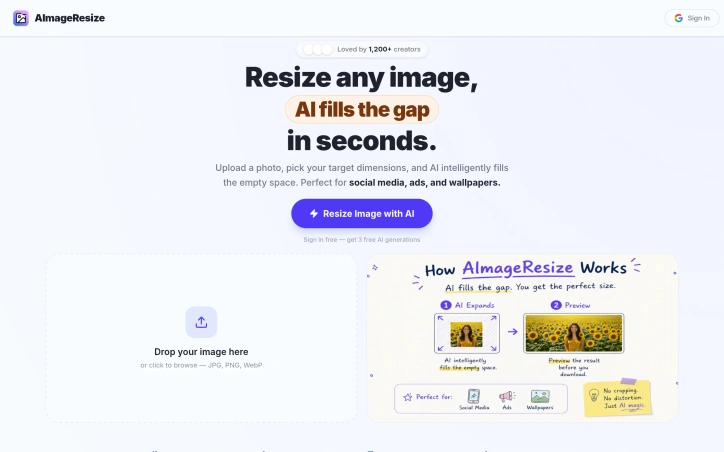
The tool boasts a range of features that make it versatile and user-friendly. It supports various file formats, including JPG, PNG, and WebP, and allows for precise dimension control. Social media presets are also available for one-click resizing to popular aspect ratios. Client-side processing ensures fast results, with no long upload waits or server queues. Additionally, the privacy-first approach, where images are not stored and deleted immediately after processing, is a significant advantage for users handling sensitive content.
AImageResize operates on a credit-based pricing model, with no subscriptions or hidden fees. Credits never expire, and users can purchase them according to their needs. The PRO plan, which is highlighted as the most popular, offers 200 credits for $19, along with benefits like better consistency for product images, cleaner edge blending, and priority processing speed. Overall, AImageResize simplifies the image resizing process while maintaining high quality, making it a valuable tool for creators.
Founder Diary
DevlogThe maker hasn't posted a diary entry yet.
Key Features
AI Outpainting
Intelligently expands canvas using AI for natural, seamless content instead of stretching pixels.
Smart Interpolation
Applies intelligent downscaling that preserves sharpness and minimizes artifacts.
Browser-Based Processing
Runs entirely in the browser without app installation, using client-side processing for fast results.
Multiple Format Support
Supports JPG, PNG, and WebP formats with precise dimension control.
Social Media Presets
Offers one-click resizing to popular aspect ratios for various platforms.
Privacy-First Processing
Images are not stored and deleted immediately after processing.
Use Cases
-
1
Social Media Creators
Need to resize images for various platforms while maintaining visual quality.
-
2
Advertisement Designers
Require precise dimension control and exact aspect ratios for different ad formats.
-
3
Wallpaper Creators
Need high-quality resizing that maintains visual integrity across screen sizes.
-
4
Sensitive Content Handlers
Benefit from client-side processing and immediate image deletion for privacy.
FAQ
Does AI image resizing maintain quality? ▾
Do I need to install an app to use AImageResize? ▾
Is AImageResize free or subscription-based? ▾
Is my image data stored when I use AImageResize? ▾
Pricing
Credit-based model with no subscriptions; most popular PRO plan offers 200 credits for $19.
Tech Stack & Tags
Discussion
No comments yet — be the first!
Join the conversation — sign up to comment.
Sign up freeCommunity Support
Boost this project on Sell With boost
Meet the Founder

More in Photo editing

MetaScope
As a professional photographer, I needed a tool...

Banana AI - Free AI Image Generator
Banana AI is a free AI image and video generatio...

TurboConvert - Image Converter
As a solo web dev I was constantly juggling PNG...

ImgKit
I built ImgKit because uploading photos to rando...

PixelBoost AI
I built PixelBoost AI to eliminate the complexit...

throwback: same you. another lifetime.
We built Throwback to help people reconnect with...