
Google Maps Lead Scraper
- No match
Machine translation — the English original is authoritative.
The Story
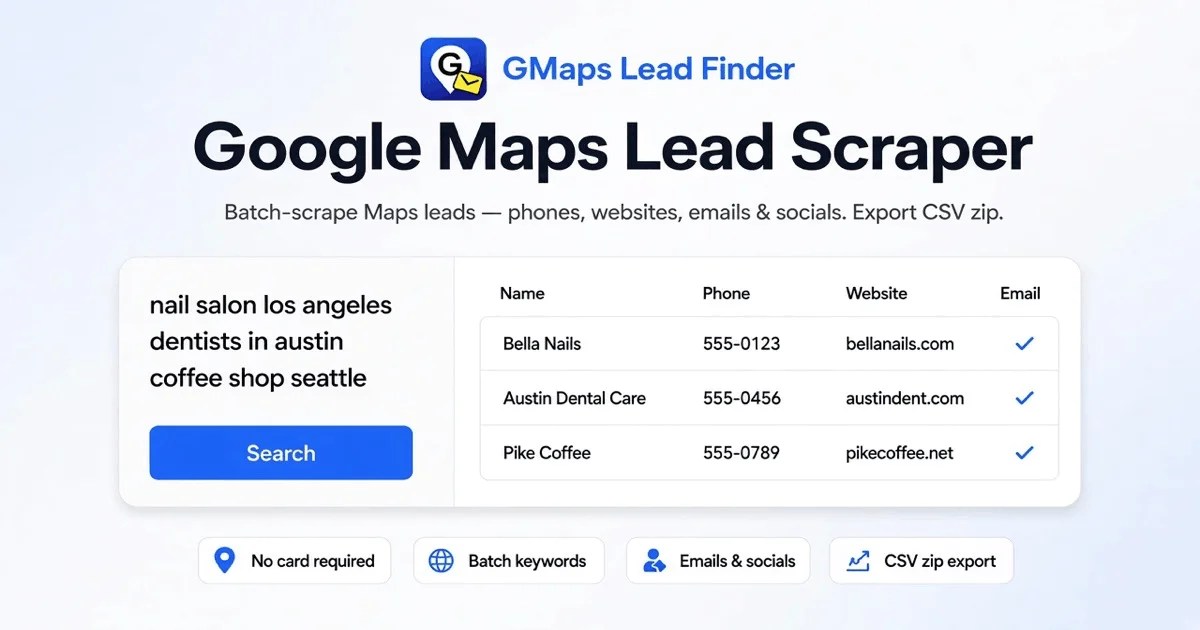
We built GMaps Lead Finder because manually extracting business leads from Google Maps was tedious and time-consuming. Our tool batch-scrapes listings to pull names, phones, emails, and social profiles in minutes. Export CSV files ready for your CRM or use our Agents to automate the entire lead discovery workflow.
AI Overview
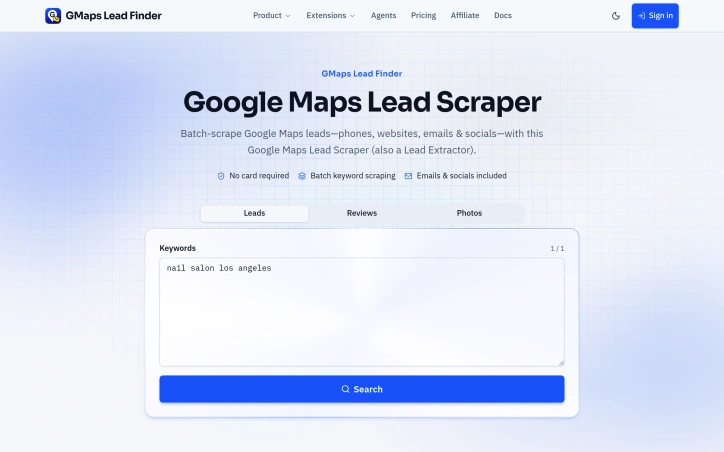
AI-generatedExtracting contact information from Google Maps for outreach campaigns has long been a manual, repetitive task that drains sales teams' productivity. GMaps Lead Finder addresses this by automating the entire process through batch scraping, allowing users to submit multiple location-keyword combinations and receive structured CSV files ready for immediate use in CRM systems or email campaigns.
The tool targets sales professionals, business development teams, and marketing departments that need to build prospect lists at scale. Rather than clicking through Maps listings one by one, users paste a batch of keywords paired with cities, and the service handles the scraping, enrichment, and export automatically.
What distinguishes this product is its focus on usable output. The system doesn't just pull raw data from Maps listings; it enriches each result with additional intelligence by scanning business websites for public email addresses and extracting links to social profiles including Facebook, Instagram, LinkedIn, YouTube, TikTok, and X. The export structure keeps things organized by keyword, generating individual CSV files within a single zip download rather than one unwieldy mixed sheet. This thoughtful output design makes the data immediately actionable for team use.
The founders emphasize transparency in their data collection approach. Empty fields appear when no public email or social profile exists, rather than inventing contact information, which reflects an important commitment to accuracy over inflated lead counts. Users get structured columns including business name, full and segmented addresses, phone numbers, website domains, GMB categories, ratings, review counts, and the Maps place ID for reference.
The no-card-required barrier to entry removes friction for first-time users exploring whether the tool fits their workflow. For teams that adopt it, the ability to re-download finished batches creates a persistent lead list that can be pulled again later as needs change or to refresh outdated information.
The product positions itself as a foundation for outreach, with mentions of automation agents that can extend the lead discovery process further. For organizations spending hours each week manually compiling business contact lists from Maps, the efficiency gain is straightforward: scraping and enriching results that would take a team member multiple hours happens in minutes.
Founder Diary
DevlogThe maker hasn't posted a diary entry yet.
Key Features
Batch Scraping
Submit multiple location-keyword combinations and receive structured CSV files automatically
Email and Social Enrichment
Enriches results with public email addresses and extracts social profile links
Organized CSV Export
Generates individual CSV files organized by keyword within a single zip download
Comprehensive Data Fields
Includes business name, addresses, phone numbers, website domains, GMB categories, ratings, and Maps place ID
Re-downloadable Batches
Finished batches can be re-downloaded later to refresh outdated information
No-Card-Required Entry
Explore the tool without payment upfront
Use Cases
-
1
Sales Professionals
Building targeted prospect lists for outreach campaigns without manually clicking through Maps listings
-
2
Business Development Teams
Building prospect lists at scale for business development initiatives
-
3
Marketing Departments
Generating lead lists ready for immediate use in CRM systems or email campaigns
-
4
Lead Refresh Operations
Re-downloading and refreshing outdated prospect information to maintain current databases
FAQ
Does GMaps Lead Finder require a credit card to start? ▾
What contact information does GMaps Lead Finder extract? ▾
Can I re-download lead batches after processing? ▾
Does it make up contact information if data isn't found? ▾
Tech Stack & Tags
Discussion
No comments yet — be the first!
Join the conversation — sign up to comment.
Sign up freeCommunity Support
Boost this project on Sell With boost
Meet the Founder

More in Lead generation software

LinkSprig - AI Lead Generator Tool
LinkSprig is an free AI-powered LinkedIn outreac...
Revenue Leak Scorecard
Revenue Leak Scorecard is a free conversion tria...

Surfaced
Surfaced is an AI-powered B2B lead generation to...

Google Maps Scraper
We built Google Maps Scraper to eliminate hours...

DistributeNow
We identified an opportunity gap—potential custo...

ProofEcho
We built ProofEcho because the best marketing—yo...