
icompressit
The Story
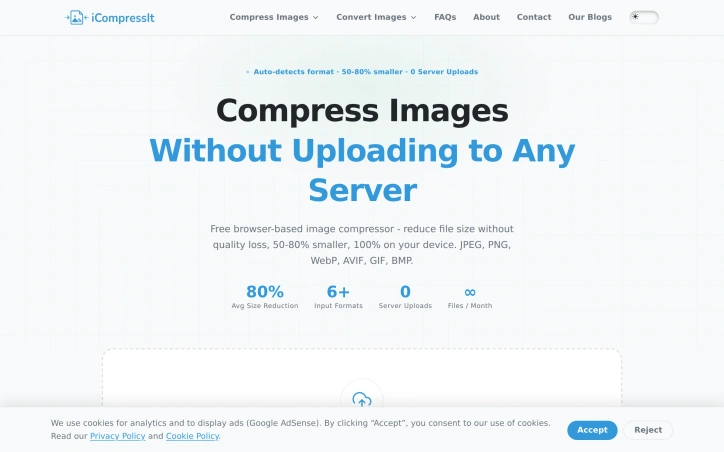
Compress and convert images instantly right in your browser. With 100% on-device processing, your files never touch a remote server-guaranteeing total privacy and security for personal or client photos.
✲ 100% private - browser-based processing. ✲ Instant local conversions - fully offline. ✲ Free forever with zero accounts needed.
AI Overview
AI-generatedShrinking image file sizes while maintaining visual quality has long frustrated content creators, developers, and everyday users handling photo libraries. iCompressIt solves this by running the entire compression process inside the browser, eliminating the privacy risks and friction of uploading sensitive photos to remote servers.
The product targets anyone working with images: content creators managing photo libraries, developers optimizing web properties, freelancers handling client assets, or individuals reclaiming storage space. What distinguishes iCompressIt is its commitment to on-device processing. Every compression happens locally through the Canvas API, meaning images never leave your device. This architecture simultaneously solves privacy concerns and removes the need for account creation or subscription management.
The compression engine runs multiple strategies across formats simultaneously. For JPEGs, it tests both JPEG and WebP pipelines and returns whichever produces the smaller file. The tool auto-detects input format and applies the most aggressive compression strategy for that type, removing guesswork from optimization. Results typically achieve 50 to 80 percent file size reduction.
iCompressIt handles JPEG, PNG, WebP, AVIF, GIF, and BMP formats, with batch processing that lets users drop dozens of images at once and download results as a single ZIP file. The product includes a size-safety guarantee: output never exceeds the original file size, and if compression offers no benefit, the tool returns the unchanged file. Users compress unlimited files monthly with no daily quota, file size cap, or watermarks.
The business model prioritizes sustainability through simplicity. The tool is free forever with zero account requirements and no upload limits. A single ad slot provides monetization, and the absence of paywalls, subscription tiers, or storage restrictions positions iCompressIt as accessible freeware in the image optimization space.
The product's main strength is removing friction from a routine workflow while addressing legitimate privacy concerns. By prioritizing on-device processing and batch functionality, iCompressIt appeals to individuals seeking a straightforward compression tool and to professionals managing recurring image workloads alike.
Key Features
Browser-Based Processing
Compression runs entirely in your browser using Canvas API, keeping images on your device
Multi-Format Support
Handles JPEG, PNG, WebP, AVIF, GIF, and BMP with automatic format detection
Batch Processing
Compress dozens of images at once and download results as a single ZIP file
Intelligent Format Optimization
Tests multiple compression strategies simultaneously and returns the smallest file format result
Size-Safety Guarantee
Output never exceeds the original file size, or returns the unchanged file if compression offers no benefit
Use Cases
-
1
Content Creators
Manage large photo libraries while maintaining visual quality and protecting privacy
-
2
Developers
Optimize web properties with on-device processing that eliminates upload friction and server costs
-
3
Freelancers
Handle client assets securely without uploading sensitive files to remote servers
-
4
Individuals
Reclaim device storage space without requiring account creation or subscription management
FAQ
Does iCompressIt upload my images to the cloud? ▾
What image formats does iCompressIt support? ▾
How much smaller will my images be? ▾
Do I need to create an account or pay? ▾
Pricing
Free forever with one ad slot for monetization; no paywalls, subscriptions, file size caps, or watermarks.
Discussion
No comments yet — be the first!
Join the conversation — sign up to comment.
Sign up freeCommunity Support
Boost this project on Sell With boost
Meet the Founder

"Compress and convert images instantly right in your browser. With 100% on-device processing, your fi..."
More in Graphic design tools

Zoviz
Zoviz is a complete AI branding and marketing pl...

InkSoul
I got my first tattoo at 28 — spent three weeks...

Shademix
I built Shademix to solve the frustration of col...
RMBG PRO
Professional Background Removal Made Simple Tran...

24Picture
I built 24Picture to provide a one-stop solution...

Image Outliner
I built Image Outliner because converting photos...