Image Outliner
- No match
Machine translation — the English original is authoritative.
The Story
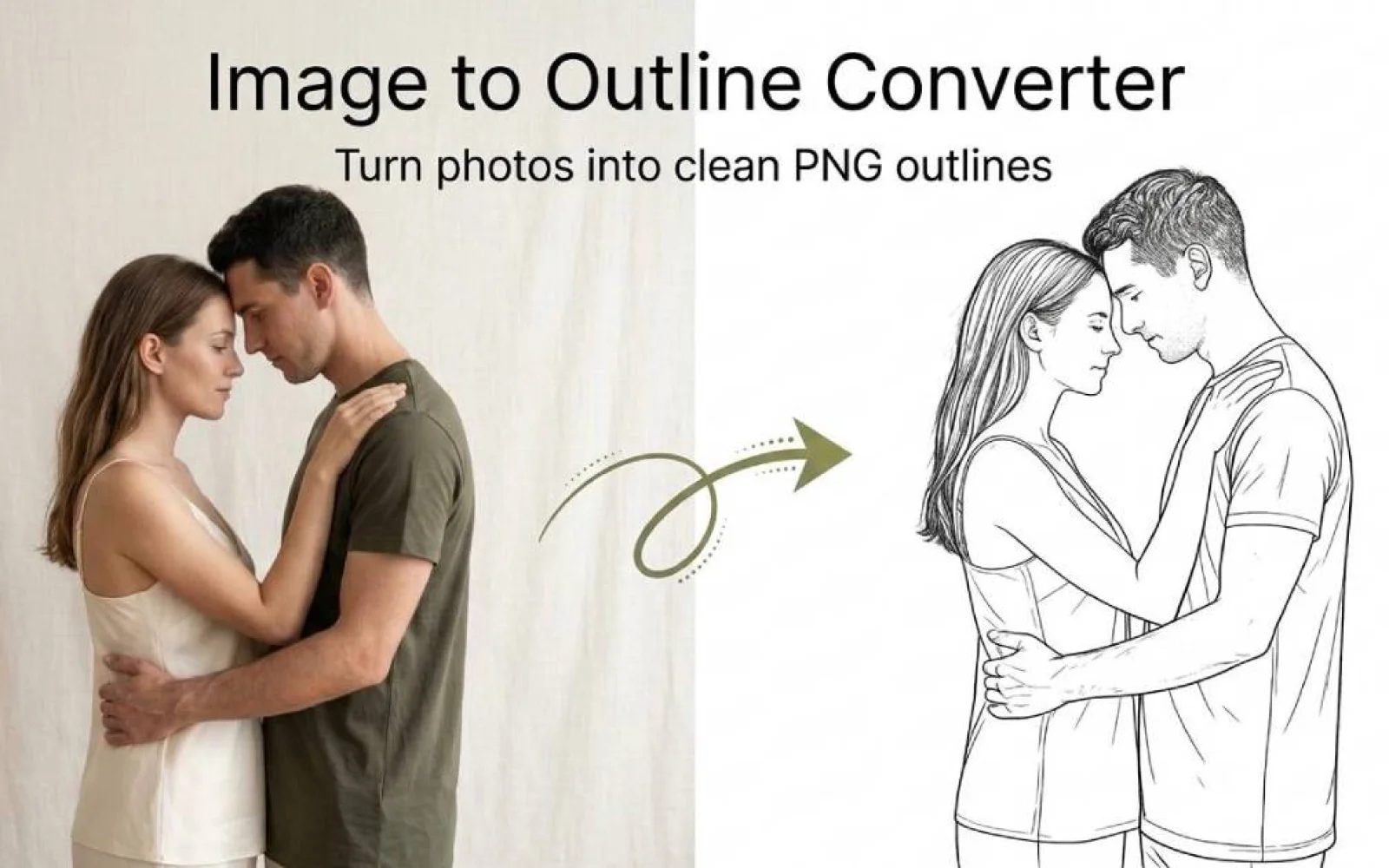
I built Image Outliner because converting photos into usable outlines was tedious—requiring expensive design software or manual tracing. Now anyone can upload an image and instantly get clean line drawings for Cricut, stickers, tattoo stencils, or coloring pages, all processed locally in your browser.
AI Overview
AI-generatedConverting images into clean, usable outlines is a task that has long plagued creatives, requiring either expensive design software or tedious manual tracing. Image Outliner addresses this issue head-on, providing a straightforward solution for individuals looking to transform their photos into crisp line drawings.
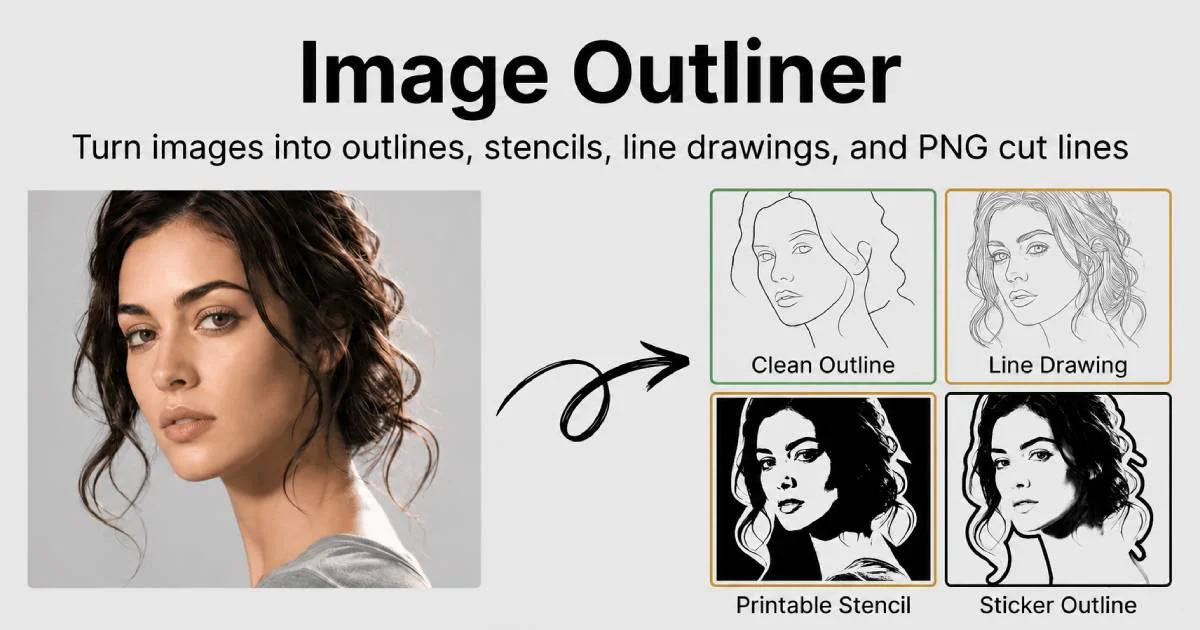
The tool is designed with a specific user in mind: crafters, designers, and artists seeking to create outlines for various applications such as Cricut projects, stickers, tattoo stencils, or coloring pages. It delivers on its promise by offering a range of output styles tailored to different use cases, including clean outlines, printable stencils, and Cricut cut lines.
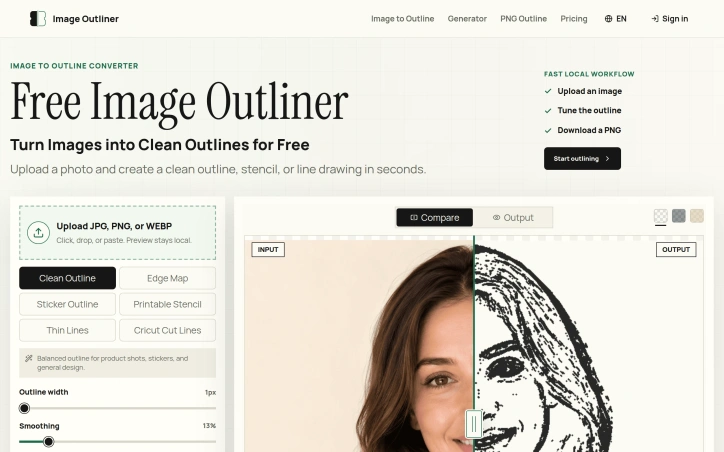
What stands out about Image Outliner is its commitment to a fast and private workflow. The entire process, from uploading an image to downloading a PNG, occurs locally in the browser, ensuring that users' data remains private. The tool also provides a range of controls to customize the output, including stroke width, smoothing, and threshold, allowing users to fine-tune their outlines to suit their needs.
Key features include the ability to upload various image formats, preview and adjust the outline in real-time, and download transparent PNGs. For users requiring a more polished result, an AI Enhance feature is available, although this comes at a cost, with one credit being used per enhancement.
The product's focus on practical output is evident in its design, with features such as edge map previews and Cricut-ready outlines demonstrating a clear understanding of the needs of its target users. Overall, Image Outliner offers a valuable solution for creatives looking to simplify the process of creating clean, usable outlines from their images.
Founder Diary
DevlogThe maker hasn't posted a diary entry yet.
Key Features
Local Browser Processing
All processing runs locally in your browser to keep your images private
Multiple Output Styles
Provides clean outlines, printable stencils, and Cricut-ready cut lines
Real-time Preview
Preview and adjust your outline in real-time before downloading
Customizable Controls
Fine-tune stroke width, smoothing, and threshold for perfect results
Transparent PNG Export
Download your outlines as transparent PNGs ready to use
AI Enhance Feature
Optional AI enhancement available for more polished output
Use Cases
-
1
Cricut users
Create precise outlines for cutting and crafting projects
-
2
Sticker designers
Transform photos into clean sticker templates and designs
-
3
Tattoo artists
Generate ready-to-use stencils for tattoo design work
-
4
Coloring book creators
Convert photos into printable coloring page outlines
FAQ
Is Image Outliner secure and private? ▾
What file formats can I download? ▾
Can I customize how the outline looks? ▾
What is the AI Enhance feature? ▾
Pricing
Base features are free; AI Enhance feature requires credits.
Tech Stack & Tags
Discussion
No comments yet — be the first!
Join the conversation — sign up to comment.
Sign up freeCommunity Support
Boost this project on Sell With boost
Meet the Founder

More in Graphic design tools
Zoviz
Zoviz is a complete AI branding and marketing pl...

InkSoul
I got my first tattoo at 28 — spent three weeks...

Shademix
I built Shademix to solve the frustration of col...
Tier List Maker
We created Tier List Maker because people love r...
TypeScript
Cardzy is a web-based design and invitation plat...
Font Studio
We built Font Studio because font editing should...