PhotoToA4
- No match
Machine translation — the English original is authoritative.
The Story
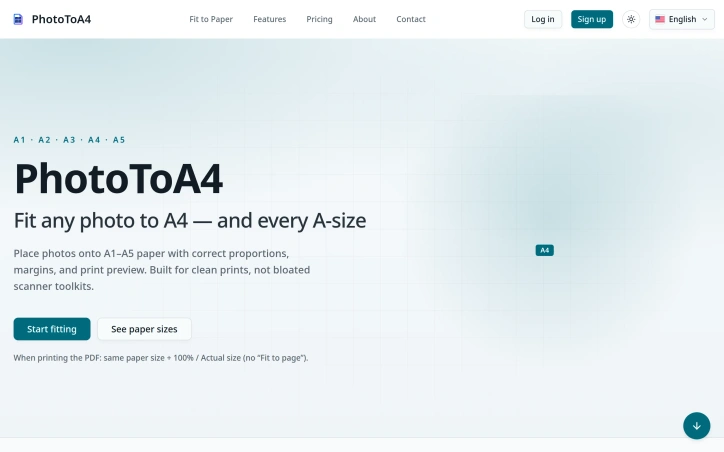
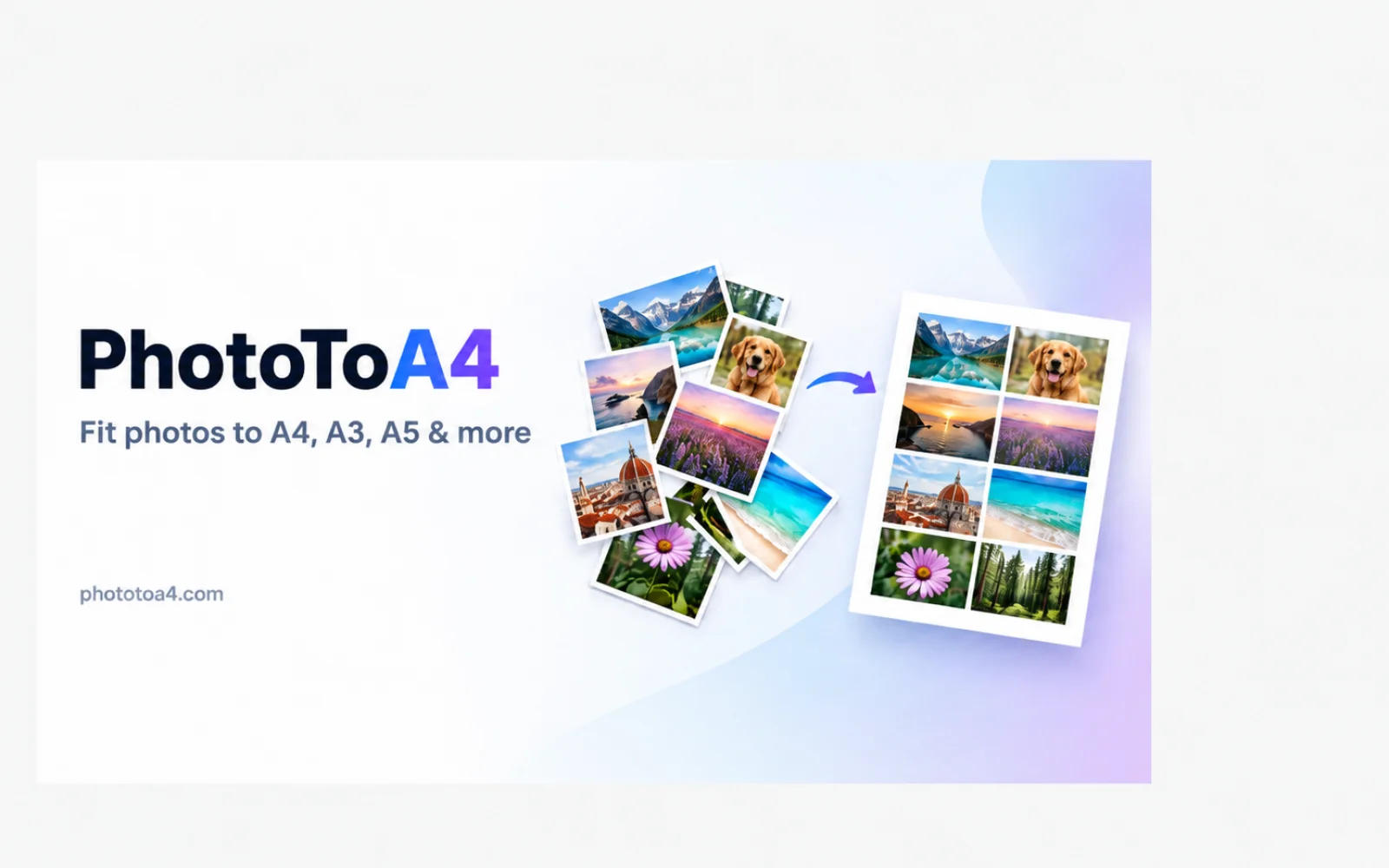
PhotoToA4 helps you place phone or camera photos onto real paper sizes — A4, Letter, and the full A-series — with correct proportions and margins.
Upload images in your browser, preview exactly how they will print, then export PDF, PNG, or Word. Core layout runs locally whenever possible, so everyday jobs stay fast and private.
Built for clean prints, not bloated scanner suites: straighten paper photos, put ID card front & back on one sheet at real card size, remove shadows, and print at 100% / Actual size without “Fit to page” surprises.
Ideal for students, teachers, freelancers, and anyone who needs print-ready pages from phone photos.
AI Overview
AI-generatedPrinting photographs on standard paper sizes shouldn't require design software or scanner suites. Most image-to-PDF converters ignore the relationship between photo aspect ratio and paper dimensions, producing stretched images, clipped edges, or unexpected scaling when users hit the print dialog. PhotoToA4 solves this by treating A-series paper sizes as first-class design constraints, not afterthoughts.
The tool occupies a narrow but real niche: anyone who needs to place photos on A4, A5, or other standardized paper without opening bloated creative tools. Students printing homework photos, teachers preparing handouts from camera rolls, freelancers exporting portfolio pages, and small businesses creating product sheets all face the same friction. A user uploads one or more photos, selects a paper size, chooses a fit mode—contain (keeps the full photo visible), cover (fills the page edge to edge), or guided placement—and previews the layout with accurate margins before export. The application runs core layout logic in the browser whenever possible, keeping everyday jobs fast and private.
What distinguishes PhotoToA4 from generic PDF tooling is its narrow focus. Competitors typically begin as scanners or general-purpose image tools and add document export as a secondary capability. PhotoToA4 inverts this: it exists exclusively to place photos correctly on A-series paper the first time. The interface reflects this specificity. There's no compression dialog, no OCR option, no multi-format batch conversion. The preview shows exactly what a printer expects at 100% scale, eliminating the common surprise of hitting "Fit to page" and watching the layout scale unexpectedly.
Export formats include PDF, PNG, and Word, with multi-page PDF support for assembling homework packs or product catalogs. Additional capabilities include photo straightening and shadow removal, addressing the reality that phone photos often need minor cleanup before printing.
The business model runs on a freemium structure. The free tier supports A4 and exports with watermarks; a Pro subscription unlocks the full A-series (A1 through A5) and watermark-free output. A4 covers the majority of everyday use cases, so the free offering isn't restricted to a trial period or limited file count—it's a functional product on its own.
PhotoToA4 succeeds because it doesn't try to solve every printing problem. It solves one problem thoroughly: taking photos from phones or cameras and placing them on real paper at real sizes, with a preview that removes guesswork. For its intended audience, that focus is exactly the appeal.
Founder Diary
DevlogThe maker hasn't posted a diary entry yet.
Key Features
A-Series Paper Optimization
Treats standard paper sizes as primary design constraints for perfect photo placement.
Multiple Fit Modes
Choose from contain, cover, or guided placement to position photos precisely on paper.
Accurate Preview
Shows exactly what the printer expects at 100% scale before exporting.
Photo Enhancement
Built-in straightening and shadow removal for camera and phone photos.
Multiple Export Formats
Supports PDF, PNG, and Word with multi-page PDF support.
Browser-Based Processing
Runs layout logic in the browser for speed and privacy.
Use Cases
-
1
Students printing homework photos
Documents homework assignments on standard paper without design software.
-
2
Teachers preparing handouts
Creates organized classroom handouts from camera roll photos.
-
3
Freelancers exporting portfolios
Assembles professional portfolio pages on standardized paper sizes.
-
4
Small businesses creating product sheets
Generates product documentation with photos on consistent formats.
FAQ
How does PhotoToA4 prevent stretched or clipped photos? ▾
Does PhotoToA4 require design software? ▾
What export formats are supported? ▾
Is there a free version? ▾
Pricing
Free tier includes A4 paper with watermarked exports; Pro subscription unlocks full A-series (A1-A5) and watermark-free output.
Discussion
No comments yet — be the first!
Join the conversation — sign up to comment.
Sign up freeCommunity Support
Boost this project on Sell With boost
Meet the Founder

More in Photo editing
MetaScope
As a professional photographer, I needed a tool...

Banana AI - Free AI Image Generator
Banana AI is a free AI image and video generatio...

AImageResize
I built AImageResize to simplify image resizing...
TurboConvert - Image Converter
As a solo web dev I was constantly juggling PNG...

TitleHero
Title. Your. Hero. Turn a portrait photo into a...

throwback: same you. another lifetime.
We built Throwback to help people reconnect with...