ZipIt — Extract Code, Colors, Fonts & Assets from Any Website
The Story
Inspecting UI, copying styles, downloading assets, compressing images, extracting SVGs, grabbing Lottie files—everything felt slow and fragmented.
ZipIt brings it all into one simple, fast workflow. 🚀
AI Overview
AI-generatedThe product targets designers and developers who regularly analyze reference sites, rebuild designs from screenshots, or audit existing web properties. This includes UI/UX professionals documenting design systems, developers creating themeable applications, and accessibility specialists evaluating compliance.
What distinguishes this offering is its architectural simplicity: everything runs locally in the browser, meaning no data leaves the user's machine and no server infrastructure bottlenecks the workflow. This privacy-first approach removes friction entirely—no uploading sensitive design files or site data to external services.
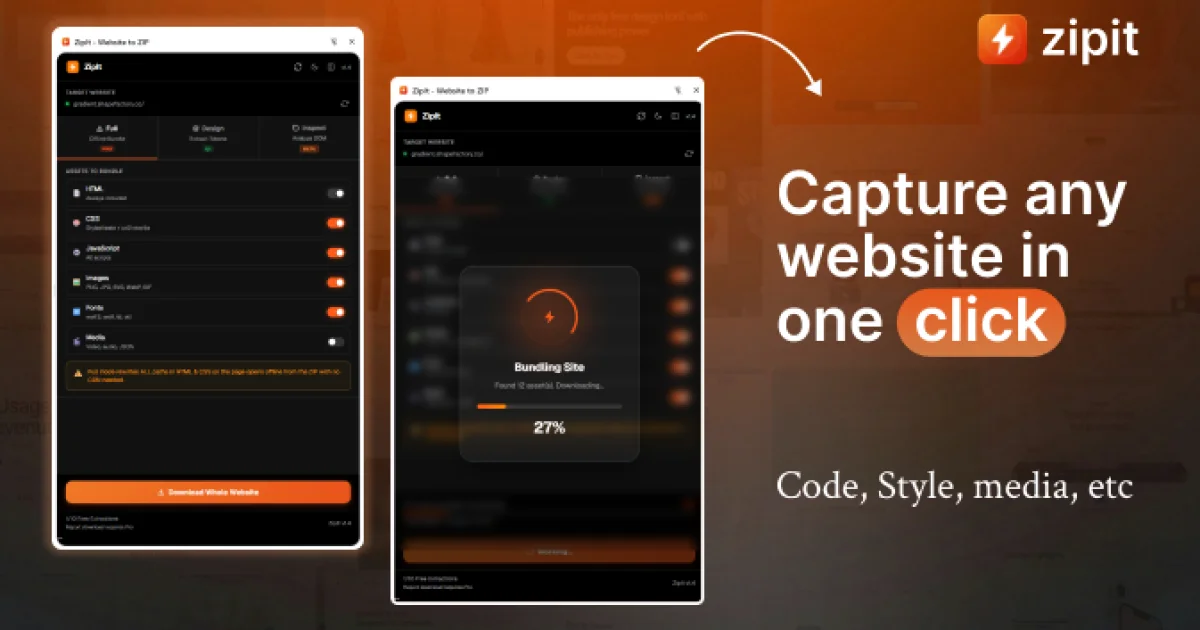
The feature set spans multiple extraction modes. Full website downloads preserve complete offline bundles with all assets intact and functional. A design system extraction mode surfaces every color, gradient, and font in use, enabling rapid documentation. An inspection mode allows selecting individual elements to export as reusable components or clean CSS. A particularly clever addition integrates AI prompt generation, preparing outputs ready for ChatGPT, Claude, or Gemini to reconstruct designs programmatically. Media extraction gathers images, videos, icons, and animations in one place. For accessibility-focused teams, an audit mode runs WCAG compliance checks across all levels and generates professional reports with accessibility scoring.
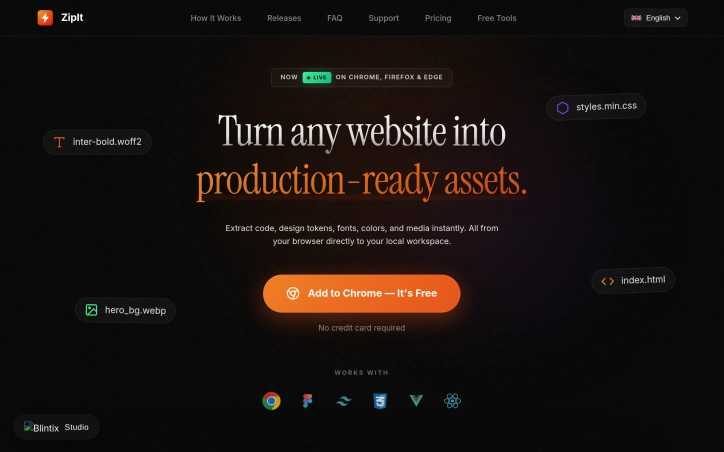
The exported code emphasizes production readiness, stripping bloat and delivering lean HTML and CSS suitable for immediate use. Multi-language support extends the interface globally across 10+ languages, with automatic adaptation to browser settings.
The pricing model breaks the subscription paradigm. A permanent free tier grants 10 high-speed exports per period with basic single-page capture and limited asset extraction. A lifetime deal offering charges a one-time payment of $25—marked down from $69—for permanent access, completely eliminating recurring fees. This structure removes the psychological barrier that typically trips up tool adoption, particularly appealing to agencies and freelancers managing unpredictable project volumes. For teams prioritizing cost predictability over subscription models, the flat-fee approach wins by eliminating future billing uncertainty.
Key Features
Browser-Based Extraction
Everything runs locally in your browser with no data leaving your machine
Design System Extraction
Surfaces every color, gradient, and font in use for rapid documentation
Full Website Download
Preserves complete offline bundles with all assets intact and functional
Component Inspection
Select individual elements to export as reusable components or clean CSS
AI Prompt Generation
Prepares outputs ready for ChatGPT, Claude, or Gemini to reconstruct designs
Accessibility Audit
Runs WCAG compliance checks and generates professional reports with scoring
Use Cases
-
1
UI/UX Professionals
Document design systems by extracting and cataloging all colors, gradients, and fonts
-
2
Developers
Create themeable applications by extracting design tokens and reusable components
-
3
Accessibility Specialists
Evaluate WCAG compliance across websites and generate detailed compliance reports
-
4
Designers & Developers
Analyze reference sites and rebuild designs from screenshots without manual asset gathering
FAQ
Does ZipIt upload my designs to a server? ▾
Can I export and reuse website code? ▾
Does ZipIt work with ChatGPT and Claude? ▾
What does ZipIt cost? ▾
Pricing
Free tier with 10 exports per period; $25 one-time lifetime deal eliminates recurring subscription fees.
Tech Stack & Tags
Discussion (1)

🎨 Extract Design Systems Capture colors, gradients, typography, and layout from any website and turn them into a structured design system instantly. 🔗 Local Path Rewriting Automatically rewrites all asset paths so downloaded websites work seamlessly offline without broken links or missing files. 🧱 Semantic HTML Outputs clean, structured HTML that’s easy to read, edit, and reuse across projects with proper tags and hierarchy. 🧠 Deep DOM Analysis Analyzes full page structure to understand layout, hierarchy, and components for accurate extraction and reuse. ⚡ Asset Optimization Downloads and organizes images, fonts, and media efficiently while keeping output lightweight and performance-ready. 🧹 Production-Ready Code Removes unused styles and delivers clean, optimized code ready for real-world development and deployment. 📋 Design Token Extraction Exports colors, typography, and spacing as reusable tokens in CSS, JSON, or Tailwind formats. 🖼 Figma-Ready Export
Join the conversation — sign up to comment.
Sign up freeCommunity Support
Boost this project on Sell With boost
Meet the Founder
More in Chrome Extensions

Page Walker
Read with Ease, Browse with Comfort. Page Wa...
SFM - Surface Filter Mode
Our Surface Filter Mode (SFM) plugin enhances we...
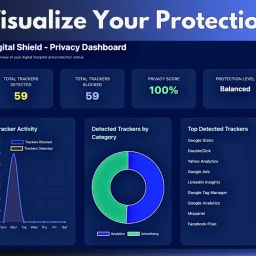
Digital Shield - Data Breach & Privacy Protection
Block trackers, stop malware and check for data...
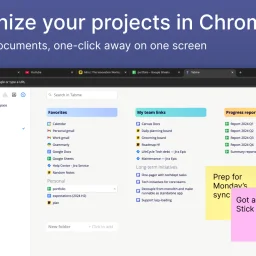
Tabme
I'm Oleg, the creator of Tabme. A few years ago...

Cast to Sonos
Even now, it is still difficult to stream to a S...

How Much Does It Cost? - Know what things really cost. in dollars and lattes
How Much Does It Cost? — The Chrome extension th...