
Collage Pro
The Story
AI Overview
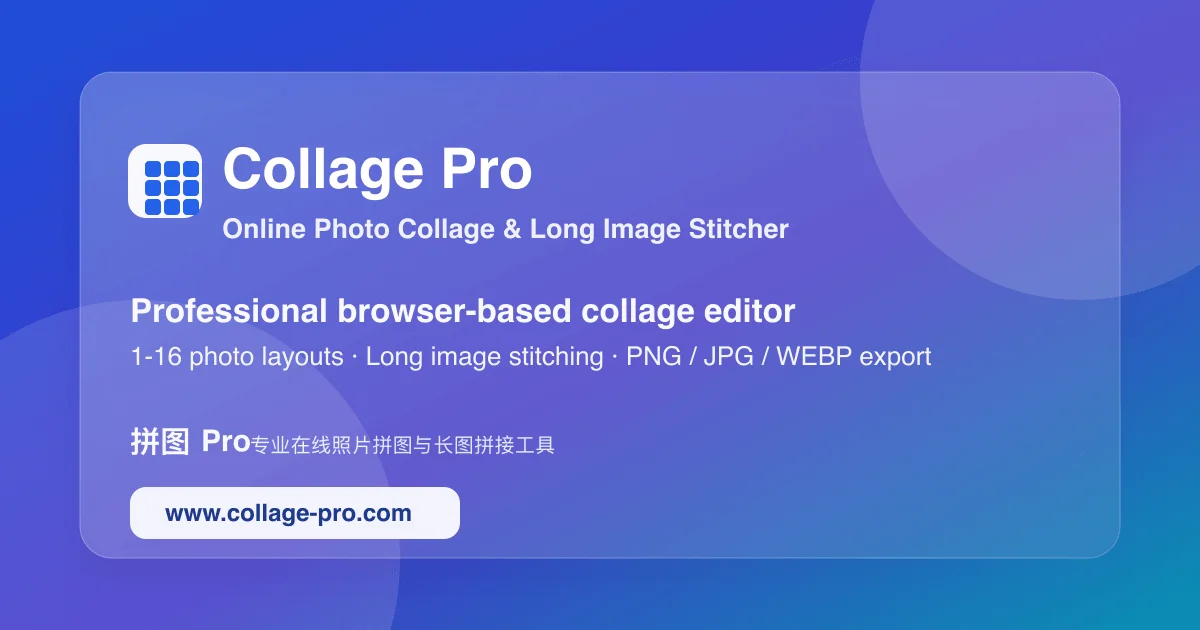
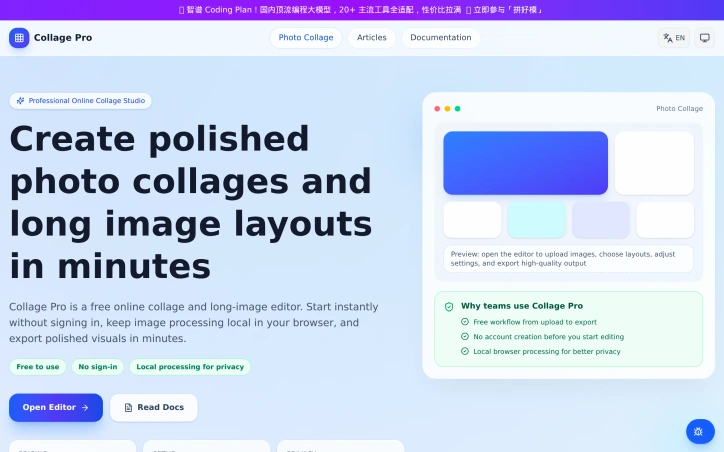
AI-generatedWhat stands out about Collage Pro is its commitment to user privacy and convenience. The fact that it operates locally in the browser, without requiring users to sign in, is a significant advantage. This approach not only ensures that sensitive data remains secure but also makes it easy for users to start creating right away. The platform's flexibility is another notable aspect, supporting a range of use cases from social media posts to ecommerce listings.
The editor's capabilities are robust, featuring a range of layout templates and smart layout recommendations based on the number of images uploaded. Users can work with up to 16 photos in various combinations, and the long image mode allows for unlimited horizontal or vertical stitching. The image editing tools are also comprehensive, with features like position adjustment, zoom, and rotation. Additionally, the platform provides dedicated entry pages for specific tasks, making it easy for users to find the right workflow.
Collage Pro is free to use, with no sign-in required, and the developer's decision to keep processing local to the browser underscores a commitment to user privacy. By offering a powerful and user-friendly tool without charging users, Collage Pro has established itself as a go-to solution for creating high-quality photo collages and long images.
Key Features
Layout Templates
providing pre-designed layouts for collages
Smart Layout Recommendations
suggesting layouts based on the number of images uploaded
Image Editing Tools
allowing position adjustment, zoom, and rotation
Long Image Mode
supporting unlimited horizontal or vertical stitching
Multi-Image Support
allowing users to work with up to 16 photos
Use Cases
-
1
Social Media Managers
creating high-quality visuals for social media posts
-
2
Ecommerce Sellers
producing professional-looking images for ecommerce listings
-
3
Individual Creators
making polished photo collages without tedious editing
-
4
Teams
collaborating on visual content creation
FAQ
Is Collage Pro secure? ▾
Do I need to sign in to use Collage Pro? ▾
How many images can I use in Collage Pro? ▾
Pricing
Collage Pro is free to use with no sign-in required.
Tech Stack & Tags
Discussion
No comments yet — be the first!
Join the conversation — sign up to comment.
Sign up freeCommunity Support
Boost this project on Sell With boost
Meet the Founder

More in Photo editing

MetaScope
As a professional photographer, I needed a tool...

Banana AI - Free AI Image Generator
Banana AI is a free AI image and video generatio...

Photo Grid Collage
I built Photo Grid Collage to solve the friction...

TurboConvert - Image Converter
As a solo web dev I was constantly juggling PNG...

AImageResize
I built AImageResize to simplify image resizing...
Stylize Image
I built Stylize Image to transform photos with A...