
Photo Grid Collage
The Story
I built Photo Grid Collage to solve the friction of creating beautiful photo layouts. Most tools are either complicated or loaded with watermarks and paywalls. I wanted something that's completely free, instant, and requires zero design skills—just upload, arrange, and export in seconds.
AI Overview
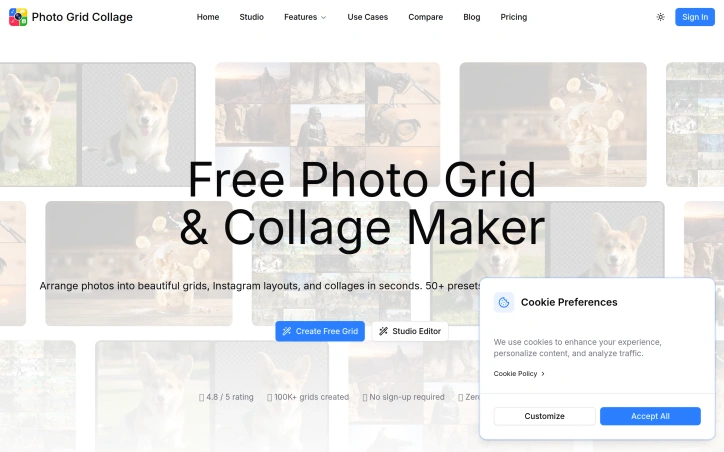
AI-generatedArranging multiple photos into a coherent visual layout has traditionally required either expensive desktop software or frustrating web tools that burden users with watermarks and mandatory registrations. Photo Grid Collage eliminates these friction points by offering a straightforward, free-to-use editor for creating grid layouts and collages without sign-up barriers or watermarked outputs.
The product targets three distinct audiences. Social media creators preparing Instagram feeds and campaign visuals benefit from grid-to-individual-cell export capabilities, enabling seamless multi-post sequences. E-commerce businesses leverage grid layouts to display product variants and bundled combinations in a single, organized visual. Photography professionals and creatives use the tool to assemble portfolio presentations and client-ready contact sheets. The appeal across these use cases suggests practical utility rather than novelty.
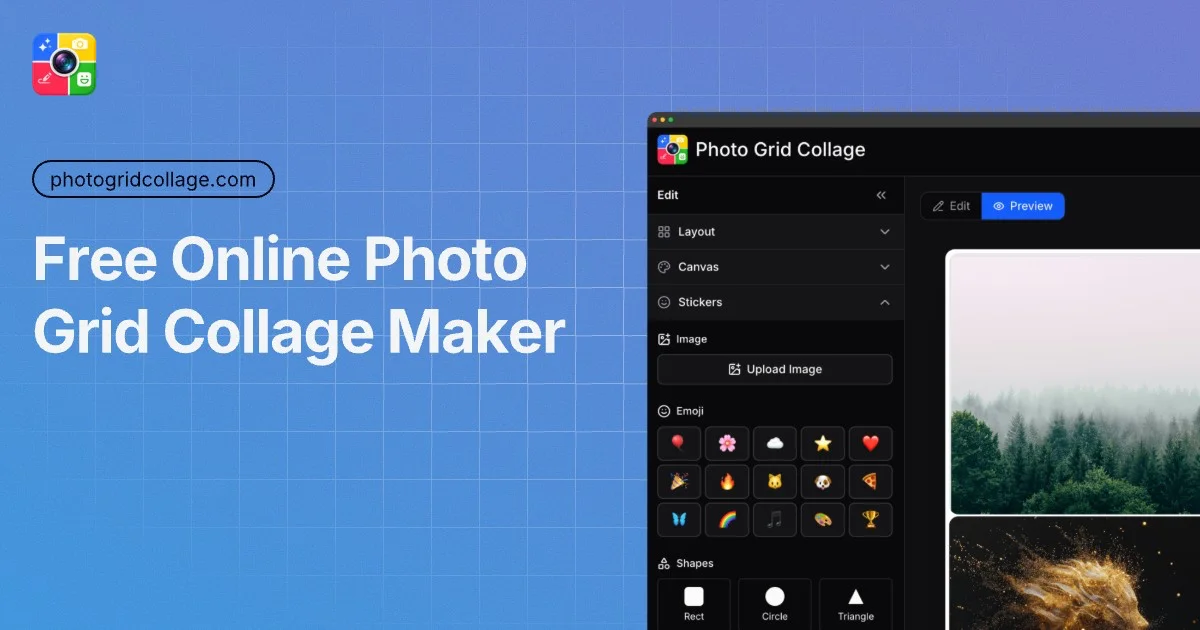
Several features justify the straightforward positioning. The preset library includes over fifty grid configurations beyond standard arrangements, accommodating both common and unconventional compositions. The interface emphasizes speed—users upload photos, select a layout, and export in under sixty seconds. Real-time preview with drag-and-drop image placement removes guesswork from composition. Beyond grids, the editor incorporates text overlays, sticker insertion, per-photo filters, and adjustable spacing and corner radius, allowing basic creative customization without overwhelming the interface.
The zero-watermark guarantee carries weight. Many competing free tools monetize by restricting quality or branding outputs, forcing users toward paid tiers. This tool provides full-resolution PNG and JPG exports without this penalty, removing a common source of user frustration.
The business model is uncomplicated. The product remains free at the point of use, with no explicit mention of premium tiers or monetization mechanisms in the available information. This approach lowers adoption barriers significantly. The stated figures—100,000 grids created and a 4.8-out-of-5 rating—suggest genuine traction and user satisfaction.
Positioning matters here. Photo Grid Collage operates in a space where competitors either impose friction through sign-up requirements and watermarks, or overcomplicate workflows with professional-grade tools. By removing both barriers and bloat, the tool captures utility-focused users who simply want their images organized and exported quickly. The combination of instant results, creative flexibility, and no-friction access makes it a practical alternative for creators prioritizing speed over advanced features.
Key Features
Grid Preset Library
Over fifty grid configurations for common and unconventional compositions
Zero Watermark Exports
Full-resolution PNG and JPG downloads without watermarks or branding
Drag-and-Drop Preview
Real-time preview with image placement and composition control
Creative Customization
Text overlays, stickers, per-photo filters, spacing and corner radius adjustments
No Registration Required
Free editing without sign-up barriers or account requirements
Speed-Focused Workflow
Upload photos, select layout, and export in under sixty seconds
Use Cases
-
1
Social Media Creators
Grid-to-individual-cell export enables seamless multi-post Instagram sequences
-
2
E-commerce Businesses
Display product variants and bundled combinations in organized single visuals
-
3
Photography Professionals
Assemble portfolio presentations and client-ready contact sheets
FAQ
Can I download my collage without watermarks? ▾
Do I need an account to use Photo Grid Collage? ▾
How many grid layouts are available? ▾
How fast can I create a collage? ▾
Pricing
Free-to-use with no premium tiers or monetization mechanisms mentioned.
Tech Stack & Tags
Discussion
No comments yet — be the first!
Join the conversation — sign up to comment.
Sign up freeCommunity Support
Boost this project on Sell With boost
Meet the Founder

More by 0 Kong (Kong)




More in Photo editing

MetaScope
As a professional photographer, I needed a tool...

Banana AI - Free AI Image Generator
Banana AI is a free AI image and video generatio...

TurboConvert - Image Converter
As a solo web dev I was constantly juggling PNG...

AImageResize
I built AImageResize to simplify image resizing...

Collage Pro
I built Collage Pro to simplify creating photo c...

Nano Banana
Nano Banana is a prompt-driven AI image editor p...