
Databuddy Analytics
- No match
Machine translation — the English original is authoritative.
The Story
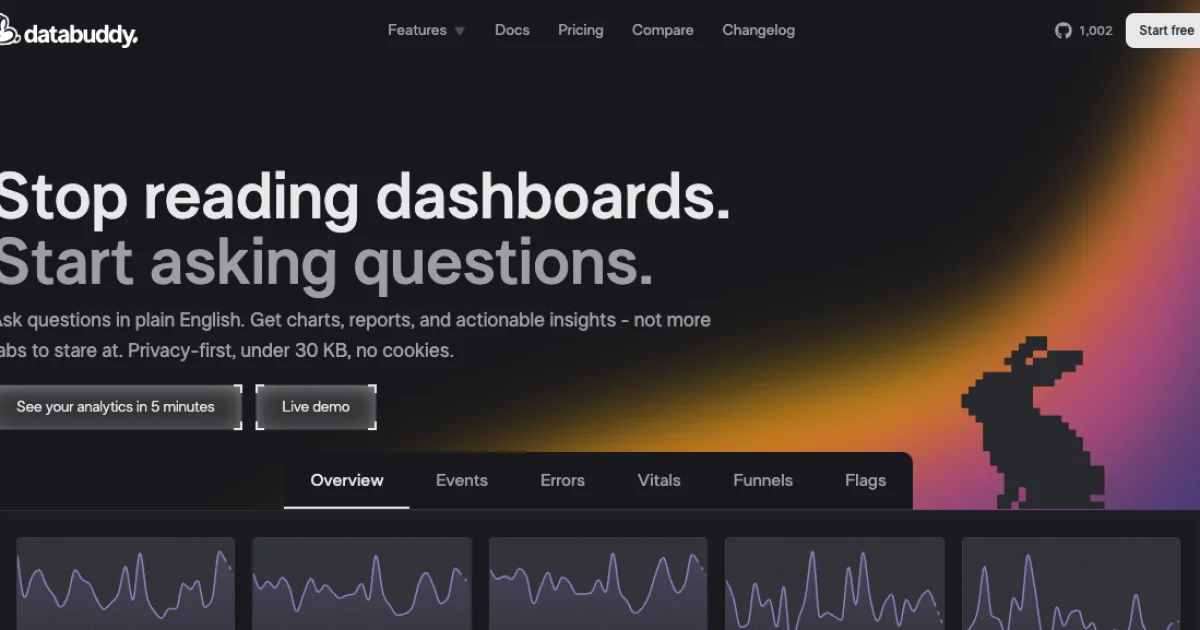
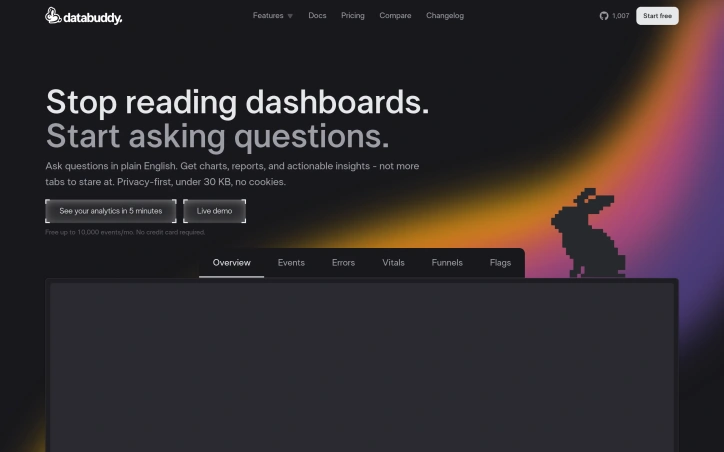
Databuddy gives developers one place for analytics, logs, and feature flags. It’s type-safe, lightweight, and works across serverless, edge, and stateful environments. Privacy-first foundation, and a focus on user-experience and streamlined flows
AI Overview
AI-generatedFor developers and businesses tired of navigating complex web analytics tools, Databuddy offers a refreshing alternative. This platform solves the problem of scattered data collection and cluttered dashboards by consolidating key metrics into one cohesive layer.
What stands out about Databuddy is its commitment to user experience and streamlined flows. Unlike many analytics solutions that rely on heavy scripts and cookie banners, Databuddy is designed with privacy in mind, boasting a lightweight footprint under 1KB. This means no intrusive consent popups or impact on performance.
Key features worth noting include real-time visibility into user behavior, error tracking, and feature flagging. The platform's autonomous nature allows it to surface insights without requiring manual input from developers. Additionally, Databuddy is built with transparency in mind, offering a fully open-source solution that can be self-hosted or run by the company.
From a business model perspective, pricing details are not explicitly mentioned on the website. It is implied, however, that the platform offers a free plan and potentially tiered pricing for more advanced features.
Overall, Databuddy's approach to web analytics feels like a breath of fresh air in an industry often plagued by bloat and invasiveness. Its focus on user experience, transparency, and privacy will likely resonate with developers and businesses seeking a more streamlined and secure solution for their data collection needs.
Founder Diary
DevlogThe maker hasn't posted a diary entry yet.
Key Features
Real-time Visibility
Monitor user behavior and activity as it happens
Error Tracking
Identify and track application errors automatically
Feature Flagging
Manage feature releases with built-in feature flags
Lightweight Design
Footprint under 1KB with minimal performance impact
Privacy Focused
No cookie banners or intrusive consent popups
Open Source
Fully open-source solution available for self-hosting
Use Cases
-
1
Developers
Need lightweight analytics without complex setup or heavy scripts
-
2
Privacy-Conscious Businesses
Seeking analytics solutions that respect user privacy
-
3
Data-Driven Teams
Want to consolidate scattered metrics into one dashboard
-
4
Self-Hosted Operations
Require full control over their analytics infrastructure
FAQ
Is Databuddy open source? ▾
Does Databuddy use cookies or require consent popups? ▾
What analytics features does Databuddy offer? ▾
How much impact will Databuddy have on site performance? ▾
Pricing
The platform offers a free plan with potentially tiered pricing for advanced features, though specific pricing is not detailed.
Tech Stack & Tags
Discussion
No comments yet — be the first!
Join the conversation — sign up to comment.
Sign up freeCommunity Support
Boost this project on Sell With boost
Meet the Founder
Anonymous Maker
More in AI Code Editors

RightNow AI Code Editor
RightNow AI is the first CUDA-native code editor...

Nexion - For Windows & Open Source
🎉 Big news! Windows version + Open-source relea...

Strix
Strix is an open-source AI hacking agent that fi...

shadcn CLI 3.0 and MCP Server
shadcn/ui is the foundation for your design syst...

Merge Agent Handler
Securely connect AI agents to enterprise-ready t...

Jam SQL Studio
We built Jam SQL Studio because Microsoft retire...