
Docultra
- No match
Machine translation — the English original is authoritative.
The Story
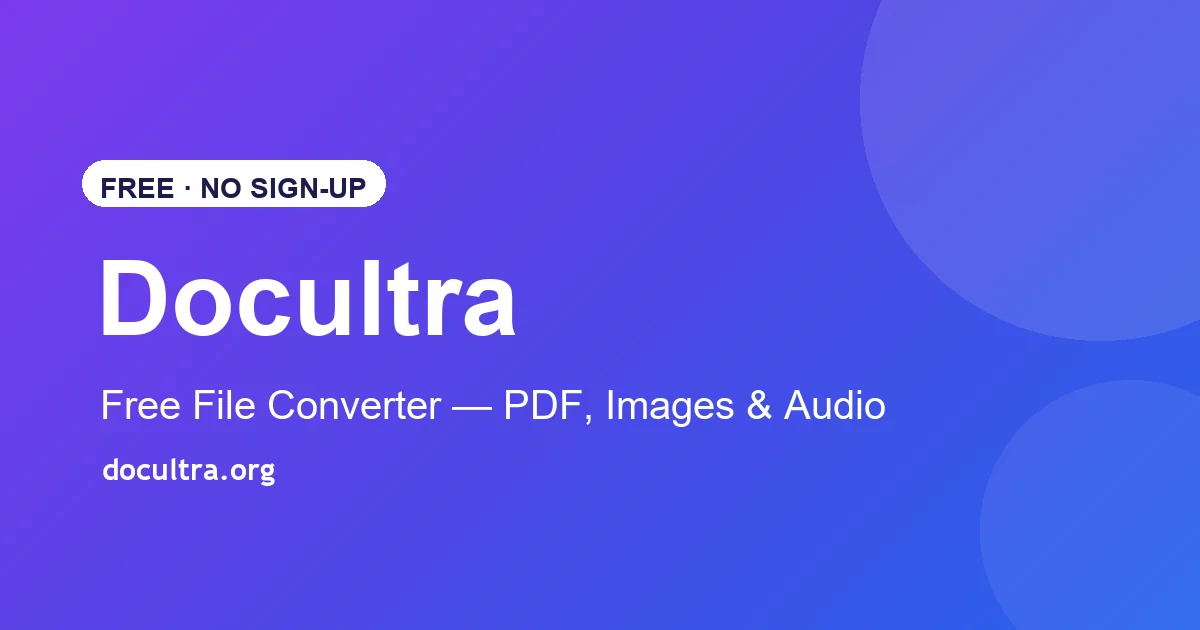
Docultra was born out of the daily digital fatigue and frustration of having to juggle dozens of fragmented websites just to perform simple tasks like converting a PDF, compressing an image, or editing a media file—often only to be bombarded by aggressive pop-ups, misleading download buttons, and privacy-invading paywalls. To solve this, we created Docultra (docultra.org) as a unified, lightning-fast, and highly secure workspace that brings all essential document and media conversion tools under one roof. As developers who believe that utility tools should simply work without friction, we engineered the platform around a strict automated data deletion policy—processing files securely on high-performance nodes and wiping them immediately—to deliver a clean, professional, and private experience tailored for creators, professionals, and students alike.
AI Overview
AI-generatedConverting files across formats remains one of those recurring digital friction points that fragments user workflows. Docultra tackles this by consolidating image, PDF, audio, and video conversion tools into a single browser-based workspace, eliminating the need for users to hunt across multiple specialized websites. The product targets creators, professionals, and students—anyone handling file conversions as part of their regular work but frustrated by the ecosystem's typical obstacles: invasive paywalls, pop-up advertising, privacy concerns, and misleading download buttons.
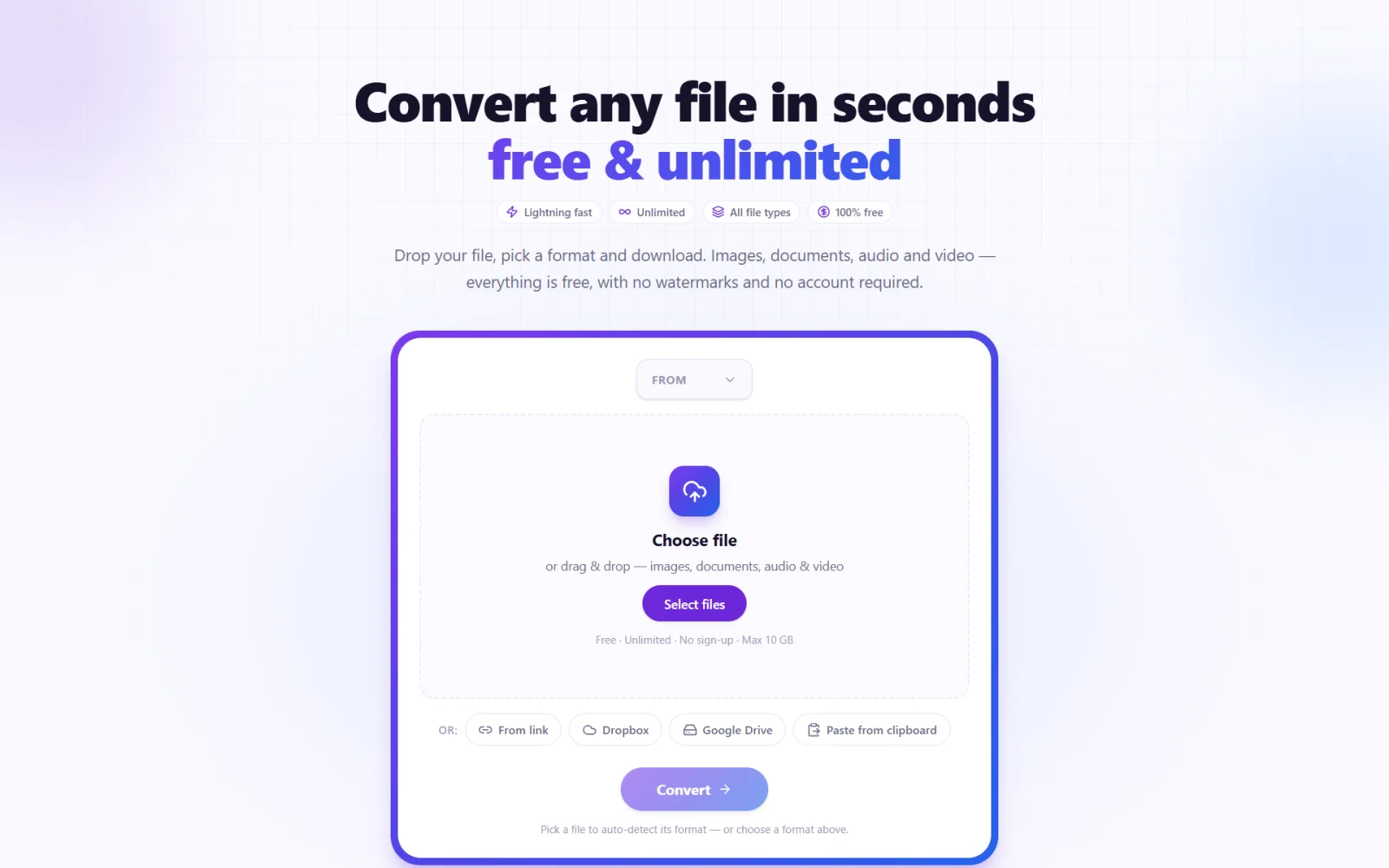
The platform's architecture centers on privacy and speed. Most conversions execute client-side, meaning files never touch a remote server. For operations requiring backend processing (specifically audio work), Docultra implements automatic deletion the moment the conversion completes. This approach sidesteps the common trap of utility-tool websites that monetize user data or create artificial conversion limits. The service accepts files up to 5 gigabytes and supports uploads via drag-and-drop, direct links, or integration with Dropbox and Google Drive.
Feature coverage is broad. The image converter handles conversions between eight formats including SVG and AVIF, with batch processing and PDF collation built in. The PDF tools go beyond simple format conversion to offer merging, compression, digital signatures, and redaction capabilities, plus optical character recognition for image-to-text extraction. Audio conversion spans seven formats with the ability to extract soundtracks from video, normalize levels, and compress files. Video conversion covers the major codecs, and a file translation feature rounds out the toolkit. Across these tools, Docultra promises over twenty supported formats.
The business model is deliberately uncomplicated. Every feature is free. No subscription tiers, no account creation, no watermark overlays, no daily quotas, and no premium upsells. The platform works in any modern web browser, requiring no installation or updates. This stripped-down approach reflects a philosophy that utility software should provide value without friction—a direct response to the bloated landscape of file-conversion websites that have prioritized monetization over user experience.
Founder Diary
Devlog-
Hey everyone! 👋
We’d love for you to test out DocUltra and give it a try! We’ve built it to provide fast, privacy-focused, and seamless online utility tools with zero friction.
Give it a test run and let us know what you think. Your feedback, suggestions, or features you’d like to see next would mean the world to us!
Feel free to drop a comment here or reach out directly with any advice at [email protected].
Looking forward to hearing your thoughts! 🙌
Key Features
Image Converter
Converts between eight formats including SVG and AVIF, with batch processing and PDF collation.
PDF Tools
Merges, compresses, digitally signs, and redacts PDFs, plus performs optical character recognition.
Audio Conversion
Supports seven formats with soundtrack extraction, level normalization, and compression.
Video Converter
Handles major video codecs for seamless format conversion.
Client-Side Processing
Most conversions execute locally on your device with automatic server deletion after completion.
Large File Support
Accepts files up to 5 gigabytes via drag-and-drop, direct links, or Dropbox and Google Drive integration.
Use Cases
-
1
Creators
Consolidate all file conversion needs into one workspace without hunting across multiple specialized websites.
-
2
Professionals
Convert files privately without invasive paywalls, pop-up advertising, or data monetization concerns.
-
3
Students
Process diverse file formats for coursework without navigating the typical obstacles of conversion websites.
FAQ
Do I need to create an account? ▾
Is my data private? ▾
What file formats are supported? ▾
Does Docultra cost anything? ▾
Pricing
All features are completely free with no subscription tiers, watermarks, daily quotas, or hidden upsells.
Tech Stack & Tags
Discussion
No comments yet — be the first!
Join the conversation — sign up to comment.
Sign up freeCommunity Support
Boost this project on Sell With boost
Meet the Founder

More by Youssef Bedoui
More in PDF Editor
CropItFast
I built CropItFast because I was tired of clunky...
PDF Redaction
We built this because companies were sending sen...

SimpliConvert
We built SimpliConvert to solve the frustration...

HEICPDF.TO
I built HEICPDF.TO to solve the problem of incom...
QuickDocs
One Suite for All Your Document Conversions. 🛡...
ChangeMyFile
ChangeMyFile is a free, no-signup toolbox for ev...