Genjutsu AI
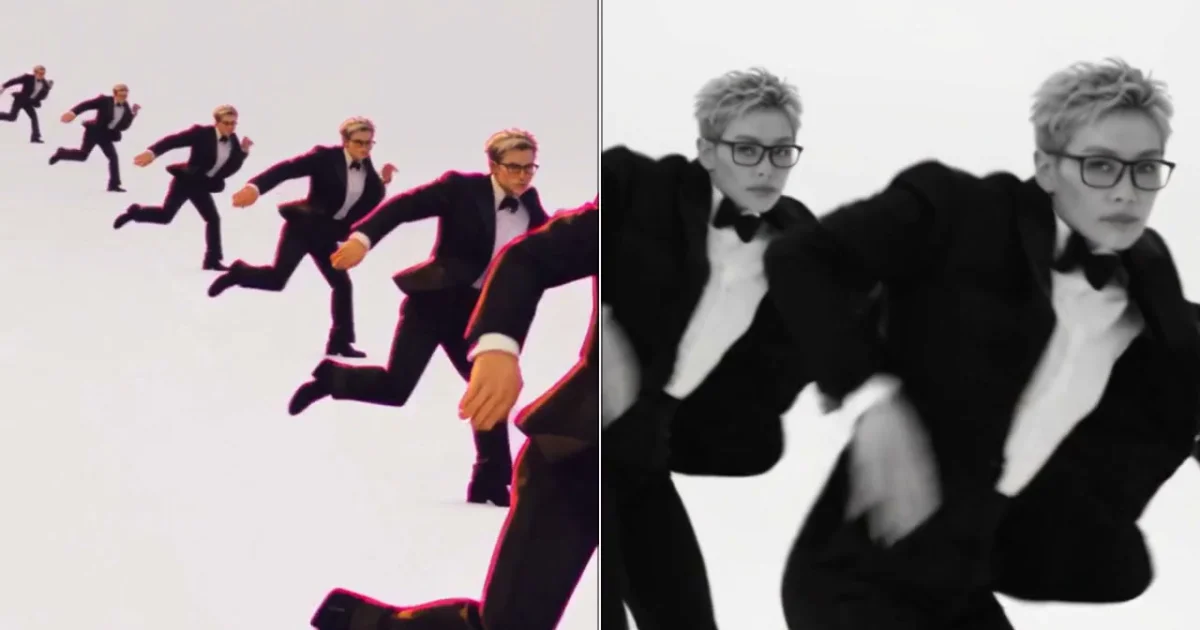
- No match
Machine translation — the English original is authoritative.
The Story
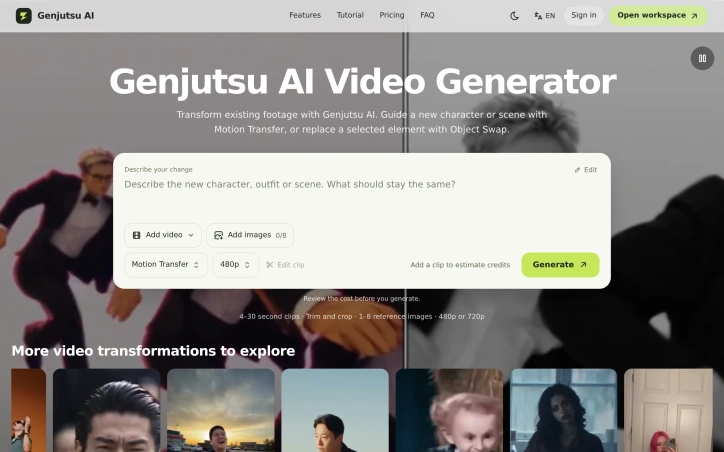
Genjutsu AI is an independent video-to-video workspace built on the Higgsfield Genjutsu model. Upload a 4-30 second clip, trim and crop it, add 1-8 reference images and describe the change. Motion Transfer uses your clip's movement to guide a new character, scene or look; Object Swap replaces a selected product, prop, outfit or character in the shot. Choose 480p or 720p, review the credit quote before generating, then download MP4. One-time credit packs, no subscription.
AI Overview
AI-generatedVideo transformation software often chains together multiple specialized tools. Genjutsu AI consolidates two distinct editing capabilities into a single workspace: Motion Transfer, which guides new characters or scenes using movement from an existing clip, and Object Swap, which replaces selected elements while preserving surrounding context. The platform targets creative professionals and content creators who work with short-form video but lack either the time or technical depth for frame-by-frame editing.
What distinguishes Genjutsu AI is its operational simplicity and transparent cost model. Users upload a 4-30 second clip, trim and crop it within the interface, provide 1-8 reference images describing the desired change, and receive an instant credit estimate before generation. The output comes in MP4 format at either 480p or 720p resolution. Rather than locking users into a subscription, Genjutsu operates on one-time credit pack purchases, letting creators spend only what they need without ongoing commitments.
The platform draws on the Higgsfield Genjutsu video model, indicating a foundation in established generative video technology. Its community examples showcase practical applications across multiple domains: character repositioning in existing footage, outfit changes, environmental modifications, and prop replacements. These demonstrations reveal the system's ability to maintain spatial coherence and lighting continuity when introducing new elements into existing shots.
The pricing structure reflects a freemium approach. New users can attempt a single transformation with a trial pack, while deeper exploration requires purchasing credit packs. The cost-per-generation varies based on clip length and output resolution, with 720p requiring a larger minimum investment than 480p alternatives. This approach appeals to experimenters and hobbyists while enabling professional workflows for users generating multiple assets.
The key limitation appears inherent to the product category: transformations work best on clips with clear framing and simple compositions, as evidenced by the curated examples spanning dance scenes, outfit studies, and outdoor shots. Genjutsu AI fills a practical niche for creators needing quick character or object substitutions without learning complex VFX software, though it remains specialized rather than comprehensive in scope.
Founder Diary
DevlogThe maker hasn't posted a diary entry yet.
Key Features
Motion Transfer
Guides new characters or scenes using movement from existing video clips.
Object Swap
Replaces selected elements while preserving surrounding context.
Instant Cost Preview
Provides credit estimate before generation begins.
Flexible Output
Supports MP4 format at 480p or 720p resolution.
Credit-Based Model
Uses one-time credit pack purchases without subscriptions.
Use Cases
-
1
Content Creators
Need quick character or object substitutions for short-form video without learning complex VFX software.
-
2
Character Repositioning
Guides new characters into existing footage using movement reference from source clips.
-
3
Outfit and Environment Changes
Replaces clothing or environmental elements while maintaining spatial coherence and lighting.
-
4
Prop Replacements
Substitutes objects within shots while preserving context and visual continuity.
FAQ
How long can my video clips be? ▾
Do I need a subscription? ▾
Can I try it for free? ▾
What output formats are available? ▾
Pricing
Cost-per-generation varies based on clip length and output resolution.
Tech Stack & Tags
Discussion
No comments yet — be the first!
Join the conversation — sign up to comment.
Sign up freeCommunity Support
Boost this project on Sell With boost
Meet the Founder

More in Video editing

VideoSnap
I built VideoSnap to provide a private and free...

Leumos AI
See a color grading look you love? Bring it to y...

SubtitleGenerator
SubtitleGenerator helps creators turn videos int...

Bulin 47 AI
Bulin 47 AI turns a portrait into a 19-second ve...

ACtionCut-AI
ActionCut-AI finds the boring stretches in any r...
ReelHive
We built ReelHive to save real estate agents hou...