Leumos AI
- No match
Machine translation — the English original is authoritative.
The Story
See a color grading look you love? Bring it to your footage.
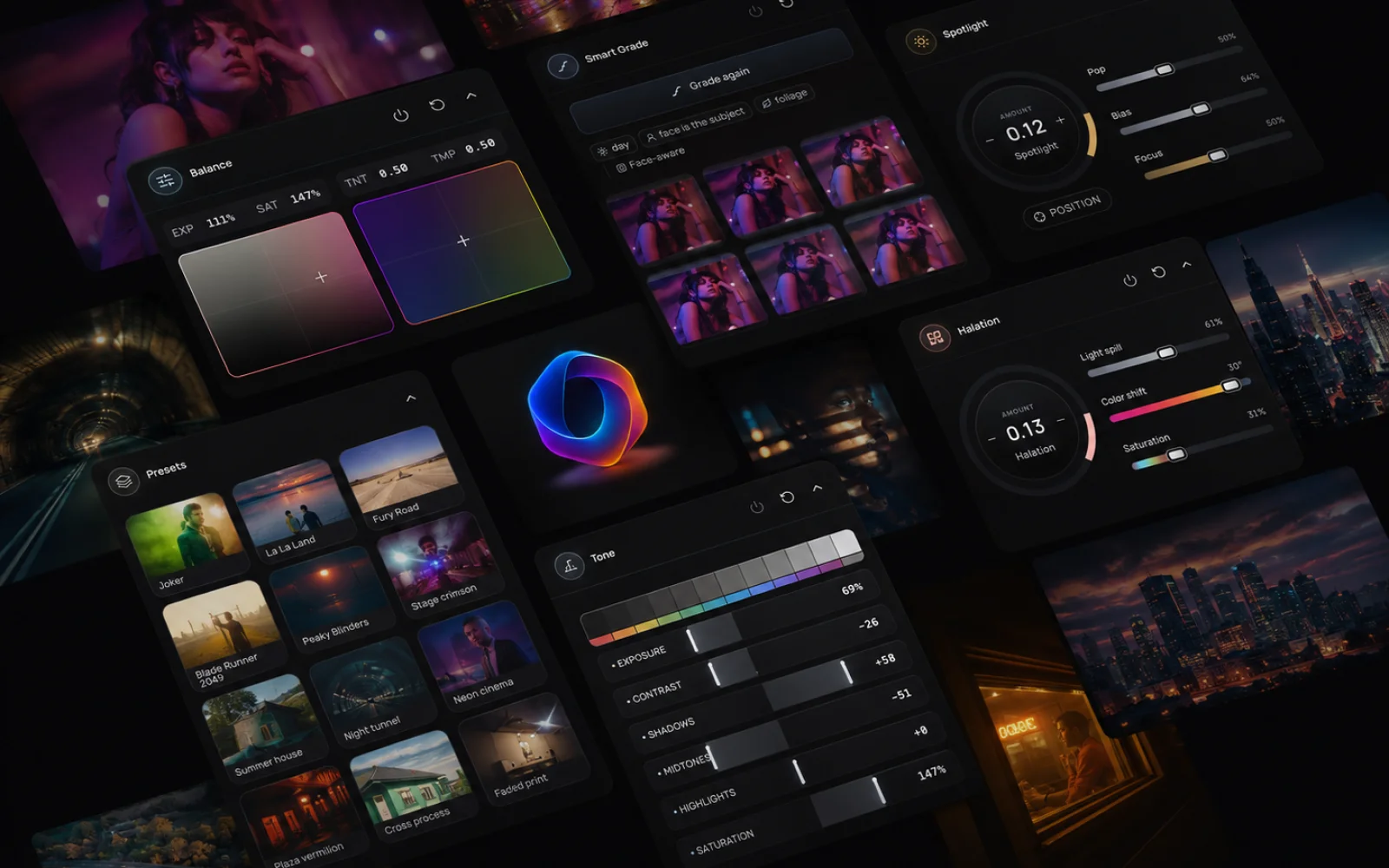
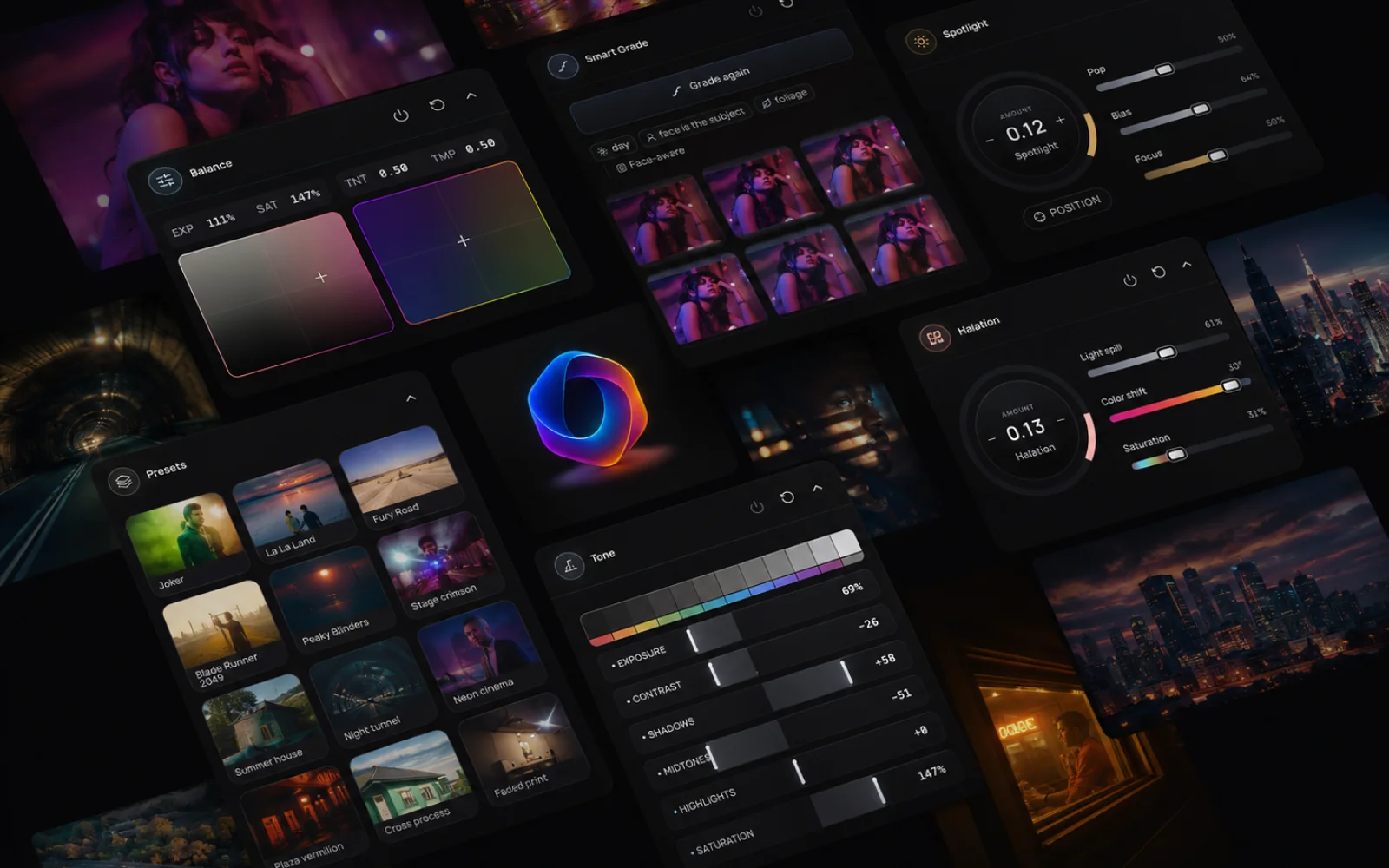
Leumos AI is a browser-based video color grading studio built by a colorist for filmmakers, editors, and creators. Upload your footage, add a reference image, and let AI use the reference's colors, contrast, and mood to guide your shot’s grade in a smart and intelligent way. Preview the result in motion, then fine tune if needed using a set of intelligent and easy tools available.
No reference? Smart Grade suggests looks based on your shot’s lighting, faces, and setting. With log footage support, skin-tone controls, and cinematic finishing effects, you can go from flat footage to a finished look in one workspace.
Start free with 10 reference matches per month and watermark-free 1080p exports. No download or credit card required.
AI Overview
AI-generatedColor grading has long been a bottleneck in video production, consuming disproportionate amounts of time relative to its creative impact. Leumos AI targets this inefficiency by automating the technical legwork that consumes hours on every substantial project: scene detection, exposure correction, color matching across shots, and final rendering.
The platform operates entirely in the cloud, eliminating a critical barrier to entry for independent filmmakers and editors working with limited hardware. Rather than requiring expensive GPU workstations, users can upload timelines from any laptop and receive finished 4K masters via email. This accessibility is the product's central value proposition, democratizing tools previously restricted to well-equipped post houses.
The technical approach centers on four core capabilities. Scene cut detection runs automatically, identifying every transition and shot boundary without manual scrubbing. An AI color grading engine then applies consistent looks across entire sequences, avoiding the tedium of clip-by-clip curve adjustments. A third component handles shot matching, aligning exposure and color temperature across footage shot with different cameras and lighting setups. Finally, the cloud rendering pipeline outputs finished masters in ProRes, H.265, or as graded XML back into editing software.
What distinguishes Leumos from simpler color automation is its sequence awareness. Rather than processing shots in isolation, the AI understands continuity across an edit, maintaining visual consistency without requiring editors to sacrifice creative control. The interface presents multiple aesthetic treatments from a single clip, allowing users to experiment with different looks before committing to a final grade.
The closed beta launched in late summer 2026, with access via waitlist. The company accepts multiple source formats including ProRes, H.264, H.265, and RAW, accommodating a range of production pipelines. The core premise addresses a genuine inefficiency in modern video production. For editors and filmmakers constrained by hardware limitations, where tool access has traditionally been a barrier to professional-grade work, this cloud-native approach expands the practical possibilities of independent production.
Founder Diary
DevlogThe maker hasn't posted a diary entry yet.
Key Features
Scene Cut Detection
Automatically identifies every transition and shot boundary without manual scrubbing
AI Color Grading Engine
Applies consistent looks across entire sequences to avoid clip-by-clip curve adjustments
Shot Matching
Aligns exposure and color temperature across footage shot with different cameras and lighting
Cloud Rendering Pipeline
Outputs finished masters in ProRes, H.265, or graded XML back into editing software
Sequence Awareness
Maintains visual consistency across edits while preserving creative control without sacrificing flexibility
Multi-Format Support
Accepts ProRes, H.264, H.265, and RAW source formats
Use Cases
-
1
Independent filmmakers
Access professional-grade color grading tools without expensive GPU workstations or dedicated hardware
-
2
Resource-constrained editors
Upload timelines from any laptop and receive finished 4K masters via email
-
3
Multi-camera productions
Automatically match exposure and color consistency across footage shot with different equipment
-
4
Post-production teams
Automate technical color work to reduce hours spent on tedious adjustments per project
FAQ
What video formats does Leumos AI accept? ▾
Do I need professional equipment to use Leumos AI? ▾
How does Leumos AI handle color matching across different cameras? ▾
When is Leumos AI available? ▾
Tech Stack & Tags
Discussion
No comments yet — be the first!
Join the conversation — sign up to comment.
Sign up freeCommunity Support
Boost this project on Sell With boost
Meet the Founder

More in Video editing

VideoSnap
I built VideoSnap to provide a private and free...

Bulin 47 AI
Bulin 47 AI turns a portrait into a 19-second ve...

SubtitleGenerator
SubtitleGenerator helps creators turn videos int...

RapVideo
RapVideo is an AI rap video generator that turns...

LyricFast
LyricFast helps musicians turn songs into lyric...
ReelHive
We built ReelHive to save real estate agents hou...