ReelHive
- No match
Machine translation — the English original is authoritative.
The Story
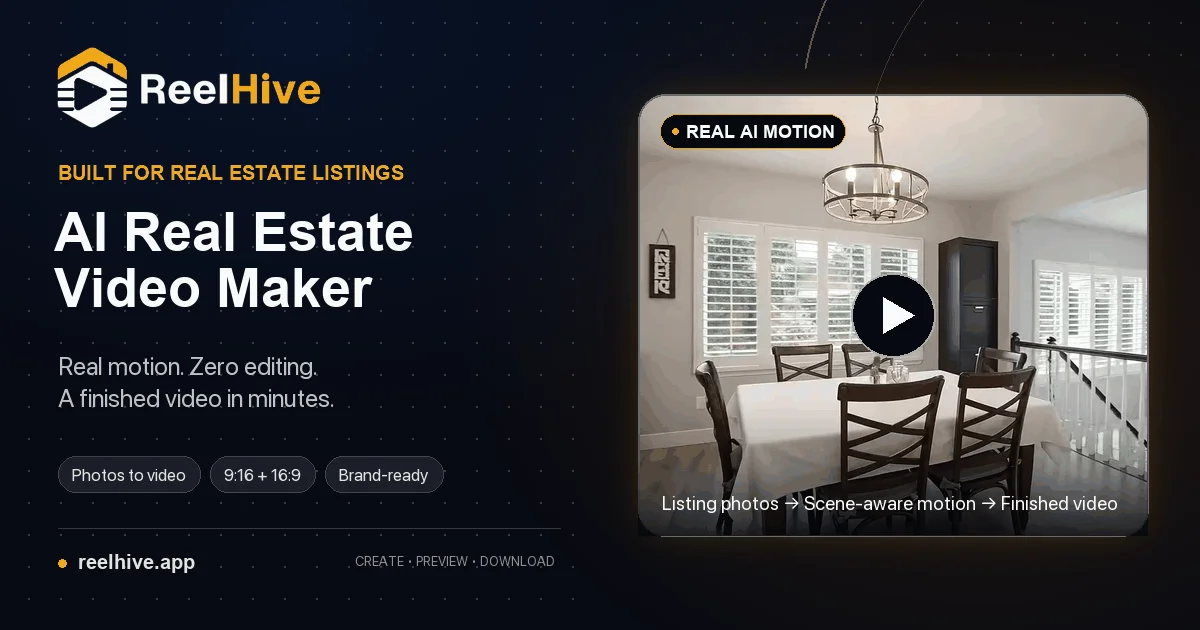
We built ReelHive to save real estate agents hours on video production. Professionals were stuck with manual editing tools or generic pan-and-zoom slideshows. Our AI analyzes each listing photo and applies scene-aware camera movement, turning property photos into polished videos in minutes without any editing.
AI Overview
AI-generatedReal estate professionals have long struggled with the gap between manual video editing and automated slideshows. ReelHive addresses this with an AI-powered tool built specifically for turning property photos into polished listing videos.
The platform targets real estate agents, marketing teams, and property photographers who need to produce videos quickly without dedicating hours to editing. The core offering is straightforward: upload listing photos, choose a visual style, and let AI generate scene-aware camera movements that match each image rather than applying the same generic pan-and-zoom to every shot.
What distinguishes ReelHive from broader video creation tools is its narrow, deliberate scope. Rather than positioning itself as a general-purpose video editor, it acknowledges the specific workflow of real estate listing photography. Users control the photo sequence and presentation style while the platform automates the repetitive production work: selecting appropriate camera movements, generating clips, handling transitions, syncing music, adding captions, and rendering the final export. This focused design removes friction from a common professional task.
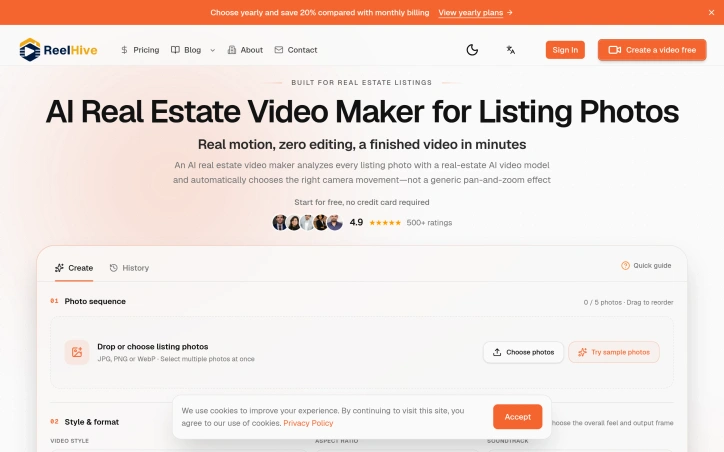
The product workflow is lean: arrange photos in desired order, select from three style presets (Luxury, Modern, Social) and a choice of aspect ratios (9:16 vertical or 16:9 horizontal), optionally add music from a curated set of 50 tracks, and layer in property details or branding elements. The AI then analyzes each photograph to determine suitable camera movement, acknowledging that a kitchen, living room, exterior, and detail shot require different visual treatment.
The interface eliminates prompts and timeline editing entirely, aligning with the stated goal of reducing hours spent on production into a minutes-long process. Users can preview sample videos before committing, and the platform offers a two-video free trial without requiring a credit card, lowering the barrier to initial use.
User ratings stand at 4.9 out of 5 across 500 reviews, though this metric alone does not indicate production quality or business sustainability. The tool occupies a genuine gap: it is neither a manual editing burden nor an undifferentiated slideshow, but rather a purpose-built solution for a specific professional use case.
Pricing details are not disclosed in the available content, though the free tier supports initial evaluation.
Founder Diary
DevlogThe maker hasn't posted a diary entry yet.
Key Features
AI-Powered Video Generation
Automatically turns property photos into polished listing videos with scene-aware camera movements.
Multiple Style Presets
Choose from Luxury, Modern, or Social styles with aspect ratio options of 9:16 vertical or 16:9 horizontal.
Automated Production Workflow
Handles camera movement selection, clip generation, transitions, music syncing, captions, and rendering without timeline editing.
Music Library Integration
Includes a curated set of 50 tracks that can be synced to videos.
Photo Sequencing Control
Users arrange photos in desired order while AI automates the production work.
Quick Turnaround
Converts property photos to finished videos in minutes instead of hours of manual editing.
Use Cases
-
1
Real Estate Agents
Need to produce professional listing videos quickly without dedicating hours to manual editing.
-
2
Real Estate Marketing Teams
Create video content at scale for multiple property listings across their portfolio.
-
3
Property Photographers
Generate polished showcase videos to complement their photography work with minimal post-production effort.
FAQ
How does ReelHive decide what camera movements to use? ▾
Can I add music to my listing videos? ▾
Is there a free trial? ▾
Do I have to use a timeline editor? ▾
Pricing
Two-video free trial available without credit card; paid tier pricing not disclosed.
Tech Stack & Tags
Discussion
No comments yet — be the first!
Join the conversation — sign up to comment.
Sign up freeCommunity Support
Boost this project on Sell With boost
Meet the Founder

More by win one



More in Video editing

VideoSnap
I built VideoSnap to provide a private and free...

Leumos AI
See a color grading look you love? Bring it to y...

Bulin 47 AI
Bulin 47 AI turns a portrait into a 19-second ve...

SubtitleGenerator
SubtitleGenerator helps creators turn videos int...

ACtionCut-AI
ActionCut-AI finds the boring stretches in any r...

CineGen
CineGen began with a simple problem: creating an...