
PixelTools
- No match
Machine translation — the English original is authoritative.
The Story
I am a frontend developer with over five years of professional experience building web applications using React.js, Next.js, and modern browser technologies. I hold a Bachelor of Computer Science from Abbottabad University of Science and Technology and have worked across a range of companies from local agencies in Abbottabad and Lahore to fully remote teams.
I built PixelsTools because I kept running into the same problem: simple image tasks like compression, background removal, or format conversion required uploading files to servers I knew nothing about. I knew the browser could handle all of this locally, so I built the tools I wished existed fast, private, and completely free.
Outside of PixelsTools, I currently work as a Frontend Developer at EcomPlug in Rawalpindi, where I build and migrate Ecommerce storefronts using Next.js and Tailwind CSS. I specialize in performance optimization, responsive UI design, and clean, maintainable code.
AI Overview
AI-generatedAnyone tired of uploading files to mysterious servers for simple image tasks now has an alternative. PixelTools addresses a straightforward but persistent problem: users need quick image and document processing without surrendering their files to third-party servers. The product targets anyone who handles images regularly but values privacy and speed—content creators, developers, designers, and professionals who want instant results without friction or data exposure.
What distinguishes PixelTools is its execution of a privacy-first architecture. Every tool runs entirely in the browser using WebAssembly and browser APIs, eliminating the traditional server upload bottleneck. This approach delivers genuinely instant processing since computation happens locally on the user's device rather than queuing in a server pipeline. The developer behind the project built it explicitly to solve a personal frustration with existing workflows, bringing authentic motivation to the product.
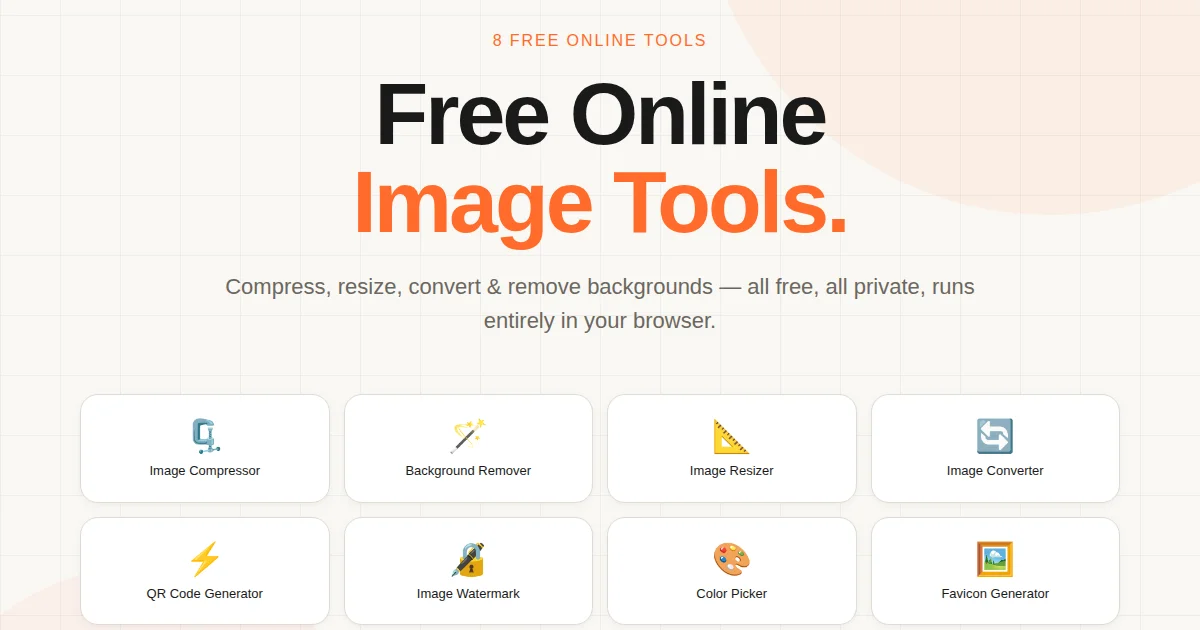
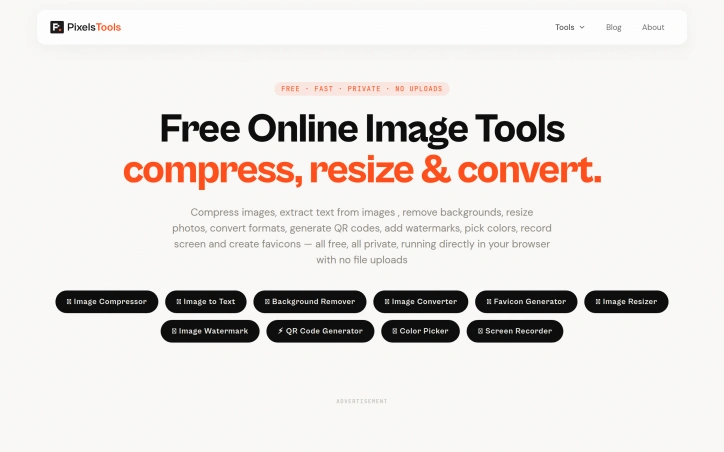
The current toolkit spans ten utilities: image compression, text extraction via OCR, AI-powered background removal, format conversion between PNG, JPG, and WebP, favicon generation, image resizing with preset templates, watermarking, QR code generation, a color picker for palette building, and screen recording with audio. This breadth addresses common image workflows without forcing users to juggle multiple tabs or services.
The business model relies entirely on non-intrusive advertising, keeping all tools permanently free while avoiding accounts, subscriptions, or file limits. Users download or process their work without friction. This approach appeals to cost-conscious individuals and small teams who might otherwise piece together expensive software or resort to less legitimate alternatives.
Technically, the product reflects solid frontend engineering. The developer brings five years of professional experience building React and Next.js applications, with demonstrated expertise in performance optimization and responsive design. That background shows in the product's interface and stability.
The main limitation lies in feature scope. While the ten tools cover common tasks well, they remain fairly focused. Advanced image editing, batch operations across all tools, or custom processing pipelines remain absent. For users needing specialized functionality beyond these core utilities, more comprehensive solutions may prove necessary.
PixelTools succeeds by doing one thing well: giving users fast, private image processing without requiring trust in unknown servers or payment. For that specific need, it delivers reliably.
Founder Diary
Devlog-
pixelsTools is a free collection of online tools for images, documents, and screen recording that run entirely inside your web browser. Unlike most online tools that require you to upload your files to a remote server, every tool on pixelsTools processes your files locally on your own device using modern browser technologies like WebAssembly, the Canvas API, and Web Workers.
Key Features
Browser-Based Processing
All tools run entirely in the browser using WebAssembly without uploading files to servers
Local Computation
Processing happens on the user's device eliminating server pipeline delays
Comprehensive Tool Suite
Includes ten utilities for image compression, OCR, background removal, format conversion, resizing, watermarking, QR codes, color picker, favicon generation, and screen recording
No-Account Access
All tools remain permanently free with no accounts, subscriptions, or file limits
Use Cases
-
1
Content Creators
Need fast image processing without uploading files to third-party servers
-
2
Developers and Designers
Require quick processing with privacy and performance for integrated workflows
-
3
Small Teams and Professionals
Access comprehensive image tools for free while avoiding expensive software alternatives
FAQ
Do I need to create an account to use PixelTools? ▾
Does PixelTools upload my images to a server? ▾
What are all the tools PixelTools offers? ▾
Are there file size or quantity limits? ▾
Pricing
All tools are permanently free, supported by non-intrusive advertising with no accounts or subscriptions required
Tech Stack & Tags
Discussion
No comments yet — be the first!
Join the conversation — sign up to comment.
Sign up freeCommunity Support
Boost this project on Sell With boost
Meet the Founder
More in Graphic design tools

Zoviz
Zoviz is a complete AI branding and marketing pl...

InkSoul
I got my first tattoo at 28 — spent three weeks...

Shademix
I built Shademix to solve the frustration of col...

Tier List Maker
We created Tier List Maker because people love r...

TypeScript
Cardzy is a web-based design and invitation plat...

Thank Cards
We built Thank Cards to make creating beautiful,...