
RemoveSubs
- No match
Machine translation — the English original is authoritative.
The Story
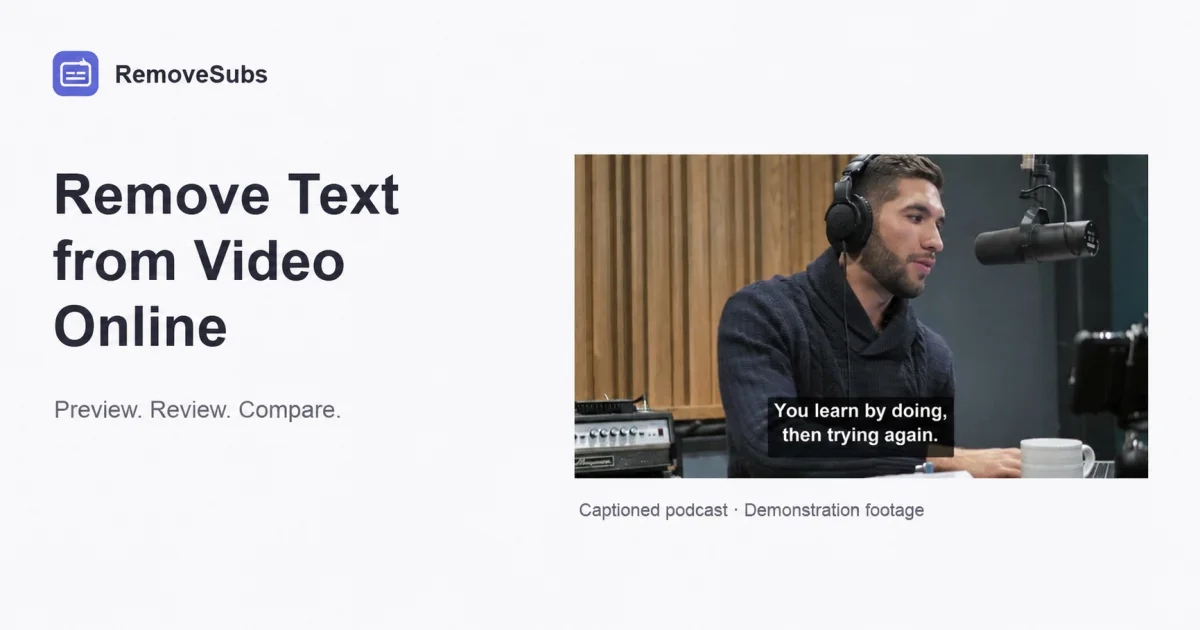
RemoveSubs removes burned-in subtitles, captions and other visible text from videos using AI reconstruction. It supports MP4, MOV and WebM without cropping the frame or requiring manual frame-by-frame edits. Creators can preview results before downloading and adding updated captions in their editor.
AI Overview
AI-generatedCreators dealing with burned-in subtitles or hardcoded text in video footage face a tough choice: crop the frame and lose composition, or manually edit hundreds of individual frames. RemoveSubs offers a third option by using AI to reconstruct video behind visible text without sacrificing the original framing.
The service targets content producers who need to repurpose footage across platforms, recycle clips with region-specific subtitles, or clean up lower-thirds and text overlays. Podcast creators, educational content producers, and social media channels all benefit from removing visual text that limits reusability across different markets and contexts.
What distinguishes RemoveSubs from manual editing is its reconstruction approach. Rather than blur or inpainting with placeholder content, the AI estimates what exists behind text by analyzing surrounding visual context. This preserves motion and lighting continuity across frames, producing results that appear natural rather than edited. The platform acknowledges its limitations honestly—fast motion, facial features, detailed textures, and extreme lighting changes can produce visible artifacts like blur or flicker—but positions these as edge cases rather than universal failures.
The workflow is straightforward. Users upload MP4, MOV, or WebM files up to 1080p resolution, preview the processing cost, confirm the operation, and receive a before-and-after comparison before downloading. This preview mechanism addresses a key friction point: users can evaluate quality before committing time and credits to reprocessing their footage.
RemoveSubs also distinguishes between two subtitle categories in its documentation. Burned-in subtitles are baked into the video image itself and require AI removal. Embedded subtitle tracks are separate data streams that can typically be disabled in a video player without any processing. This educational framing helps users understand whether they actually need the tool or can solve their problem through simpler means, which demonstrates user-centric product thinking.
The pricing model uses a credit-based system. Free trials include three credits following email verification, with free accounts limited to 50MB uploads and paid accounts supporting 100MB. Processing costs one credit per started second with a three-credit minimum per job. This structure incentivizes short clips and makes the service accessible for experimentation before financial commitment.
For creators managing multiple platforms or archiving footage with region-specific text, RemoveSubs provides genuine utility. It trades AI accuracy for manual labor, accepting that reconstruction involves estimation rather than recovery of original content.
Founder Diary
DevlogThe maker hasn't posted a diary entry yet.
Key Features
AI Background Reconstruction
Analyzes surrounding visual context to reconstruct video behind visible text while preserving natural appearance
Motion and Lighting Preservation
Maintains motion and lighting continuity across frames for seamless results without obvious editing artifacts
Preview Before Processing
Users can preview processing costs and receive before-and-after comparisons before committing credits
Multiple Format Support
Accepts MP4, MOV, and WebM files up to 1080p resolution with flexible upload size limits
Credit-Based Pricing
Operates on an accessible credit system with free trials and pay-as-you-go processing costs
Educational Text Distinction
Helps users distinguish between burned-in subtitles requiring removal and embedded subtitle tracks that can be disabled
Use Cases
-
1
Content producers
Repurpose footage across multiple platforms by removing region-specific subtitles and text overlays
-
2
Podcast creators
Clean up visual text that limits reusability of clips in different markets and contexts
-
3
Educational content producers
Remove lower-thirds and text overlays to maximize footage flexibility for various distribution channels
-
4
Social media channels
Strip platform-specific branding and subtitles to distribute the same footage globally
FAQ
How does RemoveSubs remove burned-in text from video? ▾
What video formats and file sizes does RemoveSubs accept? ▾
What are the limitations of RemoveSubs? ▾
How does RemoveSubs pricing work? ▾
Pricing
Free trials with three credits; processing charges one credit per started second with three-credit minimum; free accounts capped at 50MB, paid accounts at 100MB
Discussion
No comments yet — be the first!
Join the conversation — sign up to comment.
Sign up freeCommunity Support
Boost this project on Sell With boost
Meet the Founder

More by peng kun




More in Video editing

VideoSnap
I built VideoSnap to provide a private and free...

Leumos AI
See a color grading look you love? Bring it to y...

SubtitleGenerator
SubtitleGenerator helps creators turn videos int...

CineGen
CineGen began with a simple problem: creating an...
ReelHive
We built ReelHive to save real estate agents hou...

Clipfox
We built Clipfox because we saw creators and bra...