
Fix Overexposed Photos
- No match
Machine translation — the English original is authoritative.
The Story
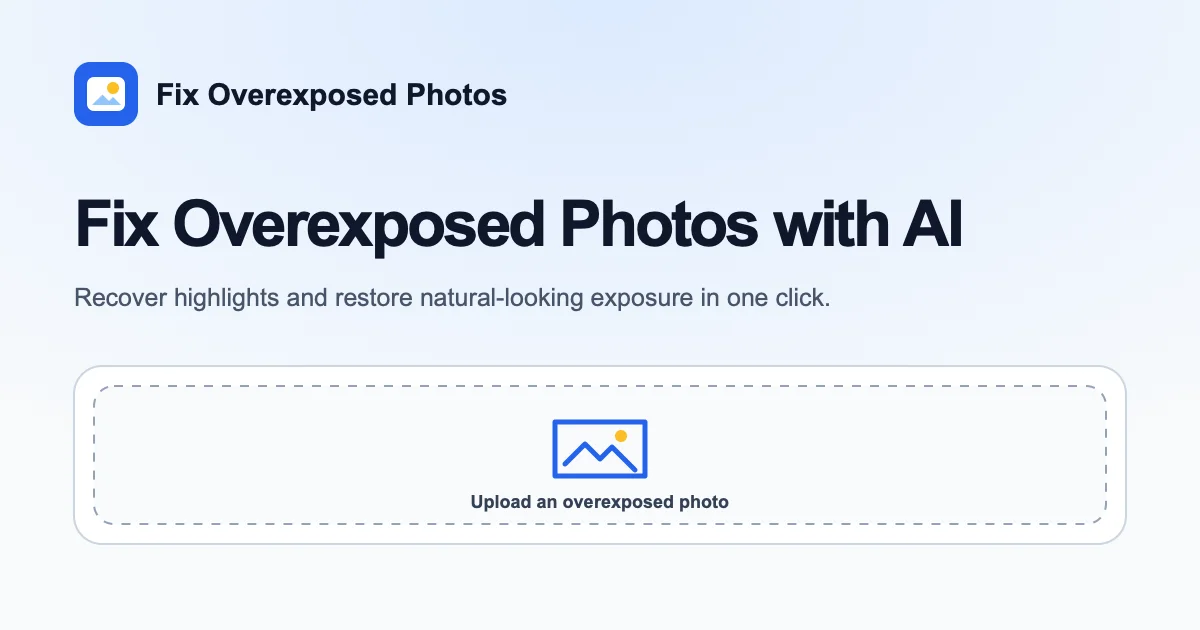
Fix Overexposed Photos adjusts overly bright images with AI, balancing highlights, midtones and overall exposure. Upload JPG, PNG or WebP photos, compare the correction with the original, and download the result. Fully clipped highlights may not contain recoverable original detail.
AI Overview
AI-generatedPhotographers struggling with overexposed images now have an AI-powered solution that requires zero manual editing expertise. The product addresses a specific photography problem: blown-out highlights, washed-out details, and unbalanced exposure that results from backlighting, overpowered flash, or reflective scenes like snow or water.
The platform stands out for its simplicity. Users upload overexposed photos and the AI automatically rebalances exposure by reducing excessive brightness while preserving natural skin tones and scene colors. There is no need to adjust curves, apply masks, or manipulate individual color channels. The workflow consists of three straightforward steps: upload images, let the AI process them, and compare results before downloading.
The comparison interface deserves particular mention. Rather than showing static before-and-after images, the tool uses an interactive slider that lets photographers drag between original and corrected versions in real time. This approach helps users evaluate whether the correction achieves the visual balance they want without overshooting or introducing artifacts.
The service supports batch processing, accepting multiple images in a single upload. File format flexibility matters for its intended audience—photographers can upload JPG, JPEG, PNG, or WebP files, with the tool explicitly noting that higher-resolution originals provide better correction results. The product also demonstrates awareness of its technical limitations. The marketing material candidly explains that completely blown-out white areas containing zero recorded texture cannot be recovered, regardless of AI capability. The tool can reduce glare and improve surrounding tones in those regions, but cannot manufacture detail that was never captured.
Accessibility represents another design strength. The service begins with 30 free credits at signup, eliminating payment barriers for initial trial. No credit card is required to start.
The target audience is photographers who want rapid exposure corrections without learning professional editing software, or who simply want a quick baseline adjustment before deeper retouching. That includes smartphone photographers, casual enthusiasts, and professionals who need to batch-process images quickly.
One consideration: the pricing model beyond the starter tier remains unstated in available materials. For photographers with frequent correction needs, the cost structure would determine whether this becomes a practical workflow solution or remains an occasional convenience tool.
Founder Diary
DevlogThe maker hasn't posted a diary entry yet.
Key Features
AI Exposure Correction
Automatically rebalances exposure while preserving natural skin tones and scene colors
Interactive Slider
Drag between original and corrected versions in real time to evaluate results
Batch Processing
Submit multiple images in a single upload for efficient workflow
Format Flexibility
Supports JPG, JPEG, PNG, and WebP files with better results from higher resolution
Free Trial Access
Begins with 30 free credits at signup and requires no credit card
Use Cases
-
1
Smartphone Photographers
Can fix overexposed images without learning professional editing software
-
2
Professional Photographers
Batch-process multiple overexposed images rapidly for efficient workflows
-
3
Casual Photography Enthusiasts
Apply quick baseline adjustments before deeper retouching work
-
4
Backlighting Scenarios
Solve exposure issues from backlighting, overpowered flash, or reflective scenes
FAQ
Do I need photo editing experience? ▾
Can you recover completely blown-out highlights? ▾
What file formats are supported? ▾
Is there a free trial? ▾
Pricing
Includes 30 free credits at signup with no credit card required; pricing beyond starter tier unstated
Discussion
No comments yet — be the first!
Join the conversation — sign up to comment.
Sign up freeCommunity Support
Boost this project on Sell With boost
Meet the Founder

More by peng kun




More in Photo editing
MetaScope
As a professional photographer, I needed a tool...

Banana AI - Free AI Image Generator
Banana AI is a free AI image and video generatio...

TurboConvert - Image Converter
As a solo web dev I was constantly juggling PNG...

AImageResize
I built AImageResize to simplify image resizing...

throwback: same you. another lifetime.
We built Throwback to help people reconnect with...

PixelBoost AI
I built PixelBoost AI to eliminate the complexit...