
Website Scroll Video

- No match
Machine translation — the English original is authoritative.
The Story
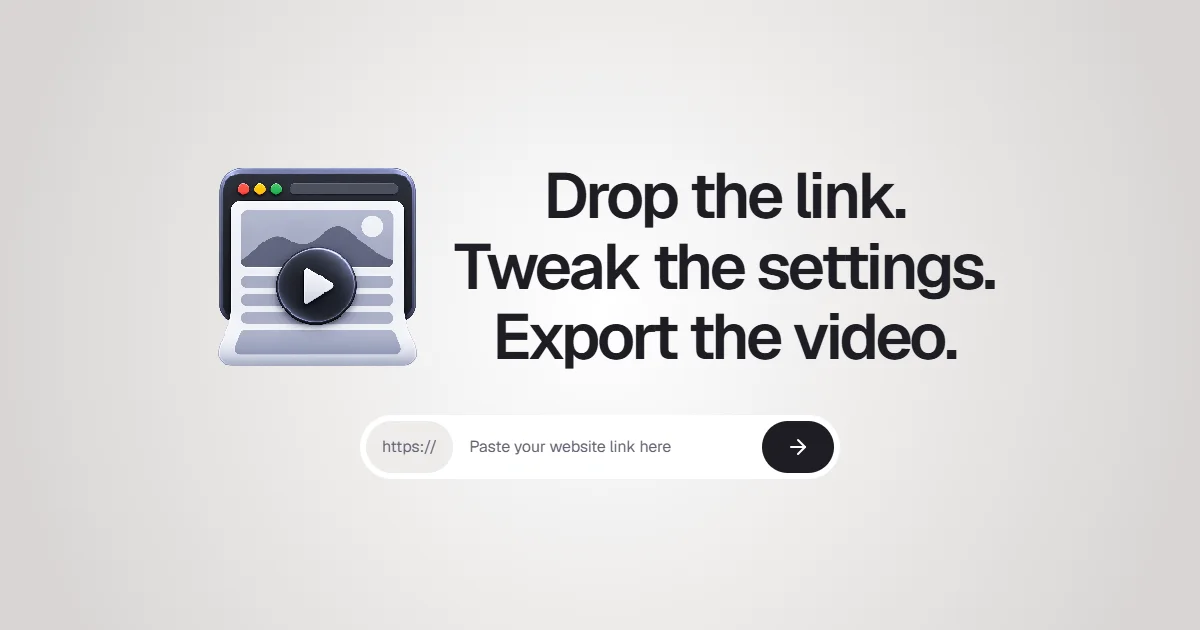
I created Website Scroll Video because manually recording and editing website scrolling demos and editing them was taking hours of my time. Now you just paste a URL and get a professional scrolling video in any format—MP4, WebM, or GIF—with customizable frame rates, aspect ratios, and automatic cookie banner removal. I built this for creators and agencies who need full control over their website presentation without the tedium.
AI Overview
AI-generatedCreators and agencies routinely spend hours manually recording website scroll-throughs, editing the footage, and rendering polished videos suitable for presentations or marketing. Website Scroll Video automates this entire workflow, reducing the task to three straightforward steps: paste a URL, adjust a handful of settings, and export the finished video in the desired format. The product opens websites in a real browser, captures the full page scrolling from top to bottom, and outputs MP4, WebM, or GIF files without watermarks.
What distinguishes this tool is the depth of control offered across its feature set. Compared to competitors Folge and HowdyGo, Website Scroll Video supports MP4, WebM, and GIF exports, up to 4K resolution with custom output sizes up to 4096 pixels, and variable frame rates at 24, 30, or 60 frames per second. The application offers five aspect ratio presets covering desktop and mobile orientations, plus the ability to define custom dimensions. Video duration can be controlled from 2 to 90 seconds without manually adjusting scroll speeds, and users can insert up to six automatic pauses at important sections—a useful feature for giving viewers time to absorb key content.
Beyond basic capture capabilities, the tool includes refinements typically found only in dedicated video editing software. Custom hover effects can highlight elements on the page, cookie banners can be removed automatically, animations can be frozen, and specific page elements can be hidden before recording begins. Preview functionality lets creators review the recording before rendering, and finishing touches like frame padding and corner effects are available.
The pricing model reflects a creator-first approach. Rather than enforcing a monthly subscription, Website Scroll Video operates on a credits system where users pay only for videos they create. A free tier grants 200 credits upon signup, with no credit card required. Paid tiers start at $5 for 200 credits and $12 for 450 credits plus a 50-credit bonus, purchased as one-time charges. Credits never expire and carry no recurring costs, making the service accessible for both occasional users and regular creators seeking production control without subscription overhead.
Founder Diary
DevlogThe maker hasn't posted a diary entry yet.
Key Features
Automated Recording
Opens websites in a real browser and captures full page scrolling from top to bottom without watermarks
Multi-Format Export
Supports MP4, WebM, and GIF formats in up to 4K resolution with custom output sizes up to 4096 pixels
Playback Control
Variable frame rates at 24, 30, or 60 fps and adjustable video duration from 2 to 90 seconds
Video Refinements
Custom hover effects, automatic cookie banner removal, animation freezing, and element hiding before recording
Flexible Aspect Ratios
Five presets covering desktop and mobile orientations plus custom dimension options
Preview Functionality
Review recordings before rendering and apply finishing touches like frame padding and corner effects
Use Cases
-
1
Content Creators
Automate the workflow of recording website demonstrations for presentations and marketing campaigns
-
2
Marketing Agencies
Eliminate hours of manual recording and editing work for client deliverables
-
3
Product Teams
Create polished website feature demonstrations and user flow videos for stakeholders
-
4
Frequent Video Producers
Generate multiple videos without subscription overhead using the credit-based pay-per-video model
FAQ
What video formats and resolutions are supported? ▾
Is there a monthly subscription or hidden fees? ▾
Can I edit the video before exporting? ▾
How much does it cost to start using? ▾
Pricing
Free tier with 200 credits; paid tiers are one-time purchases starting at $5 with no recurring costs
Tech Stack & Tags
Discussion
No comments yet — be the first!
Join the conversation — sign up to comment.
Sign up freeCommunity Support
Boost this project on Sell With boost