@fuck.it
Email privacy has become an afterthought at mainstream providers, which treat inboxes as data sources to be mined for ad...
Categories
Best Web hosting services Startups & Tools
Infrastructure/services to make websites accessible on the internet.
Recently Listed
6 launches
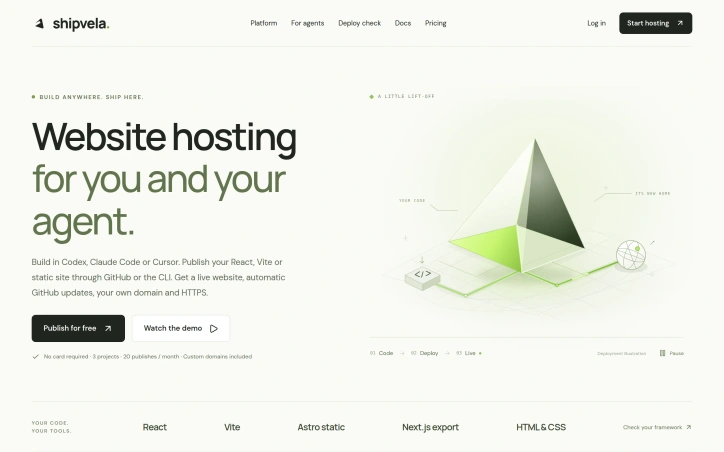
Deployment infrastructure remains a friction point for developers building with modern tools. Shipvela directly addresses this by positioning itself as a deployment layer for developers and independent makers who use AI-powered coding environments like Codex, Claude Code, and Cursor. The service removes the extra operational burden of learning another deployment system by letting users publish directly from their development workflow. The product centers on a straightforward promise: take code built locally or in an AI agent, connect it to Shipvela, and have a live website with a custom domain and HTTPS, no infrastructure configuration required. It accepts multiple entry points for deployment—importing a GitHub repository for continuous updates, uploading prebuilt output from frameworks like React and Vite, or using the command-line interface directly. This flexibility acknowledges that developers' workflows vary significantly, particularly those working with AI agents where the deployment path may be less predictable than traditional development. What differentiates Shipvela is its native integration with coding agents themselves. Rather than shipping code and then switching context to deploy elsewhere, developers can connect an MCP server within their agent and publish through the same interface where they built the project. For users of GitHub, automatic deployments to production are available after an initial publish, meaning code changes can flow through without additional manual steps. The platform layers features deliberately by pricing tier. The free hobby plan offers 3 projects and 20 monthly publishes, along with custom domains and HTTPS—essentials that many competitors require payment to access. Professional users pay $29 monthly for increased capacity and access to Speed Insights, which provides Lighthouse reports for performance measurement. The Studio tier at $99 monthly adds further capacity alongside Next.js server-side rendering support. This structure gives developers a genuine free option while creating clear upgrade paths for growing needs. Database integration represents another practical touch point. Shipvela supports connections to existing services including Supabase, Neon, Prisma, and Upstash, meaning developers handle their own account management and billing separately rather than becoming locked into a bundled vendor. The service stays focused on deployment rather than expanding into adjacent infrastructure. Built by Stefan Mitrovic, Shipvela reflects a specific problem the creator experienced firsthand: the gap between completing a project and publishing it live should not require becoming an infrastructure engineer. For developers prioritizing shipping over operations, particularly those working within AI coding environments, it removes a meaningful friction point in the development-to-deployment pipeline.

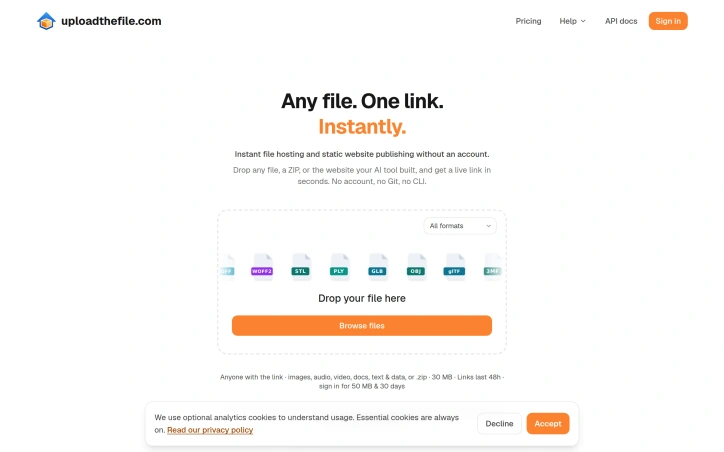
Sharing files and publishing static content has long required friction: account creation, platform navigation, or command-line knowledge. This service eliminates those barriers entirely, offering instant file hosting through a single drop-and-go interface. Users drag any file—a PDF, website ZIP, video, or data file—onto the interface and receive a shareable link within seconds, with zero setup required. The core appeal targets several overlapping audiences. Developers publishing AI-generated websites gain a frictionless deployment path without Git repositories or build processes. Anyone sharing documents avoids the account-creation gauntlet of traditional hosting platforms. Content creators hosting audio, video, or images benefit from simplicity over feature complexity. The service particularly shines for ephemeral sharing: sending a presentation, reviewing a design file, or hosting a temporary webpage requires no planning or infrastructure decisions. What distinguishes this offering is its format breadth and intentional minimalism. The platform accepts over 100 file types, from common formats like HTML, PDF, and images to specialized ones like 3D models (STL, GLB, OBJ), design files (PSD), audio (FLAC, WAV, OGG), video (MP4, WebM), and data formats (Parquet, Avro). This range means users rarely encounter unsupported file types. Equally important is what the product does not require: no account, no login flow, no subscription decision at upload time. The interface asks nothing beyond the file itself. The product highlights privacy-conscious features, noting that files never leave the browser in certain operations—a meaningful detail for users handling sensitive documents. Real-world examples underscore practical utility: a complete website deployed as a ZIP archive, an Ethereum whitepaper readable in-browser without download, a video playing immediately. Each demonstrates that the platform handles serious use cases, not just novelty sharing. The business model remains unstated in available materials. No pricing is mentioned, nor are details on monetization strategy, storage limits, or account-optional features that might drive eventual conversion. This opacity is typical for early-stage services testing product-market fit but represents a gap for users evaluating long-term viability or hidden costs. Upload The File succeeds at its narrowly defined mission: removing all friction from file hosting and static publishing. It trades feature depth for speed and simplicity, targeting users who value getting from file to live link faster than platform login screens allow. For that specific job, it executes with unusual directness.

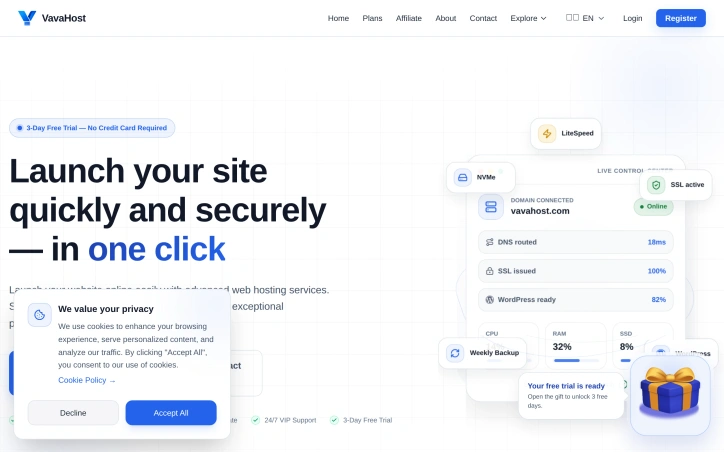
Hosting that prioritizes both performance and accessibility defines this platform's core value proposition. VavaHost targets creators, developers, and small business owners who need reliable web infrastructure without navigating complex technical setups or absorbing enterprise-level costs. The service addresses a genuine gap: offering competent hosting to those who want to launch WordPress sites, e-commerce storefronts, or custom applications without getting bogged down in infrastructure management. The offering centers on three technical anchors: LiteSpeed Enterprise as the web server, NVMe SSD storage for speed, and Imunify360 for security. These aren't trendy choices—they're mature, proven technologies that directly affect user experience. Combined with free SSL certificates and cPanel access, the platform provides the tools developers expect without requiring separate subscriptions or additional fees. The ability to run Node.js, Python, and Discord bots alongside WordPress suggests a platform designed for modern, diverse workloads rather than pure WordPress hosting. Support for PHP versions 7.4 through 8.5 gives users reasonable flexibility without excessive version sprawl. What distinguishes VavaHost commercially is the risk-free trial structure. A three-day free trial requiring no credit card removes the primary friction point for prospective users deciding whether to migrate or launch their projects. This is paired with a 30-day money-back guarantee and no setup fees—a combination that signals confidence in the product and reduces customer acquisition friction. The pricing strategy remains straightforward. The published Bronze plan starts at $0.99 monthly, paired with core features like one-click WordPress deployment, weekly backups, and full cPanel access. While specific allocations for CPU, RAM, and bandwidth vary by tier, the disclosed resource limits in the trial interface suggest transparent pricing rather than surprise overages. The 24/7 VIP support claim carries weight in a market where budget hosting often means minimal support. The company frames itself as engineering-forward—emphasizing LiteSpeed performance, enterprise-grade security tools, and developer-focused features—while maintaining price positioning that appeals to cost-conscious builders. Whether this balance holds during scaling or feature expansion remains a longer-term question, but the current offering competently addresses the intersection of performance, security, and price for its stated audience.

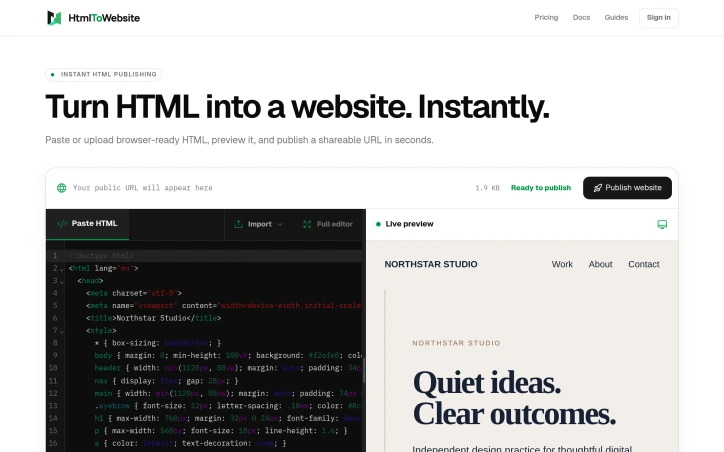
The friction point this solves is clear: developers who write HTML need a way to share their work publicly without wrestling with hosting infrastructure, deployment pipelines, or server management. HtmlToWebsite targets this gap by offering instant publication—paste your code and get a live URL, no deployment configuration required. The core value proposition centers on speed and simplicity. Rather than choosing between shared hosting platforms, containerization tools, or static site generators, users can move directly from editor to shareable link. This streamlines the typical workflow for prototyping, building demos, and iterating rapidly without backend complexity. The product handles projects of varying scope. Whether developers are publishing single HTML files or complex projects with accompanying assets, the platform manages the technical details transparently. This breadth is significant because many similar tools force users into either-or constraints—support for simple files OR full project structures, but rarely both seamlessly. Who benefits most? The platform appeals to developers building quick proof-of-concepts, designers prototyping interactive mockups, and educators demonstrating code concepts. It's also useful for teams collaborating on frontend-heavy features or anyone who needs to share executable code without asking collaborators to run a local environment. The strategic positioning is revealing. By eliminating hosting and deployment as friction points, HtmlToWebsite competes less with traditional web hosts and more with in-browser IDEs and pastebin services that now need distribution. It occupies the specific moment between code written and code running live, addressing a real bottleneck in development workflows. The product design is deliberately minimal—paste HTML, get a website—which works as both mechanic and marketing. There's no mention of pricing or business model in the available information, making it unclear how sustainable or commercially viable this approach is. Nonetheless, the core insight is sound: developers absolutely encounter this friction point, and removing it has genuine value for rapid iteration cycles and collaborative prototyping.

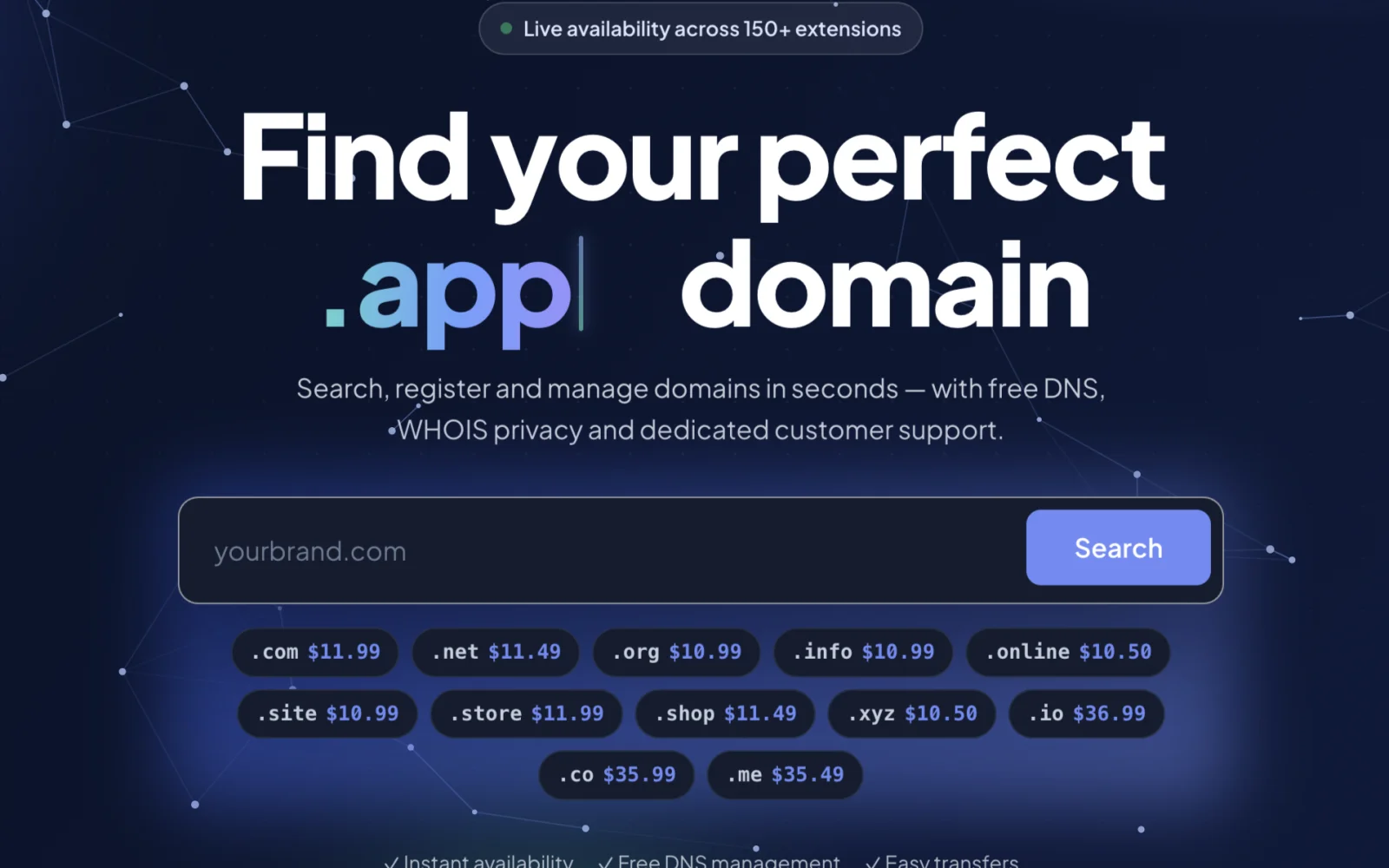
Establishing an online presence begins with securing a domain name. For individuals, startups, and businesses, managing domain registrations, transfers, and renewals can be a tedious and overwhelming task. DomRegus simplifies this process by offering a comprehensive platform for domain management. The platform is designed to be intuitive and secure, providing users with a streamlined experience for registering and managing domains across over 150 extensions. Transparency is a key aspect of DomRegus, evident in its clear pricing structure. The cost of registering various domain extensions is explicitly stated, with prices ranging from $2.99 for a .xyz domain to $46.99 for a .ai domain. One of the standout features of DomRegus is its commitment to providing essential services alongside domain registration. Users are offered free DNS management and WHOIS privacy, empowering them to maintain full control over their domain portfolio. The platform also facilitates easy domain transfers and renewals, ensuring that users can manage their online identity efficiently. By combining trusted domain infrastructure with modern technology, DomRegus delivers a reliable and efficient registration experience. As an authorized OpenSRS reseller, the platform leverages established expertise to provide a secure environment for domain management. Overall, DomRegus is a robust solution for those seeking to secure and manage their online presence, offering a compelling blend of simplicity, transparency, and powerful management tools.
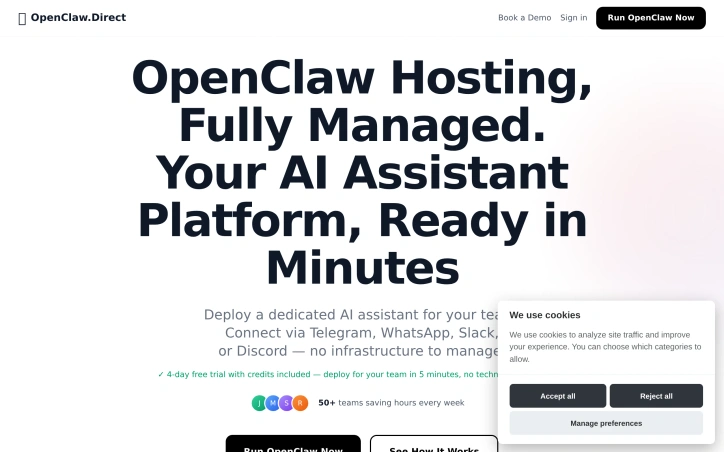
Teams that live inside Telegram, WhatsApp, Slack, or Discord spend their days dodging the accidental slog of opening yet another tab just to ask a bot for help. OpenClaw Direct dissolves that friction by putting a single, private AI coworker right where the messages already flow. Early adopters who lack the appetite—or hire—for DevOps but need Claude-grade intelligence on their own data can spin up a complete environment without writing a deployment script. The allure lies in the five-minute onboarding and the price lock of nineteen dollars a month, cancellable whenever the experiment loses its shine. Beyond provisioning, the platform behaves like an overstretched teammate who never forgets. It consumes inbox threads, staging deployments, support tickets, pull-request noise, SSL expirations, marketing figures, and half-written drafts, then surfaces only the decisions that still require human judgment. Code reviews happen in-chat, with critical issues patched and tests re-run before the reviewer reaches for coffee. Customer tickets get drafted replies, while feature requests bubble into a shared roadmap where community weight can be tracked with tags. Blog traffic gets analysed on the fly and turned into scheduled social threads with open rates reported back as early morning banter. Ownership stays with the customer: the assistant lives on a dedicated machine, listens exclusively to the API key they supply, and connects to the chat apps they already trust. Whatever internal context, documents, or repositories the team grants access to remains unseen by anyone else. The built-in dashboard simply tracks the number of messages, workflows completed, and time reclaimed—enough data to justify the monthly coffee budget the tool replaces.