
filmcraft
- No match
Machine translation — the English original is authoritative.
The Story
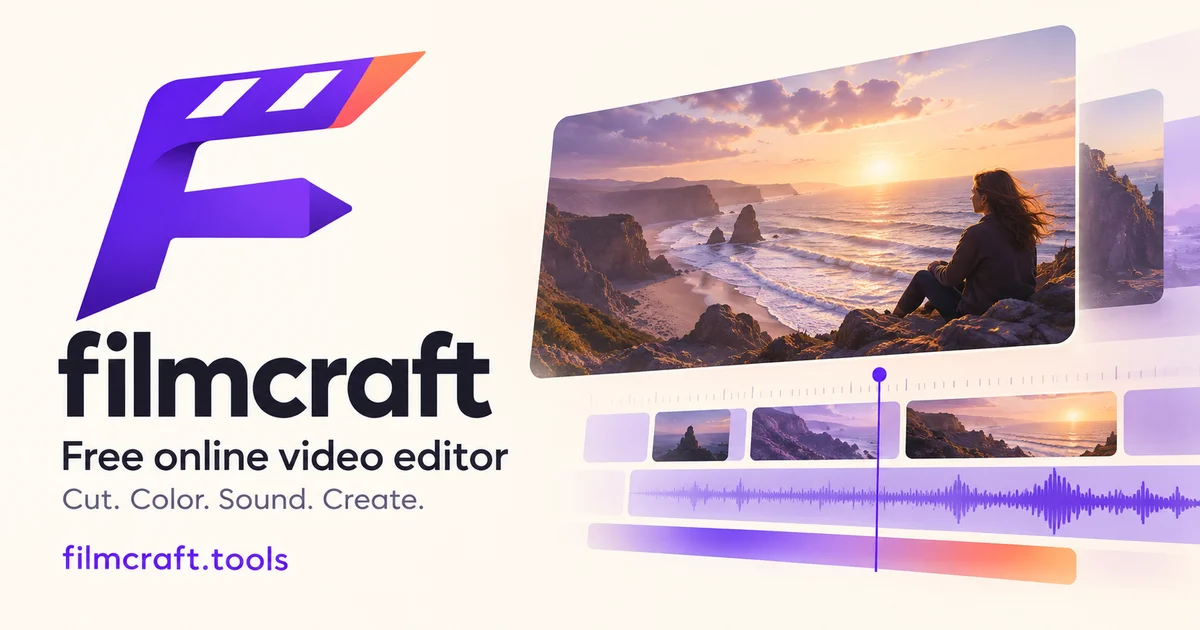
filmcraft is a free browser video editor for import, color, audio, motion and titles. Preview without an account; sign in to save projects and export at zero credits. Optional AI image/video generation is billed separately with credit plans.
AI Overview
AI-generatedVideo editing has long been gatekept by expensive desktop software and steep learning curves. Filmcraft removes these barriers by bringing a timeline editor to the browser, letting anyone with footage and a web browser start editing immediately without downloading anything or creating an account.
The core appeal is straightforward: import video clips, images, and audio, arrange them on a timeline, adjust colors and audio levels, add text overlays, and preview the result—all in a free browser environment. The product is built around the open-source FilmCraft editing engine, giving it the workflow familiarity of traditional editors while keeping it accessible to beginners. This targets content creators making product demonstrations, documentarians working with their own footage, educators building lessons, and anyone piecing together personal stories from video and photos they own.
What distinguishes filmcraft is its pricing honesty. The core editing, saving, and exporting are completely free. There are no hidden paywalls forcing users to upgrade after a trial period. This matters because most video editors either lock basic features behind subscriptions or charge per export. Instead, filmcraft charges only for optional AI features like text-to-video and image-to-video generation, which use a separate credit system. Users who don't use these tools never spend money.
The workflow steps outlined on the site hint at the product's philosophy: start with footage you own, build a sequence, refine color and audio, then save and review. This is stripped-down editing focused on composition and sound design rather than overwhelming users with effects they don't need. The browser environment means project files stay on the user's device while offering cloud backup for finished saves, balancing privacy with convenience.
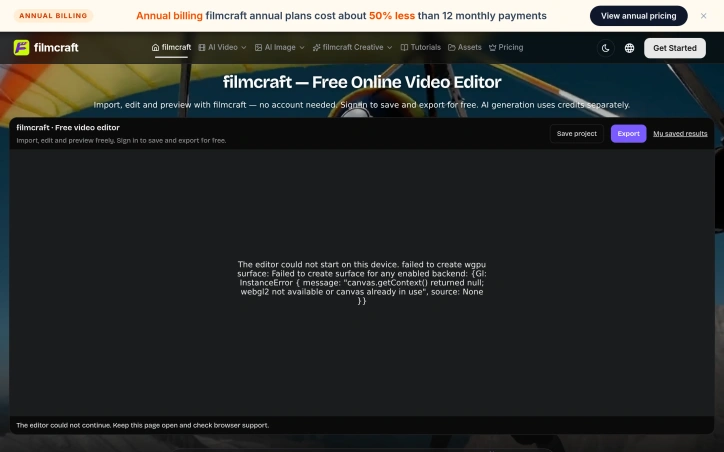
Performance caveats are worth noting. Browser-based video editing depends heavily on the device and graphics support, so processing large files or complex timelines could hit limitations compared to desktop software. The site acknowledges this explicitly, asking users to keep local copies and test exports before sharing longer cuts.
The business model is clean: offer editing for free to build a user base, then monetize advanced AI features. Annual plans for AI credits cost half the price of monthly subscriptions, following a standard SaaS playbook without being aggressive about it. For creators and hobbyists who edit occasionally or avoid AI generation entirely, filmcraft genuinely delivers a free tool that matches basic professional workflow patterns. This positioning—free forever for the core tool, optional premium AI—fills a niche between no-cost but limited phone editors and subscription desktop software.
Founder Diary
DevlogThe maker hasn't posted a diary entry yet.
Key Features
Timeline Editor
Arrange video clips, images, and audio on an interactive timeline in your browser
Color & Audio Adjustment
Fine-tune colors and audio levels to refine your footage
Text Overlays
Add text elements directly to your videos
AI Generation
Generate video from text or images using an optional paid credit system
Cloud Backup
Store finished projects in the cloud while keeping working files on your device
Use Cases
-
1
Product Demonstrations
Content creators can quickly produce product demos without expensive software
-
2
Documentary Work
Documentarians edit their own footage with professional workflow patterns at no cost
-
3
Educational Content
Educators build video lessons from their own footage without subscription expenses
-
4
Personal Stories
Anyone can compile personal videos and photos into finished projects for sharing
FAQ
Is Filmcraft really free? ▾
Do I need to download software? ▾
Where are my projects saved? ▾
What editing features are included? ▾
Pricing
Core editing is free; premium AI features use a credit system with annual plans costing half the price of monthly subscriptions.
Tech Stack & Tags
Discussion
No comments yet — be the first!
Join the conversation — sign up to comment.
Sign up freeCommunity Support
Boost this project on Sell With boost
Meet the Founder

More by 朱峰


More in Video editing

VideoSnap
I built VideoSnap to provide a private and free...

Leumos AI
See a color grading look you love? Bring it to y...

Bulin 47 AI
Bulin 47 AI turns a portrait into a 19-second ve...

SubtitleGenerator
SubtitleGenerator helps creators turn videos int...
ACtionCut-AI
ActionCut-AI finds the boring stretches in any r...
ReelHive
We built ReelHive to save real estate agents hou...