
JumpNotes — The missing notebook for Youtube
- No match
Machine translation — the English original is authoritative.
The Story
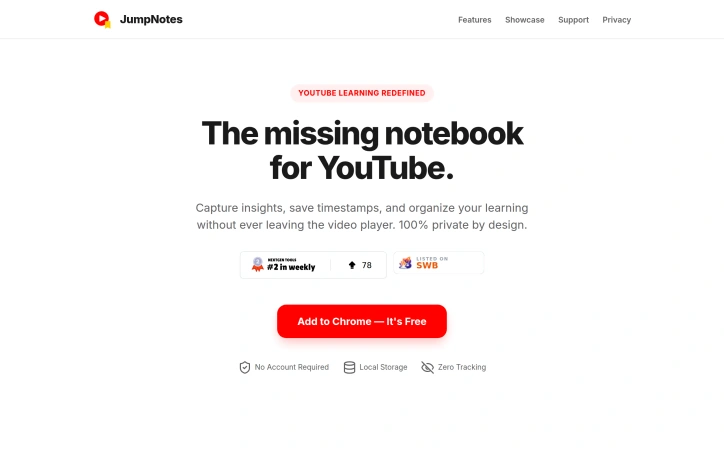
A lightweight Chrome extension for time-stamped YouTube notes. No cloud, no tracking, 100% private.
AI Overview
AI-generatedLearning from YouTube videos presents a common challenge: how to capture meaningful notes and timestamps without relying on external services that harvest your data. JumpNotes addresses this directly with a Chrome extension that keeps all note-taking activity local to the browser, eliminating cloud dependencies and privacy concerns entirely.
The product targets students, educators, and anyone seeking to extract knowledge from video content while maintaining full control over their information. The extension distinguishes itself through its uncompromising privacy stance. Rather than syncing data across servers, JumpNotes stores everything in the browser's local storage, with no tracking infrastructure or third-party access. This design choice reflects a broader commitment to user autonomy that informs the entire product architecture.
The feature set reflects careful attention to the learning workflow. Chapter Autopilot automatically detects native YouTube chapters and imports them into a jump-list, providing instant structural context for any video. The timestamp system allows single-click note capture tied to exact video moments, with instant navigation back to those points. A Smart Archive feature groups all notes by video, making it easy to browse past learning sessions. Comment Detection extracts useful timestamps from YouTube's comment section and incorporates them into personal notes, leveraging community insights without manual curation.
For those who work across multiple tools or prefer different formats, the extension offers text export in both plain text and Markdown formats. The interface prioritizes keyboard efficiency, allowing users to pause, note, and continue without touching a mouse. This optimization pays dividends for power users and those seeking to maintain focus during learning sessions.
JumpNotes succeeds because it solves a specific problem with minimal friction and no privacy tradeoffs. For learners unwilling to compromise data security for functionality, it represents a rare product that delivers both without compromise. The extension avoids the bloat and surveillance mechanisms common in competing solutions, instead betting that students and educators value control over convenience.
Founder Diary
Devlog-
User numbers stay stable ... could be much more. Sometimes i get 100+ installations from Nigeria. And then the Chrome Webstore does not show the usage numbers because this is not natural. The 100+ installations use the extension for one day - then disappear .... strange.
Key Features
Local Storage Privacy
stores all note-taking activity locally in the browser with no tracking or third-party access
Chapter Autopilot
automatically detects native YouTube chapters and imports them into a jump-list for structural context
Timestamp Capture
single-click note capture tied to exact video moments with instant navigation back to those points
Smart Archive
groups all notes by video for easy browsing of past learning sessions
Comment Detection
extracts useful timestamps from YouTube comments and incorporates them into personal notes
Keyboard Efficiency
pause, note, and continue without touching a mouse
Use Cases
-
1
Students
extract knowledge from video content while maintaining full control over personal information
-
2
Educators
capture meaningful notes and timestamps from videos without external service dependencies
-
3
Privacy-conscious learners
take notes from videos without relying on services that harvest personal data
-
4
Power users
maintain focus during learning with keyboard-efficient note-taking and navigation
FAQ
How does JumpNotes keep my data private? ▾
Does JumpNotes automatically work with YouTube chapters? ▾
Can I export my notes from JumpNotes? ▾
Do I need to use a mouse to take notes? ▾
Tech Stack & Tags
Discussion
No comments yet — be the first!
Join the conversation — sign up to comment.
Sign up freeCommunity Support
Boost this project on Sell With boost
Meet the Founder

More in Note and writing apps

Time Capsule - Memory Vault
I built Time Capsule because most memories get l...
Markbin
We built Markbin to make sharing markdown effort...
Edda - Author's Bible
Edda is novel writing and worldbuilding software...

Mind Elixir
I built Mind Elixir to supercharge creativity wi...

cipherwrite.com
At last year in December, I had a lot on my mind...

UTEX SAVE
UTex Save is a local software application dedica...