
mac-dev-station
- No match
Machine translation — the English original is authoritative.
The Story
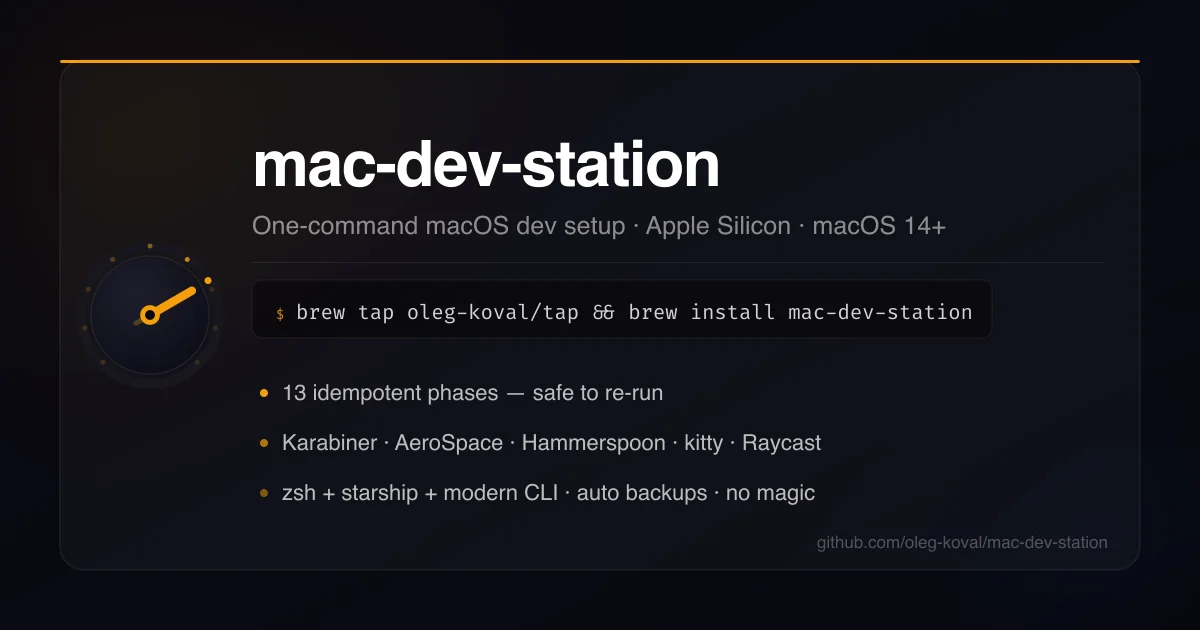
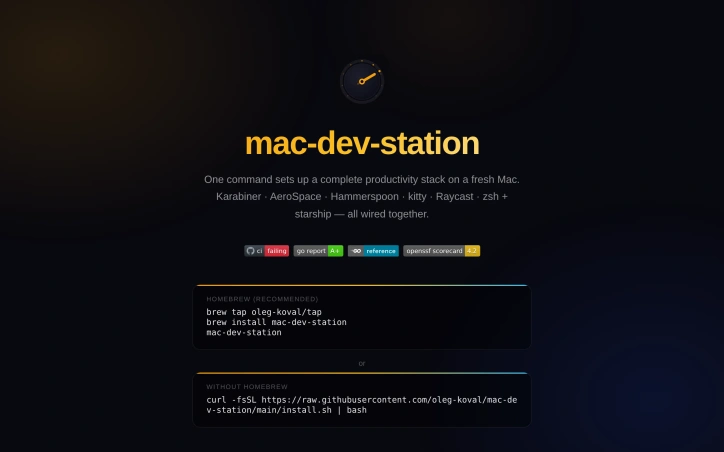
I built mac-dev-station to simplify setting up a complete productivity stack on a fresh Mac. It solves the problem of manually configuring multiple tools and apps. With one command, it installs and configures essential dev environment tools.
AI Overview
AI-generatedSetting up a development environment on a fresh Mac can be a tedious task, involving the manual installation and configuration of multiple tools and apps. mac-dev-station addresses this problem by providing a streamlined solution that allows developers to set up a complete productivity stack with just one command. This tool is particularly useful for developers who frequently switch between machines or need to configure multiple devices.
What stands out about mac-dev-station is its comprehensive approach to setting up a development environment. It not only installs a wide range of CLI tools and GUI apps via Homebrew, but also configures them to work together seamlessly. The tool covers everything from setting up a tiling window manager and terminal configuration to installing fonts and configuring shell aliases. The level of automation and customization is impressive, with 13 idempotent phases that ensure a consistent and reliable setup process.
The key features of mac-dev-station include its ability to install and configure a wide range of development tools, including git, gh, fzf, and neovim, as well as GUI apps like kitty, Raycast, and Karabiner-Elements. It also sets up a hotkey map with a hyper key ( Caps Lock) that provides quick access to various apps and functions. The tool also includes shell aliases that simplify common tasks, such as switching between projects and triggering display layout changes.
The fact that mac-dev-station is available for installation via Homebrew or a simple curl command makes it easily accessible to developers. While the business model is not explicitly stated, the fact that it is hosted on a personal website and GitHub repository suggests that it is an open-source project, available for use at no cost. Overall, mac-dev-station is a valuable resource for developers looking to simplify their workflow and boost productivity on their Macs.
Founder Diary
DevlogThe maker hasn't posted a diary entry yet.
Key Features
Development Tool Installation
Installs a wide range of CLI tools and GUI apps via Homebrew.
Tiling Window Manager Setup
Configures a tiling window manager as part of the setup process.
Hotkey Map Configuration
Sets up a hotkey map with a hyper key for quick access to various apps and functions.
Shell Aliases
Includes shell aliases that simplify common tasks such as switching between projects.
Customizable Setup
Offers 13 idempotent phases for a consistent and reliable setup process.
Use Cases
-
1
Developers Switching Machines
Useful for developers who frequently switch between machines.
-
2
Multiple Device Configuration
Helps developers configure multiple devices with ease.
-
3
Boosting Productivity
Simplifies the workflow and boosts productivity on Macs.
FAQ
Is mac-dev-station available for free? ▾
How do I install mac-dev-station? ▾
What development tools does mac-dev-station install? ▾
Tech Stack & Tags
Discussion
No comments yet — be the first!
Join the conversation — sign up to comment.
Sign up freeCommunity Support
Boost this project on Sell With boost
Meet the Founder

"10+ years shipping fintech APIs, AI features & OSS Lead engineer · open: full-time, fractional, f..."
More by Oleg Koval
dcli - docker and git workflows, stremlined
I kept repeating the same tedious Docker-reset a...

SaaS scaffold
One command. Auth, payments, database, email, Ta...

queryd - slow query detection for Node.js
Latency budgets for the SQL your Node app actual...

prompt-ctl.com
Structures every prompt for max signal, min wast...
More in Command line tools
dcli - docker and git workflows, stremlined
I kept repeating the same tedious Docker-reset a...

Trembita - a lightweight TypeScript HTTP client
I built Trembita to simplify consuming third-par...

mac-onboarding
I kept wiping Macs while freelancing across clie...

FreeToolDev
I was constantly frustrated processing files one...
starters
I built starters to provide production-ready sca...
JSON Formatter & Converter
We built JSON Formatter to solve the frustration...