
ChatCache
- No match
Machine translation — the English original is authoritative.
The Story
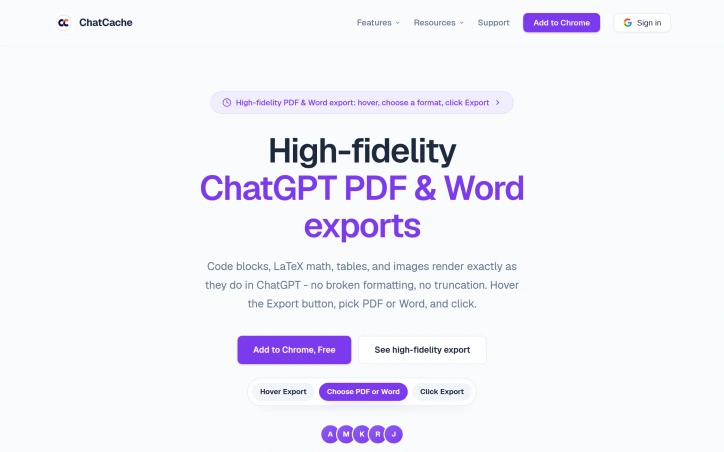
I built ChatCache to simplify exporting ChatGPT conversations, solving the problem of broken formatting and tedious manual saving. It exports conversations in high-fidelity PDF and Word formats. This saves hours every week for ChatGPT power users.
AI Overview
AI-generatedUsers of ChatGPT often struggle with exporting conversations, particularly when it comes to preserving formatting and content. The lack of a seamless export process can be frustrating, especially for power users who rely on the platform for research, study, and work. ChatCache is a Chrome extension designed to address this issue, providing a straightforward solution for exporting ChatGPT conversations in various formats.
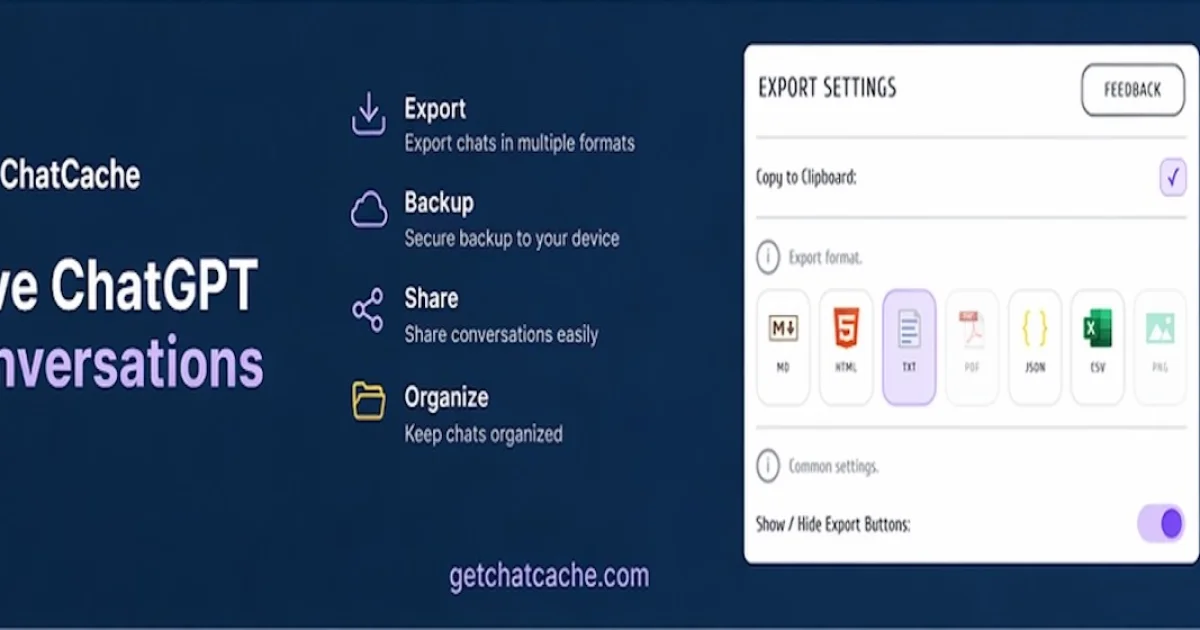
What stands out about ChatCache is its ability to maintain high-fidelity exports, ensuring that code blocks, LaTeX math, tables, and images are rendered accurately in the output. The extension supports multiple formats, including PDF, Word, Markdown, HTML, text, JSON, CSV, and image exports, all accessible from a compact hover menu. This flexibility makes it a versatile tool for users with different needs.
The extension is designed with power users in mind, offering features such as selective message export, an outline for long chats, and question navigation. These capabilities allow users to efficiently manage and export their conversations, saving time and streamlining their workflow. The fact that ChatCache is free and doesn't require configuration or sign-up adds to its appeal.
Notably, ChatCache prioritizes user privacy, with most formats exporting locally in the browser and PDF generation using a secure API. The absence of tracking and analytics further underscores the extension's commitment to protecting user data. Overall, ChatCache is a valuable tool for anyone who relies on ChatGPT for serious work or study, simplifying the export process and preserving the integrity of the original content.
Founder Diary
DevlogThe maker hasn't posted a diary entry yet.
Key Features
Selective Message Export
allows users to export specific messages
Multiple Format Support
exports conversations in PDF, Word, Markdown, HTML, text, JSON, CSV, and image formats
Outline for Long Chats
provides an outline for lengthy conversations
Question Navigation
enables users to navigate through questions
High-Fidelity Exports
maintains accurate rendering of code blocks, LaTeX math, tables, and images
Use Cases
-
1
Power Users
can efficiently manage and export conversations, saving time and streamlining workflow
-
2
Researchers and Students
can export ChatGPT conversations for research and study purposes
-
3
Professionals
can export conversations for work-related purposes while maintaining content integrity
FAQ
Is ChatCache free to use? ▾
Does ChatCache track user data? ▾
How does ChatCache handle user privacy? ▾
Pricing
No configuration or sign-up required.
Tech Stack & Tags
Discussion
No comments yet — be the first!
Join the conversation — sign up to comment.
Sign up freeCommunity Support
Boost this project on Sell With boost
Meet the Founder

More in Chrome Extensions

Page Walker
Read with Ease, Browse with Comfort. Page Wa...

SFM - Surface Filter Mode
Our Surface Filter Mode (SFM) plugin enhances we...
Tabme
I'm Oleg, the creator of Tabme. A few years ago...

How Much Does It Cost? - Know what things really cost. in dollars and lattes
How Much Does It Cost? — The Chrome extension th...

LexiLint
LexiLint started from a simple frustration: ever...

Sidenote
I kept catching AI summaries that were confident...