
Photo Enhancer
- No match
Machine translation — the English original is authoritative.
The Story
I built Photo Enhancer to help people rescue their everyday photos—the soft, blurry moments from phones that deserve clarity. Whether it's a portrait, product shot, or text, our AI restores fine detail without software. We wanted professional-grade enhancement accessible instantly, with before/after comparisons so you always judge the real result.
AI Overview
AI-generatedSmartphone photographs lose quality in the capture process, with soft details and blurred features that undermine otherwise good moments. Photo Enhancer addresses this gap by letting users restore clarity to everyday photos without installing software or learning complex workflows.
The product targets casual photographers and smartphone users who want to salvage images that matter. It handles portraits, products, landscapes, pets, and text, with each scene type using dedicated enhancement logic tuned to preserve what matters most—eye detail for faces, character precision for text, texture for products.
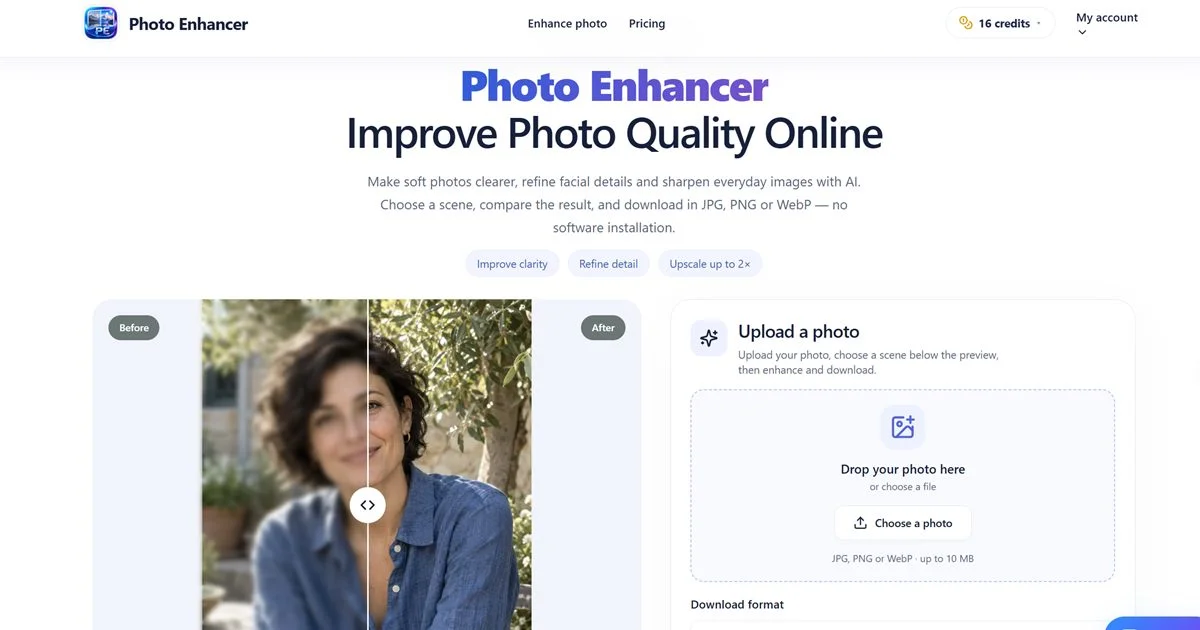
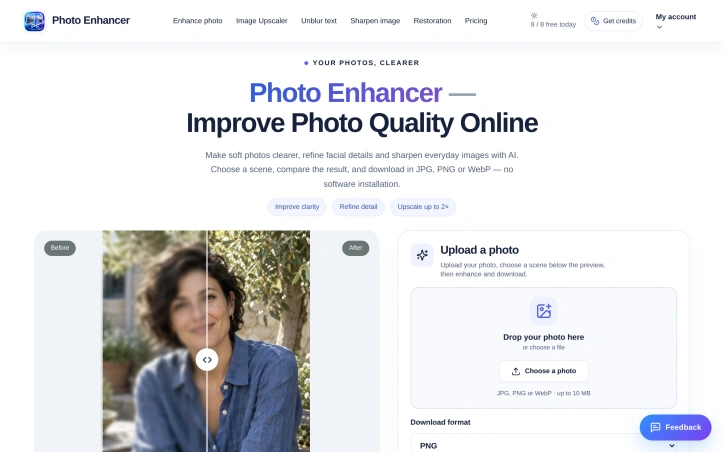
The tool's strength lies in its directness. Upload a photo, select a scene, and compare the original against the enhanced result with an interactive slider. No settings menus, no adjustment curves, no expertise required. The before/after comparison is a deliberate choice: users judge real results, not abstractions, before committing to a download. This approach builds confidence in a process that could otherwise feel like a black box.
Photo Enhancer supports three output formats (PNG, JPG, WebP), handles files up to 10 MB, and automatically delivers 2x enhancement. The interface acknowledges a practical constraint: large photos are resized to fit output limits, but the original file on a user's device stays untouched. This detail matters because it prevents surprise data loss and keeps the tool non-destructive.
The six scene types reveal thoughtful category design. General mode provides balanced refinement for snapshot photos. Portrait mode enables face-specific work, which the company acknowledges can alter facial features—making the comparison view essential rather than optional. Pet mode targets fur and eye recovery, while Text mode applies sharpening that preserves character integrity. Object and Landscape modes round out coverage for products and outdoor shots.
The platform operates on a credit system. Users sign in and draw from a balance to process images, with costs displayed before enhancement starts. The company emphasizes private image storage, suggesting uploaded photos aren't stored or indexed permanently.
What remains absent: no mention of processing speed, API access, batch operations, or free tier details. The website offers a sample photo for exploration, letting potential users test results risk-free. For someone with a drawer full of soft smartphone photos, Photo Enhancer removes friction from a common problem—instant clarity without installation, expertise, or guesswork.
Founder Diary
DevlogThe maker hasn't posted a diary entry yet.
Key Features
Interactive Before/After Comparison
Users can compare original and enhanced images with an interactive slider before downloading.
Multiple Scene Types
Dedicated enhancement logic for portraits, products, landscapes, pets, text, and general scenes.
Non-Destructive Enhancement
Original files remain untouched; only the processed output is downloaded.
Credit-Based Processing
Users draw from a balance to process images with costs displayed upfront.
Instant Enhancement
Upload a photo, select a scene type, and receive a 2x enhanced result without software installation.
Multiple Output Formats
Supports PNG, JPG, and WebP formats for files up to 10 MB.
Use Cases
-
1
Casual Smartphone Users
Salvage blurry or soft-focus everyday photos without installing software or learning complex editing tools.
-
2
Portrait Photographers
Enhance facial details and compare results before downloading to judge feature alterations.
-
3
Pet Photography
Recover fur texture and eye clarity in animal photographs.
-
4
Text Digitization
Sharpen and enhance documents or images containing text while preserving character integrity.
FAQ
Do I need to install software to use Photo Enhancer? ▾
What file formats and sizes does Photo Enhancer support? ▾
Will Photo Enhancer modify my original photo? ▾
How private is my data on Photo Enhancer? ▾
Tech Stack & Tags
Discussion
No comments yet — be the first!
Join the conversation — sign up to comment.
Sign up freeCommunity Support
Boost this project on Sell With boost
Meet the Founder

More by weifeng chu




More in Photo editing

MetaScope
As a professional photographer, I needed a tool...

Banana AI - Free AI Image Generator
Banana AI is a free AI image and video generatio...

TurboConvert - Image Converter
As a solo web dev I was constantly juggling PNG...

AImageResize
I built AImageResize to simplify image resizing...

throwback: same you. another lifetime.
We built Throwback to help people reconnect with...

PixelBoost AI
I built PixelBoost AI to eliminate the complexit...