GPTZZZ
GPTZZZ 是面向开发者的独立第三方 AI API 中转与多模型网关,提供 OpenAI 兼容接口和 Claude Messages 接口,帮助应用与编程工具...

@fuck.it
Email privacy has become an afterthought at mainstream providers, which treat inboxes as data sources to be mined for ad...
Categories
Best Prompt Engineering Tools Startups & Tools
Design, test, and refine prompts for predictable, aligned outputs.
Recently Listed
4 launches
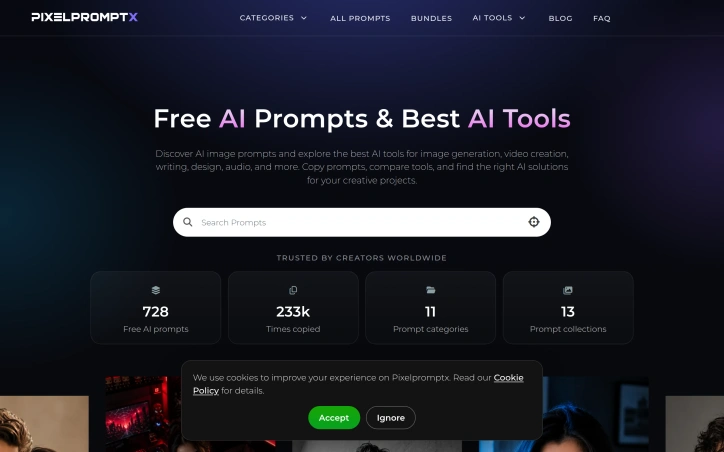
Creators working with AI image generators face a universal frustration: crafting prompts takes far longer than it should. Most prompts lack the structural rigor needed to produce consistent, professional results, forcing users to waste hours iterating toward a usable output. Pixelpromptx confronts this problem head-on with a free library of professionally authored prompts designed for photographers, designers, and content creators at every skill level. The core insight driving the platform is straightforward but powerful: strong AI prompts need deliberate structure. Rather than accepting the vague descriptions that plague most prompt collections, Pixelpromptx builds each prompt from intentional components—subject definition, lighting choices, camera language, mood, and composition—that generators can follow with precision. This methodical approach means creators can copy a prompt intact or modify specific details like location, wardrobe, or color grade while preserving the underlying framework that makes results repeatable and professional. The product organizes its library across focused categories spanning cinematic photography, fashion editorials, portraiture, and Instagram-ready styles. Users can filter by tool compatibility, browse curated collections, or discover trending hashtags. Each prompt includes the full text alongside example images, making it easy to both preview the aesthetic outcome and understand the prompt structure before copying. The inclusion of an AI tools directory alongside the prompt library gives creators a secondary benefit: the ability to compare image generation platforms without leaving the site. What sets Pixelpromptx apart is its refusal to treat prompting as mere guesswork. By front-loading structure into every prompt, it eliminates much of the trial-and-error that makes traditional prompt libraries unhelpful. A creator seeking a fashion photograph no longer starts from scratch; they work from a template that already accounts for lighting setups and compositional best practices. Pixelpromptx operates as a completely free service with no payment tiers mentioned, funded presumably through its AI tools directory. The business model aligns with creator needs rather than working against them, removing friction from adoption while maintaining high-quality content standards. The platform serves a broad audience—from experienced photographers looking for efficiency gains to beginners attempting their first AI experiments—without overwhelming either group. In an ecosystem where prompt engineering has become a required skill, Pixelpromptx democratizes access to that skill.

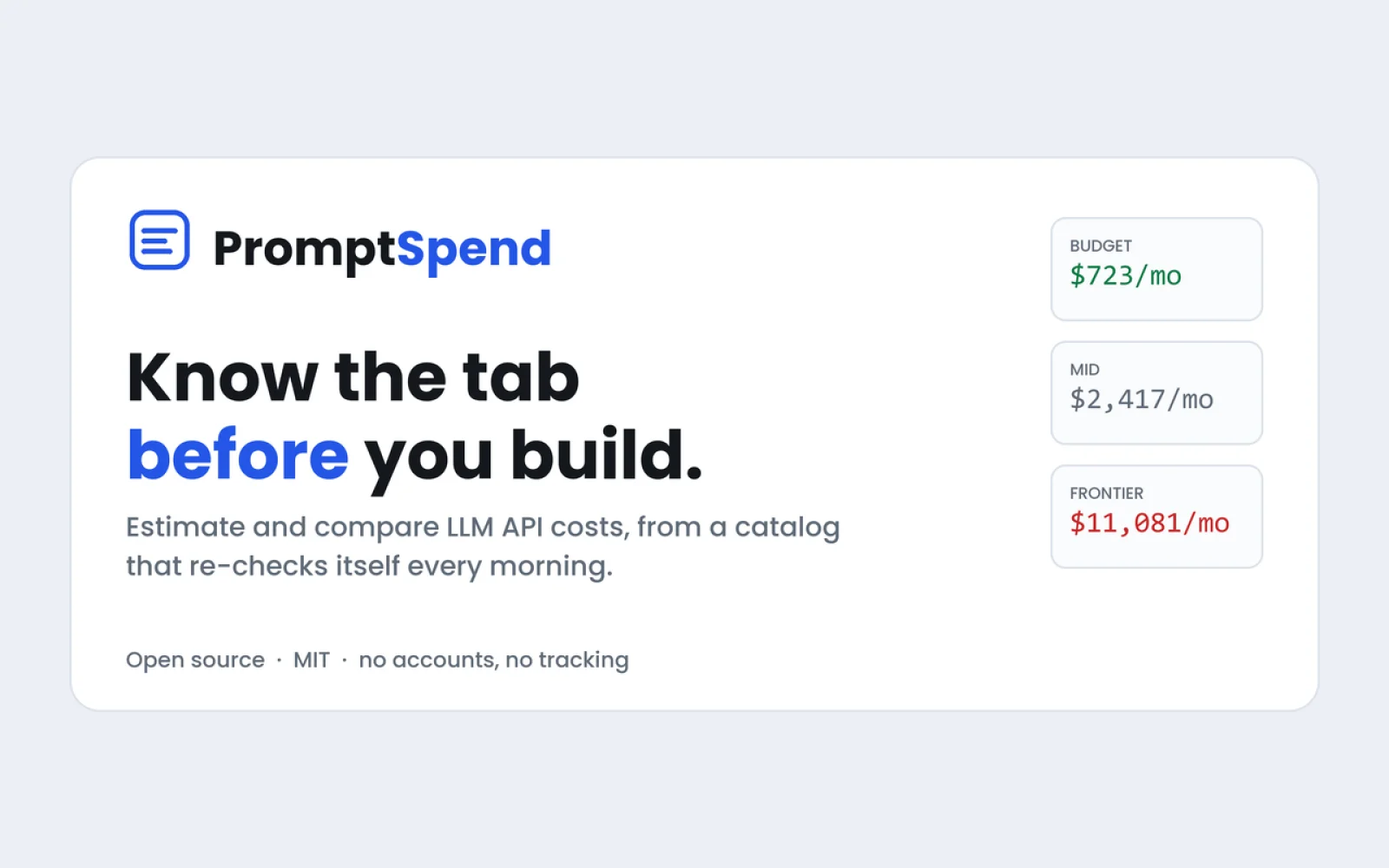
Every cost comparison tool becomes obsolete the moment vendors adjust their pricing. PromptSpend addresses this fundamental problem by treating the pricing pipeline itself as the core product rather than treating price data as static information to collect once. The calculator supports 78 LLM models including GPT and Claude, allowing side-by-side comparison of up to four models at a time. Users can input real prompts or specify their usage scale to see monthly cost projections. The platform targets developers and technical teams making model selection decisions. What distinguishes PromptSpend from existing calculators is its automated approach to freshness. The system re-checks pricing information every morning against vendor pages, flagging discrepancies instead of simply averaging different sources. Each price quote includes the source URL and confirmation date, providing verifiable attribution that existing calculators typically omit. The tool also addresses two cost factors that most calculators ignore or get wrong. The first is compounding chat history—each message in a conversation includes previous messages, yet calculators often treat input costs as linear. The second is hidden reasoning tokens, which affect models that perform internal reasoning steps before generating output. These technical details significantly impact real-world costs at scale. PromptSpend offers three access points beyond the web calculator. A public API lets developers integrate pricing lookups programmatically. An MCP server makes the tool available to coding agents, enabling AI assistants to check costs while writing code. A VS Code extension shows pricing information inline on the line of code that calls a model. The pricing model is transparent: the tool is free, requires no account to use, and operates under an open source license. The founder chose this model deliberately, framing the continuously-updated pricing data as the key value proposition. Rather than monetizing access to price information or user data, the focus remains on the open source infrastructure itself being valuable to the ecosystem. For teams running multiple LLM models in production or evaluating model choices, the combination of automated pricing accuracy and technical cost details addresses real friction in AI infrastructure decisions.

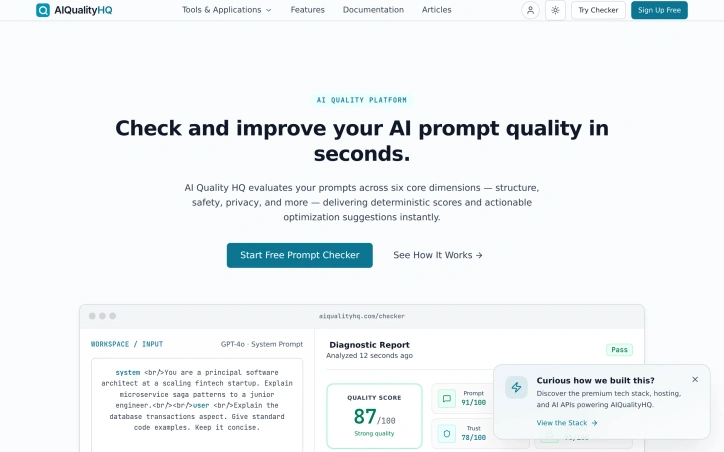
Teams that rely on AI models face a consistent risk: the quality of outputs depends directly on prompt quality. Poor prompts introduce hallucinations, leave systems vulnerable to injection attacks, and can inadvertently expose sensitive information. AIQualityHQ tackles this problem by providing instant validation for AI prompts before they reach production. The product is designed for developers and technical teams building AI-powered applications who need to ensure prompt safety and consistency without additional API costs or complexity. Its primary appeal is speed and transparency—the analysis engine runs locally in the browser within milliseconds, using deterministic structural rules rather than calling out to additional AI services. What distinguishes this product is its emphasis on deterministic analysis. Rather than relying on machine learning models or external APIs, AIQualityHQ uses rule-based heuristics and syntax checking to evaluate prompts across six dimensions: structure, memory, context, trust, privacy, and security. This approach means faster analysis (under 10 milliseconds), no privacy concerns from uploading prompts elsewhere, and results that do not depend on third-party API availability. The core workflow is straightforward: paste a prompt, run analysis, and receive both a quality score and specific recommendations for improvement. The platform flags common failure modes—prompt injection vectors, missing output constraints, exposed PII variables, and absent system instruction locks. For each issue detected, the tool provides actionable optimization suggestions rather than just reporting problems. Key capabilities include a diff view for comparing before-and-after versions of prompts and the ability to export results. The platform requires no signup and charges no fees, making experimentation low-friction. The product ships with example prompts to help users understand the analysis format. The main limitation appears to be scope: the tool focuses specifically on prompt quality rather than broader concerns like model selection, fine-tuning, or inference optimization. Users seeking comprehensive AI system auditing would need additional tools. Additionally, while browser-based analysis ensures privacy, it also means analysis is confined to what static rules can detect—issues that emerge only at runtime or in specific model behaviors may not surface. For teams managing multiple AI prompts in production or developing new AI features, this fills a genuine gap. The combination of zero cost, instant results, and focus on preventable failures makes it a practical addition to an AI development workflow.

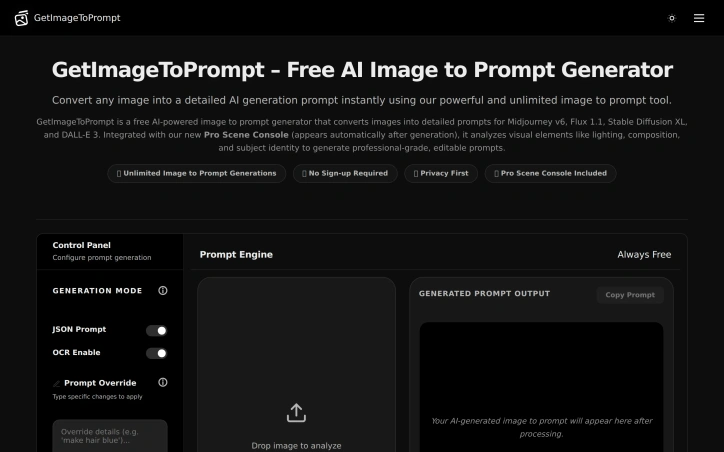
Reverse image-to-prompt conversion is becoming a critical workflow for AI artists, and GetImageToPrompt addresses this directly. The tool analyzes uploaded images and generates detailed text prompts optimized for popular generative AI models like Midjourney, Flux, DALL-E 3, and Stable Diffusion. For creators working across multiple AI platforms, this eliminates the friction of manually describing visual references or reverse-engineering prompts from images. The product targets four distinct user segments. AI artists and character designers use it to create reusable, consistent prompts across different models. Visual designers convert reference images into structured prompts for creative workflows. Marketing teams extract visual descriptions for campaigns and social media. Developers and researchers leverage the tool's JSON output for programmatic access and analysis. What sets GetImageToPrompt apart is its privacy-first positioning. Images are processed in real-time but never stored on servers, addressing the primary concern creators have when uploading visual assets to online tools. The free, unlimited access model removes friction entirely—no credits system, no sign-up requirement, no usage caps. This approach prioritizes accessibility over monetization. The feature set reflects practical needs in prompt engineering. Beyond basic image analysis, the tool extracts subject details, compositional elements, lighting effects, and artistic style tags. An OCR feature flags text elements within images, useful for designs containing typography. The prompt override functionality lets users modify outputs with natural language instructions like "make the dress yellow" or "add cinematic lighting," enabling quick iterations without re-uploading. Output flexibility matters for different workflows. The JSON prompt mode delivers structured data suitable for developers and advanced workflows, while standard text output serves artists working directly with image generators. The product also showcases gallery examples across anime, cinematic, and photorealistic styles, demonstrating consistency across output types. The website mentions optimization for specific model versions like Midjourney v6.1 and Flux 1.1 Pro, suggesting the tool maintains awareness of evolving model strengths and syntax preferences. This targeted optimization reduces the trial-and-error cycle many creators face when adapting prompts between platforms. The core value proposition is straightforward: accelerate the creative reference-to-prompt conversion process while protecting user privacy. For a market where AI-generated content creation is becoming commonplace, a free tool that removes both technical and trust barriers fills a genuine gap.